Commercial feature guide
Alarm Clocks with USB or Wireless Charging
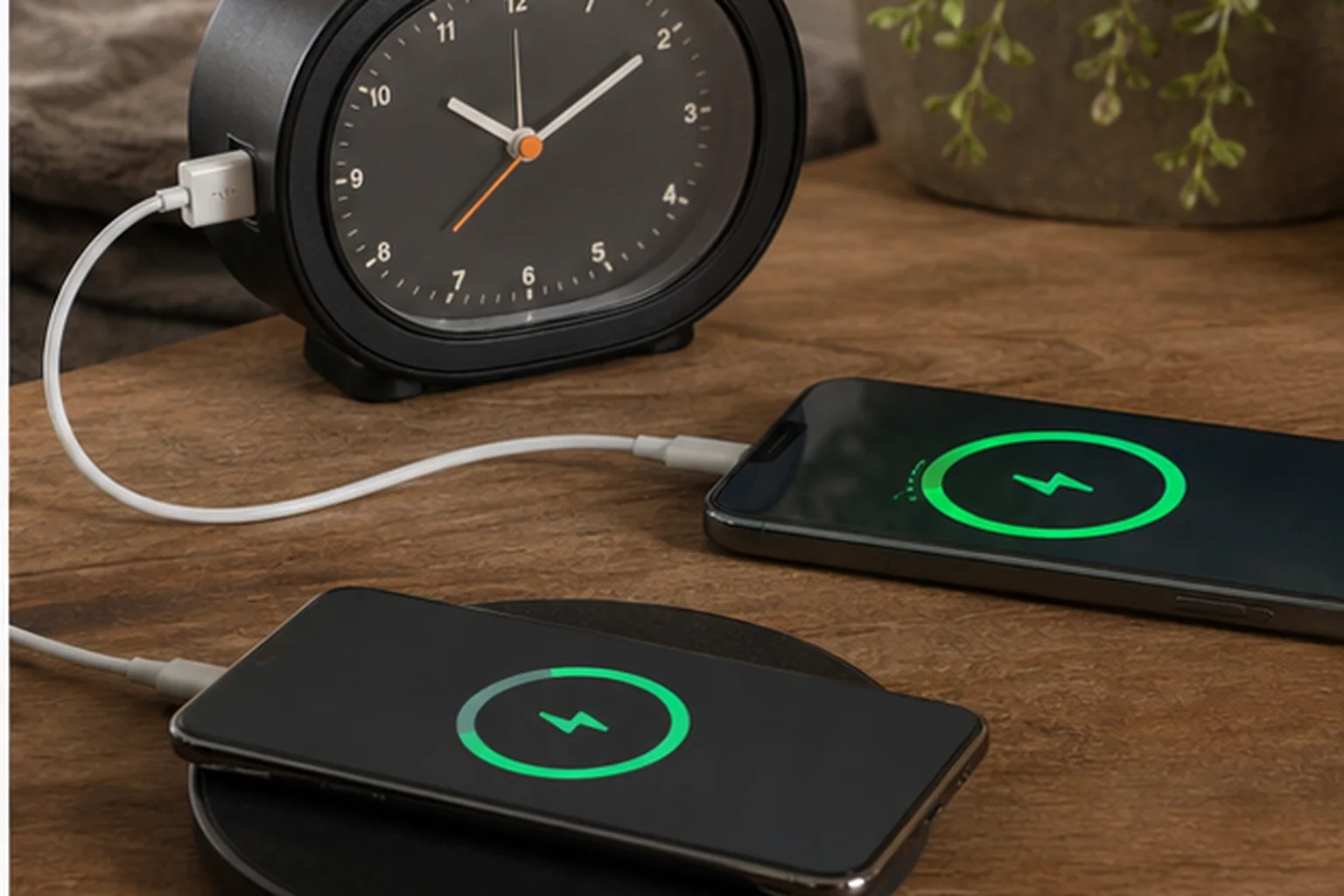
Charging can clear one outlet or cable from the nightstand. It can also place the phone over the clock controls or create a new alignment step at bedtime.
The decision first
Does bedside charging simplify the setup or create a new failure?
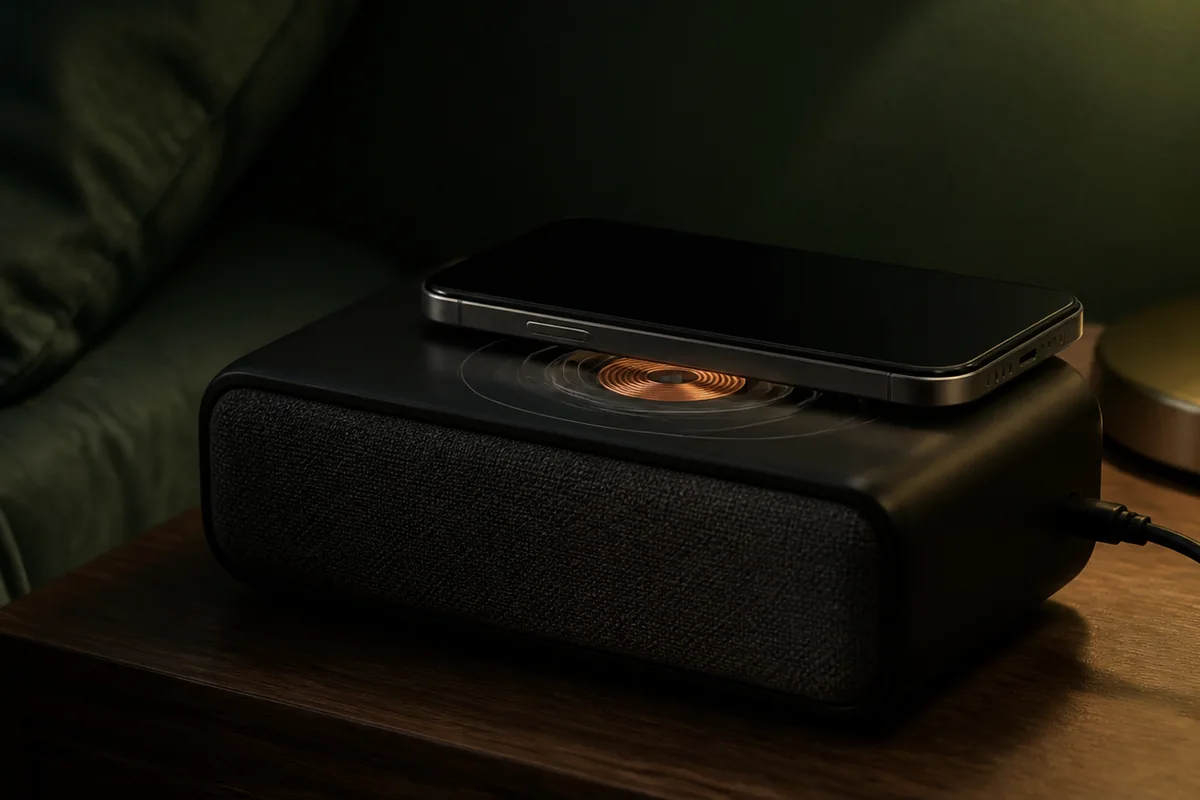
Charging belongs after the alarm itself has passed the signal and control checks. Match the port or wireless standard to the phone, verify the stated output, and check whether a case prevents reliable alignment. Charging normally stops with mains power even when the clock has a backup cell.
Nonnegotiable checks
The criteria that can change the answer
Compatibility
USB-A, USB-C, Qi, and magnetic alignment are not interchangeable.
Placement
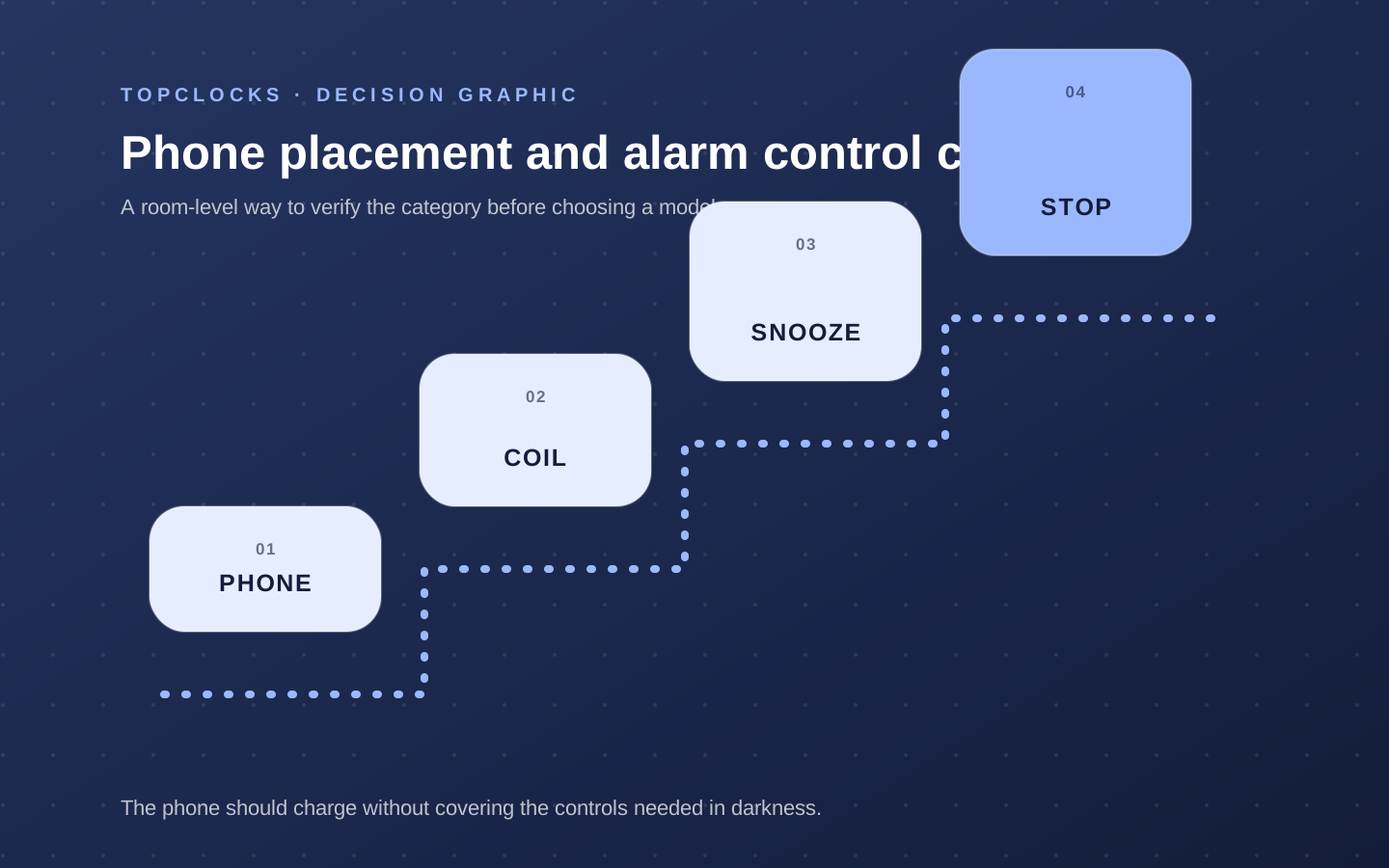
The phone should not cover snooze, stop, or display controls.
Output
Verify the maker’s rated charging power and required adapter.
Failure state
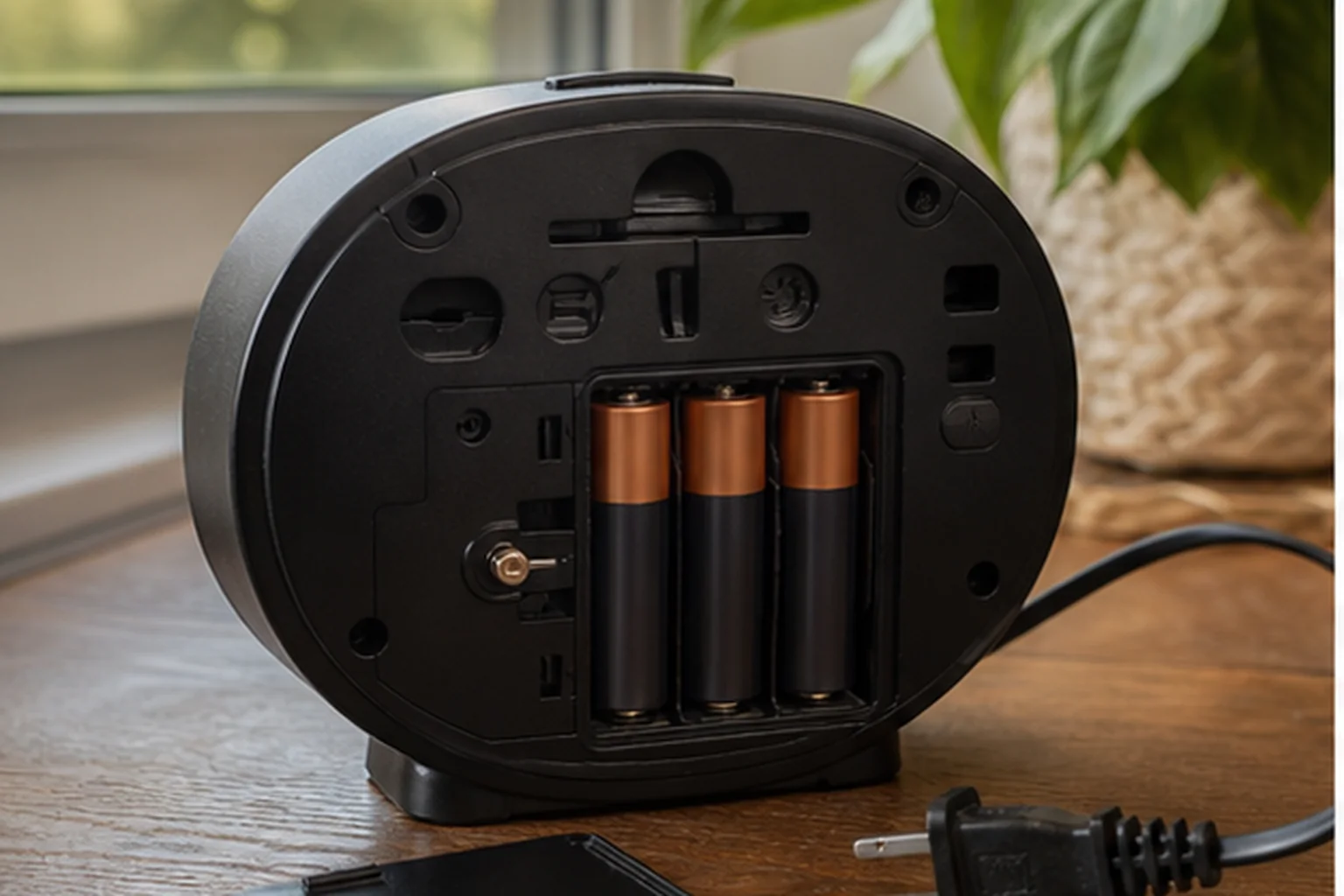
Backup batteries generally do not act as a phone power bank.
What changes in practice
Compare the trade-offs, not the feature count
| Route | Decision value |
|---|---|
| USB cable | Broad compatibility, with visible cable clutter. |
| Wireless pad | Drop-and-charge convenience, with alignment and heat checks. |
| Top pad | Easy reach, but may cover controls. |
| Separate stand | Better visibility, with a larger footprint. |
Protect the primary job
Integrated charging belongs after the alarm path passes
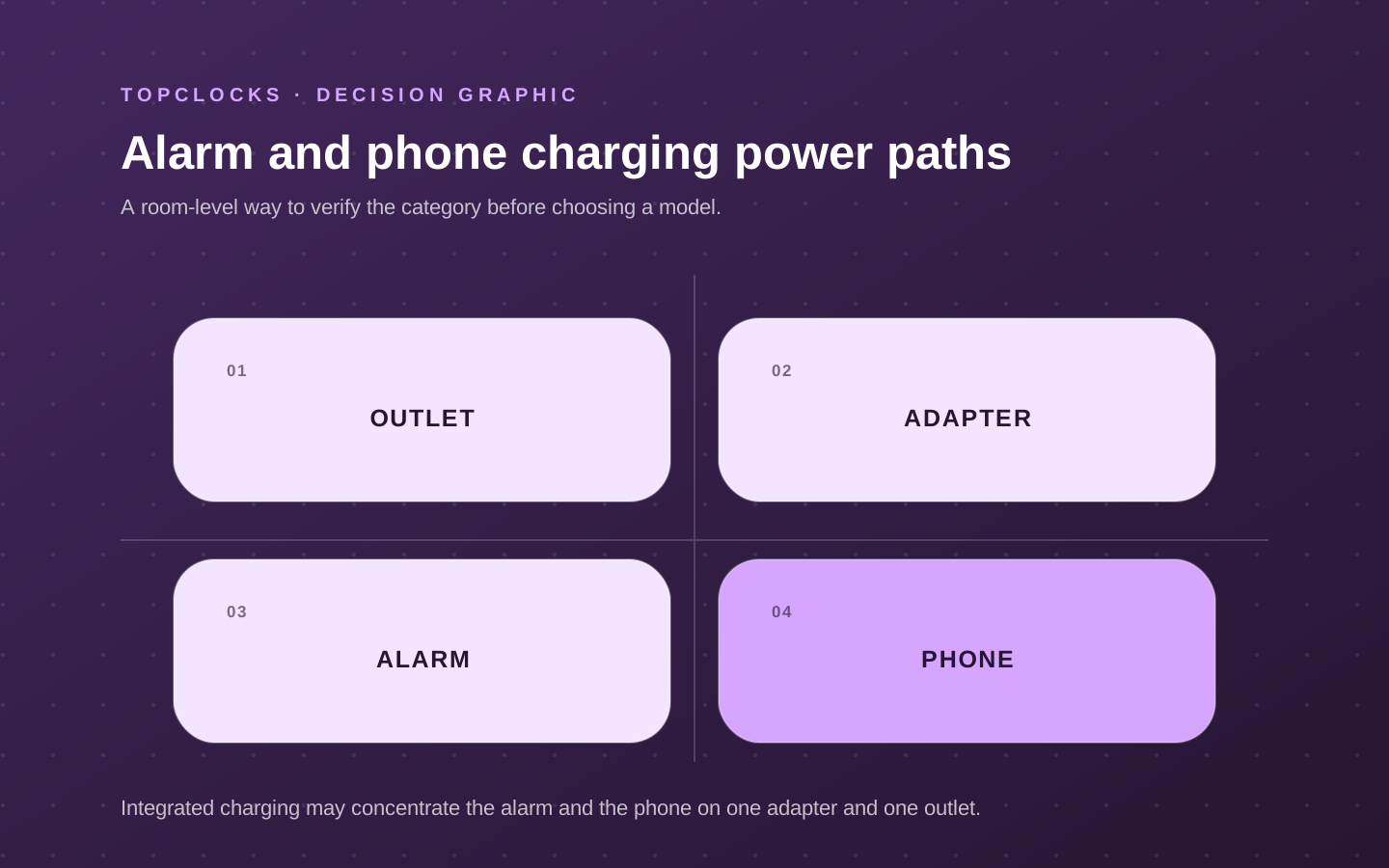
A clock with USB or wireless charging can remove one cable, adapter, or separate pad from the nightstand. That convenience should not decide the purchase before the accessible signal, schedule, controls, display, power, and placement pass. The phone can charge perfectly while covering the snooze button, forcing the clock into a poor speaker position, or concentrating both alarm devices on one adapter and outlet.
Write two separate paths. The alarm path runs from schedule and power to signal, placement, and waking action. The charging path runs from outlet and adapter to clock input, output port or coil, phone, case, and charging confirmation. Mark shared components. If one adapter or mains interruption disables the clock and leaves the phone uncharged, integrated charging has created a common failure that may matter for high-consequence mornings.
Charging remains a valid priority when the nightstand job is real: reducing cable clutter, charging a phone and earbuds, providing a reachable USB port, or keeping a travel setup compact. Choose the implementation after confirming it does not obstruct alarm controls or the intended signal position.
- Pass signal, schedule, controls, darkness, and power before comparing charging.
- Map shared outlet, adapter, and device failures.
- Place the normal phone on the clock and check every alarm control.
- Keep independent backup power when integrated charging would otherwise create one weak point.
Match the complete interface
USB-A, USB-C, Qi, and magnetic alignment are not interchangeable claims
A USB-A port normally describes the connector, not a guaranteed charging rate for every device. USB-C can be a clock power input, a phone-charging output, or both on different ports. Qi describes a wireless charging standard and still depends on coil alignment, case thickness and materials, foreign-object handling, adapter capacity, and the phone’s supported profile. A magnetic ring can improve alignment and should not be assumed from “wireless charging.”
Use the manufacturer’s stated output and required adapter. Confirm whether the adapter is included and whether total output changes when several devices charge together. A clock with a phone pad, earbud area, USB-A, USB-C, and watch cable holder can simplify one household and overload the available surface or adapter expectations in another. The watch charger itself may be separate even when the clock organizes its cable.
Test with the normal phone case and placement used overnight. Confirm the phone indicates charging, remains stable, and does not trigger repeated connect/disconnect states. Check heat in ordinary use without making unsupported safety or battery-health claims. If the phone must be centered precisely in darkness, the convenience may be smaller than a cable or magnetic alignment route.
- Identify every port as clock input, device output, or data/service connection.
- Record manufacturer-stated output and required adapter for the exact model.
- Test normal cases, camera bumps, and device size on the actual surface.
- Check simultaneous charging only within documented product limits.
Test the nightstand
Phone alignment, control clearance, and outage behavior decide daily use
Place the clock where its speaker, display, light, or projector belongs, then place the phone on the charger. Check that the phone does not cover alarm indicators, snooze, stop, dimmer, volume, radio, or shaker connections. A top pad may be easy to reach and force the hand over the alarm controls. A side stand may improve clearance and increase footprint. A front USB cable may block the display.
Check nighttime light from the phone and clock together. Charging confirmation, always-on display, clock digits, and status LEDs can create a brighter system than either device alone. Configure phone bedtime display independently and inventory the clock’s remaining indicators. Integrated charging does not make phone notifications or screen behavior part of the clock’s documented feature set.
During mains loss, charging normally stops even when a small clock battery retains time or sounds an alarm. Verify the exact product. A backup battery is generally not a phone power bank unless explicitly designed and documented as one. If the phone is the backup alarm, shared mains loss can weaken both paths. Use a charged power bank or separate battery alarm when the consequence warrants it.
- Check control clearance with the phone in its normal overnight position.
- Inventory combined clock and phone light after dark adaptation.
- Separate clock backup behavior from phone-charging behavior.
- Test restoration after an interruption and confirm both alarms remain active.
Choose a charging role
Compare multi-device charging, wired audio charging, and travel charging
Emerson ER100202 represents a clock-radio route with a wireless phone pad and USB charging. Sangean RCR-20 represents an audio-first clock with wired charging rather than a top wireless surface. DreamSky DS312 represents a compact display-first clock with a continuous dimmer and a simple USB charging output; its AAA cells retain settings but do not power the alarm during an outage. The best fit depends on phone interface, clock placement, audio job, backup behavior, and whether one adapter can be accepted as a shared component.
Verify exact official details: clock input, included adapter, wireless standard and stated output, wired port type and output, simultaneous behavior, case guidance, alarm controls, backup, and dimensions. Do not infer fast charging from the connector alone. Do not infer that a backup battery powers charging. Keep time-sensitive device compatibility claims narrow and current.
Run an overnight-style daytime test. Place all normal devices, set an alarm, dim the display, charge simultaneously as intended, and operate snooze and stop. Disconnect mains for the documented test and observe both the clock and phone. Check cable strain, surface stability, and heat under ordinary documented use. Repeat after changing the phone or case.
- Reject a charger that does not work reliably with the normal device and case.
- Reject a surface that blocks controls or forces poor alarm placement.
- Reject a shared power path when the user needs independent backup.
- Prefer the charging method that removes real friction without obscuring the clock’s primary job.
Verify in the room
Test charging as part of the bedside layout
USB or wireless charging may remove one adapter, but it also changes cable routing, phone position, heat, indicator light, and access to the alarm controls. The useful question is whether the whole nightstand becomes simpler. Treat this as a selection experiment for alarm clocks with charging, not a claim that one model will work for every sleeper. The objective is to expose a mismatch while the clock can still be returned, moved, or reconfigured.
Use the intended phone, case, cable, adapter, and bedside position. Start charging before sleep, check alignment and indicator brightness, then operate snooze and stop without moving the phone accidentally. Keep the first run deliberately ordinary. Extreme settings can hide a placement problem, and a special one-night routine does not show whether the setup is maintainable on workdays, school days, weekends, and schedule changes.
Charging fails the setup when the phone slips off the pad, a thick case blocks contact, the port cannot provide the expected mode, an indicator glows, or the phone covers essential controls. Write the likely failure before running the test. That note prevents a bright display, attractive sound library, charging pad, or app from receiving credit for a wake path it cannot protect.
Record device and case, charging surface or port, cable path, indicator behavior, overnight result, alarm-control access, and clock behavior if the phone is removed. A simple dated log is enough. Avoid converting one successful morning into a universal result; repeat the check after changing bedding, furniture, power, software, room, or schedule because the signal path may have changed.
- Phone and case fit: write the observed state, not a yes-or-no impression. Add the condition that produced it and the next check if the result was unclear.
- Charging method: write the observed state, not a yes-or-no impression. Add the condition that produced it and the next check if the result was unclear.
- Alignment: write the observed state, not a yes-or-no impression. Add the condition that produced it and the next check if the result was unclear.
- Indicator light: write the observed state, not a yes-or-no impression. Add the condition that produced it and the next check if the result was unclear.
- Control access: write the observed state, not a yes-or-no impression. Add the condition that produced it and the next check if the result was unclear.
- Separate alarm power: write the observed state, not a yes-or-no impression. Add the condition that produced it and the next check if the result was unclear.
Charging passes when it reduces bedside clutter without becoming part of the alarm’s critical wake path. Reject the combined device when charging inconvenience compromises alarm placement, darkness, controls, or independent power planning. If the result is mixed, do not average it into a score. Preserve the unresolved condition and compare only models that give you a direct way to verify it.
When reading product pages for alarm clocks with charging, translate each promising label back into an observable state. “Reliable” should identify the cue that survives the expected power and dependency conditions. “Easy to use” should identify who sets the alarm, in what light, and how the active state is confirmed. “Best” should disappear unless the scenario and disqualifiers are stated beside it.
Close the hidden gaps
Questions that settle a choice about alarm clocks with charging
For alarm clocks with charging, these questions close the gaps left by retailer filters and broad “best alarm” lists. Each answer is a boundary for the shortlist, not a promise about an untested model.
What should be tested before buying alarm clocks with charging?
Use the intended phone, case, cable, adapter, and bedside position. Start charging before sleep, check alignment and indicator brightness, then operate snooze and stop without moving the phone accidentally. Use the exact device revision and current manual when a control, accessory, app, or backup behavior affects the result.
Which failure should be ruled out first?
Charging fails the setup when the phone slips off the pad, a thick case blocks contact, the port cannot provide the expected mode, an indicator glows, or the phone covers essential controls. Test that failure first, while the consequences are low, instead of increasing every setting at once.
How many checks make the result dependable?
Within this review of alarm clocks with charging, one successful check confirms that the setup can work; it does not show that it is robust. Repeat it on ordinary mornings and after any change that affects the signal, power, placement, schedule, or stop action. High-consequence mornings deserve an independently tested backup.
Can specifications settle the choice?
Specifications and manuals can narrow the shortlist for alarm clocks with charging by establishing intended controls, compatibility, power requirements, and operating states. They cannot establish what one sleeper will hear, see, or feel through a particular room and bed. Keep documented facts and room observations separate.
When should a candidate for alarm clocks with charging leave the shortlist?
Reject the combined device when charging inconvenience compromises alarm placement, darkness, controls, or independent power planning. A disqualifier should remove the model before price, design, reviews, or optional content are compared.
What does a passing result look like?
Charging passes when it reduces bedside clutter without becoming part of the alarm’s critical wake path. The result should be visible in the log and repeatable without a special workaround that the household is unlikely to maintain.
Finish the decision about alarm clocks with charging by writing one sentence: “This setup should wake this person, in this room, through this signal, under these power conditions, and it will be checked this way.” If any blank remains, the page has identified the next research task rather than pretending the purchase is settled.
Before relying on it
Run the complete alarm path
A product page can confirm features. Only a real setup check confirms that the selected signal, placement, controls, and power path work together in the room.
- Test with the normal phone case.
- Find the rated output.
- Check control clearance.
- Confirm charging behavior after mains loss.
Role-based product shortlist
Models worth comparing for this decision
These are desk-researched candidates, not a claim that one clock wins for everyone. Each card explains the scenario it fits, the limitation to verify, and the primary source used for the factual details.
Compare for several bedside charging devices
Emerson SmartSet ER100501
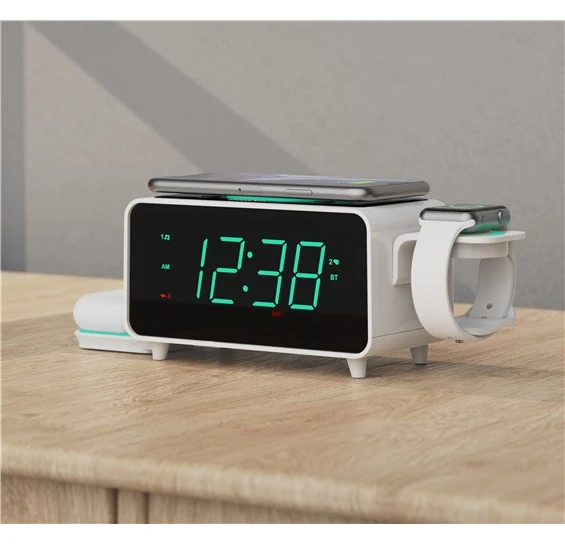
ER100501 is the multi-device route, with separate phone and earbud wireless charging plus USB-A and USB-C outputs; watch-charger hardware is not included.
The ER100501 has a 15-watt phone pad, a separate 3-watt earbud charger, USB-A and USB-C outputs, a cable holder for a watch charger, dual alarms, and FM radio.
Compare for a digital display that can go fully dark
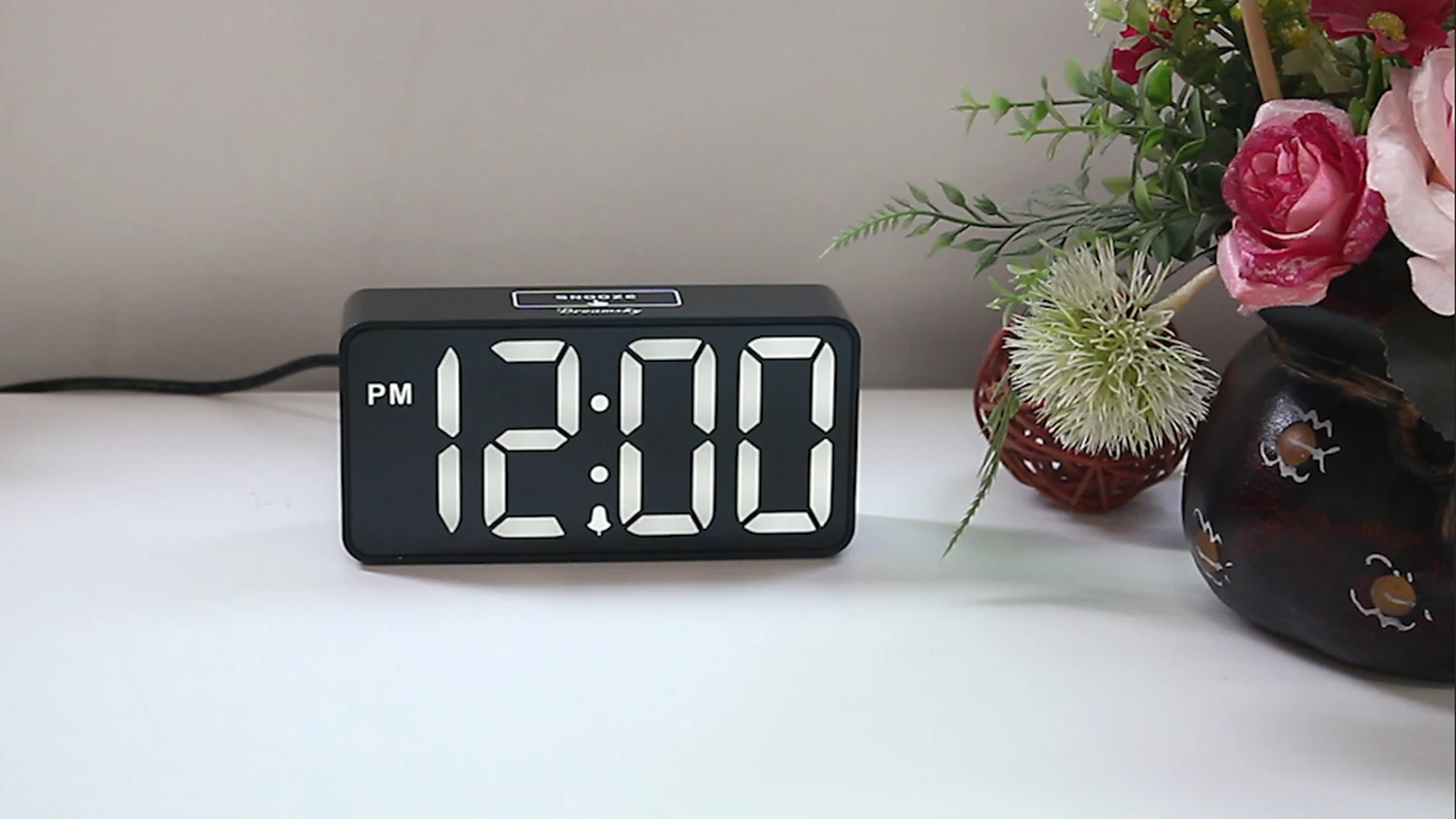
DreamSky DS312
DS312 offers one simple USB charging output beside a compact display that can go fully dark; its backup cells retain settings but do not sound the alarm during an outage.
DS312 pairs two-inch digits with a continuous brightness wheel, adjustable alarm volume, nine-minute snooze, and a USB charging output in a compact plug-in clock.
Compare for projected weather and sensor data
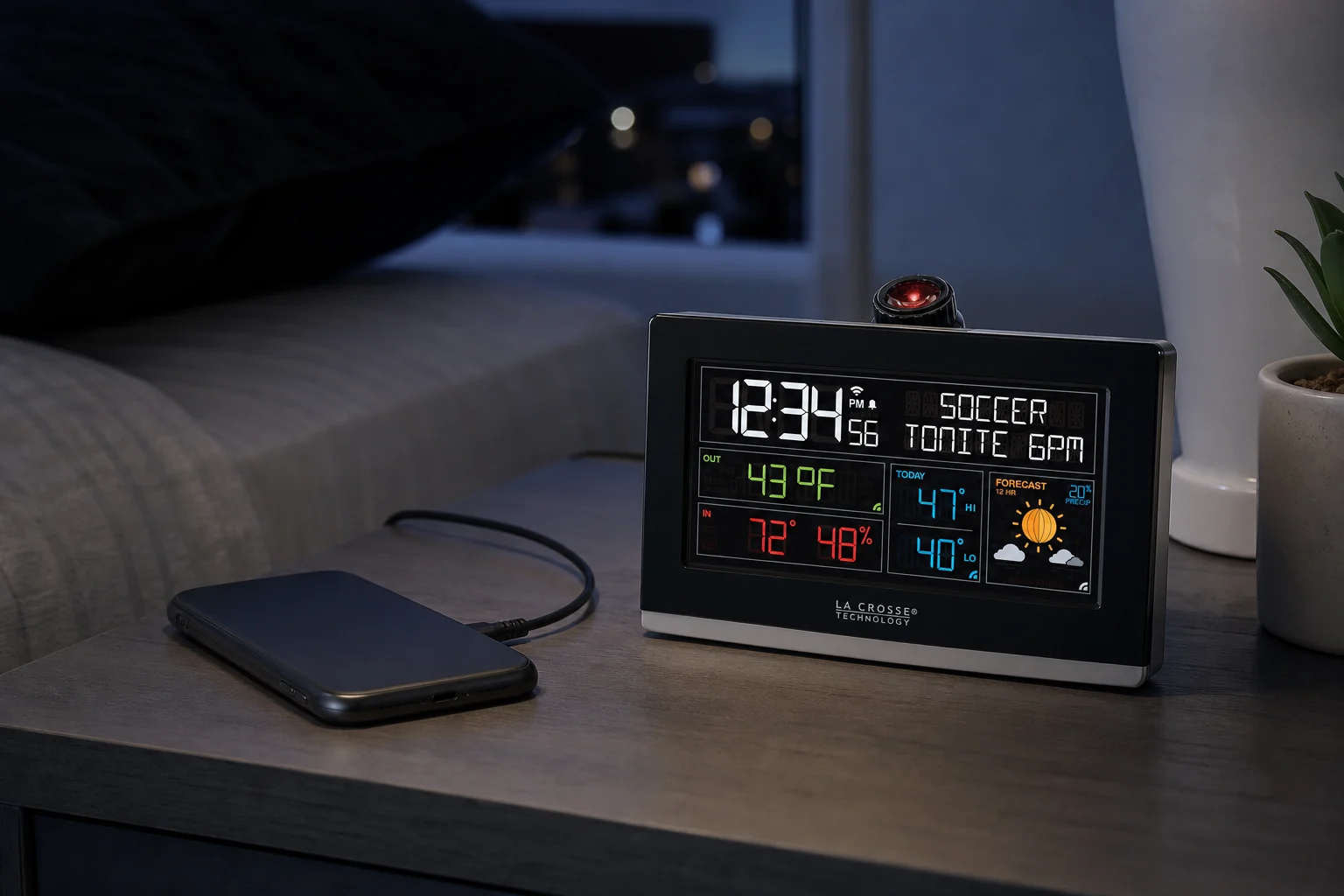
La Crosse C82929v2 Wi-Fi Projection Alarm Clock
C82929v2 adds one-amp USB charging to a weather projector; treat the port as convenience charging rather than the reason to accept its connected setup.
C82929v2 can project time, indoor conditions, internet weather, or optional sensor data. It adds custom five-to-120-minute snooze and nap timing, four display levels plus off, app access, and a one-amp USB charging port.
Compare for a rechargeable wireless shaker
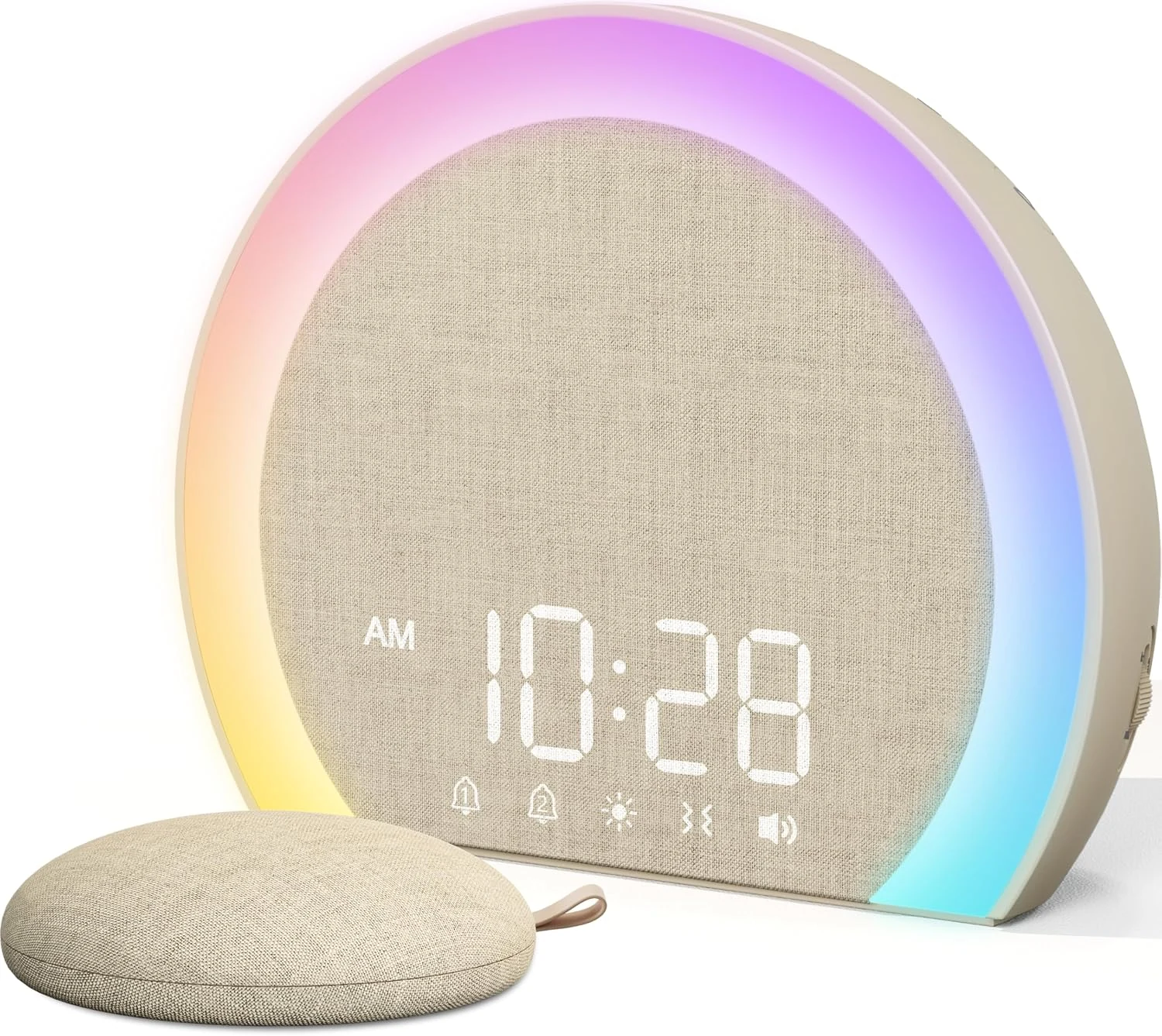
ANJANK Wireless Bed Shaker Alarm Clock
ANJANK provides a USB-C phone output beside its wireless shaker system, but the clock itself still depends on mains power.
ANJANK pairs a plug-in dual-alarm clock with a separate rechargeable wireless shaker. The puck has three vibration levels, while the clock provides eight sounds, adjustable volume, display-off, a night light, and a USB-C phone output.
Compare for radio plus two charging paths
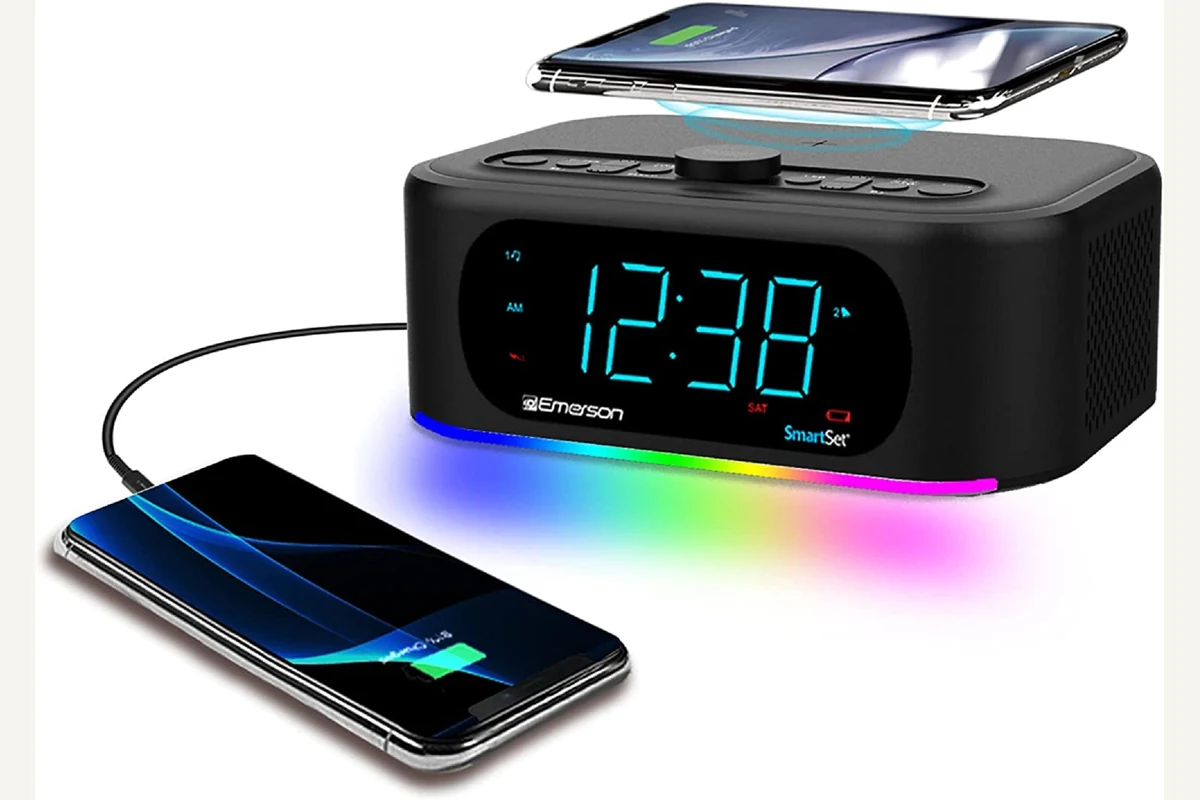
Emerson SmartSet ER100202
ER100202 covers both Qi and USB-A, making coil alignment, phone cases, and shared bedside power part of the choice.
ER100202 combines dual alarms, FM radio, Bluetooth, 10-watt wireless charging, and a 2.1-amp USB port. SmartSet restores calendar and clock information after power returns.
Compare for radio and fuller bedside audio
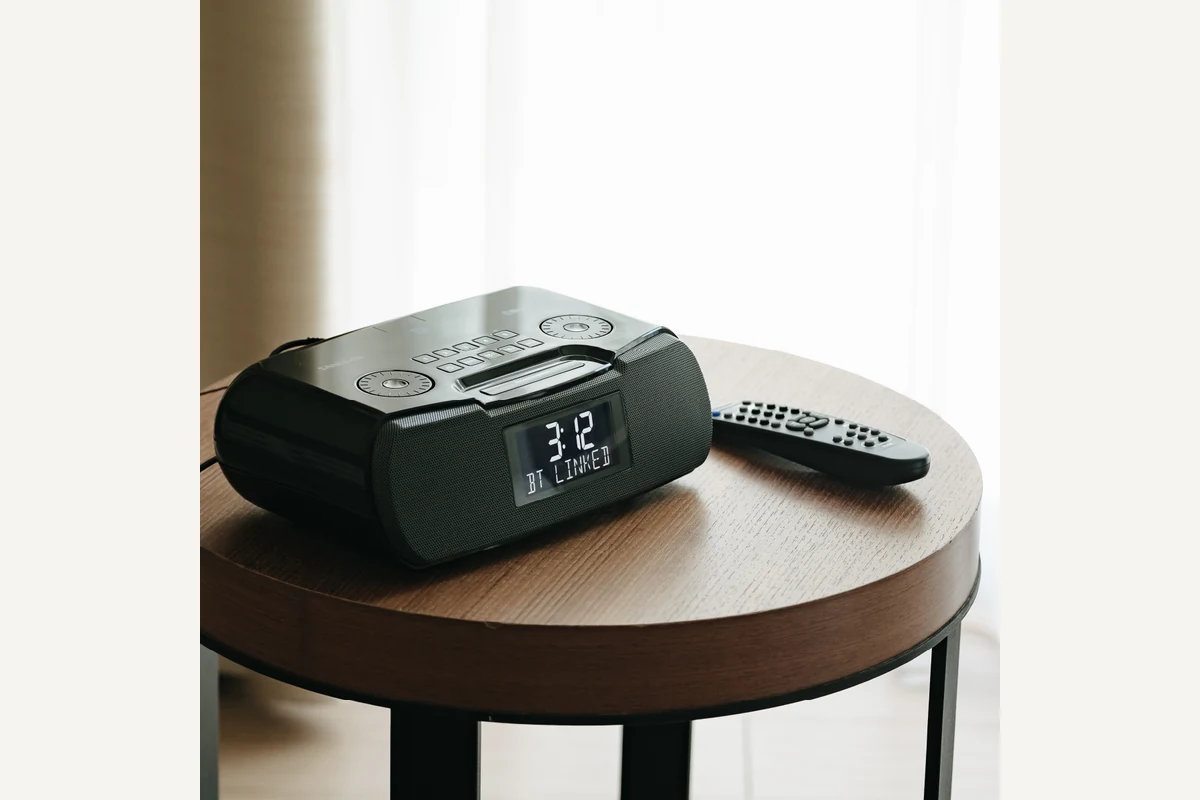
Sangean RCR-20
RCR-20 offers wired phone charging inside an audio-focused clock, useful when wireless charging is not a requirement.
The RCR-20 offers AM/FM-RDS, Bluetooth playback, aux input, an adjustable backlit display, USB charging, and two alarms. The cited US manual documents buzzer, AM, and FM wake sources.
Evidence trail