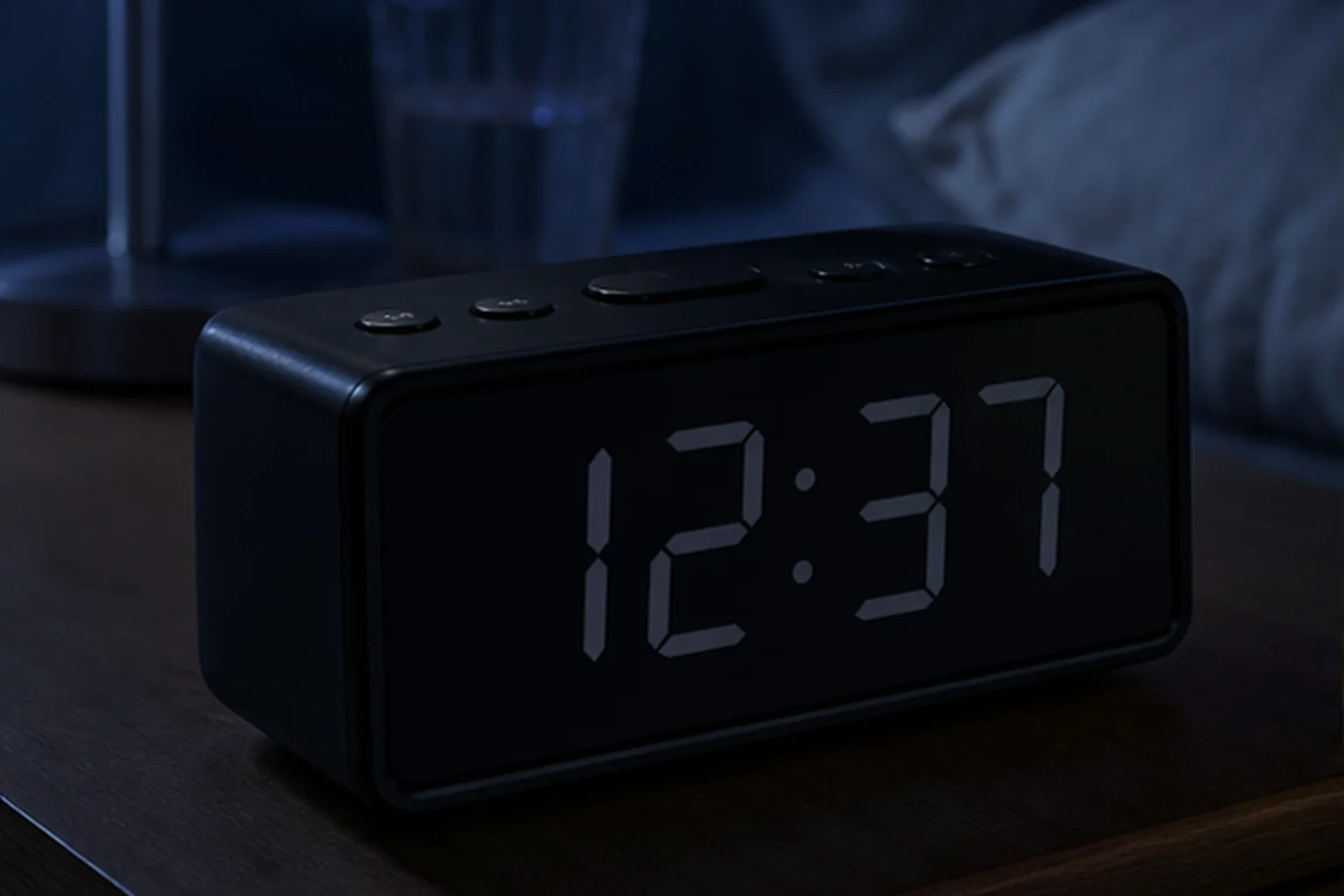
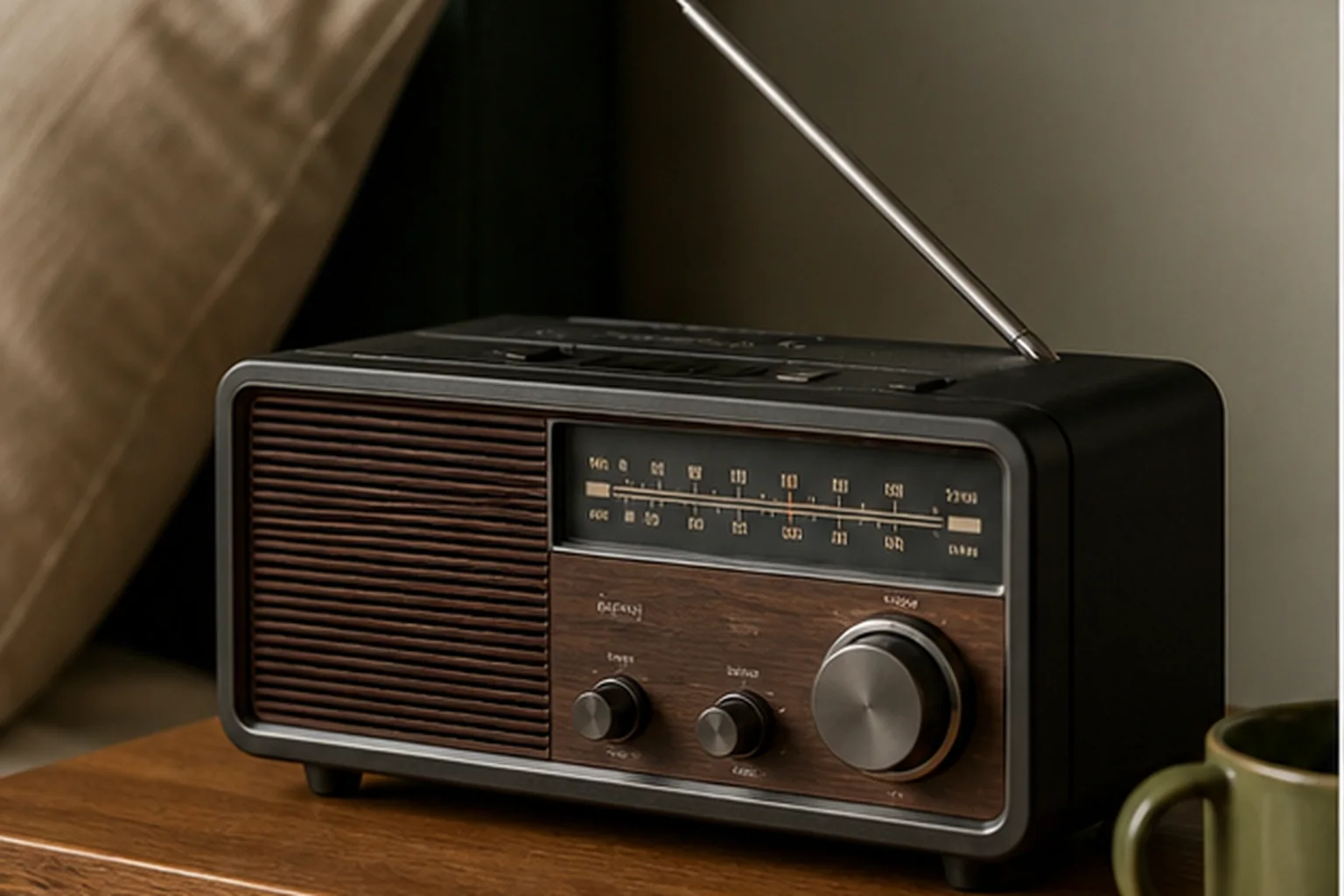
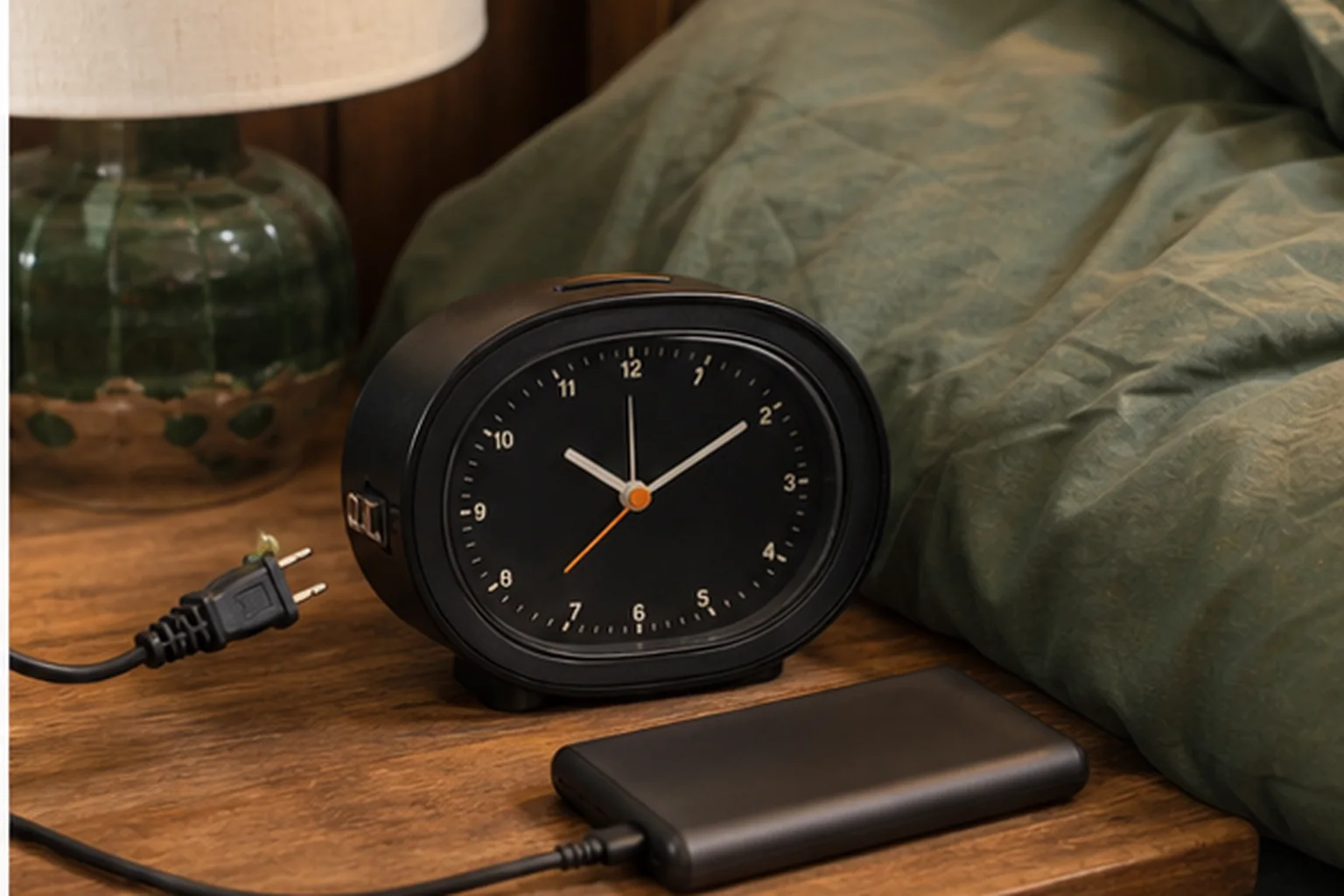
Commercial feature guide
Alarm Clock Battery Backup: What It Actually Powers
“Battery backup” is not a single behavior. One clock may save time silently; another may sound a limited buzzer while the display stays dark.
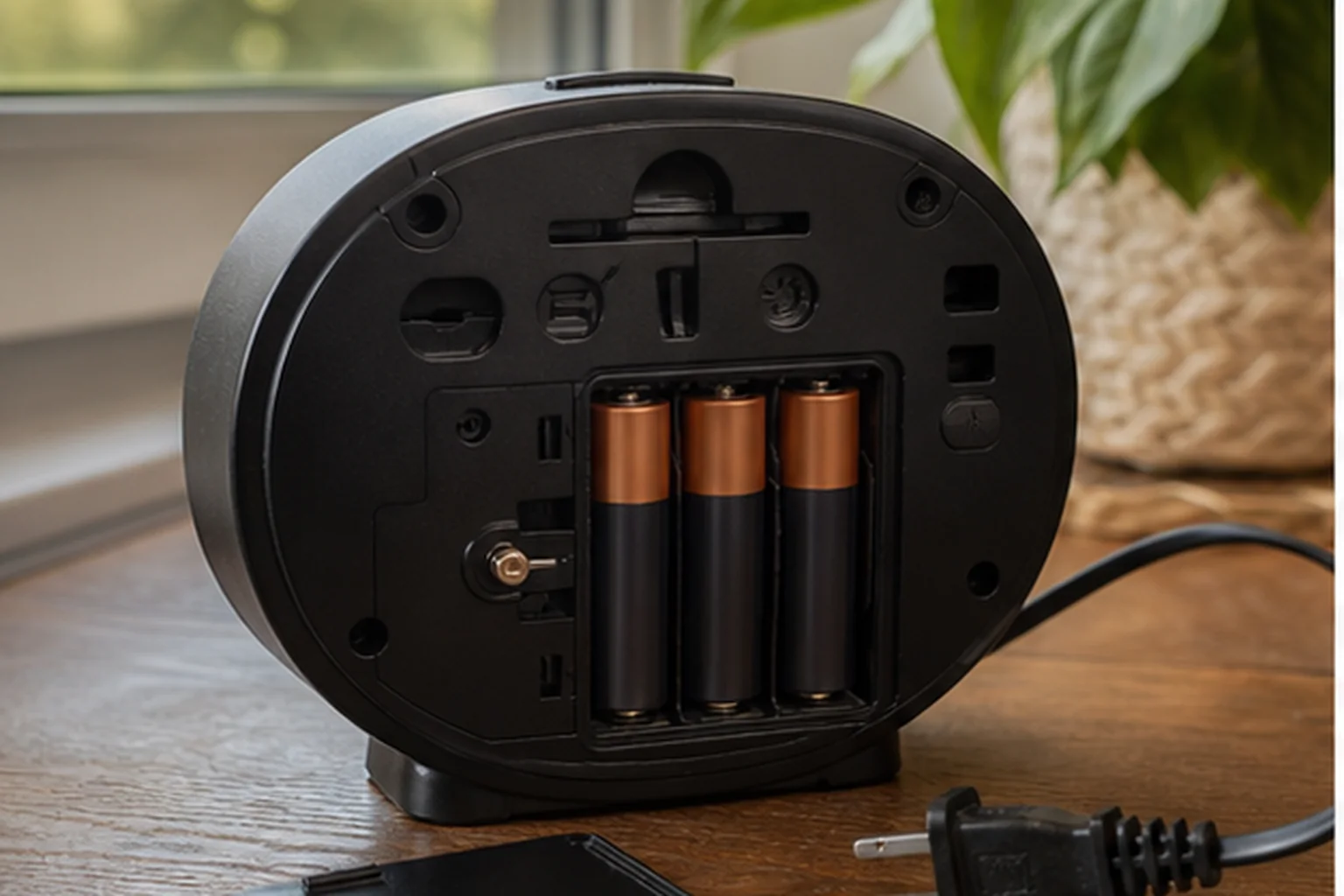
The decision first
Will the alarm sound when mains power is gone?
Battery backup does not tell you which clock functions keep working without external power. Check three states separately: saved time and alarms, an audible alarm, and a visible display. Use the exact model’s manual, then confirm the required behavior in a low-stakes daytime test before relying on it.
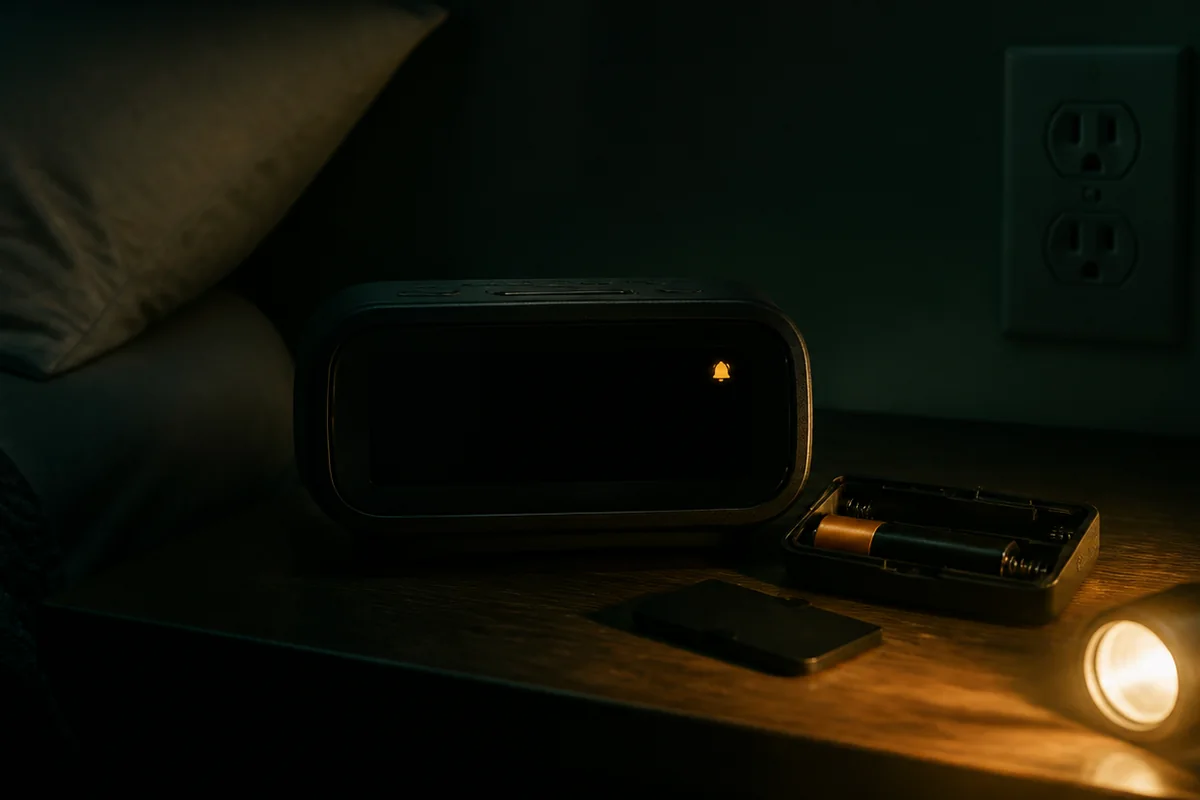
What Keeps Working During a Power Cut?
Separate retaining settings from sounding an alarm and powering the display. An answer about one state does not establish either of the others.
| Capability | What it establishes | What it does not establish |
|---|---|---|
| Memory retention | Time or alarm settings are retained as described in the manual. | That an alarm sounds or the screen remains visible. |
| Alarm operation | The specified wake signal operates under the documented backup conditions. | That the normal radio, sunrise light, projector, or charging ports operate. |
| Display operation | The display remains visible in the documented battery-powered state. | That every other function is available or runs for an unspecified duration. |
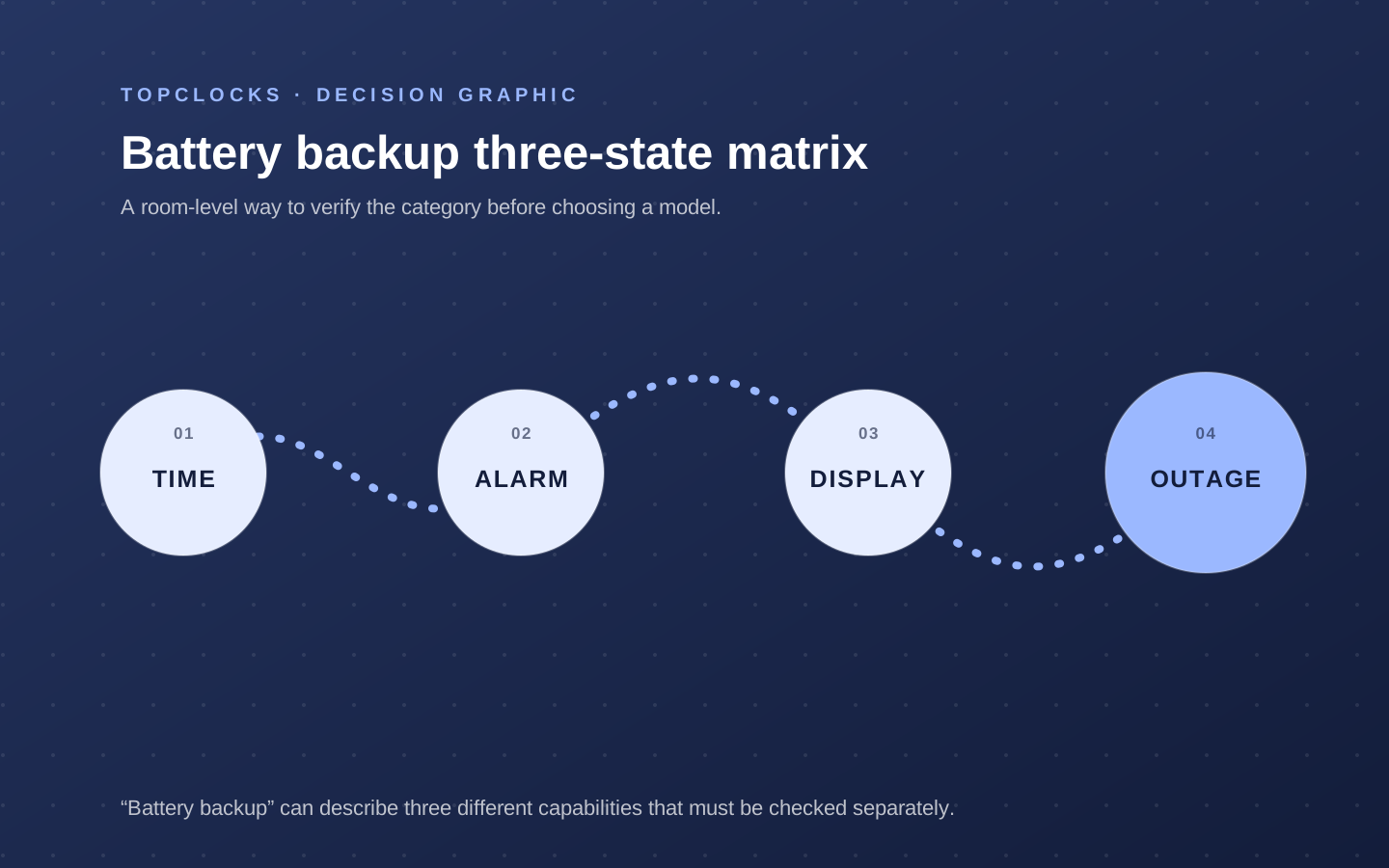
Check the Exact Model
Match the model, revision, and regional instructions. Find the section that describes loss of external power and record the required battery, the functions that remain available, and what happens when power returns.
Treat an undocumented function as unknown, not as working or absent. When a product page and manual disagree, retain the conflict and check the delivered model’s label and instructions before relying on the claim.
A replaceable coin cell may be intended for long-term memory retention.
AA or AAA cells may support alarm output or full operation, depending on the design. Rechargeable backup batteries may preserve several channels in a larger accessible system. Identify the exact battery type, quantity, whether it is included, how the compartment opens, and how low-battery status is shown. Seller bundles can differ, so use the current official documentation for behavior and inspect the package for inclusion.
Install batteries in the correct orientation and record the date. A battery can remain unnoticed until the first outage if the clock has no clear warning. Replace according to the manual and after leakage, corrosion, warning, or extended service conditions as appropriate. Long storage, travel, temperature, and aging can reduce confidence. Backup is a maintenance obligation, not a one-time checkbox.
Compare the Documented Backup State
Compare what each source actually confirms: saved time or settings, an audible alarm, and an illuminated display are different outcomes. These examples describe documentation, not physical tests or guaranteed runtime.
| Exact model | Time or settings | Scheduled alarm | Display without wall power | Evidence and limit |
|---|---|---|---|---|
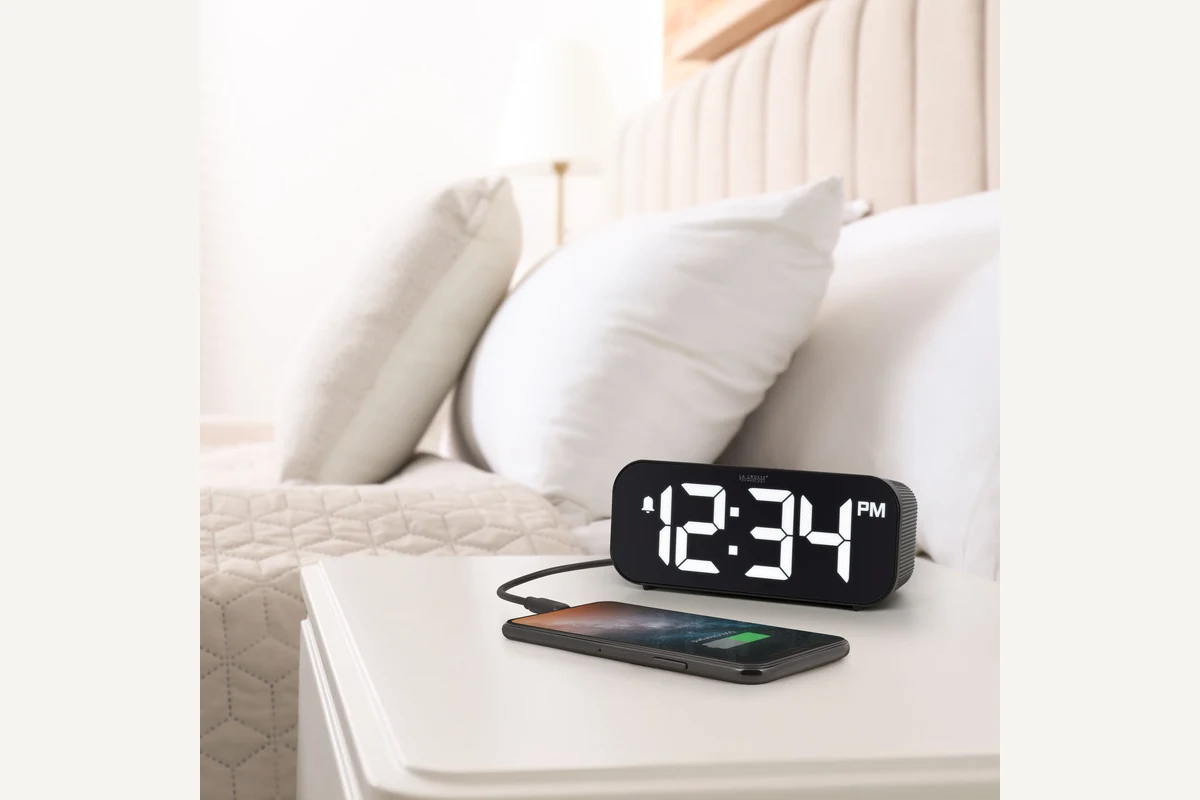
| La Crosse 617-714 | Settings retained with two AAA backup batteries. | The manual states that the alarm sounds when triggered. | Normally dark; SNOOZE/BRIGHTNESS activates it for about 10 seconds. | Setup guide, page 6. Normal operation uses the supplied cord; this is not an overnight-runtime test. |
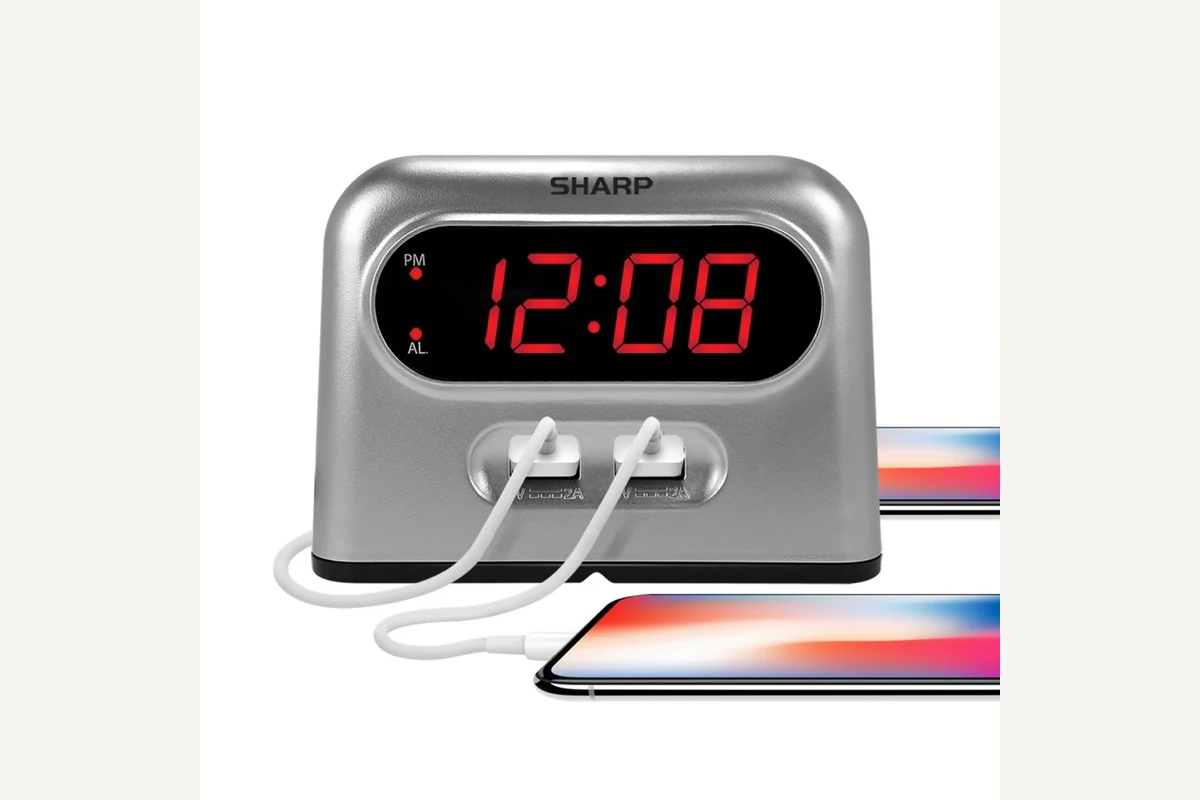
| Sharp SPC189 | The linked SPC189/SPC193 manual states that time and alarm settings are retained. | The manual describes the alarm sounding at the scheduled time. | No display under battery power. | Linked manual, page 1, and product page. The product page says AA while the manual says AAA. Confirm the supplied unit and instructions; do not guess the battery size. |
| La Crosse C82929v2 | The product specification assigns the CR2032 backup to time and date. | Alarm operation on the coin cell is not established by that specification. | The adapter is specified for normal operation; continuous battery-powered display or projection is not established here. | Exact v2 specifications. Do not transfer backup behavior from the 617-714. |
Document check: . Unknown means the selected evidence does not settle the question, not that a function has been tested and failed.
For a dark bedroom, also check display-off controls and other light sources. A screen darkened by power loss is not the same as a user-selected display-off mode.
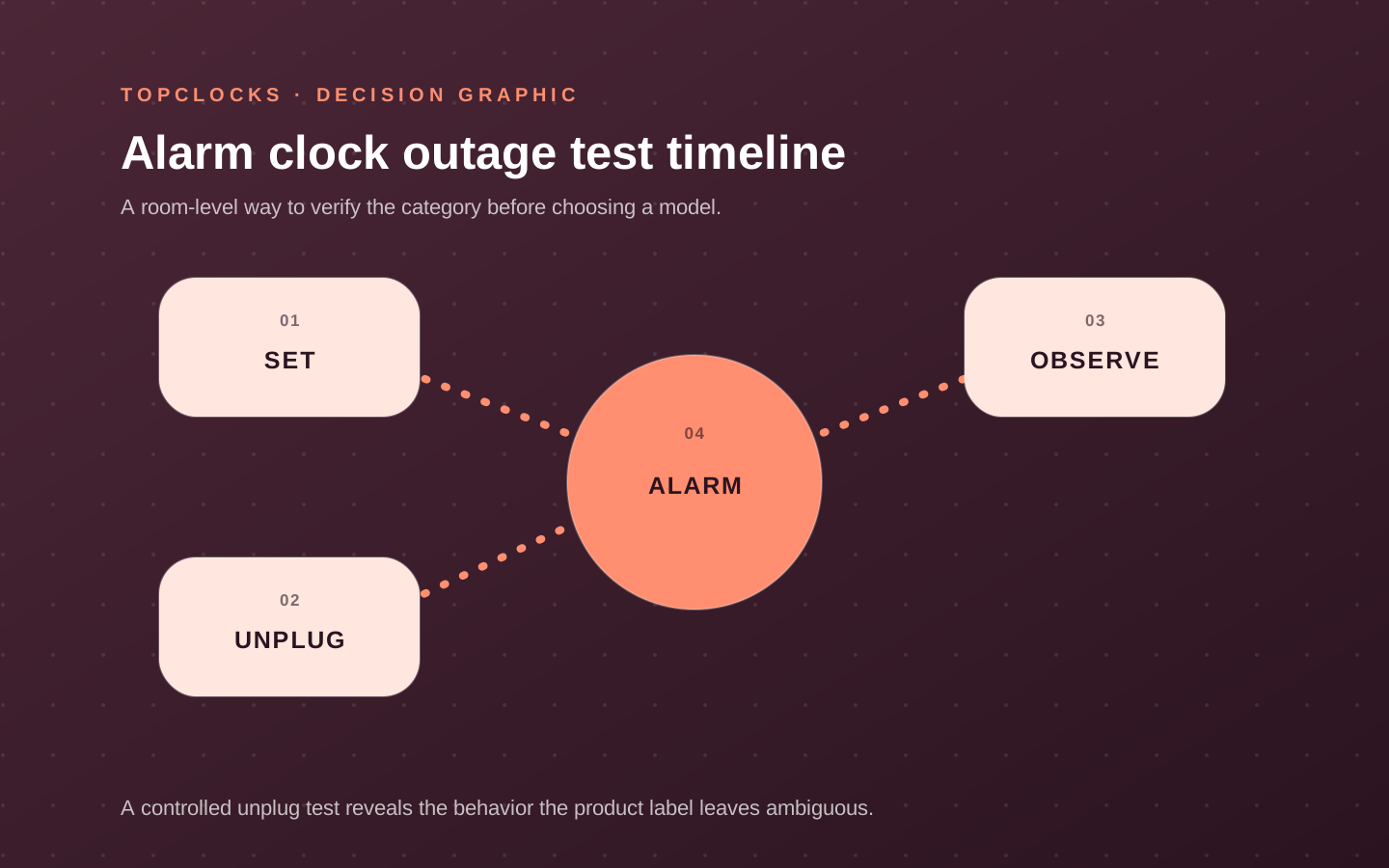
Run One Daytime Test
Follow the manufacturer’s instructions and use a low-stakes test while awake. Do not change wiring, battery type, or the power supply to create a backup mode the manufacturer does not describe.
- Install the specified backup battery and record its type and installation date.
- Set an alarm a few minutes ahead. Confirm the active indicator, alarm source, and chosen volume.
- Disconnect external power as the manual permits. Note the display state and whether the scheduled alarm sounds.
- Reconnect power. Check the time, alarm settings, active indicators, and the next intended alarm.
- Compare the observations with the capability you require. Investigate any mismatch before depending on the clock.
| Record | What to write |
|---|---|
| Model and instructions | Exact model, revision or regional variant, and the manual used. |
| Battery | Type, quantity, installation date, and any low-battery indication. |
| Saved settings | Which time and alarm settings are retained after power returns. |
| Alarm output | Whether the alarm sounded, which signal it used, and the scheduled and observed times. |
| Display and other functions | Which lights, digits, or other required functions remained available. |
| Restoration and test duration | How long power was disconnected and what changed after reconnection. |
Leave result fields empty until the test is performed. A short check does not establish overnight runtime, battery life, or reliability in every outage.
Choose the Backup State You Actually Need
Memory retention is not sufficient when the alarm must sound during a power cut. Two alarms in one clock can share the same power dependency, so two stored times are not proof of an independent backup.
When outage operation is essential, choose a documented battery-powered wake signal or a separate powered device and check its instructions and condition. Keep the model’s maintenance requirements with the setup rather than relying on the words “battery backup.”
Sangean RCR-20 belongs in the comparison because optional backup batteries and a larger audio system make inclusion and function important to verify. La Crosse 617-714 illustrates a digital clock with backup cells whose exact outage behavior must be read, not inferred from its large display. Sharp SPC189 provides a clearer documented example where stored time and alarm can continue while the display remains dark. These cards show why the category cannot be summarized by one checkmark.
Role-based product shortlist
Models worth comparing for this decision
These are desk-researched candidates, not a claim that one clock wins for everyone. Each card explains the scenario it fits, the limitation to verify, and the primary source used for the factual details.
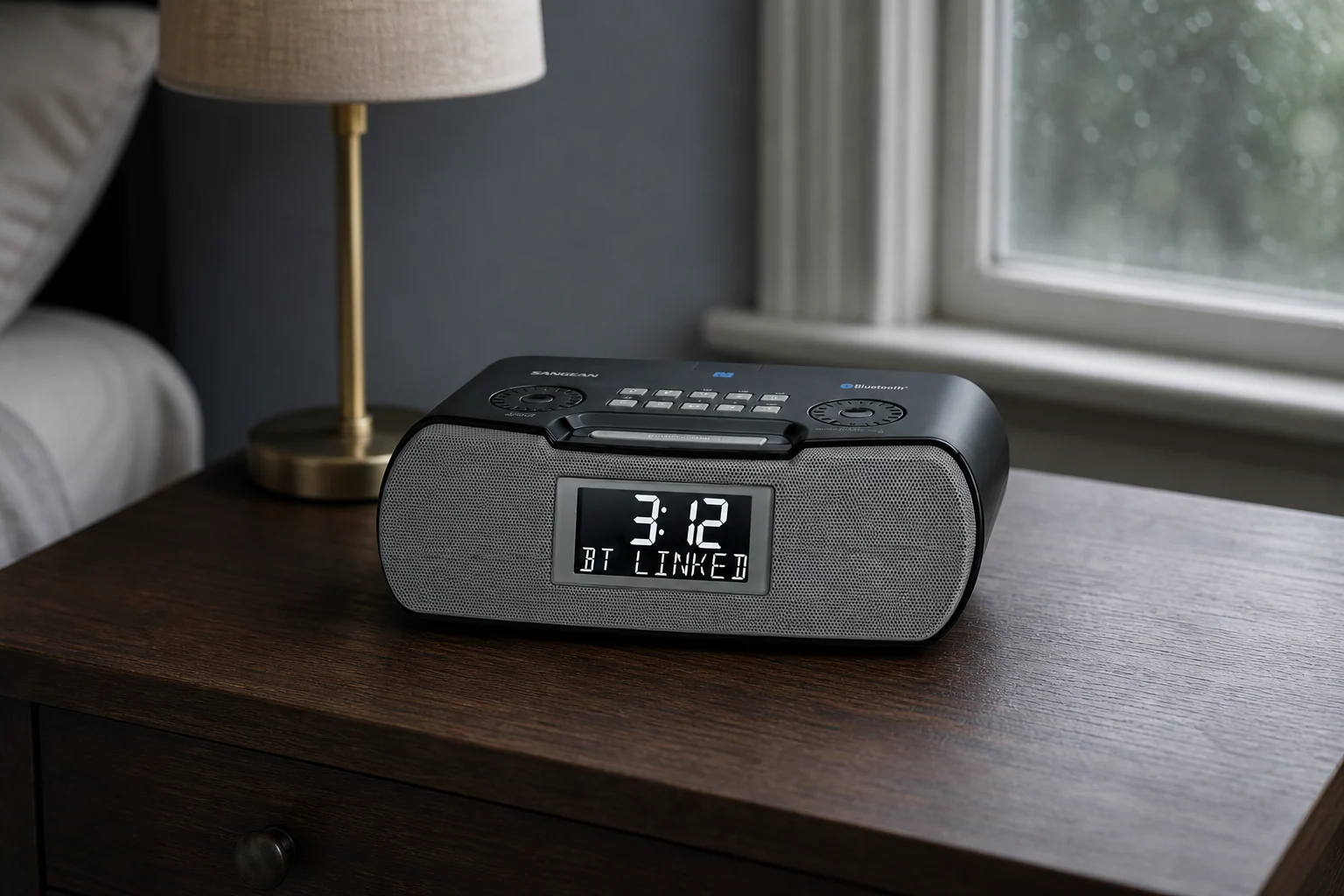
Compare for radio and fuller bedside audio
Sangean RCR-20
RCR-20 belongs here because backup batteries are optional and their function must be checked separately from normal AC operation.
The RCR-20 offers AM/FM-RDS, Bluetooth playback, aux input, an adjustable backlit display, USB charging, and two alarms. The cited US manual documents buzzer, AM, and FM wake sources.
Compare for a large display with true display-off
La Crosse Technology 617-714
The 617-714 is a useful reminder that two backup cells do not automatically mean every display and charging feature survives an outage.
This digital clock pairs to a phone for time and date updates, then provides an ascending alarm rated up to 95 dB, five brightness choices including off, and a 1-amp USB-A charging port.
Compare for simple charging with alarm backup
Sharp SPC189
SPC189 is the clearest alarm-operation example: its manual says the display goes dark while the stored alarm can still sound.
SPC189 provides two front USB-A charge ports and one LED alarm. Its manual says backup preserves time and still sounds the alarm when mains power fails, while the display remains dark.
Questions About Backup States
Does keeping the correct time mean the alarm worked during the outage?
No. Time retention and alarm output are different capabilities. Check the manual’s outage description and record whether the alarm actually sounds in the required battery-powered state.
Does a dark display mean the backup alarm cannot sound?
Not necessarily. The display and alarm can have different backup behavior. Check the exact model rather than inferring the alarm state from the screen alone.
Are two alarm times an independent backup?
No. Two alarms stored in one clock may depend on the same power source and operating state. Independence requires checking the wake signal and its power path, not just counting saved alarms.
What does a short unplug test prove?
It records the functions observed in that setup for that test duration. It does not establish overnight battery runtime or continued operation after the battery, settings, or equipment changes.
Evidence trail
Sources
Use the exact model’s instructions for outage behavior. Keep disagreements between sources visible; a general buying guide cannot settle a revision-specific conflict.