Interactive decision tool
Alarm Clock Finder: Match the Signal to Your Morning
Four questions narrow the category. The result is a starting route, not a medical assessment or a claim that one device will wake every sleeper.
The decision first
What fails on your hardest normal morning?
Use the Finder to choose a starting alarm clock guide from your answers about the wake-up signal, shared room, light, and power. The result is a route for further comparison, not a tested product recommendation. Check the exact model’s controls and limitations before relying on an alarm.
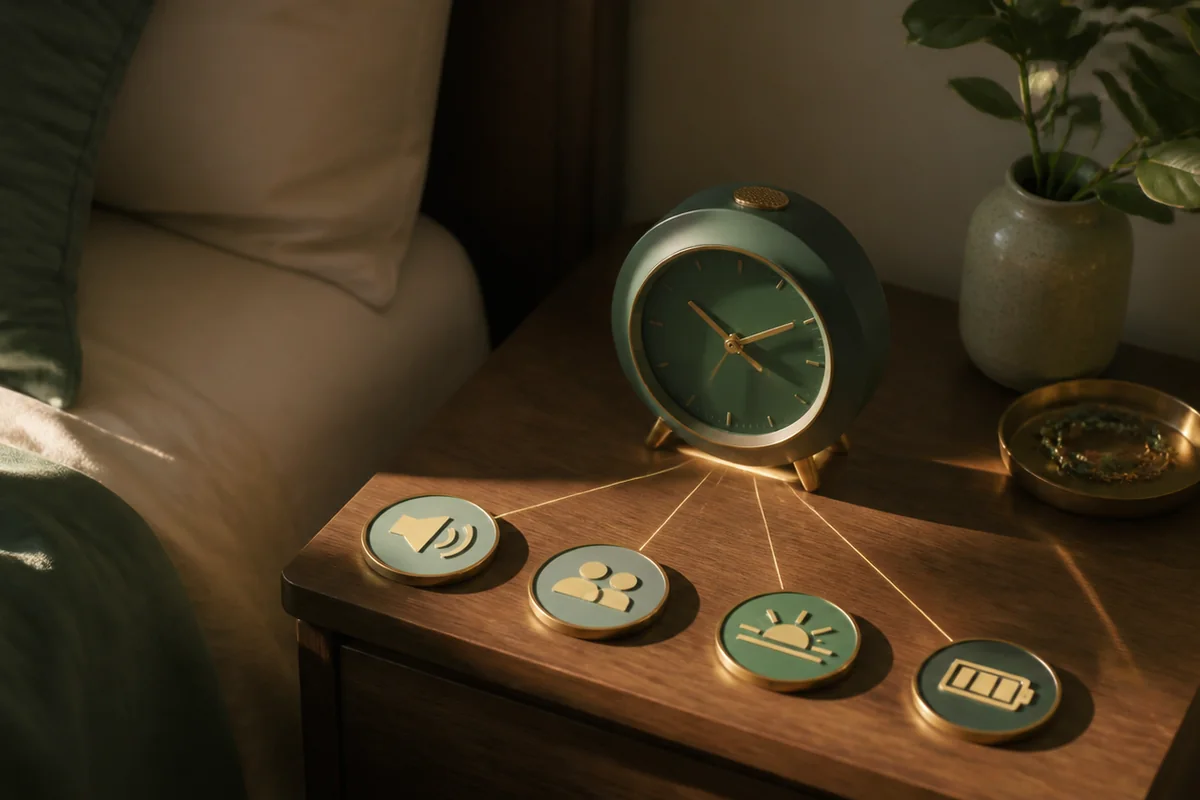
Find Your Starting Route
Answer for the room and routine you normally use, including any requirement that would rule a clock out. Read the explanation beside your result before opening the suggested guide.
What Your Result Means
A result identifies the next guide to read, not a promise that every clock in that category fits your requirements. Compare the model’s documented signal, controls, and power behavior with the conditions you entered.
| Review | What to check |
|---|---|
| Your answers | Do they describe the room, schedule, and power you actually use? |
| Suggested route | Which requirement makes this the relevant guide? |
| Other requirements | Which answers still need checking at model level? |
| Exact model | Does its manual establish the controls and operating state you need? |
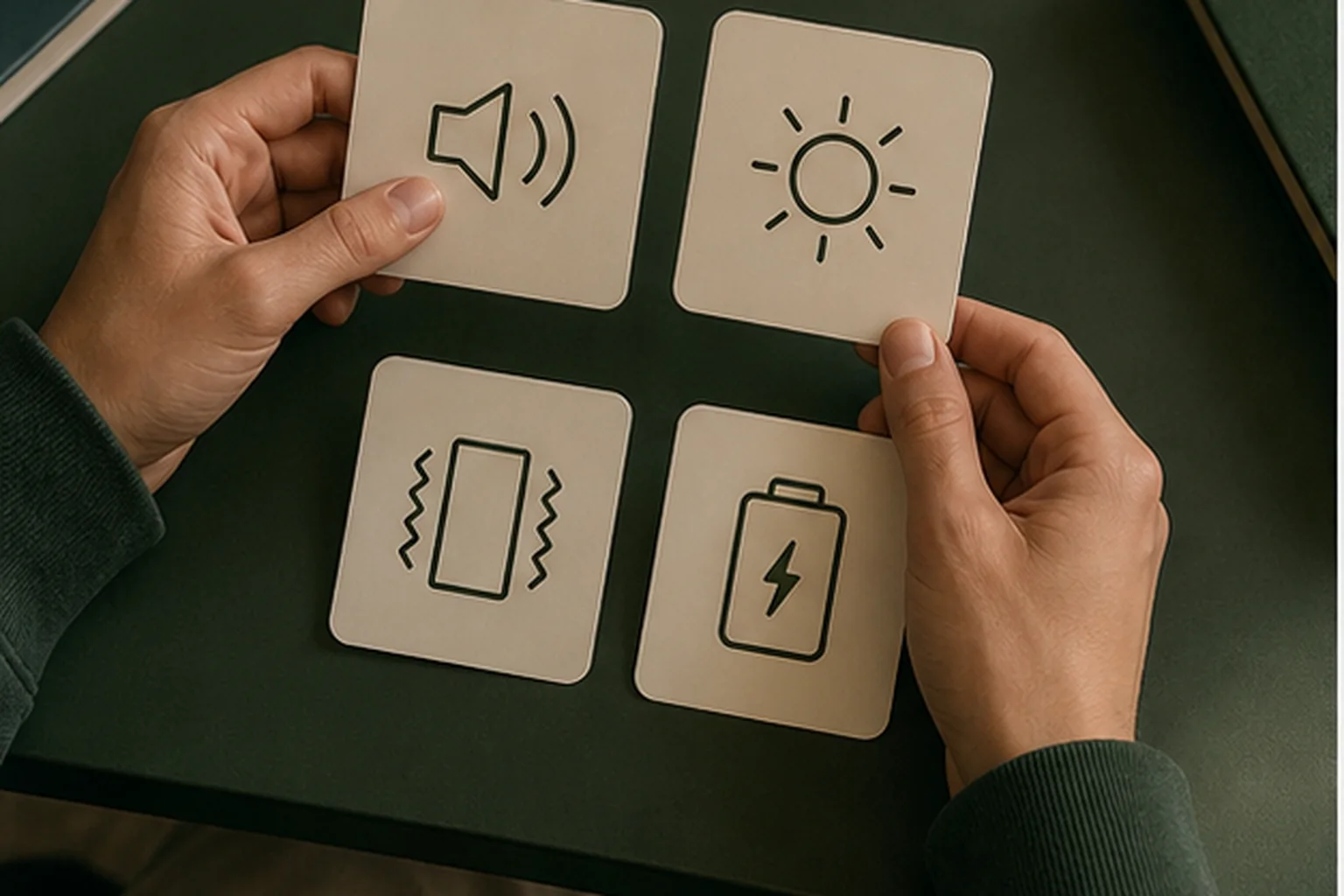
A sound route means audible delivery remains plausible. It does not mean maximum volume is required. Compare adjustable volume and tone, physical placement, room impact, and whether vibration should cover repeat misses. A sunrise route means a gradual visual cue can reach the sleeper before wake time. It does not mean light alone is sufficient; many users keep a final sound, and the partner’s response may limit duration or brightness.
A vibration route means tactile delivery or signal locality is important.
It does not establish whether a wired puck, battery pillow alarm, Bluetooth shaker, or wearable is best. The mattress, cable route, charging habit, silent mode, and backup channel still decide. A battery/travel route means outlet independence or arrival-night simplicity matters. It does not automatically favor analog; a compact digital clock may provide clearer alarm status, while a folding projector may require USB power for full operation.
For smart clocks, schedule flexibility, content, or routines need to justify connected setup. This does not mean every feature works without an account, network, or subscription. Separate configuration from wake-time behavior. A couples route means two schedules and limited spillover both matter. It does not mean a dual alarm solves privacy: one clock can store two times and still wake the entire room with one speaker or light.
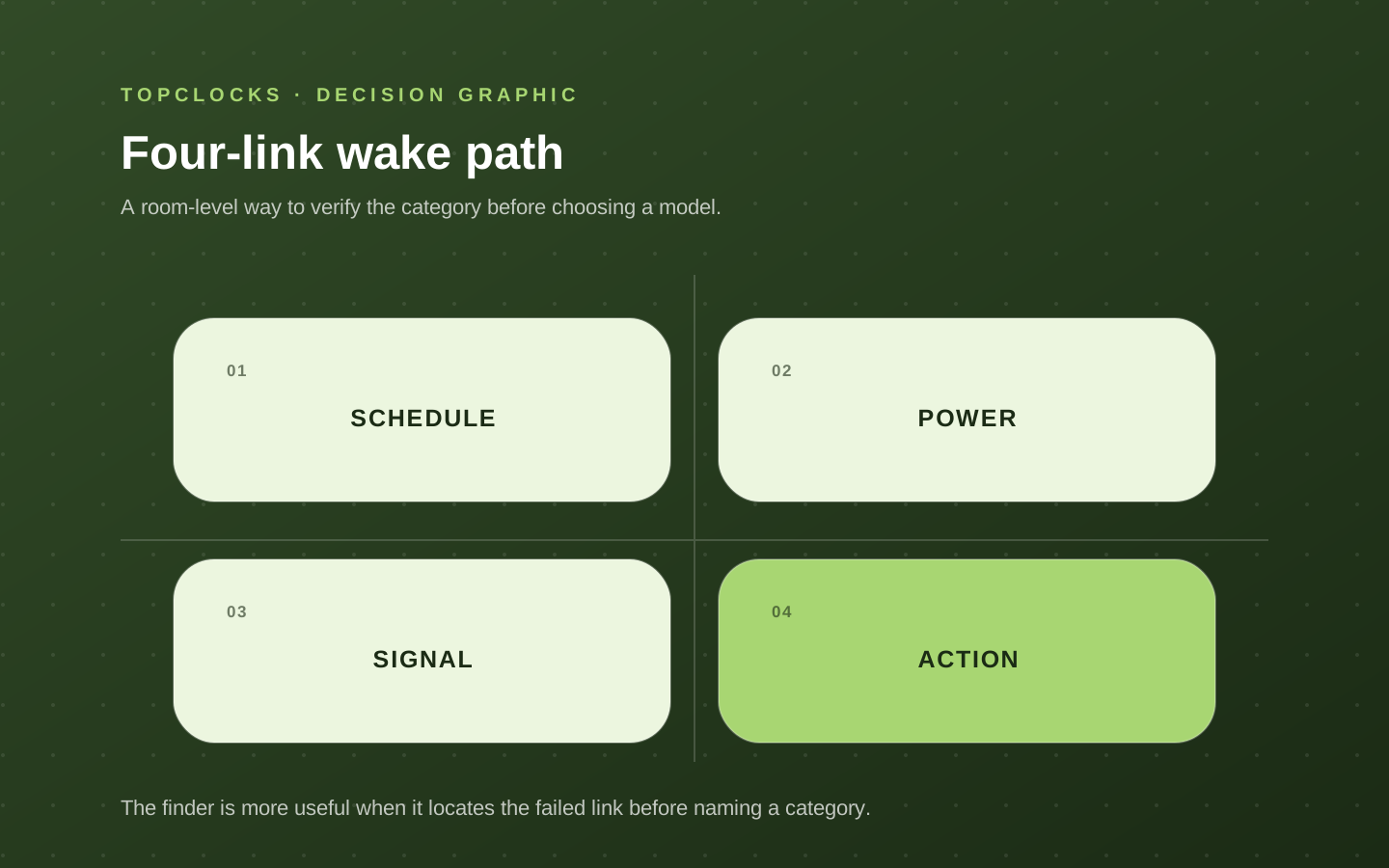
Check the Schedule, Power, Signal, and Controls
The result screen names a signal route, but that route sits inside four links. The schedule link includes the time, day pattern, active state, source, and volume. The power link includes mains, battery, charging, and behavior after interruption. The delivery link includes the speaker path, light sightline, shaker placement, or wearable contact. The action link includes snooze, stop, required movement, and what prevents an immediate return to sleep.
- Schedule proof: active indicator and correct day/source shown after setup.
- Power proof: manual statement plus a safe daytime test of the relevant outage state.
- Delivery proof: cue received from the real sleeping position with normal bedding and room conditions.
- Action proof: stop and snooze behavior understood, with the shutoff location matched to the actual failure.
When to Change Your Answers
Change an answer when the intended setup changes, or when you notice that you described an ideal morning instead of your usual one. Use “Change answers” to return to the form, then review the updated result.
- Use a normal difficult morning, not a rare all-night event, as the reference scenario.
- Separate “did not receive the cue” from “received it and stopped it.”
- Name every other person affected by sound, light, or bed movement.
- Mark unknown power or offline behavior for manual verification rather than guessing in the quiz.
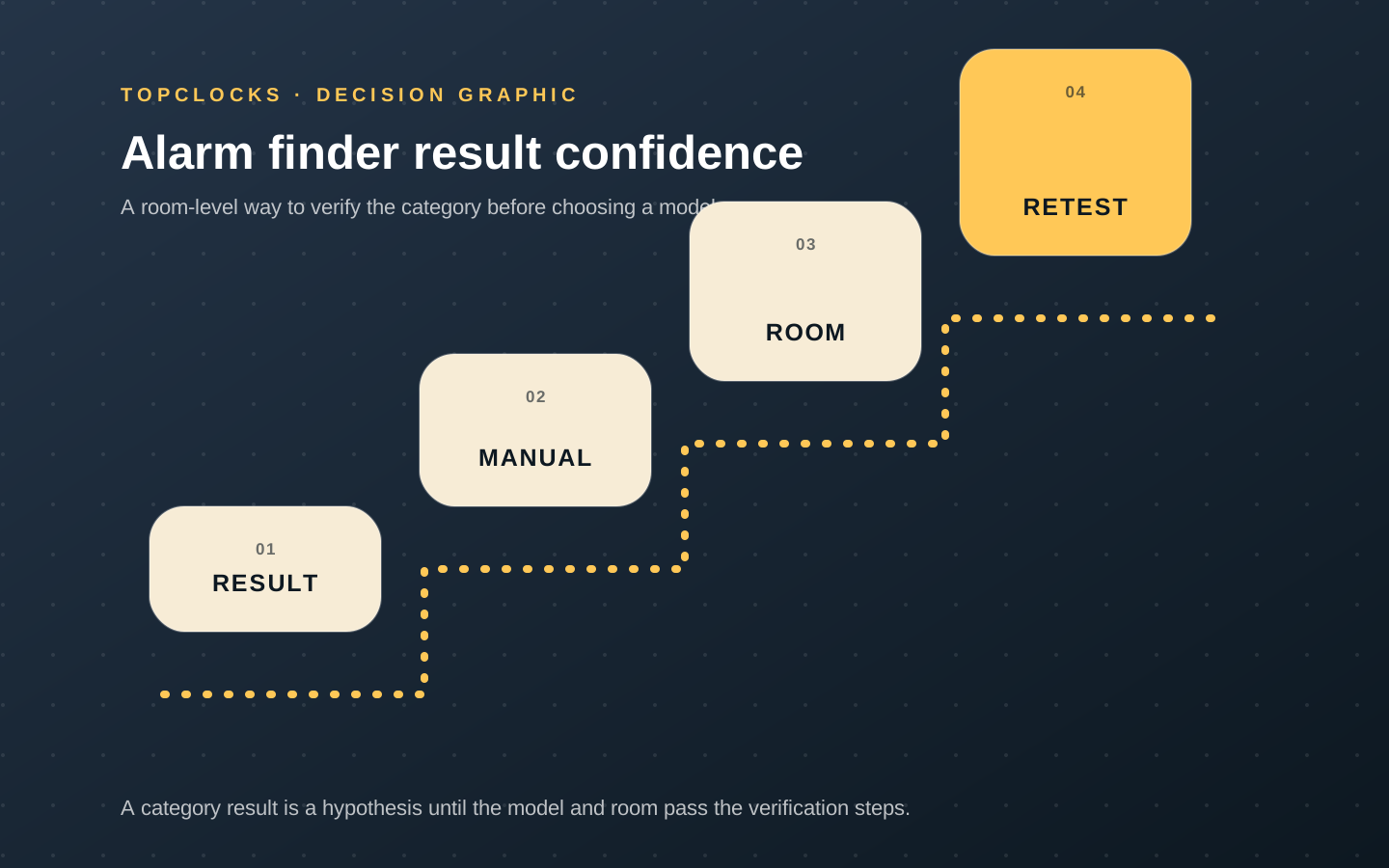
Choose a Route Without the Form
The form is optional. Choose a starting guide from the same requirements below, then check the exact model. When several rows apply, keep every requirement in your comparison.
| Your requirement | Starting guide | Still check |
|---|---|---|
| Sound is not a dependable primary signal | Compare vibration and combined alerts | Signal contact, placement, power, and any secondary alert. |
| Limit disturbance in a shared room | Check separate schedules and local signals | Sound, light, and movement reaching the other sleeper. |
| Operate without a dependable outlet | Compare battery-operated travel clocks | Whether the alarm works without wall power, not just whether settings are saved. |
| Gradual light can reach the sleeper | Compare sunrise alarms | Room light, partner impact, and a suitable final alert. |
| An audible alarm is the starting point | Compare adjustable sound alarms | Tone, volume, placement, and power. Maximum loudness is not a requirement. |
For an overview, explore alarm clock types or follow the alarm clock buying guide. These links do not depend on JavaScript.
Before relying on it
Check the Setup Before Relying on It
Read the exact model’s instructions, confirm that the intended alarm is enabled, and rehearse its controls while awake. Check any required outage behavior according to the manual; two alarm times in the same clock do not establish an independent power backup.
A successful rehearsal describes that setup. It does not guarantee that an alarm will wake every sleeper or remain suitable after the room, settings, or power conditions change.
- Keep a separate backup for flights, examinations, critical work, or other high-consequence mornings.
- Do not place the primary and backup on the same failing outlet, phone, speaker, or service.
- Re-test after moving the device, changing bedding, updating software, replacing a phone, or changing schedules.
- Record battery type and replacement date where battery operation or backup matters.
Role-based product shortlist
Models worth comparing for this decision
These examples are shown to every visitor; they are not filtered by your Finder result. A model may fail one of your requirements. Follow your route first, then compare exact models using their documented signal, controls, and power limits. These are desk-researched examples, not hands-on test results.
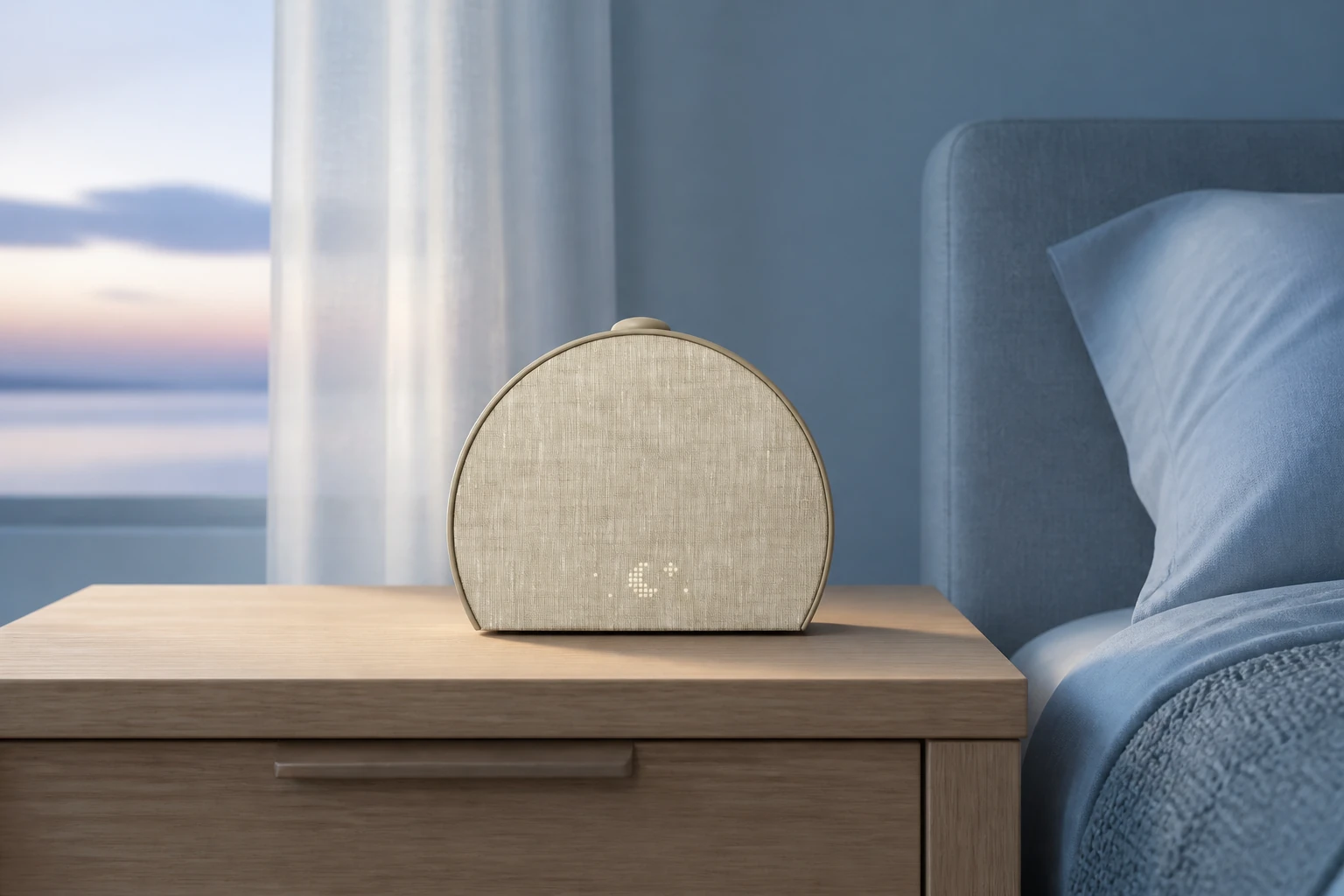
Compare for app-built light and sound routines
Hatch Restore 3
Choose this route when a combined light-and-sound routine matters more than minimizing setup and account requirements.
Restore 3 combines sunrise light, sound routines, and more direct device controls than earlier Restore models. A phone is still required for setup and customization, while core routines can be used from the clock afterward.
Compare for compact, app-free travel use
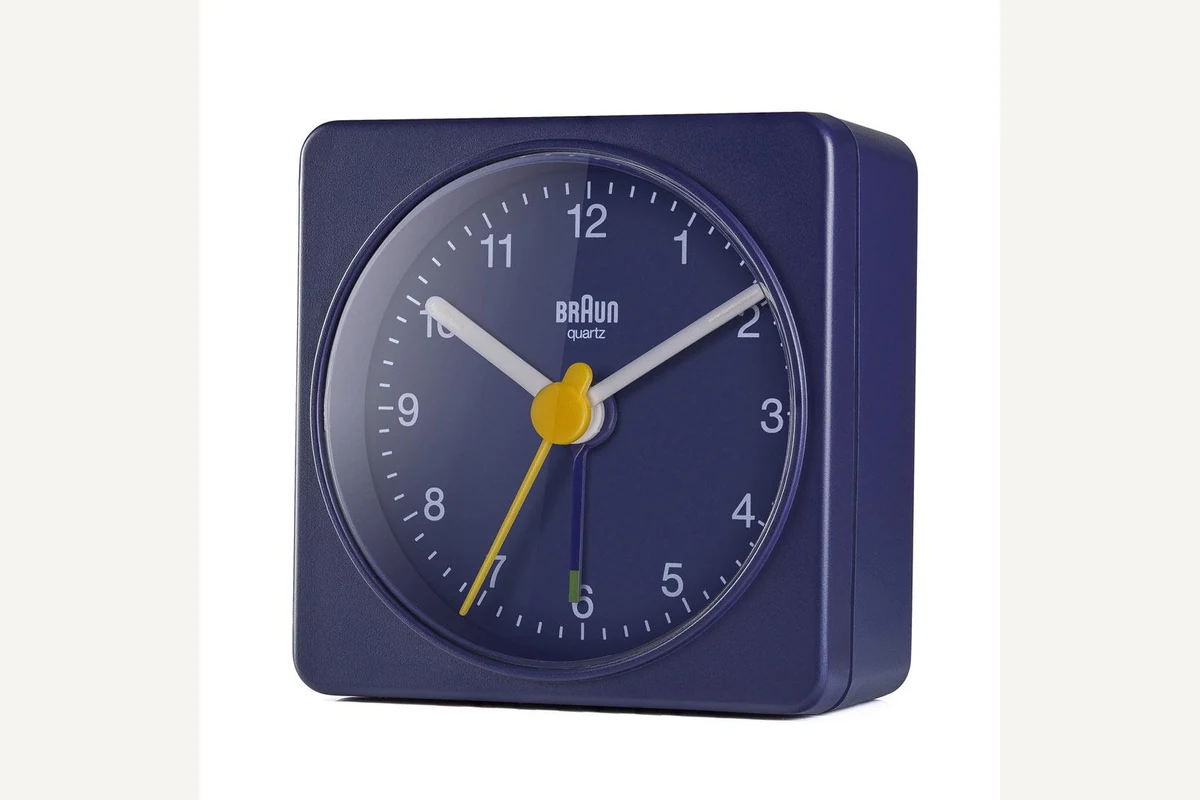
Braun BC02
Choose BC02 when portability, battery power, and physical controls are the nonnegotiable constraints.
BC02 is a 57 mm square analog clock powered by one AA battery. It uses a quiet quartz tick movement, luminous-tipped hands, and a crescendo beep without an app, account, or wall outlet.
Compare for projected outdoor context
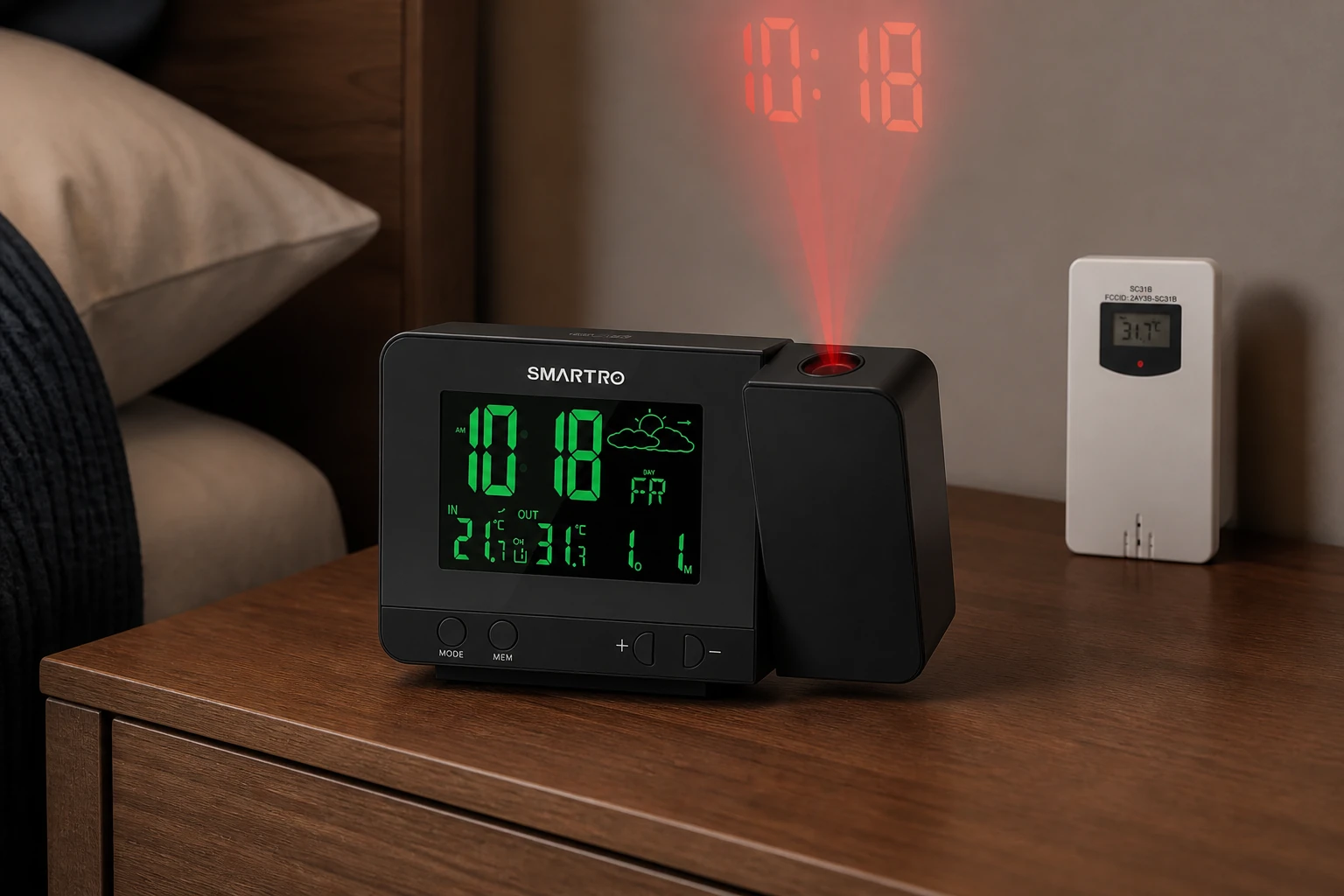
SMARTRO SC31B
Choose SC31B when projected time and outdoor temperature belong in the same bedside decision and maintaining a separate sensor is acceptable.
SC31B projects time and temperature while a separate wireless transmitter supplies outdoor conditions. Dual alarms, forecast icons, eight backlight colors, and USB output make it the information-rich route rather than the simplest projector.
Using the Finder
Does the Finder choose a specific clock for me?
No. It points you to a guide that matches the requirements in your answers. Use that guide to compare exact models and check their documented limitations.
What should I check in the result?
Check why the route was suggested and which of your requirements still need model-level verification. A category name alone does not establish an acceptable display, alarm signal, or backup-power behavior.
Can I change an answer?
Yes. Use “Change answers” to return to the form and update your choices. Review the new explanation before following the result.
What should I do when two requirements point to different guides?
Start with the requirement that would rule an option out, then check the other requirement in the relevant guide. Do not assume a model satisfies both simply because it appears in one category.
Can the Finder tell whether an alarm will wake me?
No. Your answers cannot establish how you will respond to a particular alarm in your room. The Finder does not provide a medical assessment or a guarantee of waking.
Can I choose a guide without using the form?
Yes. Open the alarm clock types or buying guide from the links on this page. Those routes remain available without the interactive form.
Evidence trail