Alarm clock decision guide
Alarm Clock Types: Choose by Wake-Up Signal
The useful dividing line is not the number of features. It is how the alarm reaches the sleeper, what must remain working overnight, and how much setup the household will tolerate.
The decision first
Which signal reaches the sleeper reliably?
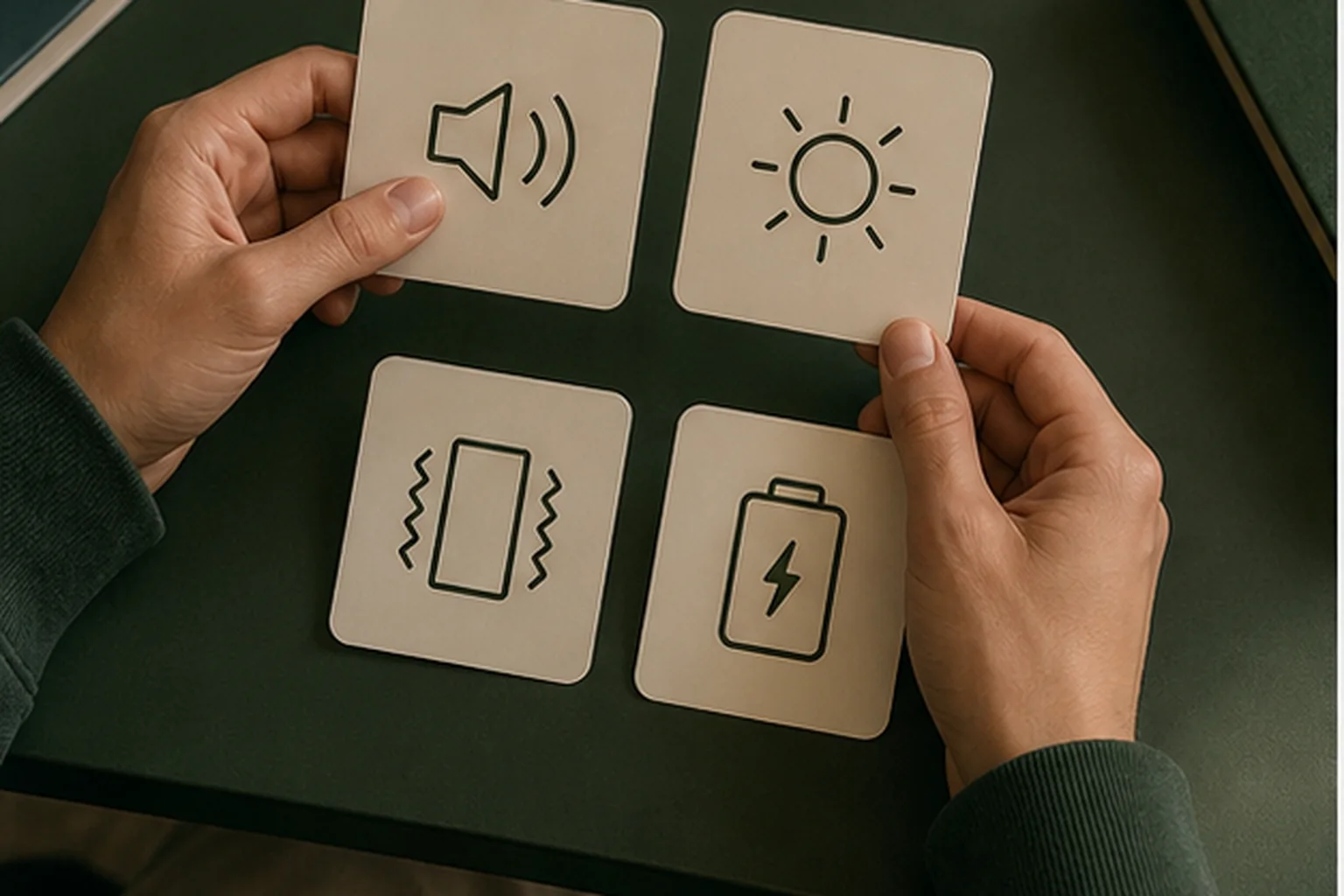
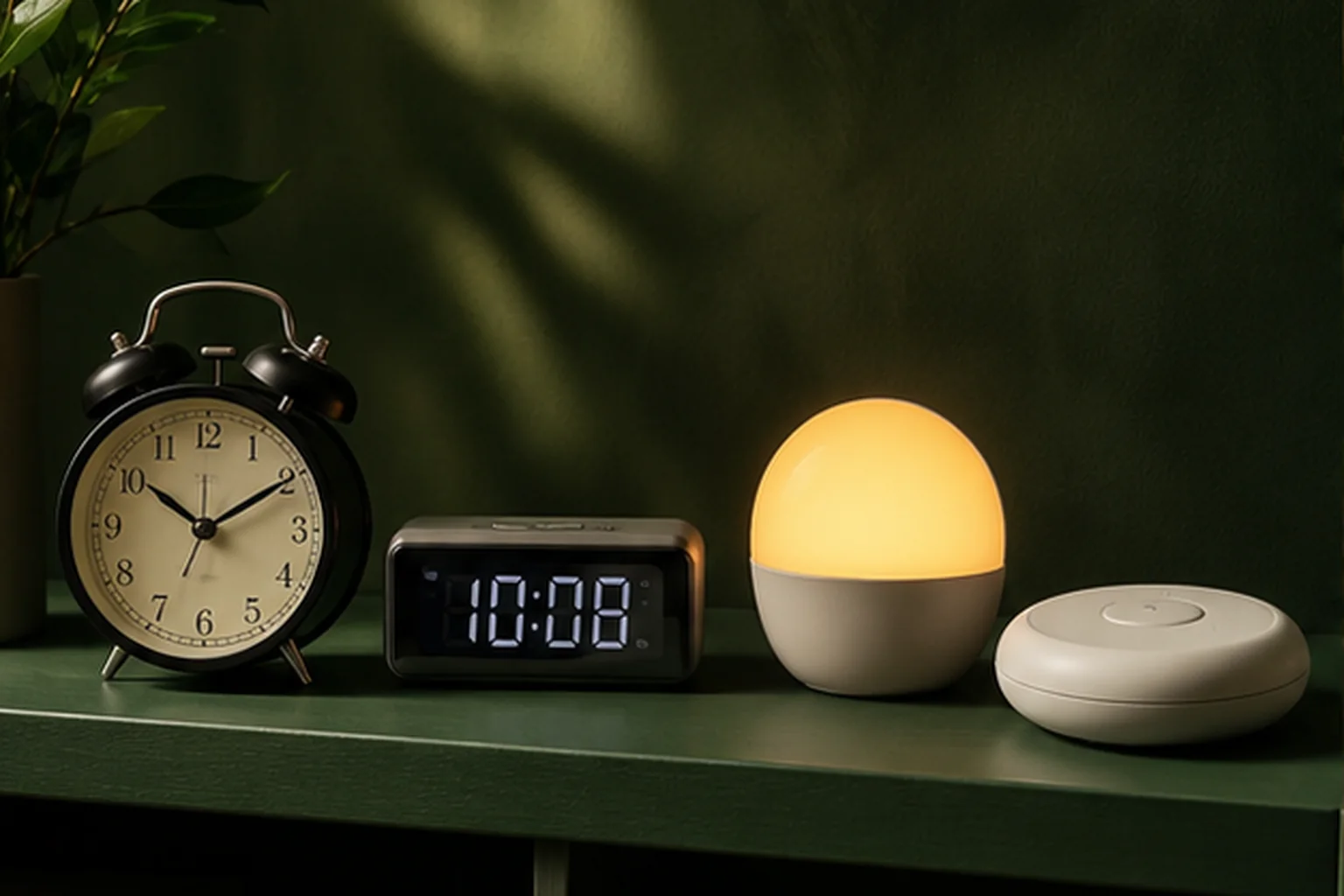
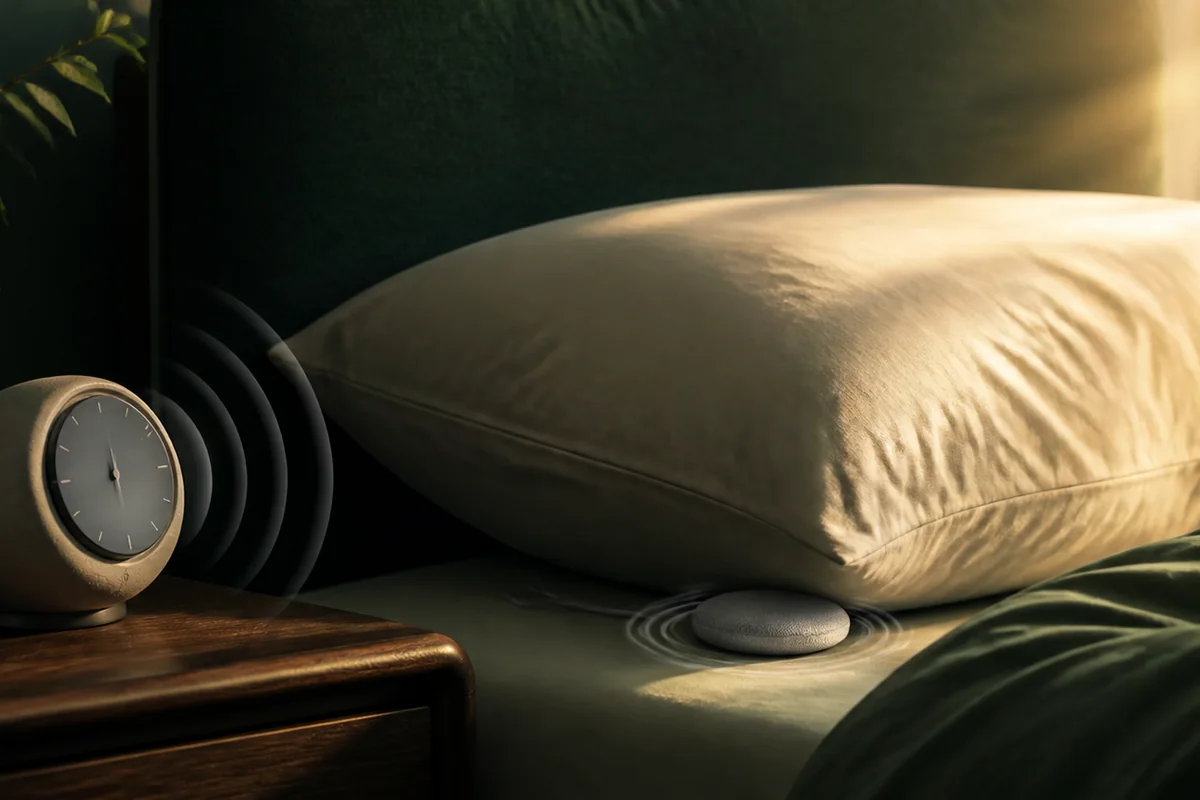
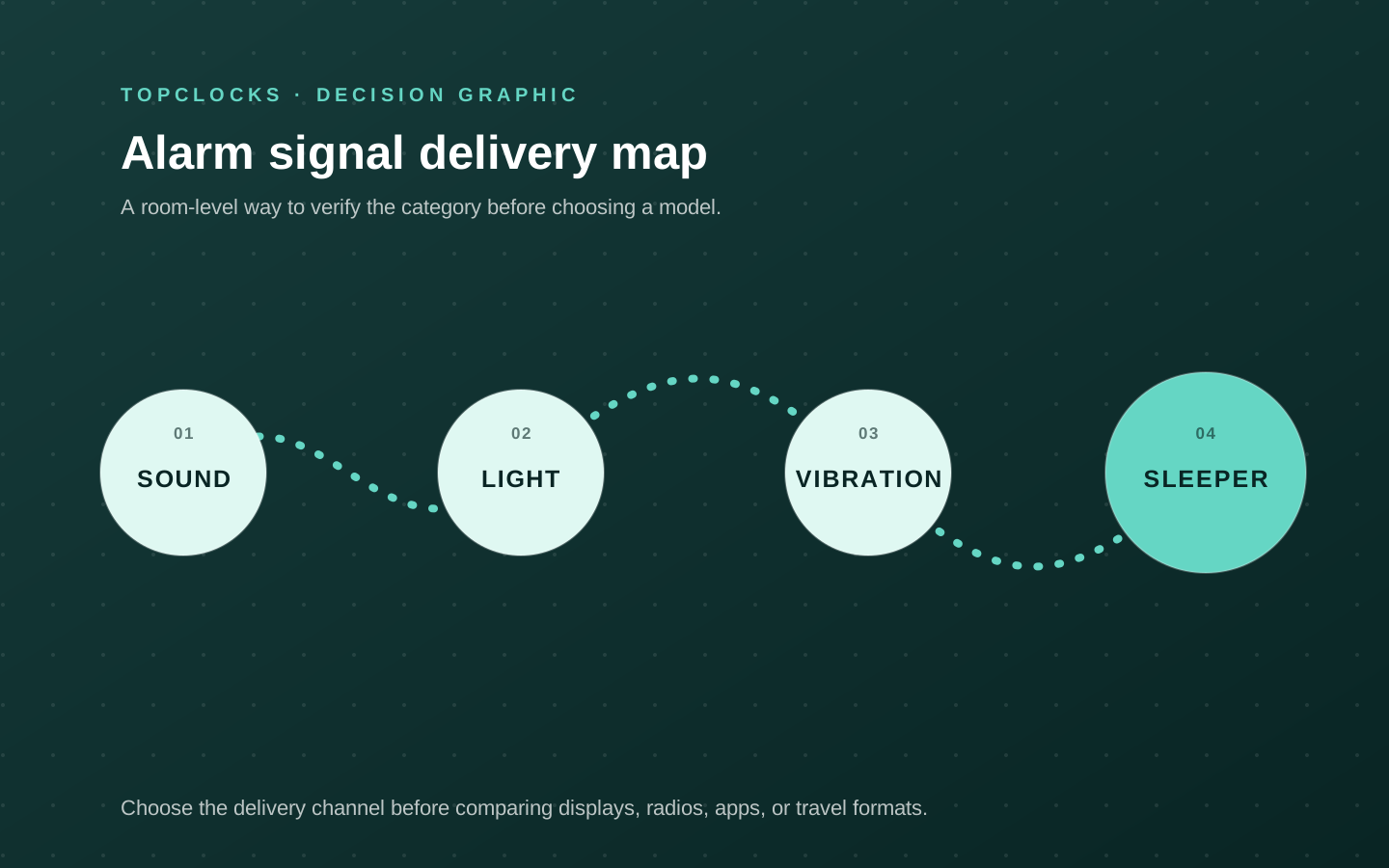
The wake-up signal comes first. Sound serves the room, vibration delivers a local physical alert, and sunrise light changes the room before an optional tone. Digital, projection, radio, smart, analog, and travel describe the display, platform, or form factor after that first decision.
Nonnegotiable checks
The criteria that can change the answer
Sound, light, or vibration
Begin with the signal the sleeper can reliably notice.
Room impact
Decide whether the signal may wake a partner or travel through walls.
Power path
Separate battery operation from backup that only saves settings.
Control burden
Check whether the clock needs an app, account, Wi-Fi, or a manual.
What changes in practice
Compare the trade-offs, not the feature count
| Route | Decision value |
|---|---|
| Sunrise Alarm Clocks | Gentler room-wide cue; placement and light reach matter. |
| Loud Alarm Clocks | Strong audible cue; may disturb the room. |
| Vibrating Alarm Clocks | Local physical alert; shaker placement matters. |
| Digital Alarm Clocks | Prioritize display and night visibility after signal reliability. |
| Projection Alarm Clocks | Move the time display off the nightstand; verify focus, angle, and room light. |
| Alarm Clock Radios | Add radio as an alarm source; verify tuning, presets, and fallback behavior. |
| Smart Alarm Clocks | Add routines and connected controls, together with app, account, and network checks. |
| Analog Alarm Clocks | Favor direct controls and a simple display; inspect alarm precision and power. |
| Travel Alarm Clocks | Favor portability; verify battery operation, lock behavior, and packed size. |
Start with delivery
Sound, light, and vibration are the primary types
Alarm-clock categories become confusing when every visible feature is treated as a separate type. A digital clock describes how time is shown. A radio clock describes a content source. A smart clock describes a control platform. None of those labels tells you whether the sleeper will actually receive the wake cue. The first useful division is physical: an audible signal reaches the ears, a sunrise signal reaches the eyes and brightens the room, and a shaker transfers movement through a pillow, mattress, bed frame, or wearable. Those three routes solve different delivery problems.
Begin with the sleeper’s accessible channel on an ordinary difficult morning. Sound is a reasonable primary route when the person hears the alarm and the household can accept it.
Light is useful when a gradual cue can reach the sleeper before the deadline; it is less convincing when the lamp is hidden below the mattress line or the sleeper consistently faces away from it. Vibration is valuable when the alert needs to be tactile or comparatively local, but its strength on a product page says little about what arrives through thick bedding. The setup has to be judged as a physical path.
This order prevents a common buying mistake: comparing displays, radios, USB ports, and apps before deciding whether the core cue is suitable. Once the delivery channel is chosen, the secondary label becomes helpful. A digital sound alarm may offer exact minutes and a dark display. A smart sunrise clock may make routines easier to change. A travel vibration alarm may remove outlet dependence. Those are meaningful refinements because they follow a viable signal rather than trying to compensate for the wrong one.
- Choose sound first when audibility is realistic, adjustable volume is available, and room-wide impact is acceptable.
- Choose light first when a lead-in period fits the schedule and the lamp can illuminate the sleeper’s side of the room.
- Choose vibration first when a tactile cue is needed or sound must stay local, then verify the exact placement.
- Layer channels when one missed alarm has serious consequences, but give each channel a separate job and test.
Classify the rest correctly
Display, content, platform, and form factor come second
After the wake signal is settled, four secondary classifications make the market easier to read.
Display type answers how time and alarm status are shown: analog hands, digital digits, or projected digits on another surface. Content type answers what can play: a buzzer, stored sounds, FM radio, streaming audio, or a broader sound library. Platform answers where the routine is configured: entirely on the clock, through a phone app, or through a connected service. Form factor answers where the device is expected to live: a fixed nightstand, a child’s room, a shared bed, or a travel bag.
These labels overlap by design. A projection clock is normally digital and may also be a radio. A smart clock may use sunrise light, sound, and a dimmable display. An analog travel clock can be both a display type and a form factor. Treating the labels as mutually exclusive produces false comparisons. The better question is what each layer changes. Projection changes where you read time, not how the alarm reaches you. Radio changes the wake source and listening use, not necessarily the reliability of the fallback buzzer. Smart control changes setup and content access, while adding app, account, network, or subscription questions.
The category name also needs a disqualifier. A projection clock is not useful when the ceiling angle, throw distance, or brightness cannot work in the room. A radio clock is a poor fit when reception is weak and the model does not offer an acceptable fallback. A smart clock may be excessive when a weekly alarm with physical controls is all that is needed. An analog clock may be too approximate for rotating schedules. Naming the disqualifier makes the type useful as a decision tool rather than a decorative label.
- Display: analog, digital, or projection; check night readability and alarm-state feedback.
- Content: tone, radio, stored audio, or streaming; confirm what can actually be selected as the alarm.
- Platform: on-device, app-assisted, or service-dependent; separate setup requirements from wake-time requirements.
- Form factor: bedside, accessible system, child routine, shared-room solution, or travel device; test it in that setting.
Look past the category label
Every alarm type has a different failure surface
The most useful way to compare alarm-clock types is to ask how each one fails. Sound can be inaudible to the intended sleeper, too soft at the pillow, easy to silence automatically, or disruptive beyond the room.
Sunrise light can be blocked by placement, begin too early for a partner, or fail to wake without a final tone. A bed shaker can move, disconnect, lose charge, or be damped by the mattress. None of these failures is visible in a generic “best alarm clocks” table unless the table follows the entire delivery path.
Secondary types add their own failure surface. Digital displays can remain too bright at their lowest setting or lose visible time during an outage. Projection can be unfocused, reversed, badly aimed, or dependent on mains power even when the clock stores settings on batteries. Radio alarms depend on reception, saved stations, source selection, and a usable fallback. Smart alarms can depend on an app for configuration, a service for content, or a network for changes, while the saved alarm may still run locally. Analog clocks avoid software states but rely on battery condition, approximate alarm-hand placement, and a physical on/off switch.
This is why “more features” is not a reliable summary of capability.
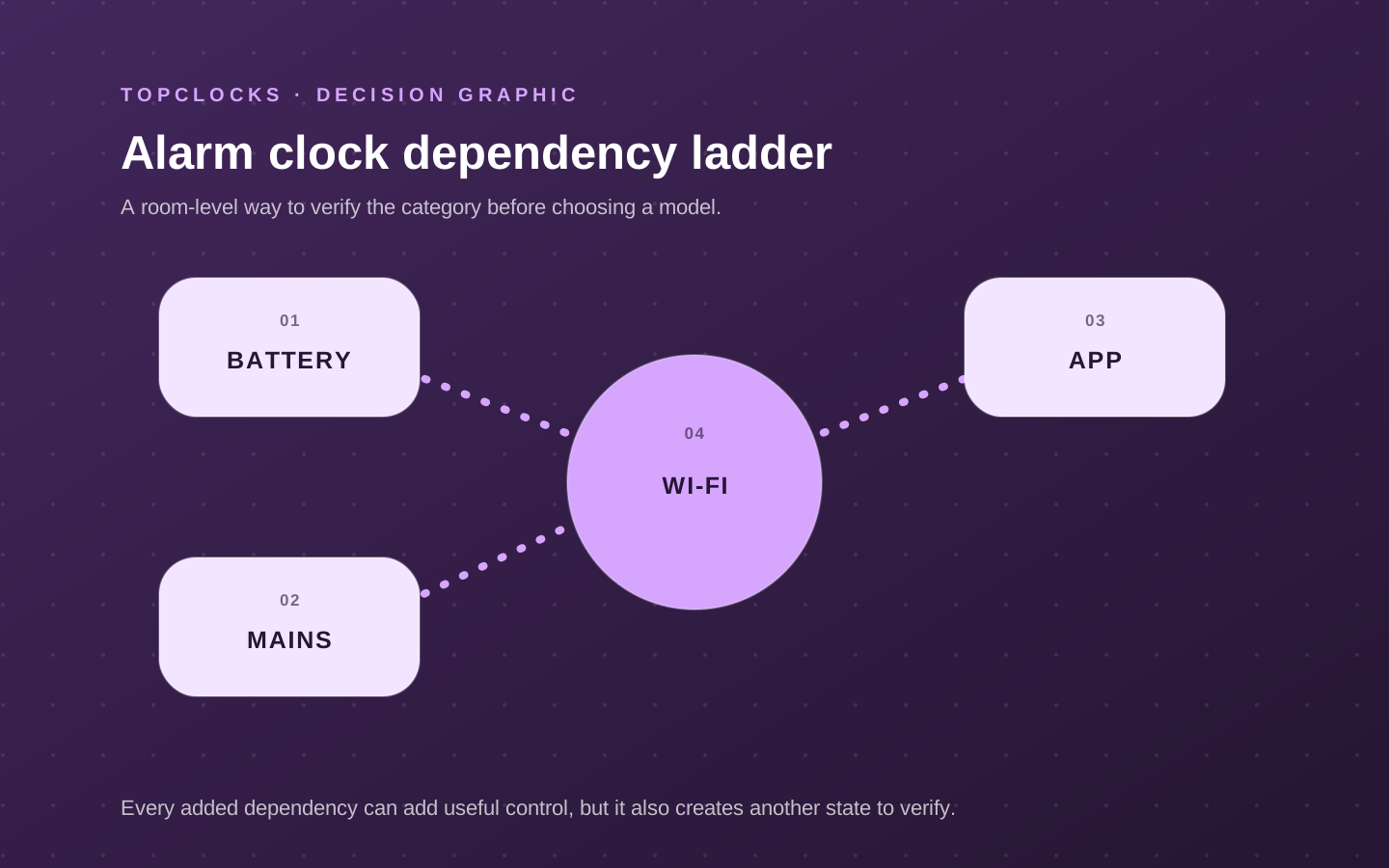
A feature can add a route and a failure at the same time. Wireless charging may reduce cable clutter but place the phone over the stop button. Two alarms may share one volume, one speaker, and one power supply. Battery backup may retain the time but leave the display dark and the alarm silent. The right type is the one whose remaining failures are easy to understand, inspect, and cover in the intended room.
- Write the first failure that would make the alarm useless: missed sound, blocked light, unfelt vibration, lost power, or confusing controls.
- Prefer a second channel that fails differently. Two tones from one speaker are not the same as sound plus vibration.
- Read the exact power-failure paragraph in the manual; do not infer alarm operation from the words “battery backup.”
- Test the complete path before a high-stakes morning, including placement, stop control, and the state left after snooze.
Put the room into the decision
The same sleeper may need a different type in a different room
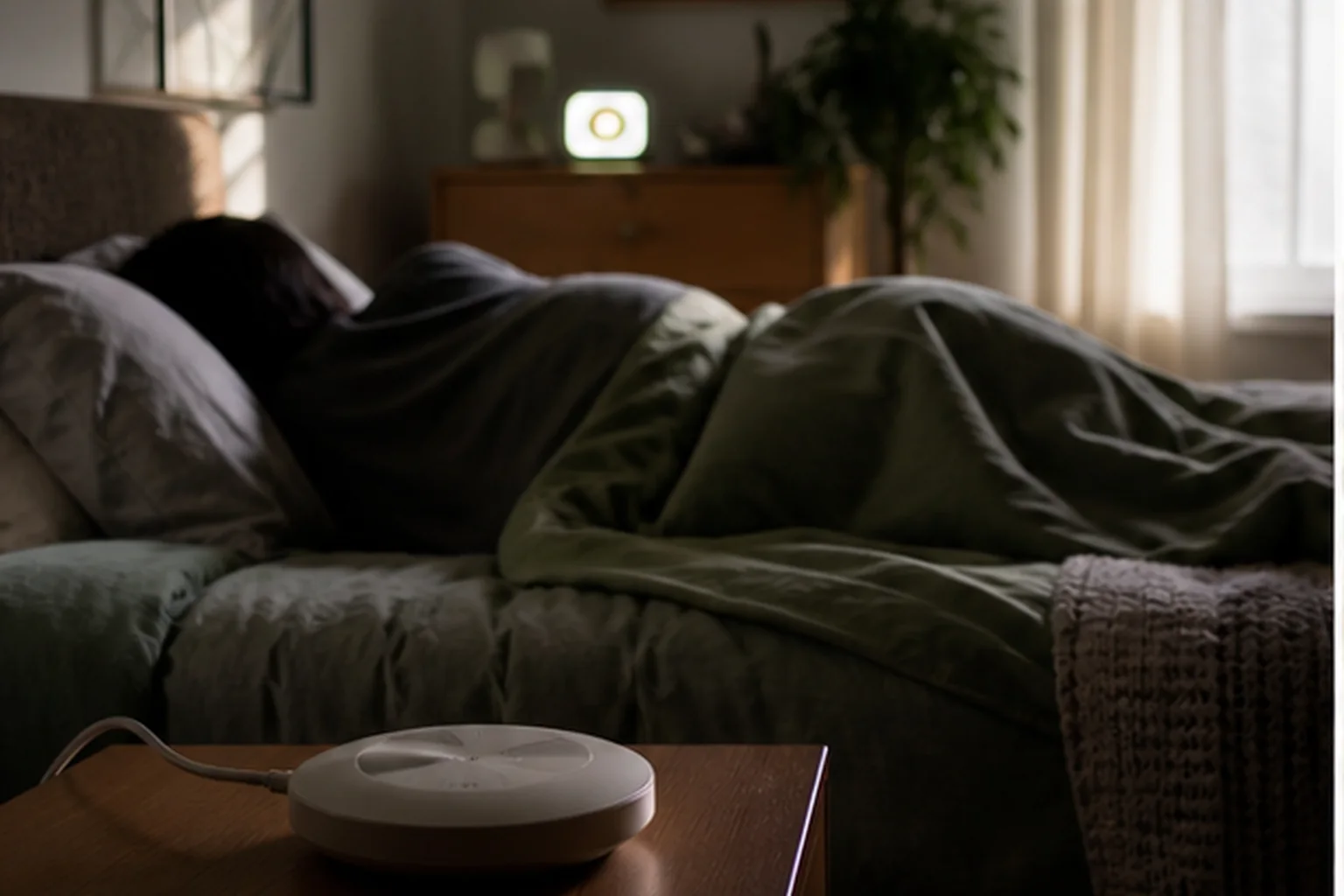
A category that works at home may fail in a hotel, a shared apartment, or a child’s bedroom because the room changes the signal. Distance, wall construction, bed materials, blackout curtains, outlet position, ceiling geometry, and another sleeper all alter the decision. A loud clock across a private bedroom can be effective because it requires standing up. The same clock near a shared wall can be unacceptable. A sunrise lamp close to head height may provide a useful lead-in at home but do little when it is placed on a low hotel desk across the room.
Shared bedrooms make signal locality as important as schedule independence. A dual alarm can store two times while still using one room-wide speaker or one sunrise surface. A bed shaker or wearable may localize the cue better, but movement can still travel through a shared mattress. Separate devices provide more independent controls and power paths, yet occupy more space and need separate maintenance. The correct type is therefore attached to a room plan: who should receive the cue, who should not, where the device can sit, and which physical route connects it to the sleeper.
Travel introduces a different constraint set. Replaceable batteries may be more dependable than an unfamiliar outlet, while USB power may be convenient only if the adapter and cable are packed.
Controls that are obvious at home can become difficult after a late arrival when the clock is in a folding case or the room is dark. The useful travel test is not whether the device is small. Pack it, change the time, set the alarm twice, place it in an unfamiliar position, and confirm the active-alarm indicator.
- Private room: prioritize signal reliability and a shutoff location that prevents automatic silencing.
- Shared bed: measure spillover from sound, light, and mattress vibration before assuming a “silent” alarm is private.
- Child’s room: match the cue to the rule the child understands and secure cables or battery compartments as required.
- Travel: choose a power source, display, and control sequence that can be verified without the normal bedside setup.
Turn categories into a shortlist
Use a two-layer filter before comparing individual models
A practical shortlist can be built without declaring one universal best alarm clock. First write a sentence describing the wake job: “Wake one hearing sleeper at 6:00 without waking a partner,” or “Provide a tactile primary alert that still works when the phone is not connected.” That sentence identifies the delivery channel, receiver, bystander, and failure risk. Remove every type that cannot perform the job even when perfectly configured. This is the point where a sound-only clock, room-wide sunrise light, or app-dependent device may leave the list.
Next apply the secondary filters in a fixed order.
Check power behavior, then placement, then controls, then schedule flexibility, then optional content or charging. This order protects the primary job. A beautiful display does not rescue an alarm that will be silent during the relevant outage. A large sound library does not rescue a clock whose saved routine depends on a service the user does not want. A compact footprint does not rescue a shaker whose cable cannot reach the bed safely. Features enter the comparison only after the alarm path remains intact.
Finally, compare models by disqualifiers and verification cost. A model with fewer features may be the stronger choice when its alarm state is visible, its manual explains outage behavior, and its controls can be used in darkness. A more connected model may be worthwhile when routines change often and the saved on-device behavior is clear. The role-based cards on this page illustrate those ends of the range; they are starting candidates, not a ranking based on unverified hands-on testing.
- Record one primary signal and, where consequences justify it, one independent backup signal.
- Eliminate models that fail the room, power, accessibility, or control requirement before comparing convenience features.
- Open the current manufacturer page and manual for the exact model number; similar names can hide different backup or alarm behavior.
- Use the return window as a test period: run normal mornings, a daytime unplug test, and at least one low-stakes backup test.
The result should be a small set of clocks that deliver the right cue through a verified physical and power path. Once that is true, display style, radio, streaming audio, charging, color, and design can decide between valid options without being mistaken for reliability.
Verify in the room
Map the wake signal before naming the clock type
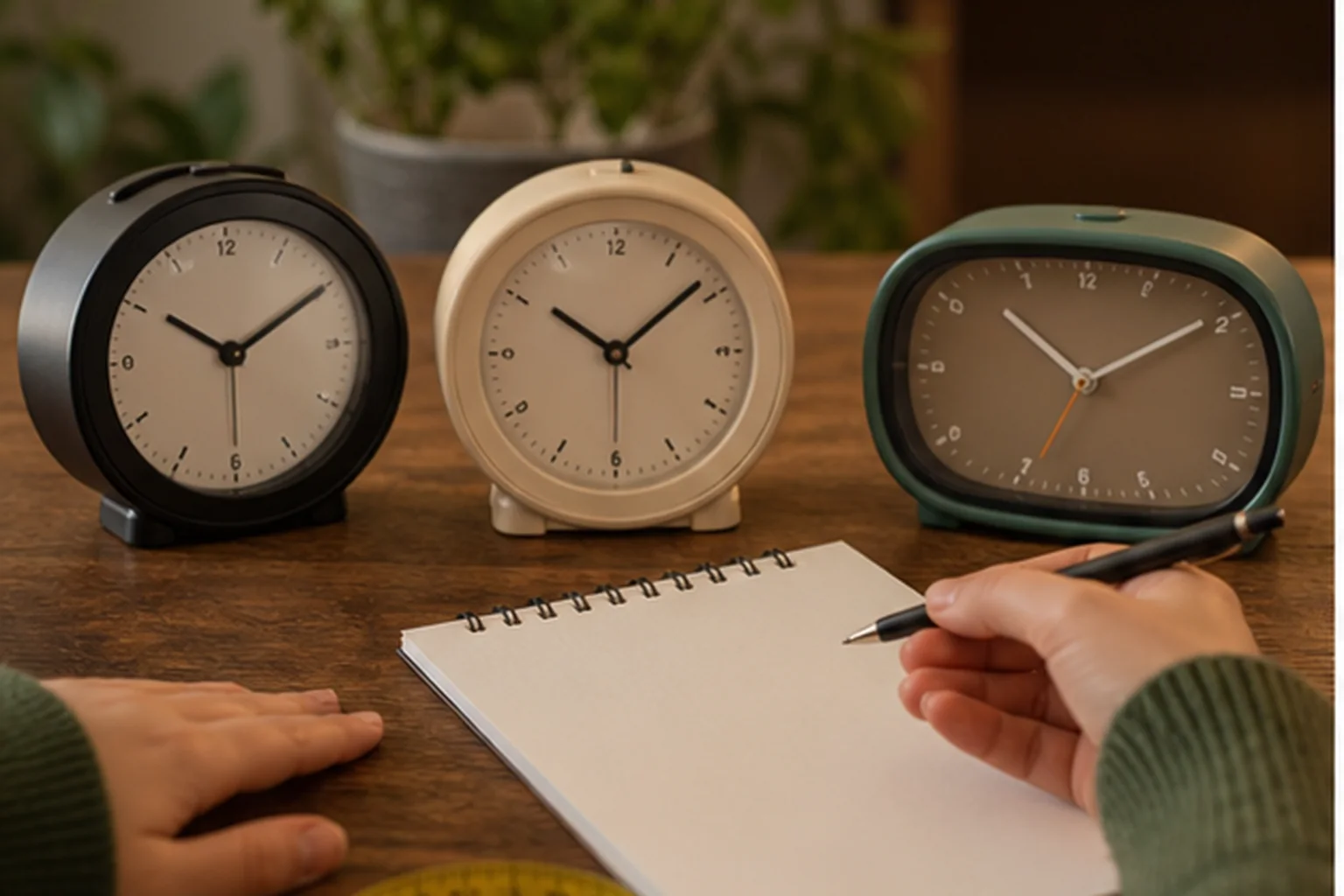
Sketch the route from the device to the sleeper: speaker to ear, lamp to eye, or shaker to body. A display or app belongs on the map only after that physical route is credible. Treat this as a selection experiment for alarm clock types, not a claim that one model will work for every sleeper. The objective is to expose a mismatch while the clock can still be returned, moved, or reconfigured.
Use the actual bedside surface, pillow, mattress, ceiling, outlet, and sleeping position. A type that works on a desk can behave very differently once bedding, distance, walls, or another sleeper enter the path. Keep the first run deliberately ordinary. Extreme settings can hide a placement problem, and a special one-night routine does not show whether the setup is maintainable on workdays, school days, weekends, and schedule changes.
The decisive failure is not that a category lacks features. It is that its main cue can be blocked, missed, displaced, silenced automatically, or made unacceptable for the room. Write the likely failure before running the test. That note prevents a bright display, attractive sound library, charging pad, or app from receiving credit for a wake path it cannot protect.
Record which cue started, where it was placed, who noticed it, who else was disturbed, and what state remained after snooze, stop, or lost power. A simple dated log is enough. Avoid converting one successful morning into a universal result; repeat the check after changing bedding, furniture, power, software, room, or schedule because the signal path may have changed.
- Primary signal route: write the observed state, not a yes-or-no impression. Add the condition that produced it and the next check if the result was unclear.
- Receiver and bystander: write the observed state, not a yes-or-no impression. Add the condition that produced it and the next check if the result was unclear.
- Nightstand or bed placement: write the observed state, not a yes-or-no impression. Add the condition that produced it and the next check if the result was unclear.
- Normal and outage power: write the observed state, not a yes-or-no impression. Add the condition that produced it and the next check if the result was unclear.
- Stop and snooze action: write the observed state, not a yes-or-no impression. Add the condition that produced it and the next check if the result was unclear.
- Independent backup path: write the observed state, not a yes-or-no impression. Add the condition that produced it and the next check if the result was unclear.
A type passes when its primary cue reaches the intended sleeper and its secondary format makes the routine easier to verify. Reject a type when its delivery path depends on a placement the room cannot support or when its normal spillover conflicts with the household. If the result is mixed, do not average it into a score. Preserve the unresolved condition and compare only models that give you a direct way to verify it.
When reading product pages for alarm clock types, translate each promising label back into an observable state. “Reliable” should identify the cue that survives the expected power and dependency conditions. “Easy to use” should identify who sets the alarm, in what light, and how the active state is confirmed. “Best” should disappear unless the scenario and disqualifiers are stated beside it.
Close the hidden gaps
Questions that settle a choice about alarm clock types
For alarm clock types, these questions close the gaps left by retailer filters and broad “best alarm” lists. Each answer is a boundary for the shortlist, not a promise about an untested model.
What should be tested before buying alarm clock types?
Use the actual bedside surface, pillow, mattress, ceiling, outlet, and sleeping position. A type that works on a desk can behave very differently once bedding, distance, walls, or another sleeper enter the path. Use the exact device revision and current manual when a control, accessory, app, or backup behavior affects the result.
Which failure should be ruled out first?
The decisive failure is not that a category lacks features. It is that its main cue can be blocked, missed, displaced, silenced automatically, or made unacceptable for the room. Test that failure first, while the consequences are low, instead of increasing every setting at once.
How many checks make the result dependable?
Within this review of alarm clock types, one successful check confirms that the setup can work; it does not show that it is robust. Repeat it on ordinary mornings and after any change that affects the signal, power, placement, schedule, or stop action. High-consequence mornings deserve an independently tested backup.
Can specifications settle the choice?
Specifications and manuals can narrow the shortlist for alarm clock types by establishing intended controls, compatibility, power requirements, and operating states. They cannot establish what one sleeper will hear, see, or feel through a particular room and bed. Keep documented facts and room observations separate.
When should a candidate for alarm clock types leave the shortlist?
Reject a type when its delivery path depends on a placement the room cannot support or when its normal spillover conflicts with the household. A disqualifier should remove the model before price, design, reviews, or optional content are compared.
What does a passing result look like?
A type passes when its primary cue reaches the intended sleeper and its secondary format makes the routine easier to verify. The result should be visible in the log and repeatable without a special workaround that the household is unlikely to maintain.
Finish the decision about alarm clock types by writing one sentence: “This setup should wake this person, in this room, through this signal, under these power conditions, and it will be checked this way.” If any blank remains, the page has identified the next research task rather than pretending the purchase is settled.
Before relying on it
Run the complete alarm path
A product page can confirm features. Only a real setup check confirms that the selected signal, placement, controls, and power path work together in the room.
- Choose one primary signal.
- Write down who else can hear or feel it.
- Check what happens during an outage.
- Confirm the alarm can be set and stopped in the dark.
Role-based product shortlist
Models worth comparing for this decision
These are desk-researched candidates, not a claim that one clock wins for everyone. Each card explains the scenario it fits, the limitation to verify, and the primary source used for the factual details.
Compare for app-built light and sound routines
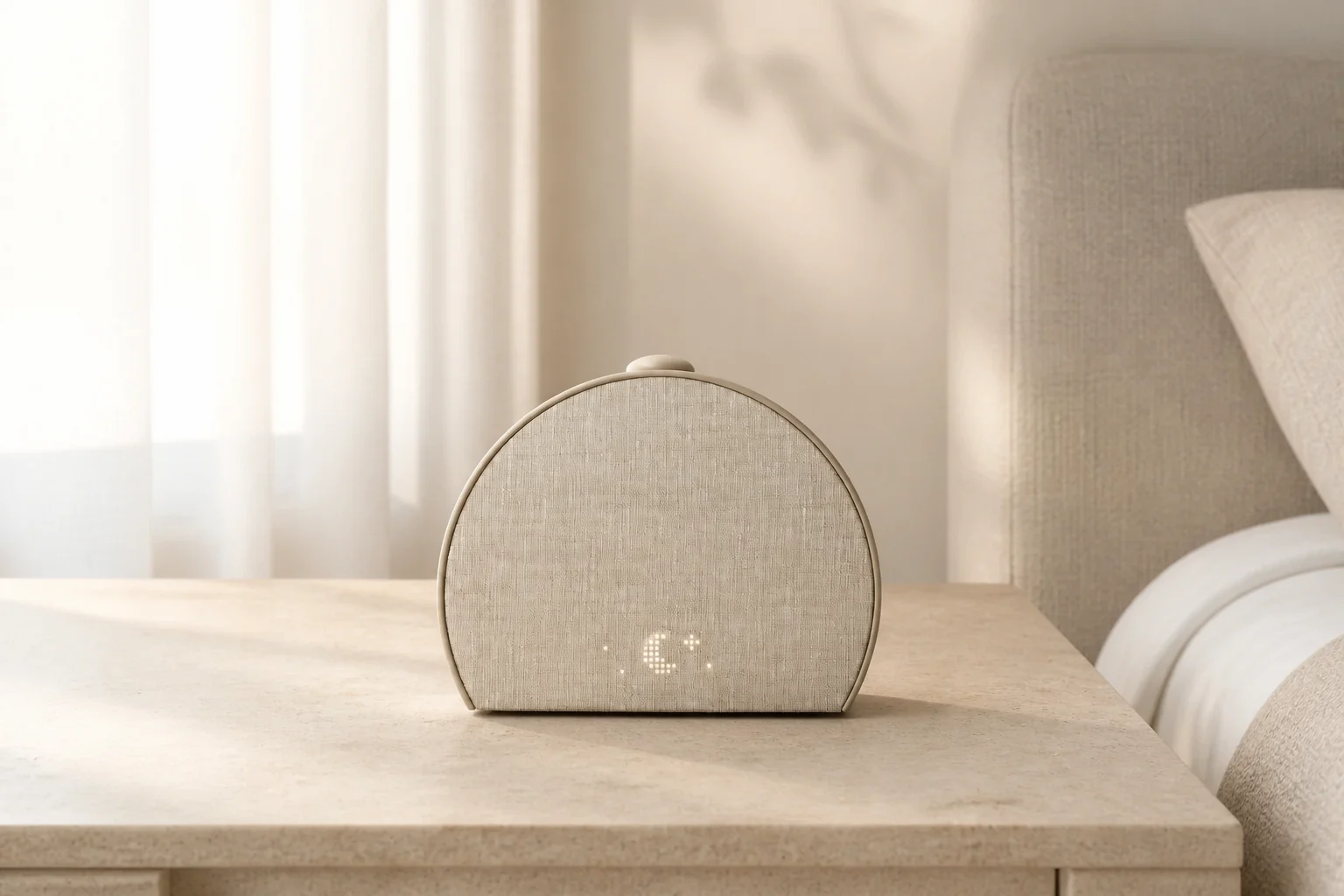
Hatch Restore 3
This is the app-led end of the category map: light and sound can be scheduled together, but setup has more dependencies.
Restore 3 combines sunrise light, sound routines, and more direct device controls than earlier Restore models. A phone is still required for setup and customization, while core routines can be used from the clock afterward.
Compare for a quiet analog bedside clock
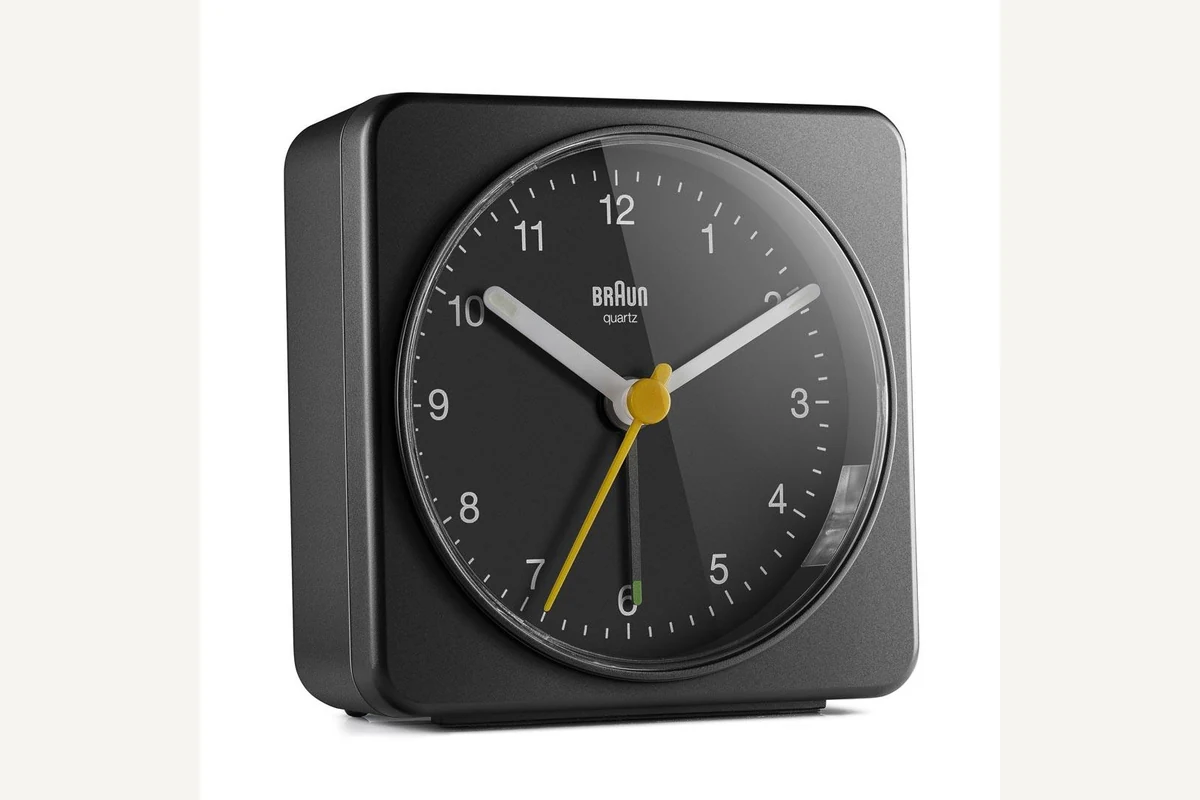
Braun BC03
BC03 shows the opposite route—a self-contained clock with physical controls and one replaceable battery.
The 78 mm BC03 uses a quiet sweeping quartz movement, luminous-tipped hands, a crescendo beep, and a combined snooze and light control. One AA battery provides the complete power path.
Compare for a large display with true display-off
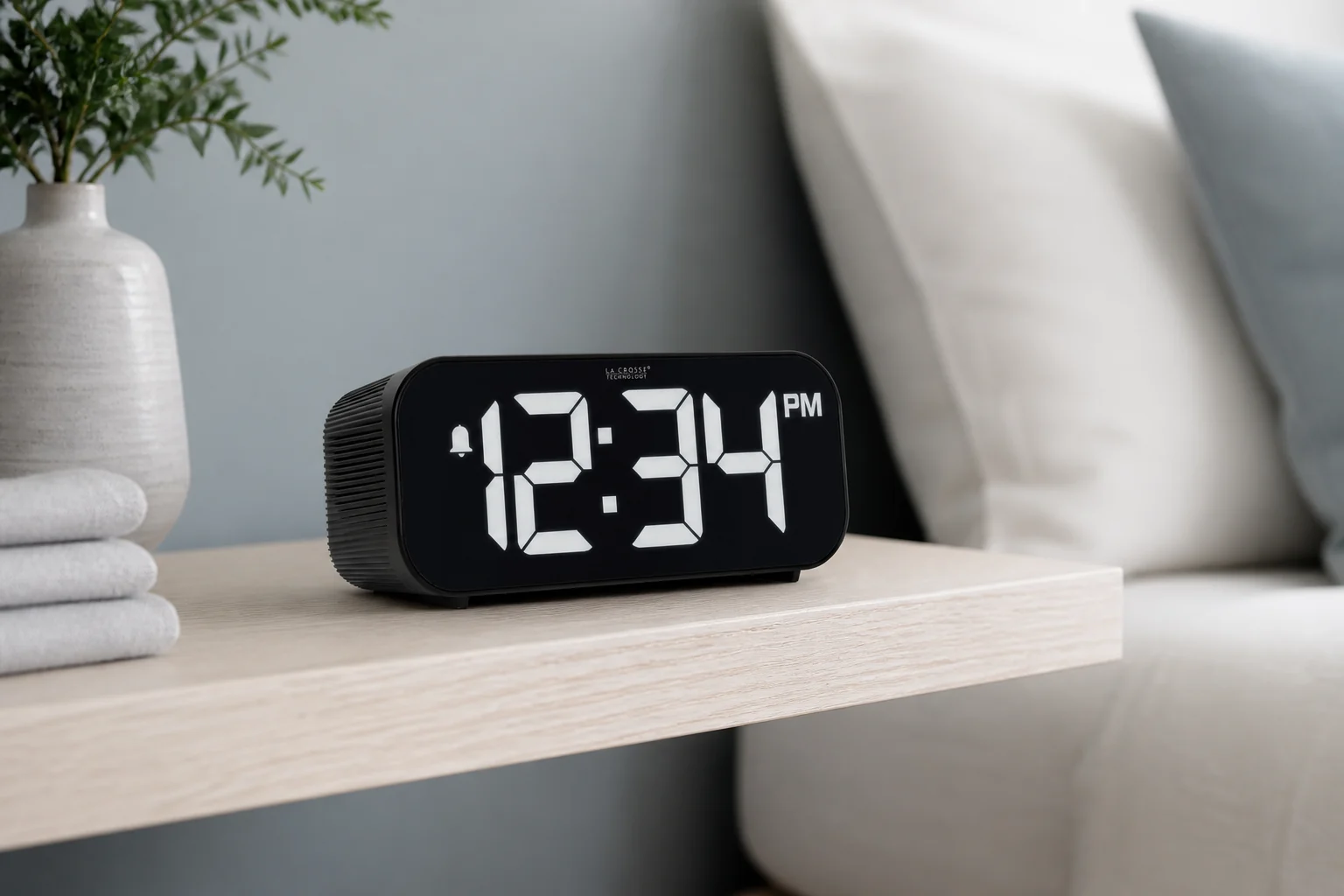
La Crosse Technology 617-714
The 617-714 represents the large-display digital route, including a true display-off setting and an adjustable audible alarm.
This digital clock pairs to a phone for time and date updates, then provides an ascending alarm rated up to 95 dB, five brightness choices including off, and a 1-amp USB-A charging port.
Evidence trail