Feature-level decisions
Alarm Clock Features That Can Change the Purchase
A feature deserves its own page only when it can rule a model in or out. Decorative extras stay inside the relevant type or review.
The decision first
Which feature would actually disqualify a clock?
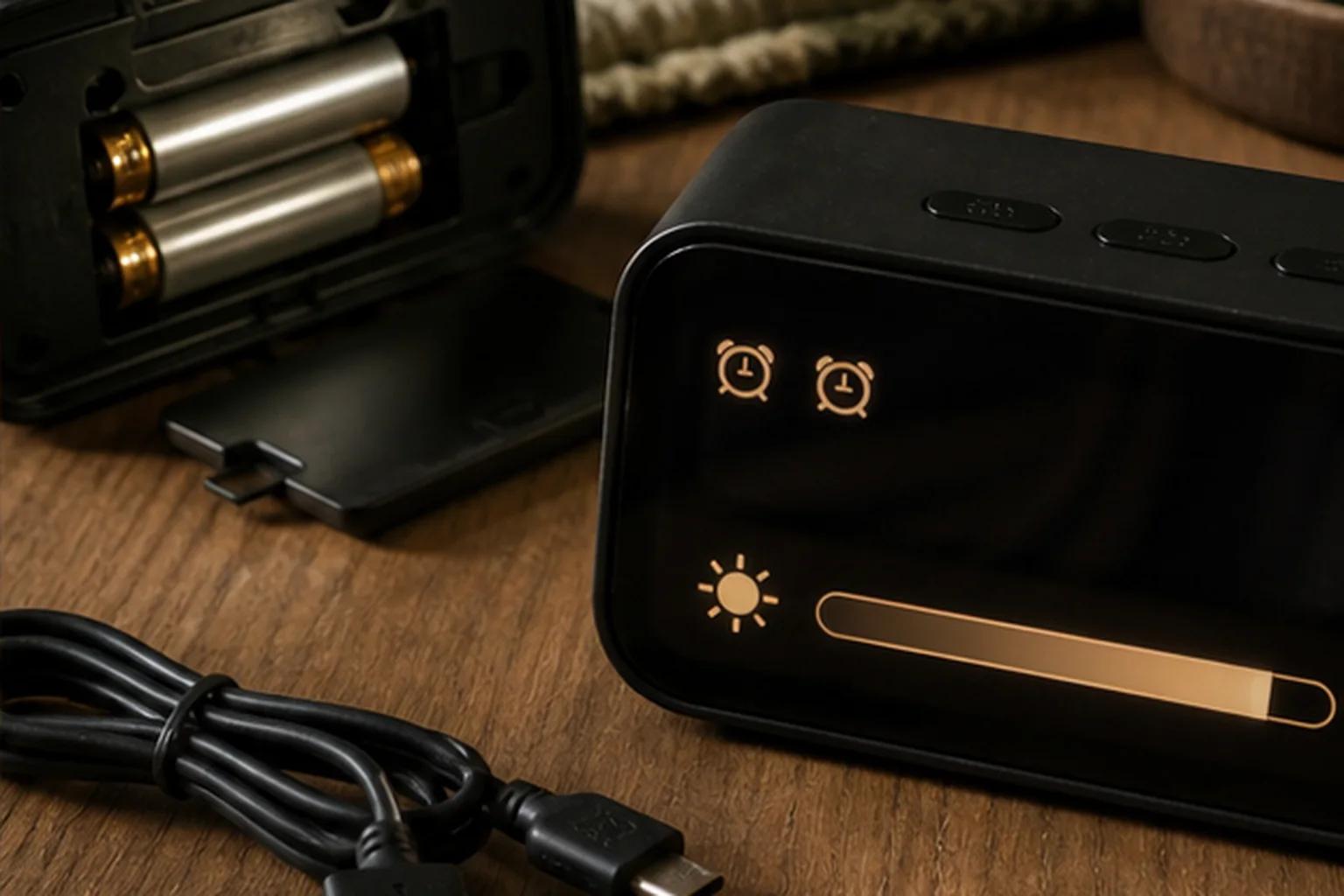
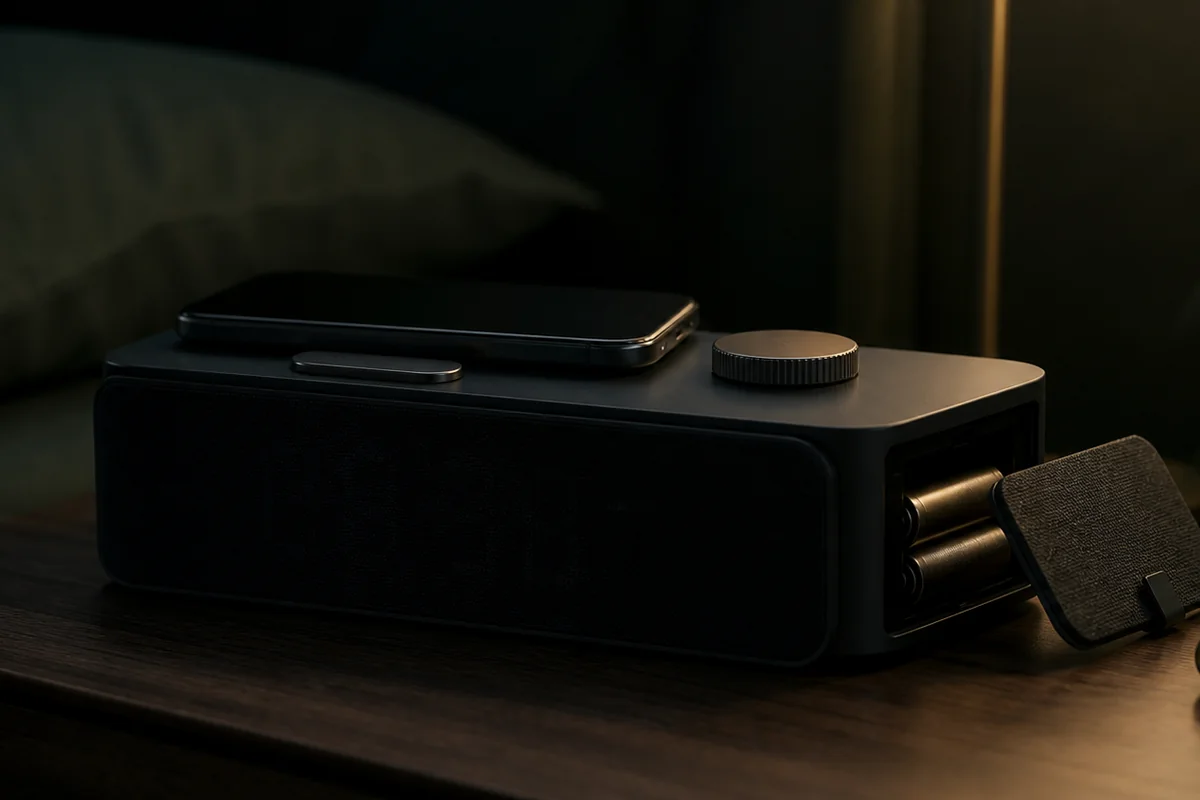
Treat each feature as a contract to verify. Battery backup may retain time without powering the display. A charging pad still needs alignment and available power. Dual alarms differ in schedule and source options. A dim display is not the same as a display that can turn fully off.
Nonnegotiable checks
The criteria that can change the answer
Exact behavior
Read the manual rather than relying on the feature label.
Failure state
Check what the clock does after power, Wi-Fi, or phone access is lost.
Night controls
Find out whether the feature is usable without bright menus.
Compatibility
Verify charging standards, batteries, adapters, and alarm sources.
What changes in practice
Compare the trade-offs, not the feature count
| Route | Decision value |
|---|---|
| Battery backup | Alarm operation versus settings retention. |
| Charging | Less bedside cable clutter versus alignment and heat constraints. |
| Dual alarm | Two times are useful only if schedules and sources fit the household. |
| Dimmable display | Several brightness steps versus a true display-off mode. |
Translate the label
A feature matters only when its exact behavior is known
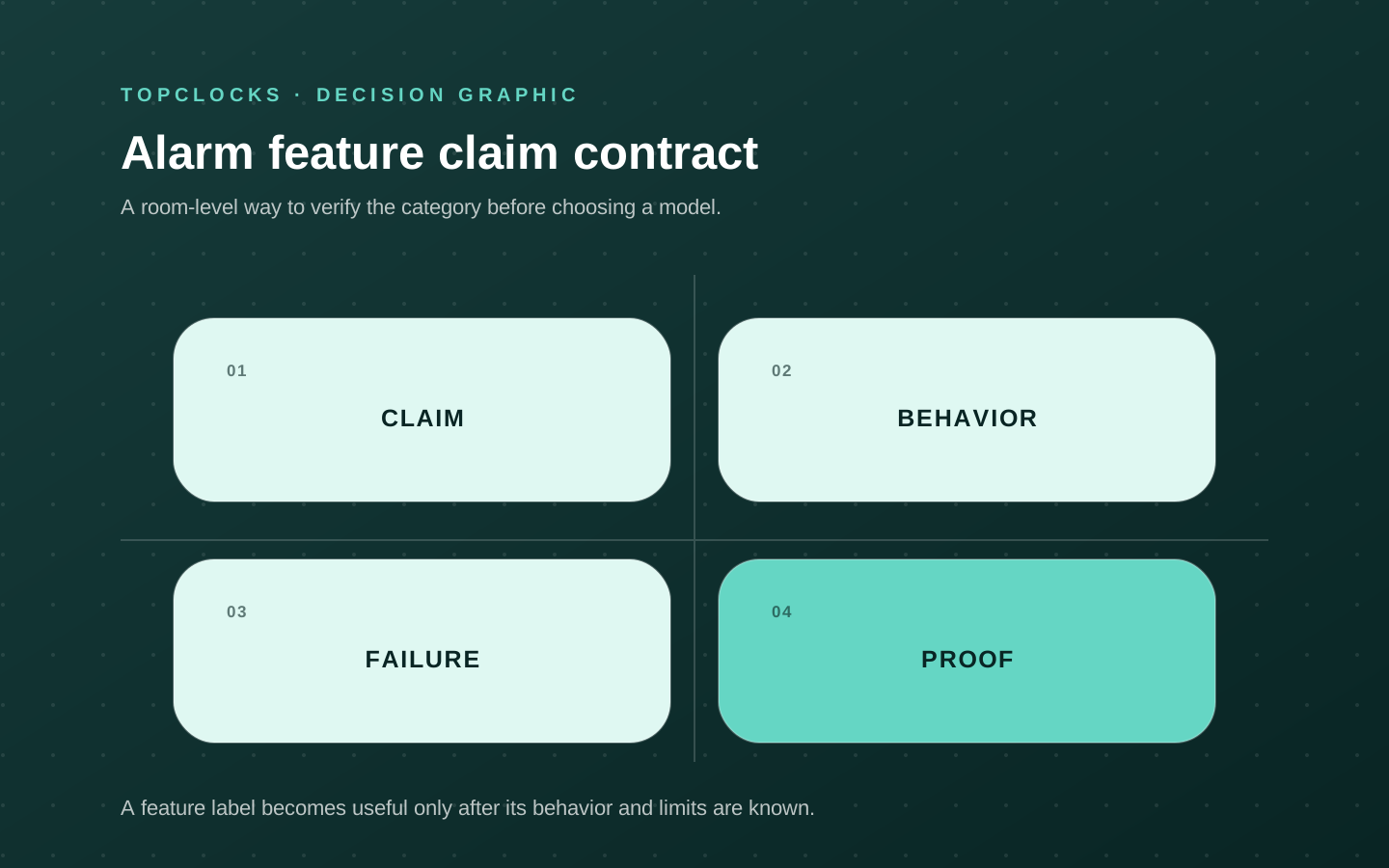
Alarm-clock feature names look precise while hiding several possible behaviors. “Battery backup” may mean time retention, alarm operation, or both, and the display may still turn off. “Dual alarm” proves that two time slots exist but does not prove independent days, sources, volumes, or snooze behavior. “Dimmable” may describe three bright steps, a continuous low range, automatic adjustment, or a true off state. “Wireless charging” does not reveal the power delivered to a particular phone, whether a case interferes, or whether the phone covers the alarm controls.
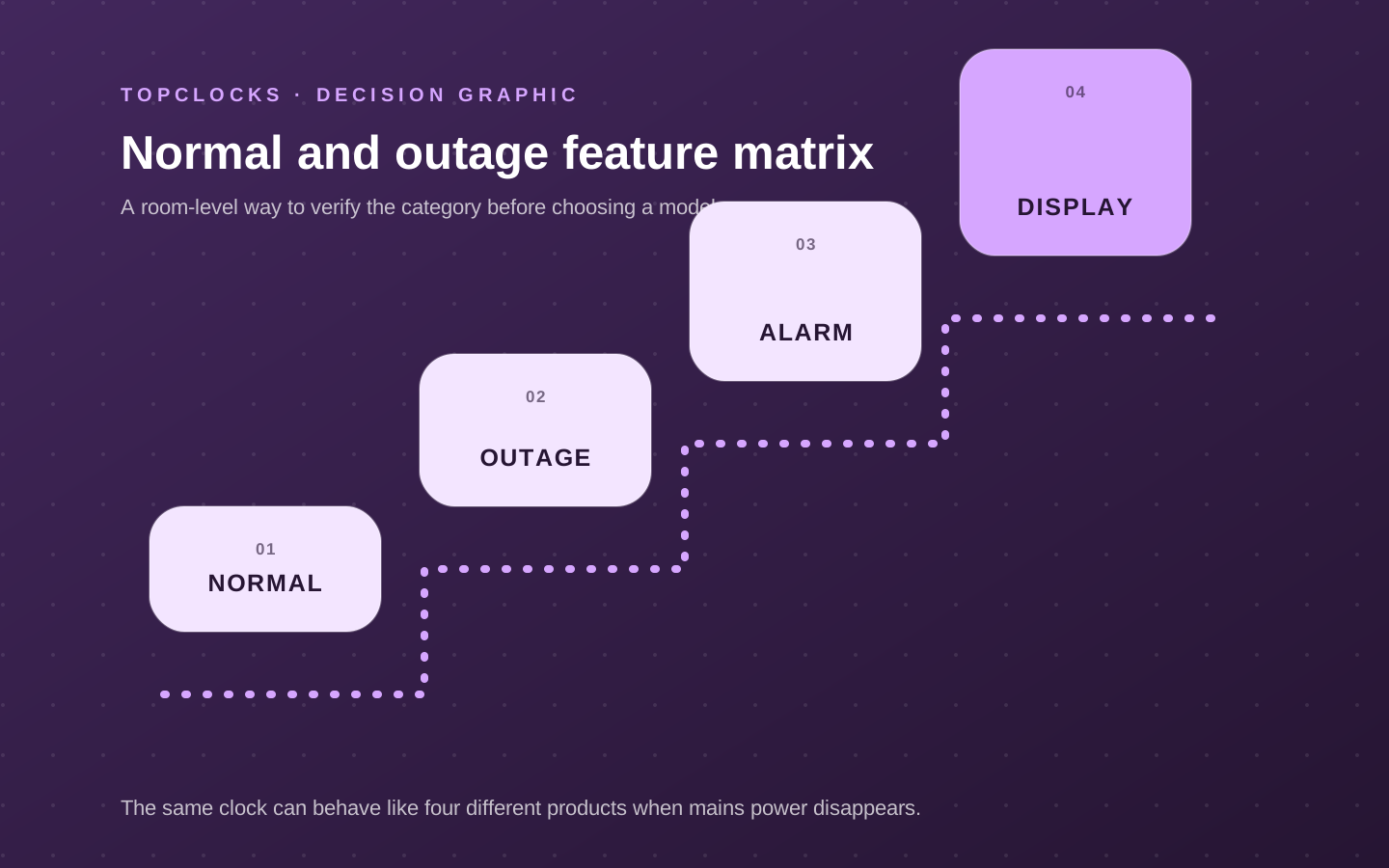
Convert every important feature into an operational sentence. Instead of recording “battery backup,” write what happens after mains power is removed: which settings remain, whether an alarm sounds, which source is used, whether digits remain visible, and how long the state is intended to last.
Instead of “dual alarm,” write which settings can differ between Alarm 1 and Alarm 2. Instead of “smart,” list what requires the app, account, Wi-Fi, or subscription and what the bedside device can run from saved settings.
This translation creates a disqualifier. If the user needs an audible alarm through a blackout, settings retention alone fails. If a couple needs separate radio and buzzer sources, two times with one shared source fail. If the room must become fully dark, a low setting with bright status LEDs fails. A concrete sentence makes the feature comparable across brands and gives the reader a line to find in the manual.
- Name the normal state: what the feature does when the clock is fully powered and configured.
- Name the failure state: what changes when mains power, network, phone, or service access is lost.
- Name the control: where the feature is set, how its active state is shown, and whether it is usable in darkness.
- Name the boundary: the requirement that would make the implementation unacceptable even though the label is present.
A buying table built from operational sentences will be shorter than a feature inventory and more useful. It does not reward a model for having the most checkmarks; it reveals which model actually performs the required behavior.
Separate two kinds of value
Convenience features and reliability features solve different problems
Some features change whether the alarm can perform its primary job.
Others make the nightstand more convenient. The distinction is not moral—charging, radio, streaming audio, weather data, and decorative light can be genuinely useful—but it controls the order of comparison. Accessible signal, schedule behavior, power, placement, and stop controls belong to the reliability layer. Charging ports, sound libraries, radio presets, projection, and connected routines enter after that layer passes.
A convenience feature can also change reliability indirectly. A charging pad may encourage the phone to stay in a stable overnight position, yet it can concentrate phone and alarm power on one adapter. A radio can provide a preferred wake source, but weak reception or a lost preset makes the fallback buzzer important. App control can simplify changing a complicated weekly routine, while an expired login or incompatible update can make configuration harder. Projection can reduce the urge to pick up a phone at night, while adding another light source and a mains-power requirement.
Judge the feature by the friction it removes and the failure it adds. If it removes no important friction for this household, it should not dominate the purchase. If it adds a dependency, the manual or support page should explain the state that remains. This is especially important for “all-in-one” clocks: combining alarm, charger, speaker, lamp, and connected service can save space, but each function may share one outlet, adapter, control surface, and product lifecycle.
- Promote a feature to “nonnegotiable” only when its absence would change the model decision.
- Keep a feature as “preference” when it improves daily use but does not protect the wake path.
- Mark a feature as “dependency” when it relies on a phone, network, account, service, accessory, or specific power adapter.
- Mark a feature as “shared failure” when it concentrates several important functions on one component.
This classification keeps the page commercially useful without turning it into a list of extras. The best feature set is the smallest set that solves the morning and nightstand jobs with understandable failure states.
Check the interfaces
Compatibility includes people, rooms, accessories, and software
Compatibility is often reduced to a phone model or charging standard, but an alarm feature has several interfaces. The signal must be compatible with the sleeper.
The display and controls must be compatible with the room and nighttime use. A shaker connector and cable must be compatible with the bed position. A radio needs usable reception. A charging surface must work with the device, case, coil position, and supplied adapter. A smart routine must work with the supported operating system, account arrangement, network, and household access.
Human compatibility is the first filter. A high-output sound feature is irrelevant when sound is not an accessible channel. A sunrise feature has limited value when its light cannot reach the sleeper. A tiny rear switch can make an otherwise simple analog clock difficult to verify. A display-off feature may be excellent for darkness and frustrating for someone who needs glanceable time. There is no universal implementation that maximizes all of those needs.
Physical and software interfaces change over time. Phone cases get replaced, furniture moves, mattresses damp vibration differently, app requirements change, and services revise what is included. Record the exact model and source date for claims that can change. Avoid assuming that a related model, regional suffix, or later hardware revision behaves the same. For connected clocks, separate app compatibility at setup from alarm behavior after the routine is saved.
- Test charging with the normal phone case, cable, and adapter rather than a bare device in a store photograph.
- Measure cable reach and secure placement for a shaker; avoid routing that can be pulled, pinched, or disconnected.
- Check radio reception and saved-station behavior at nightstand height, not only elsewhere in the home.
- Confirm which household members can change a connected routine and which controls remain available on the clock.
The feature page should therefore send model-specific questions to the current manual and support documents. A category label can reveal what to investigate; it cannot guarantee compatibility.
Prove the behavior
Use one controlled test for each feature that can change the purchase
Feature verification works best when one variable is tested at a time. Begin by writing the promised behavior and the failure that matters. Set the clock according to the current manual, take a photograph or note of the active indicators, and run a short daytime alarm. Then introduce the relevant condition: remove mains power, turn the display off, set two different day patterns, place the normal phone on the charger, disconnect Wi-Fi after saving a routine, or move the shaker under the actual bedding.
Observe the entire state, not just the headline feature. During a battery test, note the display, alarm source, stored time, active indicator, charging ports, and restoration after power returns. During a dimming test, wait for dark adaptation and inventory digits, alarm icons, button lights, charging indicators, and projection. During a dual-alarm test, use different times, days, and sources, then confirm what snooze and stop do to each. During a charging test, check alignment, control clearance, heat, and the phone’s charging confirmation.
Repeat the test after setup changes that can invalidate the result. Replaceable batteries need dates. App-based features need a check after major updates. Radio presets need a check after a reset. A new mattress or pillow needs a vibration test. A new phone case needs a charging test. The result is not a lifetime certification; it is a verified state that should remain easy to reproduce.
- Do not use an important morning as the first feature test.
- Keep the product manual or official support link with the setup record.
- Change one condition at a time so a failure can be assigned to a specific link.
- Use an independent backup when the consequence of a failed feature is high.
A feature deserves the purchase only when its implementation survives this level of scrutiny. If the source does not explain the relevant behavior and the product cannot be tested within a practical return window, preserve that uncertainty instead of replacing it with a confident marketing claim.
Verify in the room
Turn every desired feature into an operating sentence
Replace the feature name with the behavior you expect: the alarm sounds during an outage, the display reaches true darkness, two schedules remain independent, or charging works through the normal phone case. Treat this as a selection experiment for alarm clock features, not a claim that one model will work for every sleeper. The objective is to expose a mismatch while the clock can still be returned, moved, or reconfigured.
Test the behavior with the intended outlet, cable, phone, case, room brightness, alarm days, sound source, and bedside control sequence. Labels alone do not define those states. Keep the first run deliberately ordinary. Extreme settings can hide a placement problem, and a special one-night routine does not show whether the setup is maintainable on workdays, school days, weekends, and schedule changes.
A feature fails when it preserves less than its name suggests, adds a hidden dependency, obstructs a control, or shares settings that the user expected to be independent. Write the likely failure before running the test. That note prevents a bright display, attractive sound library, charging pad, or app from receiving credit for a wake path it cannot protect.
Record the normal state, the interrupted state, the recovery state, and what the manual says for the exact model number. Those four observations expose most ambiguous feature claims. A simple dated log is enough. Avoid converting one successful morning into a universal result; repeat the check after changing bedding, furniture, power, software, room, or schedule because the signal path may have changed.
- Exact operating behavior: write the observed state, not a yes-or-no impression. Add the condition that produced it and the next check if the result was unclear.
- Normal state: write the observed state, not a yes-or-no impression. Add the condition that produced it and the next check if the result was unclear.
- Interrupted state: write the observed state, not a yes-or-no impression. Add the condition that produced it and the next check if the result was unclear.
- Recovery state: write the observed state, not a yes-or-no impression. Add the condition that produced it and the next check if the result was unclear.
- Shared dependencies: write the observed state, not a yes-or-no impression. Add the condition that produced it and the next check if the result was unclear.
- Model-specific manual: write the observed state, not a yes-or-no impression. Add the condition that produced it and the next check if the result was unclear.
A feature passes when its exact behavior protects a real requirement and can be checked without relying on marketing shorthand. Reject a model when the feature cannot be stated operationally or when its added convenience creates a more serious wake-time failure.
If the result is mixed, do not average it into a score. Preserve the unresolved condition and compare only models that give you a direct way to verify it.
When reading product pages for alarm clock features, translate each promising label back into an observable state. “Reliable” should identify the cue that survives the expected power and dependency conditions. “Easy to use” should identify who sets the alarm, in what light, and how the active state is confirmed. “Best” should disappear unless the scenario and disqualifiers are stated beside it.
Close the hidden gaps
Questions that settle a choice about alarm clock features
For alarm clock features, these questions close the gaps left by retailer filters and broad “best alarm” lists. Each answer is a boundary for the shortlist, not a promise about an untested model.
What should be tested before buying alarm clock features?
Test the behavior with the intended outlet, cable, phone, case, room brightness, alarm days, sound source, and bedside control sequence. Labels alone do not define those states. Use the exact device revision and current manual when a control, accessory, app, or backup behavior affects the result.
Which failure should be ruled out first?
A feature fails when it preserves less than its name suggests, adds a hidden dependency, obstructs a control, or shares settings that the user expected to be independent. Test that failure first, while the consequences are low, instead of increasing every setting at once.
How many checks make the result dependable?
Within this review of alarm clock features, one successful check confirms that the setup can work; it does not show that it is robust. Repeat it on ordinary mornings and after any change that affects the signal, power, placement, schedule, or stop action. High-consequence mornings deserve an independently tested backup.
Can specifications settle the choice?
Specifications and manuals can narrow the shortlist for alarm clock features by establishing intended controls, compatibility, power requirements, and operating states. They cannot establish what one sleeper will hear, see, or feel through a particular room and bed. Keep documented facts and room observations separate.
When should a candidate for alarm clock features leave the shortlist?
Reject a model when the feature cannot be stated operationally or when its added convenience creates a more serious wake-time failure. A disqualifier should remove the model before price, design, reviews, or optional content are compared.
What does a passing result look like?
A feature passes when its exact behavior protects a real requirement and can be checked without relying on marketing shorthand. The result should be visible in the log and repeatable without a special workaround that the household is unlikely to maintain.
Finish the decision about alarm clock features by writing one sentence: “This setup should wake this person, in this room, through this signal, under these power conditions, and it will be checked this way.” If any blank remains, the page has identified the next research task rather than pretending the purchase is settled.
Before relying on it
Run the complete alarm path
A product page can confirm features. Only a real setup check confirms that the selected signal, placement, controls, and power path work together in the room.
- Open the current manual.
- Find the power-failure paragraph.
- Confirm included batteries and adapters.
- Test the darkest usable display setting.
Role-based product shortlist
Models worth comparing for this decision
These are desk-researched candidates, not a claim that one clock wins for everyone. Each card explains the scenario it fits, the limitation to verify, and the primary source used for the factual details.
Compare for a large display with true display-off
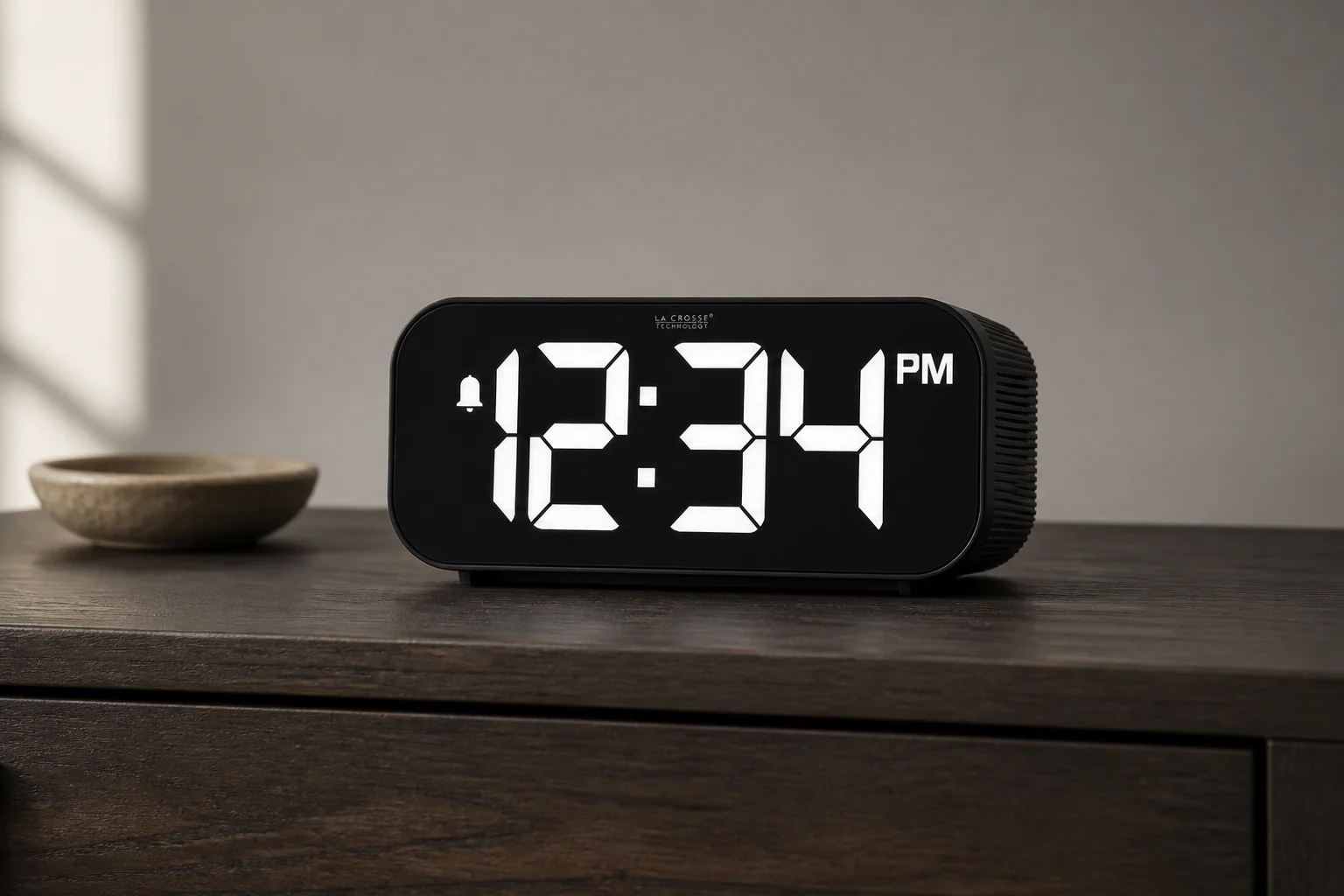
La Crosse Technology 617-714
Use the 617-714 to examine what “dimmable” really means, because its display settings include a complete off state.
This digital clock pairs to a phone for time and date updates, then provides an ascending alarm rated up to 95 dB, five brightness choices including off, and a 1-amp USB-A charging port.
Compare for radio and fuller bedside audio
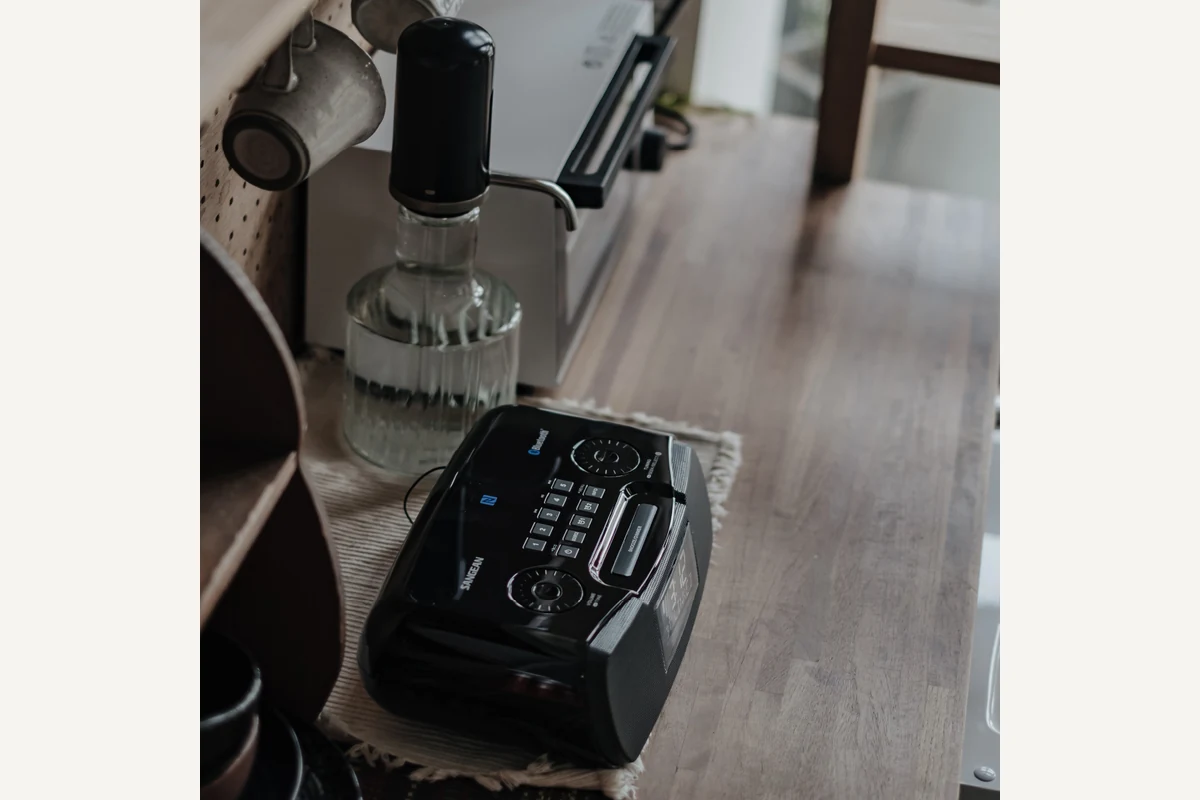
Sangean RCR-20
RCR-20 demonstrates how radio, Bluetooth, auxiliary input, charging, and backup questions can accumulate in one bedside device.
The RCR-20 offers AM/FM-RDS, Bluetooth playback, aux input, an adjustable backlit display, USB charging, and two alarms. The cited US manual documents buzzer, AM, and FM wake sources.
Compare for several bedside charging devices
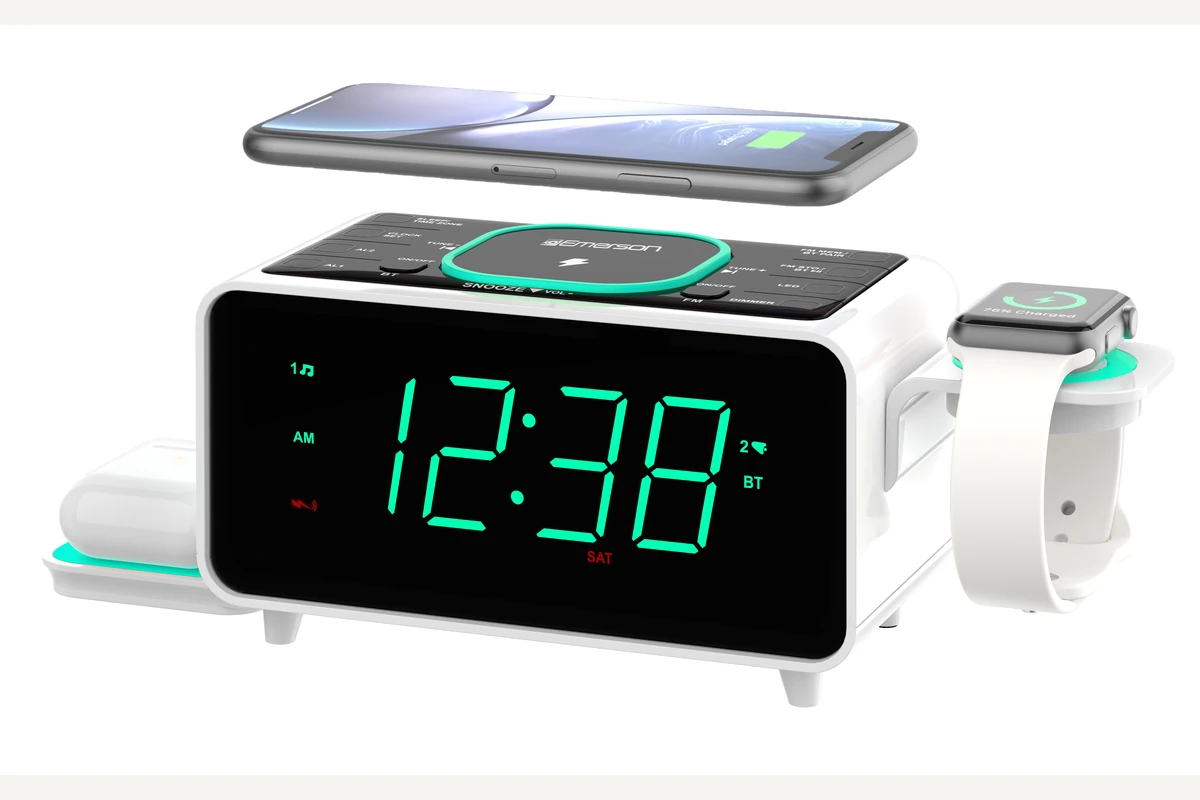
Emerson SmartSet ER100501
ER100501 is the charging-heavy example: it serves a phone, earbuds, and wired accessories but also concentrates them on one power path.
The ER100501 has a 15-watt phone pad, a separate 3-watt earbud charger, USB-A and USB-C outputs, a cable holder for a watch charger, dual alarms, and FM radio.
Evidence trail