Hatch Restore 3 vs Philips SmartSleep HF3520/60: App Routines or On-Clock Controls?
US buying comparison · Documentation checked August 28, 2026
Choose Philips SmartSleep HF3520/60 if you want to set and adjust the alarm on the clock itself. Choose Hatch Restore 3 if app-configured routines and alarms assigned to particular weekdays are useful enough to justify keeping the app. Both have controls you can use at the bedside; that does not make their setup and adjustment equally phone-free.
Hatch+ is optional: Restore 3’s core features and audio remain available without it. Evaluate the included functions first, then decide whether any additional paid audio is worth adding.
Author: TOPCLOCKS Editorial TeamUpdated: August 28, 2026
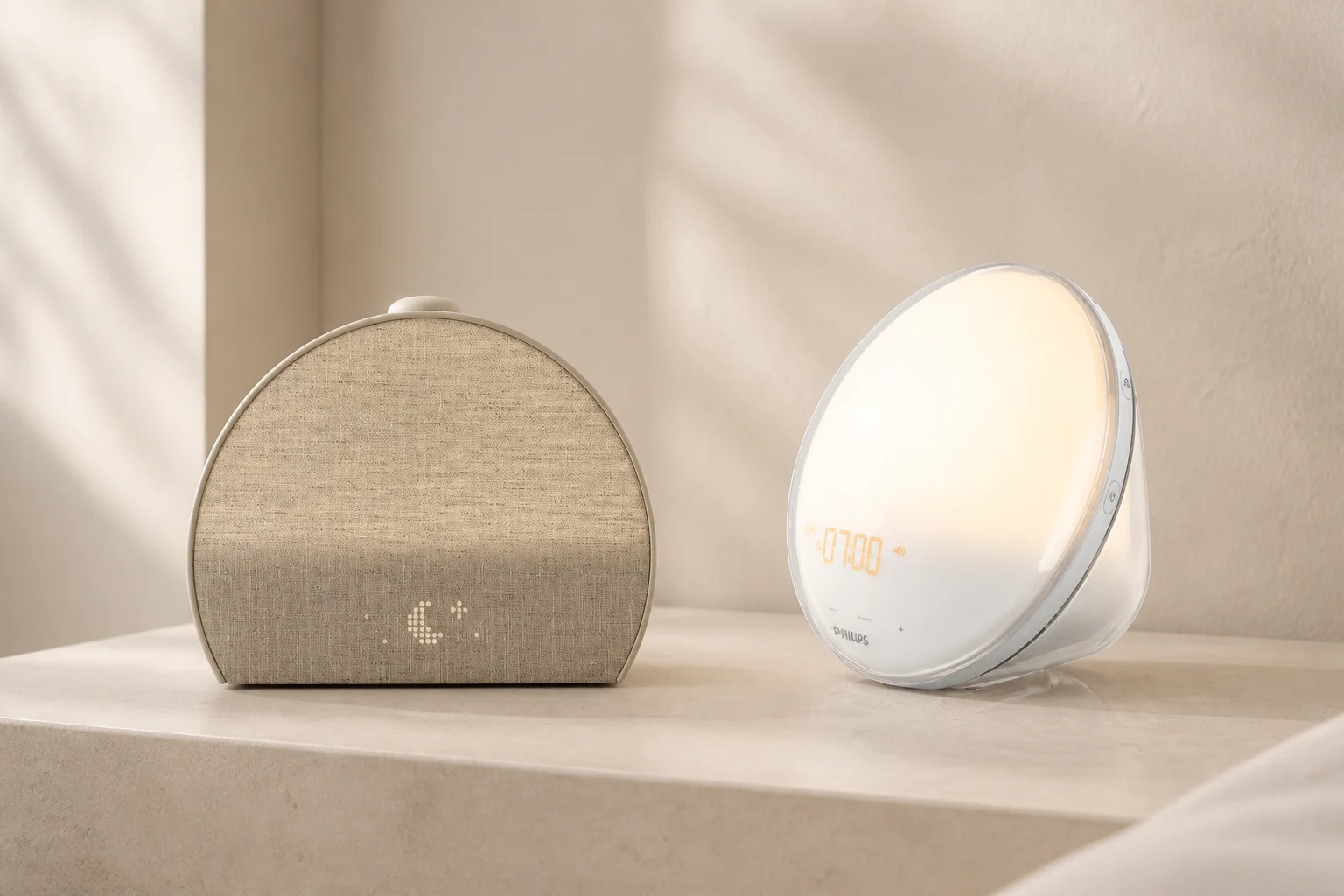
Generated editorial scene based on original model references; not a measured brightness or scale comparison.
Which settings must you change without a phone?
Philips: keep setup on the clock
The HF3520/60 fits a buyer who wants to change time, light and sound through the device’s controls. Its documented setup does not require an app, account or Wi-Fi. The trade-off is managing two alarm profiles yourself, rather than assigning an automatic weekday calendar.
Hatch: program the week in the app
Restore 3 fits a buyer who wants different alarms on selected days and a saved bedtime routine. Once configured, its controls handle everyday actions such as starting a routine and snoozing. Brightness adjustment still requires the app, so it is not the choice for someone refusing app-based settings altogether.
Start with an action, not “smart” versus “simple”: changing tomorrow’s time, dimming a reading light, skipping Saturday, or stopping today’s alarm. The and show where those actions happen.
Restore 3 and HF3520/60, side by side
Documented functions and the ownership differences that follow
Decision point
Hatch Restore 3
Philips HF3520/60
Initial setup
Hatch Sleep app, registration and 2.4 GHz Wi-Fi
On-device setup; no app or network step in the instructions
Change brightness
In the app; the top dial adjusts volume
On the device, with 20 light settings
Different days
Multiple alarms with selected repeat weekdays; numeric limit not established
Two profiles with manual activation; no automatic weekday calendar documented
Sunrise duration
Adjustable in the app; a zero-minute option is documented
20, 25, 30, 35 or 40 minutes; default 30
Light and sound
Either can be disabled in an alarm
Alarm light and sound settings each include Off
Wake audio
Hatch library, including free alarm choices
Five natural wake sounds or FM radio
Snooze
Fixed nine minutes; sound pauses, light stays on
Nine minutes; sound pauses, light stays on
Personal music
Not a general Bluetooth speaker for your own music
No smartphone/iPod music playback in the specification
Recurring payment
Optional Hatch+ for additional audio; core use remains available
No recurring service required for the documented built-in functions
Power interruption
Keep plugged in; outage operation and exact retained-setting behavior not verified here
Clock time retained for up to eight hours; this does not power the light or alarm
The rows describe documented capabilities, not scores from a side-by-side test. A larger audio catalog does not establish a more dependable alarm, and a longer sunrise does not establish better results for every sleeper. Model-specific sources and unresolved points are listed below.
The two exact models
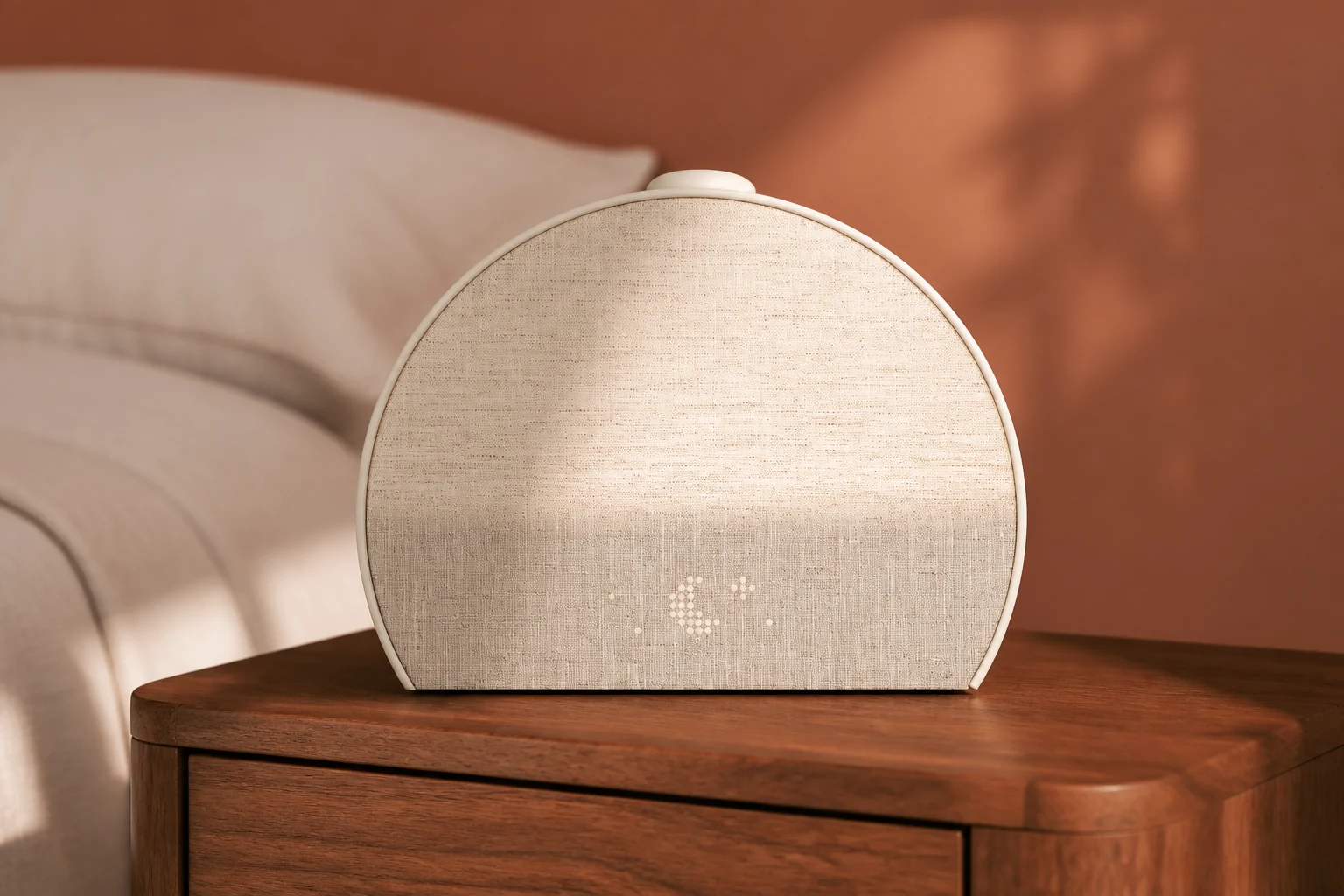
Restore 3, shown in a new generated editorial scene using the original model as reference.
Hatch Restore 3
For a programmed week and a repeat bedtime routine. Check the seller’s exact model name: Restore 3 is not the separate Hatch Sleep Clock, despite their similar fabric-covered faces.
Read the short model assessment
Its useful extra is the repeat-day workflow: configure the alarms once, then check that the hardware alarm toggle remains enabled. It also offers library audio without turning the clock into a general-purpose music speaker. Keep the app for configuration, including brightness.
Restore 3 does not provide Sleep Clock’s sleep tracking. If tracking is the reason you are considering Hatch, read Sleep Clock versus Restore 3 before ordering.
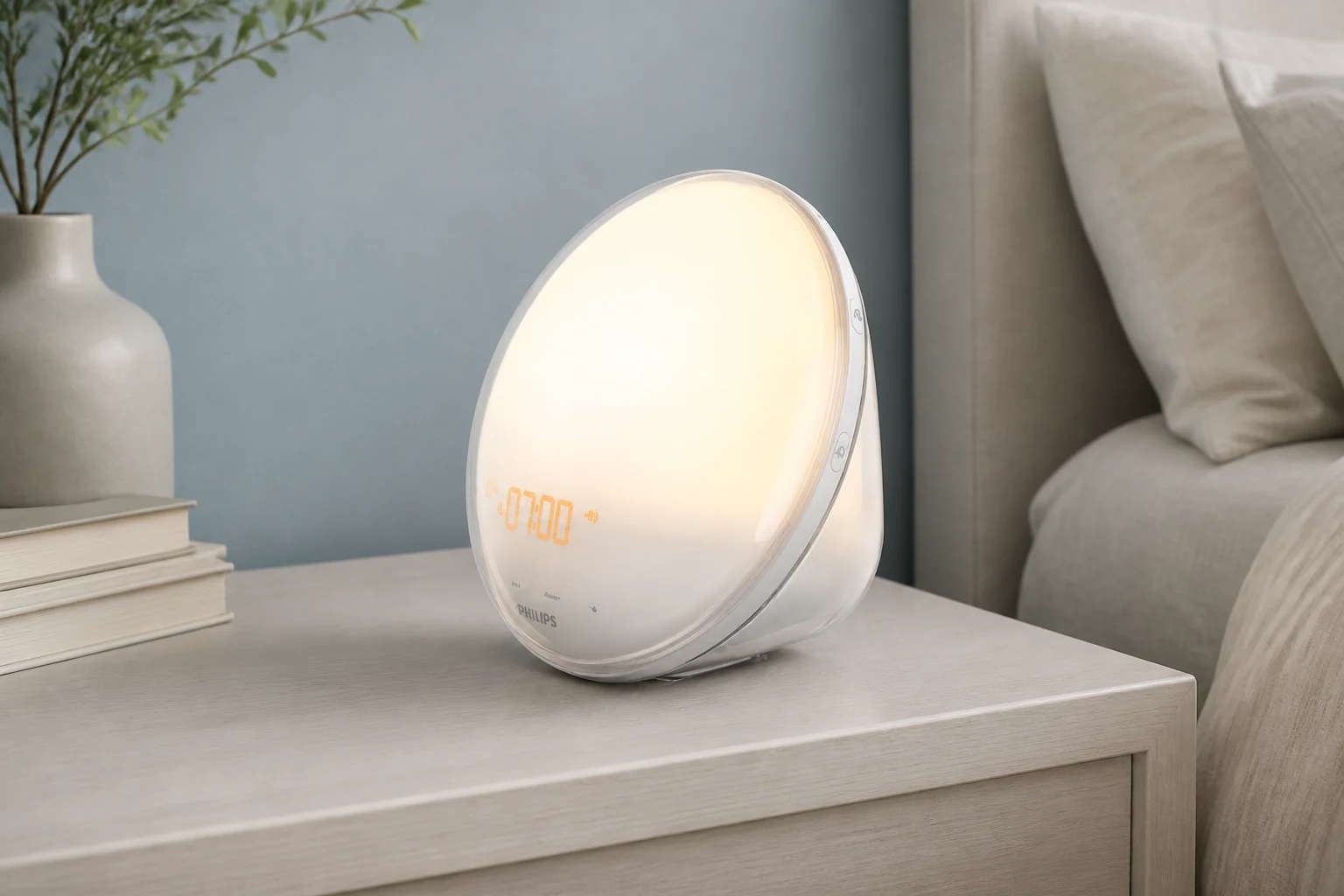
HF3520/60, shown in a separate generated editorial scene based on Philips’s original model reference.
Philips SmartSleep HF3520/60
For on-clock adjustment and a choice of natural sounds or FM. Its circular light face belongs to the HF3520, not the different HF3650/60 design.
Read the short model assessment
The appeal is a documented setup that stays on the device. You can keep two wake-up profiles, but should expect to choose which are enabled. Having a second stored time is useful; it is not evidence that the clock knows which days you work.
Confirm the model suffix and included power adapter in the seller’s listing. SmartSleep is a family name, so features from a connected Somneo or an HF3650 review should not decide this purchase.
TOPCLOCKS may earn a commission from qualifying purchases through partner links. Review links and store links are separate; check the selected model, seller, availability and return terms before buying.
Setup, brightness and everyday controls
On Restore 3, the large top control changes its job with the device’s state. During a routine, a press starts or advances it and a hold stops it. During an alarm, a press snoozes and a hold stops the alarm. Turning the control changes volume.
Brightness is the less obvious limit. The separate light button is not a brightness dial: . If you regularly dim the lamp while reading and do not want to retrieve a phone, that limitation can outweigh the convenience of saved routines.
Philips puts configuration in its on-device menu and controls. That avoids the app dependency, but does not establish that every control is a large tactile button. Follow the HF3520 instructions and check whether you can identify the relevant controls from your normal position in bed.
For either model, rehearse snooze and stop while awake. Then check the next alarm indication. Accidentally disabling tomorrow’s alarm is a different problem from choosing an unpleasant sound.
Workflow diagram from the model instructions. Bedside controls do not remove every setup dependency.
Weekday schedules versus two alarm profiles
Suppose you need 6:30 a.m. Monday through Friday and 8:00 a.m. on weekends. Restore 3’s lets you choose repeat days for each alarm. Program those two schedules, check their days, and confirm the physical toggle is on. That switch disables all alarms; switching off one schedule is an app action.
With HF3520/60, the documented method is to store two profiles and manually enable the one you need. Treat Friday evening as a changeover to remember, not an automatic consequence of setting two times. The manual’s weekday/weekend example does not establish a calendar feature.
Also distinguish a recurring alarm from a one-off. Hatch says an alarm without selected repeat days is a one-time alarm and is deleted after it sounds. That can suit an unusual appointment, but it should not be how you accidentally configure your normal workday.
The alarm time and the beginning of the light ramp are separate. For an illustrative 7:00 a.m. alarm with a 30-minute sunrise, light begins at 6:30. Do not move the alarm itself to 6:30 unless that is when you want its scheduled sound. Restore 3’s guide places sound at the chosen alarm time, after the light ramp.
Illustrative times, not test results. Both models document nine-minute snooze with the light remaining on.
Philips offers 20, 25, 30, 35 and 40-minute sunrise choices, with 30 as the documented default. Restore 3 supports app adjustment; its exact-model snooze guide also documents a zero-minute setting. There is no need to infer a factory default or numerical maximum from another Hatch generation.
Light in your room: placement before a brightness winner
Philips specifies approximately 1–300 lux at 45 cm, with 20 light settings. That distance matters. It is not a promise that the whole bedroom, or your eyes on the far side of a bed, receive 300 lux. The supplies the measurement condition.
No equivalent Restore 3 maximum with matching measurement conditions was verified for this comparison. An app percentage, a photograph of a glowing face, and a lux reading are not interchangeable. The evidence therefore does not support declaring either clock the brightness winner.
Check the actual bedside position instead. Lie where you sleep and look for anything between you and the light face. Consider whether the clock must sit behind a lamp or books, whether the controls remain reachable, and whether the power cable pulls it out of position. Keep the arrangement consistent when trying a different sunrise duration.
A shared room adds another check: does the other sleeper accept the earlier light ramp? Two alarm times do not produce two private zones of light. Both models can separate light and sound settings, but switching one signal off only helps if the remaining signal suits the person who needs to wake.
If quiet waking beside a partner is the main requirement, start with the alarm-clock guide for couples. If you are still deciding whether light is the right signal at all, use sunrise versus sound alarms. A product-pair comparison cannot settle a signal mismatch.
Sounds and the cost without Hatch+
HF3520/60 offers five natural wake sounds and FM radio. FM is useful if a local station is what you want to hear, but check reception in the bedroom. The model’s specification does not support playing your phone’s music through it.
Restore 3 plays the Hatch library, not arbitrary songs or podcasts sent over Bluetooth. Its includes nature sounds, white/pink/brown noise, alarm choices and sunrises; some Unwind content is free too. Avoid assuming either that every story is paid or that the entire premium catalog remains after cancellation.
On August 28, 2026, a 30-day Hatch+ trial followed by $5.99 monthly or $59.99 annually. The paid service is optional. Check the enrollment screen, renewal date and cancellation terms instead of assuming that buying the hardware means you have accepted a membership.
Compare hardware-only with hardware-only first. If you want premium audio, add the same chosen period of membership to the Hatch side. One paid annual term at the observed rate adds $59.99; twelve paid monthly terms add $71.88. These are arithmetic examples, not checkout totals after tax or an assumption about how a trial is billed.
Hatch+ adds audio access; it is not a fee required to keep the core sunrise alarm working. Terms checked August 28, 2026.
A current comparable US Philips purchase price was not established from the manufacturer page. Use the linked seller listings for today’s hardware prices rather than treating an older review’s number as an offer. No current stock or seller-quality claim is made here.
What a power cut changes
The HF3520 manual says clock time is retained for up to eight hours after power loss. This is not eight hours of operating light or alarm sound. Keeping the time in memory and supplying power to wake you are different functions; a listing that says only “backup” leaves that distinction unresolved.
Restore 3’s says to keep it plugged in. The reviewed documents do not establish a battery-powered alarm runtime, exact retained-setting behavior, or what every saved alarm does after an offline restart. They do not justify claiming that all settings disappear either.
Philips’s time-retention statement does not establish powered alarm output. Hatch’s unverified recovery details remain open questions.
Wi-Fi loss is another event again. Hatch requires Wi-Fi for app control and customization; that fact alone does not prove whether a particular saved routine will succeed or fail through every network interruption. Ask support about your exact scenario if it decides the purchase. For a critical morning, keep an independent alarm arrangement instead of inferring reliability from the word “phone-free.”
For travel, verify the supplied adapter label, destination voltage and plug requirements. Do not assume an app-configured clock will be straightforward to set up on a hotel’s network. Official documents also disagree on some size and power-label details, so a tightly fitted shelf or replacement adapter needs confirmation for the actual supplied unit, not an averaged specification.
A first-week check before keeping either clock
Use the seller’s actual return deadline, not an assumed standard trial period. These are checks to carry out yourself; they are not TOPCLOCKS test results.
Set one ordinary morning. Check the alarm time, ramp duration, selected sound and enabled indication. On Hatch, check both repeat days and the physical toggle; on Philips, check the intended profile.
Rehearse the controls while awake. Distinguish snoozing, stopping today’s signal and disabling future alarms. Confirm the next enabled alarm afterward.
Try the normal bedroom position. Keep the light unobstructed and controls reachable. If you share the room, check the light ramp and sound with the other sleeper before a workday.
Make one useful adjustment. If you want a dimmer lamp or different wake time, perform that change using the normal controls. Decide whether retrieving the app or using the on-device menu is acceptable to you.
Check the exception day. Program or enable the weekend arrangement, then return to the weekday one. A routine that works once but is easy to leave disabled needs a different plan.
Record the setting and the problem you actually noticed. Change one relevant variable rather than changing time, sound and placement together. Keep a backup until the new arrangement is familiar; this rehearsal cannot establish a long-term failure rate.
Questions before choosing
Does either clock let me snooze in complete darkness?
Both document nine-minute snooze that pauses sound while leaving the sunrise light on. If darkness during snooze is a requirement, do not assume the snooze control supplies it. Check a light-disabled alarm configuration separately from the normal sunrise routine.
Can Restore 3 replace a Bluetooth speaker?
No. . Bluetooth involvement in setup does not mean you can stream your own music to the clock. HF3520/60 is not a smartphone-music speaker either.
Is Philips automatically better if I decline Hatch+?
No. Compare the included sounds and controls with what you will use. Restore 3 still has core functions and free audio. Philips becomes the clearer fit when on-device configuration or FM matters more to you than app-based routines and repeat-day scheduling.
Does Restore 3 track sleep?
Not the sleep tracking provided by Hatch Sleep Clock. They are different models. The separates their tracking capabilities; do not attribute Sleep Clock features to this Restore 3 comparison.
Should I replace a working HF3520/60 with Restore 3?
Only for a difference you need, such as selected-day scheduling or Hatch routines. If the Philips already fits your morning and you prefer on-device adjustment, a newer product name alone does not establish a useful upgrade.
Documentation and editorial limits
This is a documentation-based buying comparison, not a claimed hands-on light, audio or sleep study. Exact-model support takes precedence over generic brand descriptions. Sources were checked August 28, 2026; app behavior, offers and terms can change.
: profiles, sunrise choices, power interruption and measurement conditions.
and .
and .
and .
Unresolved dimensional discrepancies and offline-recovery details have not been turned into confident specifications. The illustrations show model identity and workflows; they do not establish brightness, physical scale or measured wake-up performance.