Core comparison
Phone Alarm vs Alarm Clock: Convenience or Separation?
A phone offers flexible software you already own. A dedicated clock separates the wake routine from notifications, charging habits, and the rest of the screen.
The decision first
Do you need flexibility or separation from the phone?
Use a phone when software flexibility and portability outweigh the value of separation. Use a dedicated clock when direct bedside controls, a fixed location, or a different signal such as sunrise light or a bed shaker matters. Either option needs a tested volume, power, and backup path.
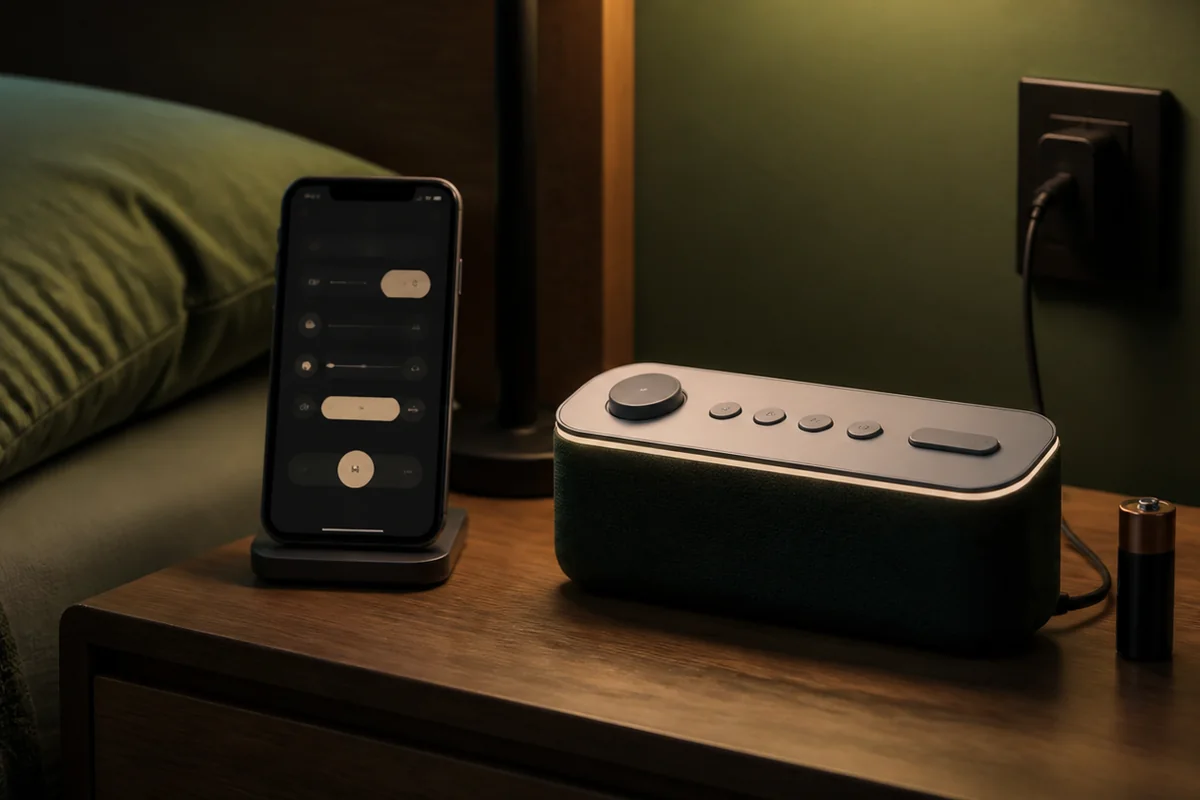
Side-by-side decision
Phone alarm vs alarm clock: the decisive differences
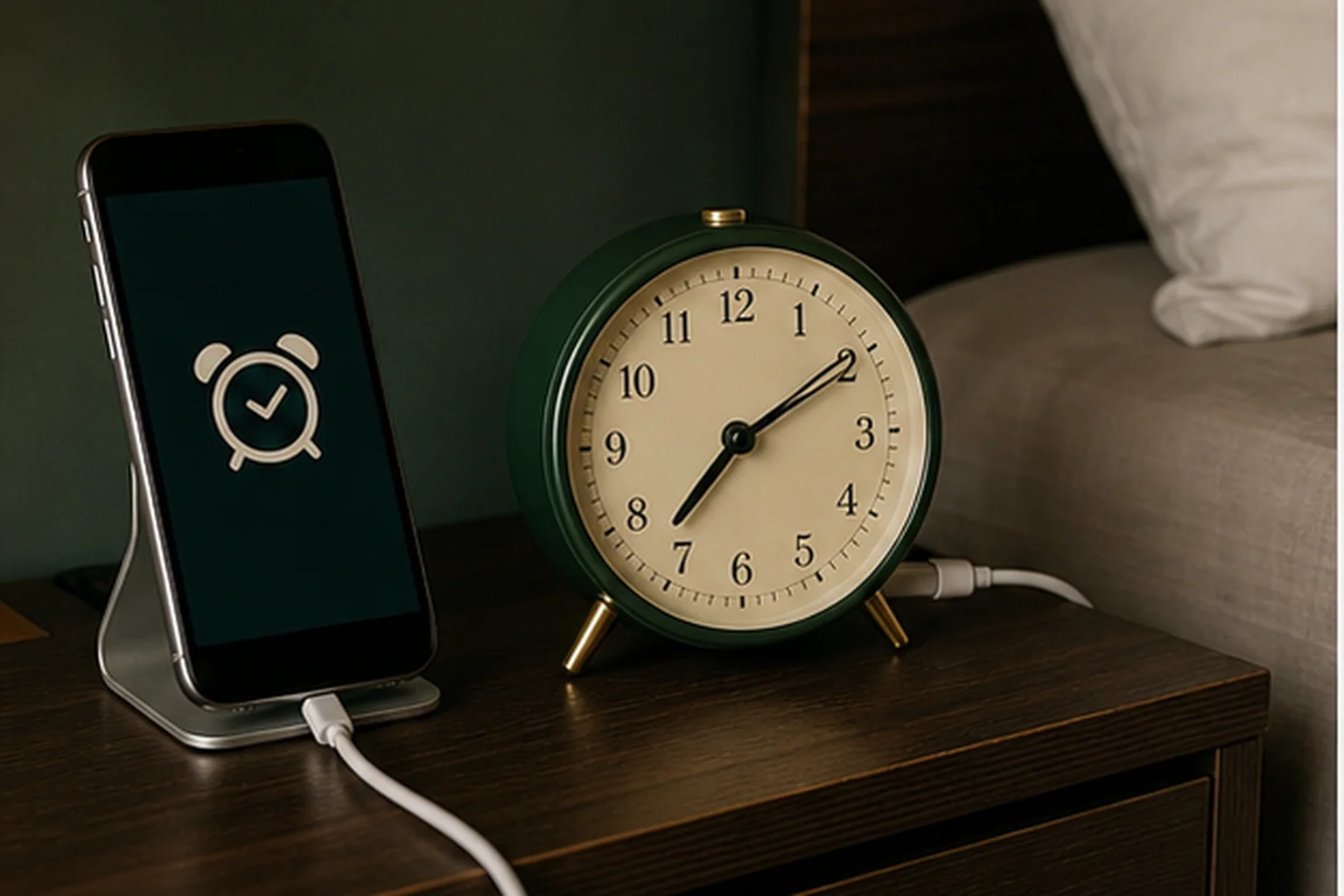
A phone and a dedicated clock create meaningfully different routines only when their controls, signal, software, and power paths are understood. Using both is not independent backup until the two devices stop sharing the failure that matters.
-
Phone alarm
Best when flexible schedules and portability matter and the user can maintain charge and verify the current alarm settings.
-
Dedicated alarm clock
Best when a fixed bedside location, direct controls, or a signal such as sunrise light or a bed shaker matters.
-
Phone + separate clock
Best when the second device is configured to cover a different schedule, power, signal, or software failure rather than merely repeat it.
| Decision criterion | Phone alarm | Dedicated alarm clock | Phone + separate clock |
|---|---|---|---|
| Scheduling and controls | Flexible recurring alarms and software options, with controls on the touchscreen or assigned buttons. | Usually fewer schedule options, with fixed bedside buttons and model-specific alarm modes. | Keep each schedule independently set and confirm which control stops each alarm. |
| Signal options | Sound and phone haptics are common; exact behavior depends on the device and operating system. | May add room light, very loud sound, a bed shaker, radio, or other purpose-built cues. | Use different accessible signal paths when the second device is meant to cover a reception failure. |
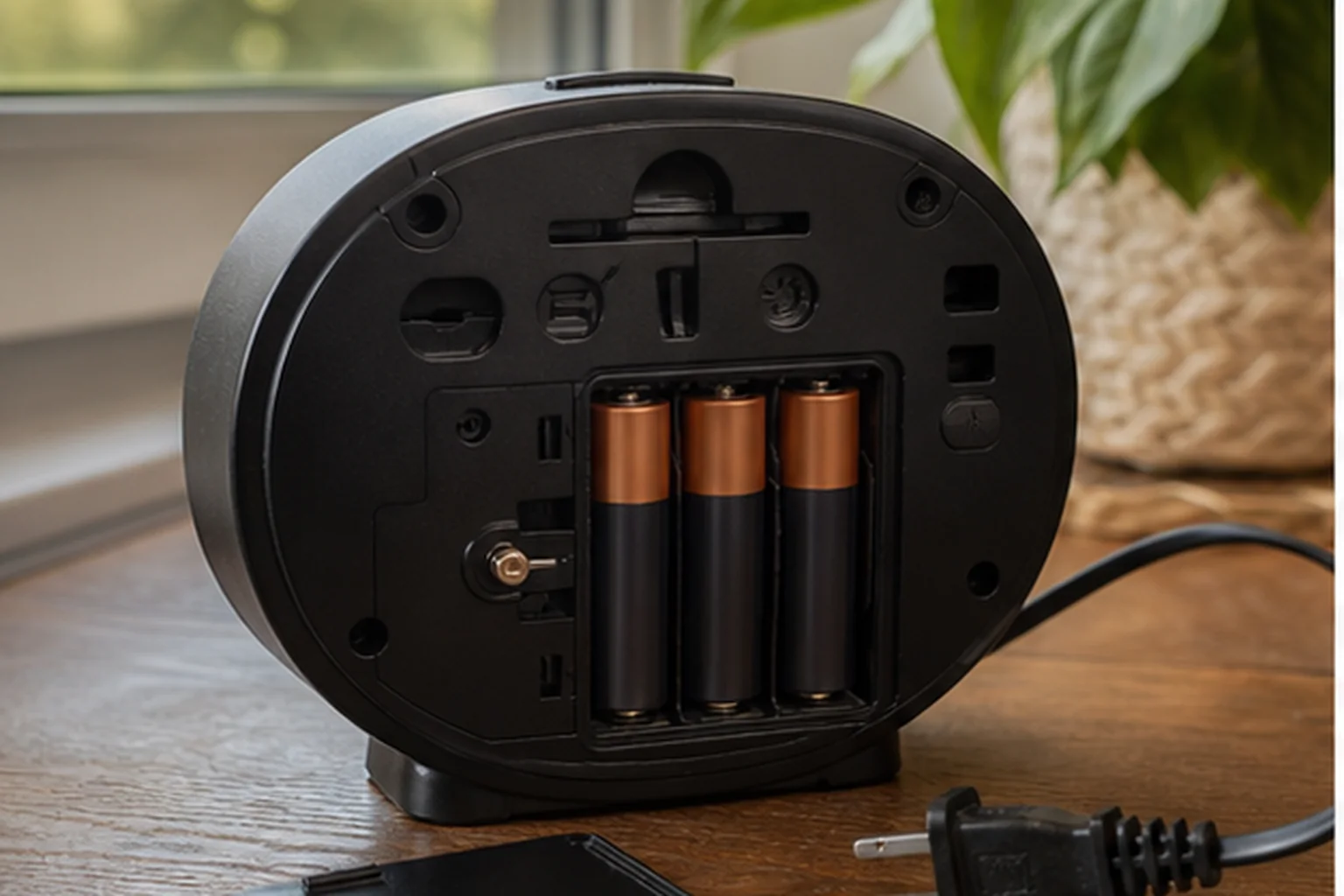
| Nightly power check | Needs enough battery to remain available through wake time; continuous overnight charging is not required when charge is sufficient. | Verify whether it uses mains, batteries, or backup that only retains time and settings. | Separate power paths reduce one shared failure; two devices on the same failed outlet do not. |
| Software and connectivity | Alarm behavior can depend on the current operating system, alarm configuration, volume, and power-saving state. | A basic clock can avoid phone software; a connected clock may add its own app, account, and network dependencies. | Independence improves only when the second route does not rely on the same phone, app, account, or network. |
| Bedtime role | Keeps communication, entertainment, and the alarm on one device beside the bed. | Separates the wake-up control from phone notifications and other screen activity. | The phone can stay farther away while the dedicated clock remains the direct bedside control. |
| Failure check | Test the actual alarm volume, sound or vibration choice, charge, and current platform behavior. | Test the armed indicator, controls, signal, display, and documented outage state. | Test each alarm alone before testing both, then identify any schedule, signal, power, or software dependency they still share. |
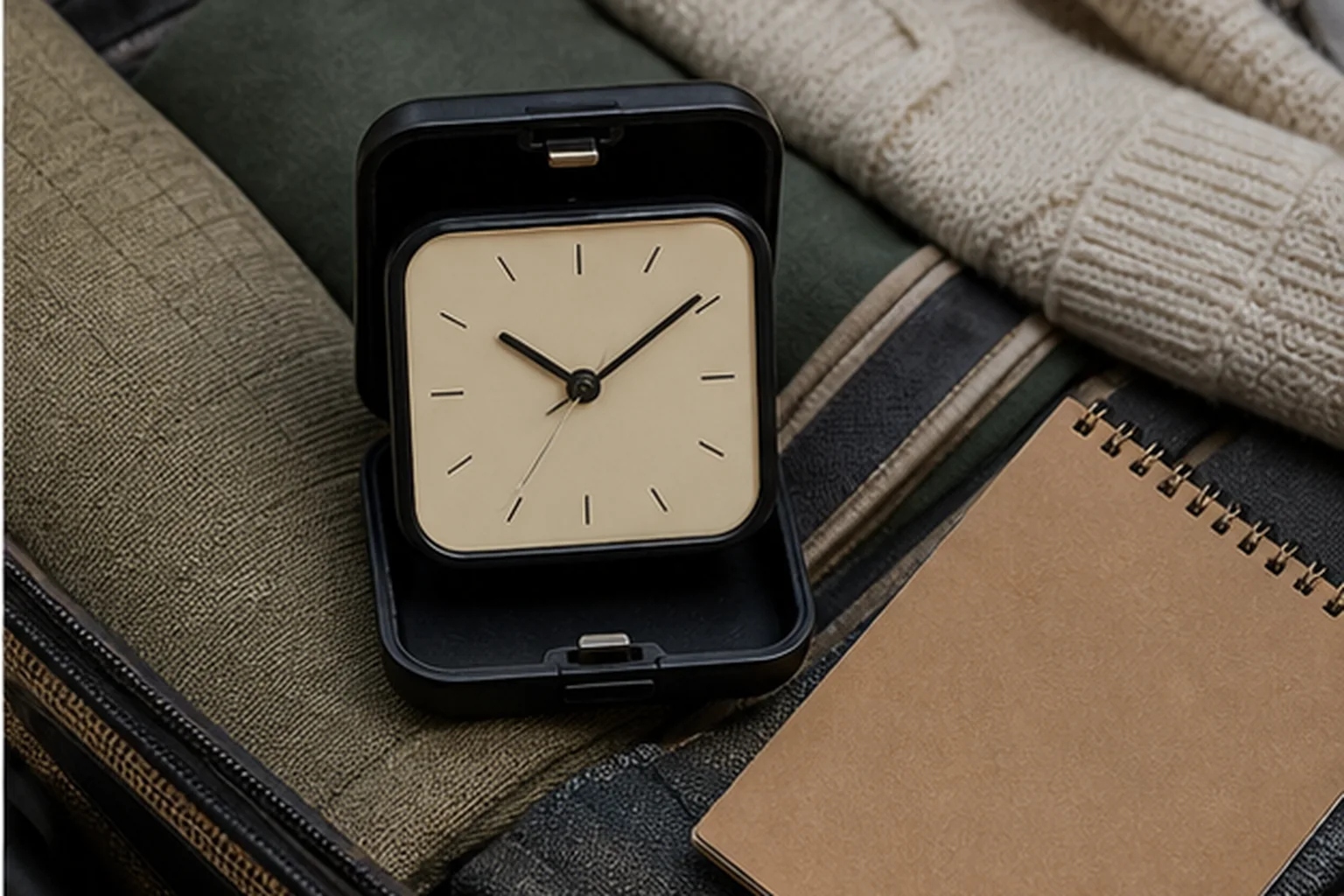
| Travel and time zones | Portable and time-zone aware, but automatic time changes and the destination charge routine should be checked. | A travel model may work without a phone, but time-zone changes, lock controls, and battery state are manual checks. | Carrying both adds bulk but can preserve a distinct wake path if each device is set and powered separately. |
| When the second device is real backup | Not applicable while the phone remains the only scheduled device. | Not applicable while the clock remains the only scheduled device. | Only when schedule, power, signal, and software failure paths are sufficiently different for the risk being covered. |
Nonnegotiable checks
The criteria that can change the answer
Signal choice
Phones cover sound and haptics; dedicated clocks add room light and bed shakers.
Control path
A physical stop button differs from a screen and software state.
Power habit
A phone needs enough charge to reach wake time; a clock may need mains plus a separately verified backup state.
Update and setting risk
Phone behavior can change with settings, battery modes, or OS updates.
Compare flexibility and separation
A phone offers rich scheduling; a dedicated clock removes unrelated device states
A phone already has time-zone handling, multiple alarms, selected days, labels, sounds, vibration, and portable power. It can be the simplest answer because no additional device is needed. It also brings charging, operating-system alarm settings, notifications, permissions, updates, and the temptation to use the screen at bedtime. A dedicated clock adds hardware and nightstand space while separating the wake job from most of those states.
Choose the phone when schedule flexibility, automatic time changes, portability, and familiar controls outweigh the value of separation. Choose a dedicated clock when physical controls, fixed placement, screen separation, outlet or battery behavior, or a different signal such as sunrise light or a bed shaker matters. Choose both when the second device covers a real failure rather than sharing the phone’s outlet and audible path.
The comparison is not about whether phones are inherently bad for sleep or clocks are inherently reliable. Both can be misconfigured or lose power. The useful question is which states the user can verify and maintain every night. A simple battery analog clock has fewer states and less schedule flexibility. A smart clock may reintroduce app and network dependencies while keeping the bedside unit separate from notifications.
- List the phone states that can affect alarms on the current operating system.
- List the dedicated clock states: schedule, source, controls, mains, backup, and active indicator.
- Choose the device whose ongoing checks match the user’s habits.
- Use the other device as backup only when its weak points differ.
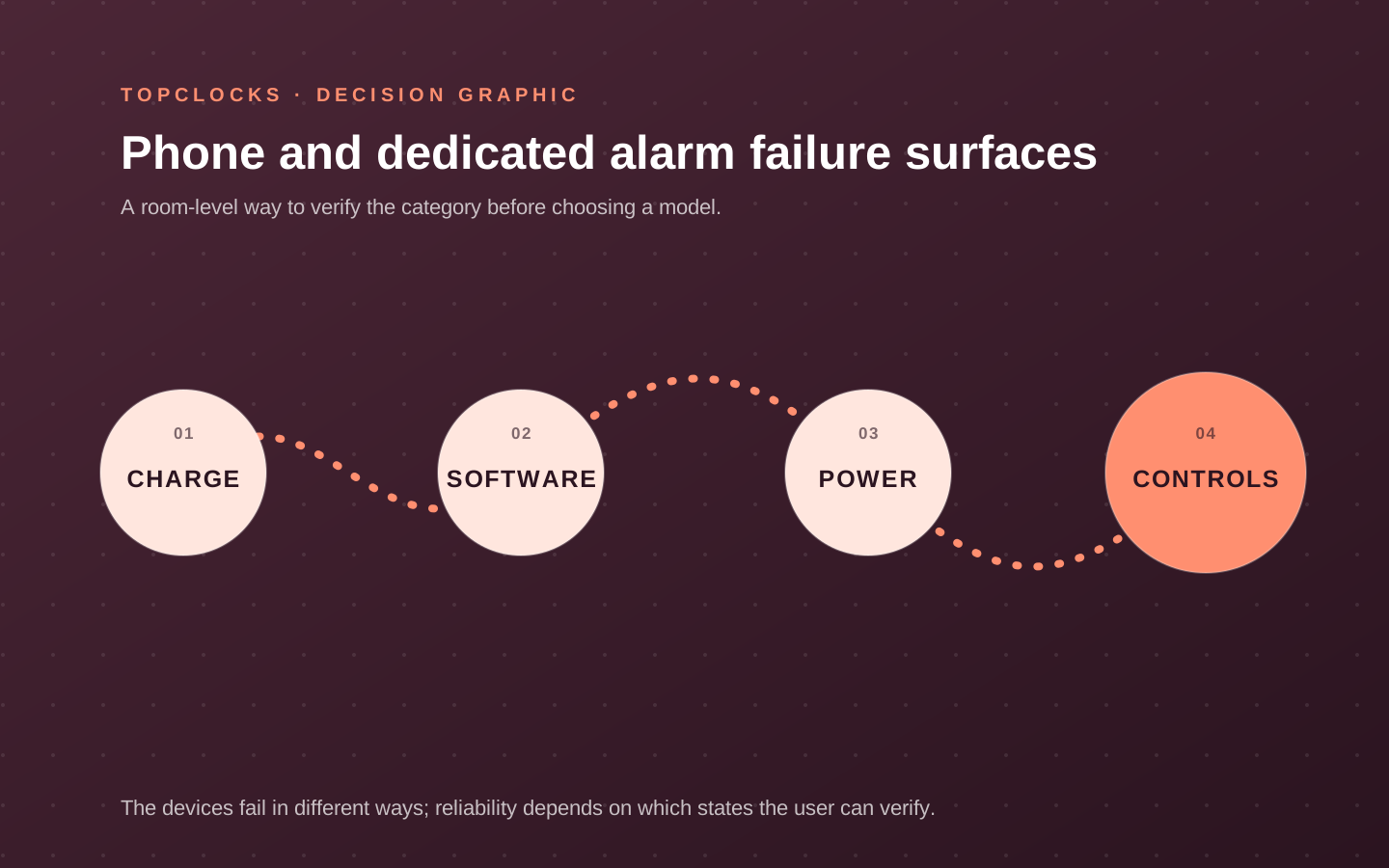
Audit both devices honestly
Charge, software, power, controls, and placement create different failure surfaces
A phone alarm can fail through low charge, wrong alarm volume, an unexpected sound route, a disabled alarm, battery-saving behavior, or a changed interface after an update. Apple states that Do Not Disturb, the Ring/Silent switch, and Silent mode do not silence Clock alarms on an iPhone. Android behavior must be checked on the actual device: Google’s guidance includes alarm sound and vibration, alarm volume, Do Not Disturb, and Battery Saver. Test the exact phone, operating system, and connected accessories instead of applying one platform’s rule to every phone.
A dedicated clock can fail through an unarmed alarm, wrong AM/PM or day, mains loss, dead battery, ambiguous memory backup, low volume, blocked light, displaced shaker, or confusing stop control. Its smaller function set does not eliminate error. Physical indicators and dedicated buttons can make the state easier to inspect, provided the user actually checks them.
Placement intersects both. A phone under a pillow can create poor sound, charging, heat, and interaction conditions outside this page’s recommended use; follow device guidance. A bedside phone is easy to snooze and easy to pick up. A clock across the room can require standing and become too distant. Choose a safe, manufacturer-consistent location and test the cue from the normal sleep position.
- Run a short phone alarm with actual volume, focus/silent, charging, and accessory states.
- Run a short clock alarm, then test documented power behavior.
- Confirm stop and snooze states on both devices.
- Re-test the phone after major updates and the clock after moves or battery changes.
Include behavior without moralizing
Separation has value only when it changes the bedtime or morning routine
A dedicated clock can let the phone charge away from the bed and remove notifications or scrolling from the immediate wake interaction. That is a behavioral option, not a guaranteed sleep outcome. If the phone remains on the nightstand for other reasons, buying a clock may add hardware without creating separation. Decide what will actually change: charging location, first morning action, access to snooze, or the signal channel.
A phone can support a disciplined routine when configured and charged consistently. Labels and selected-day schedules can reduce manual errors. A dedicated clock can support a stable routine with physical controls and can become hard to change for rotating work. A smart clock can bridge the two, using an app for setup and a bedside device for execution; its connected dependencies should be evaluated directly.
For couples, the phone’s vibration or wearable may be more local than a speaker, while a dedicated shaker can provide a stronger tactile path. For travel, the phone handles time zones and a battery clock adds independence. For heavy sleepers, the key distinction may be signal and stop action rather than device category.
- Choose one behavior that the dedicated clock would actually change.
- Keep the phone when its flexibility solves a real scheduling problem and checks are sustainable.
- Add a clock when physical separation, controls, signal, or power independence is nonnegotiable.
- Avoid buying a second device with no defined role.
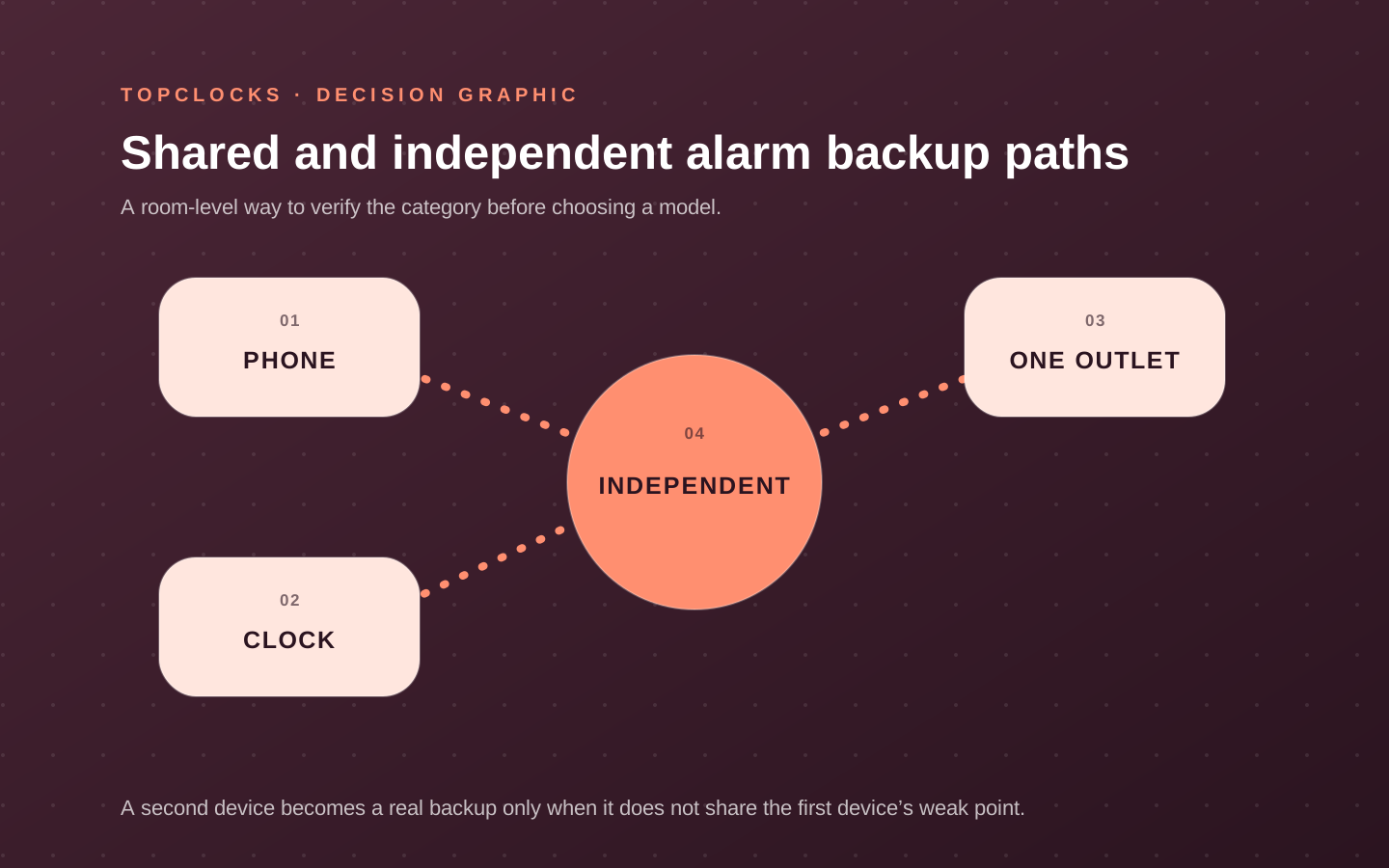
Compare a baseline and middle ground
Use a simple clock, a phone-assisted clock, and a connected routine to expose the trade-off
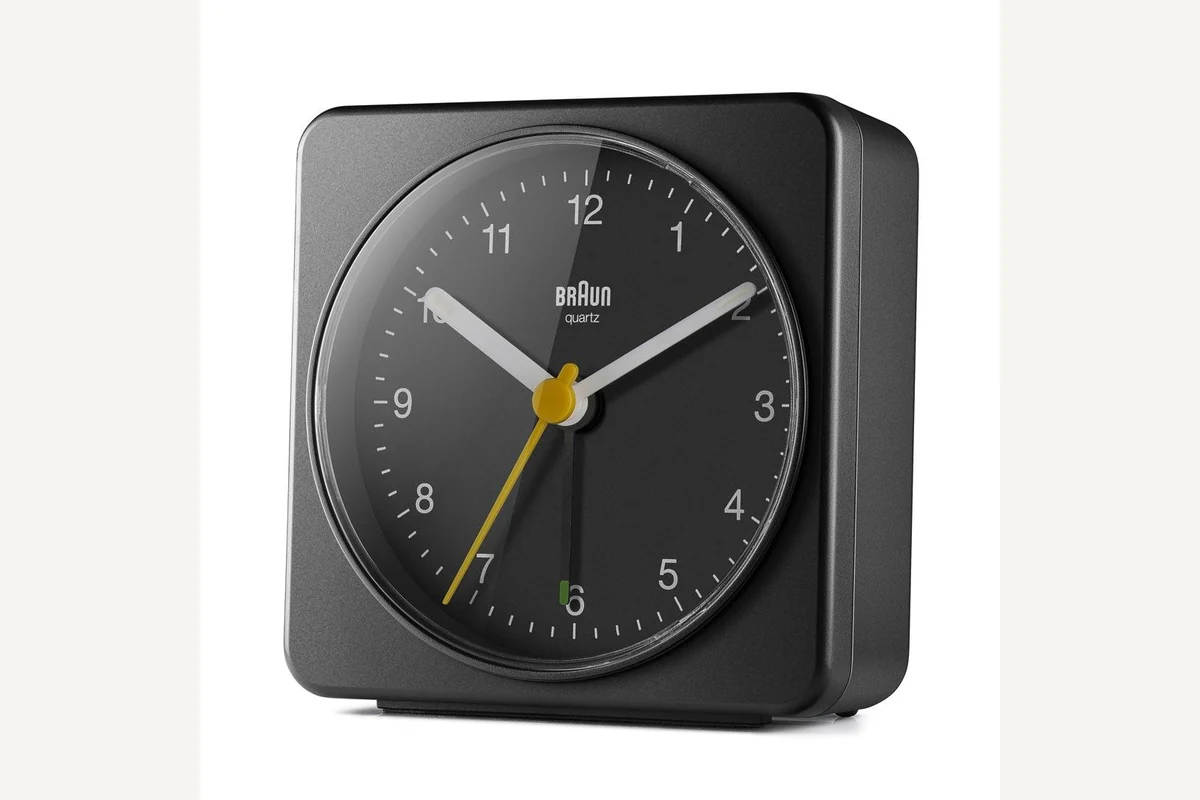
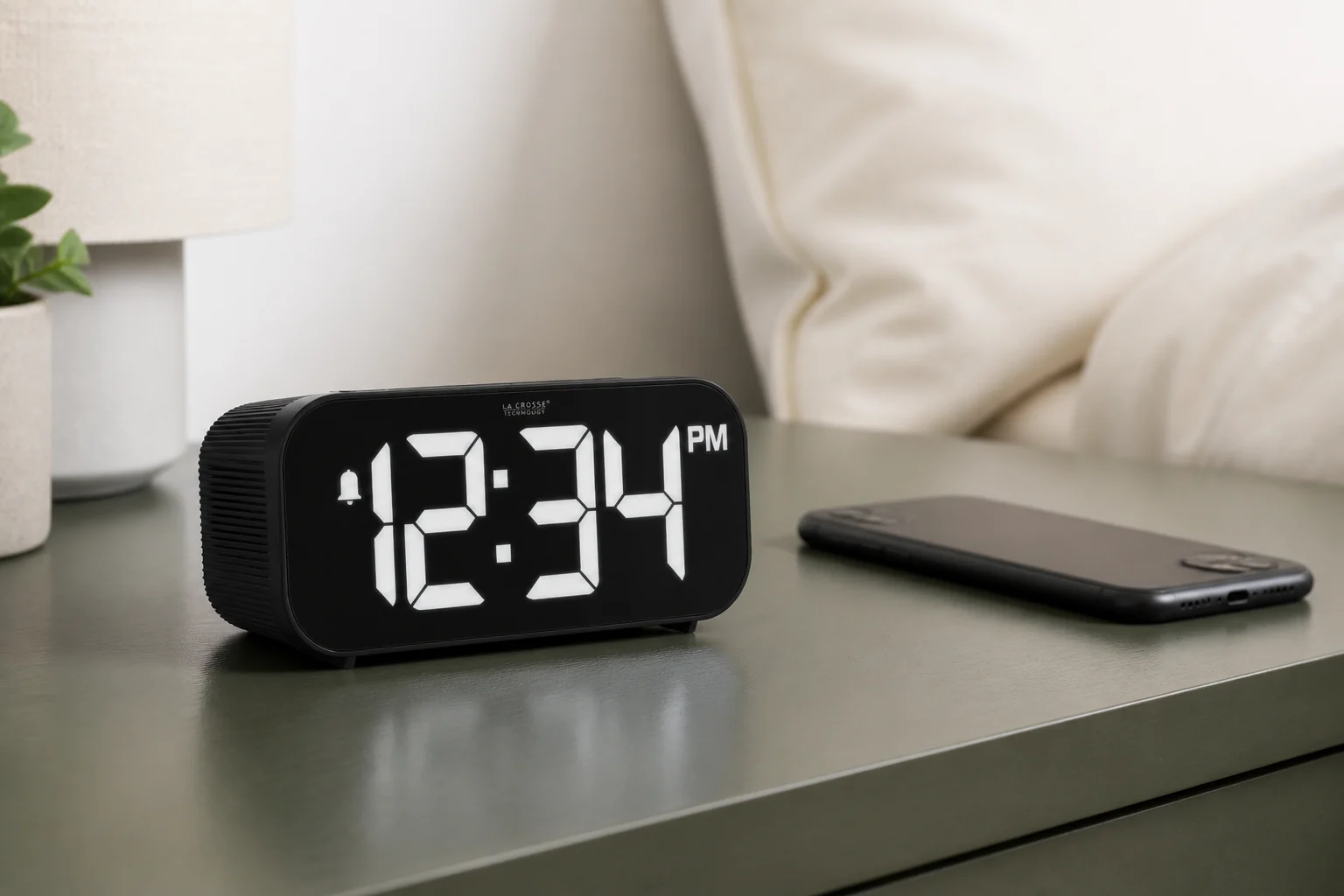
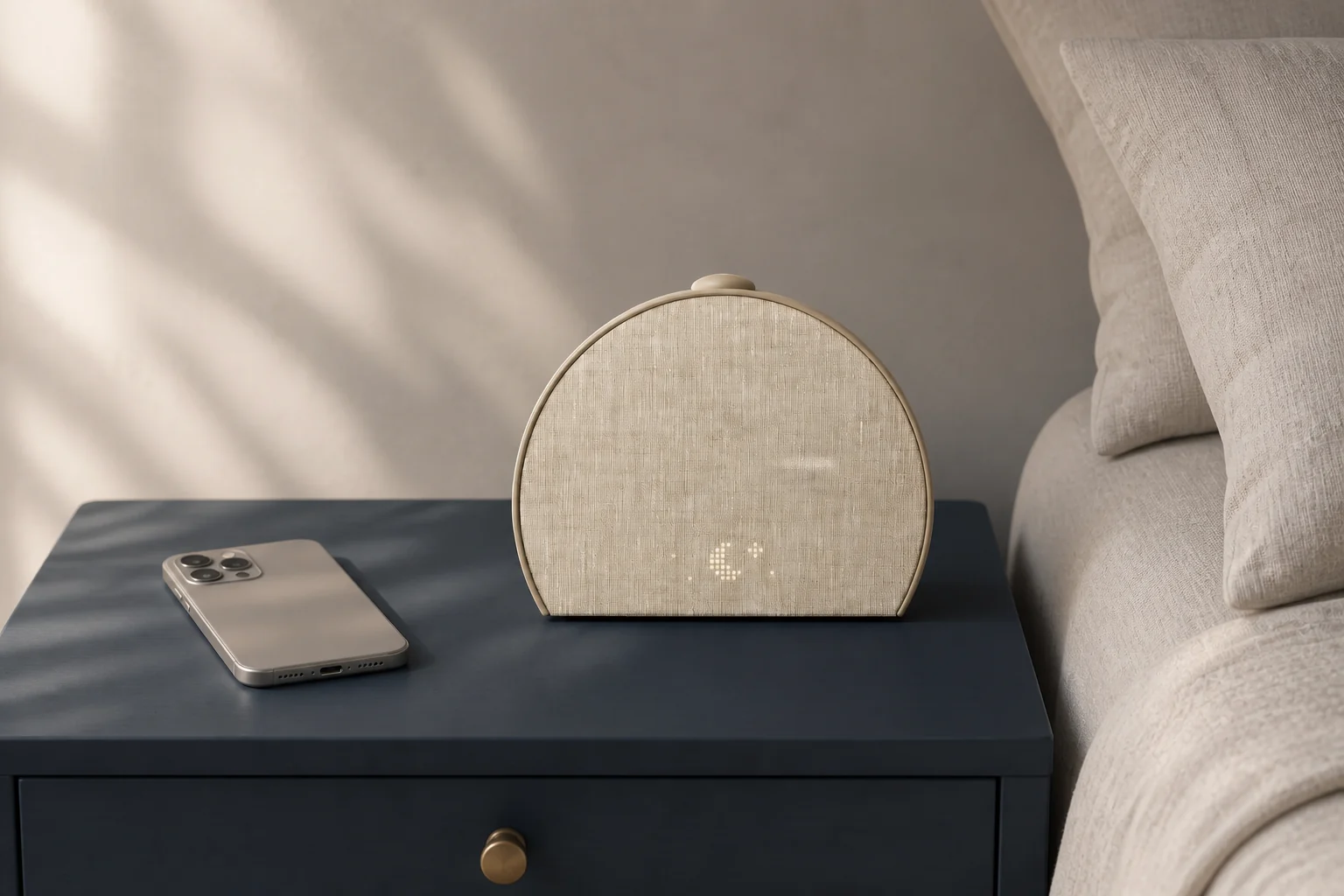
Braun BC03 is a clean dedicated baseline: one AA battery, physical controls, analog display, and no notifications or app. La Crosse 617-714 is a middle route: a digital clock that can use phone assistance for time setting while remaining a bedside alarm. Hatch Restore 3 is a connected routine device with app setup and physical bedside interaction. These roles reveal how much separation and flexibility the user actually wants.
Verify the current product sources for power, controls, alarm source, phone connection, saved behavior, display, app, account, and subscription. Use official Apple or Android support for phone alarm settings. Do not make a permanent claim about platform behavior from an old support article or anecdote.
Run parallel low-stakes tests. Configure the phone in its real overnight state and the clock from its normal controls. Place them on separate power paths if the clock is meant to be backup. Test volume, vibration or light, stop, snooze, and the next-day state. Simulate a low phone charge, a phone restart, and the clock’s documented outage behavior safely. Keep the device whose failure surface the user can manage.
- Reject phone-only when charge or software-state discipline is unreliable and consequences are high.
- Reject a dedicated clock when its schedule or signal cannot meet the actual need.
- Reject “backup” when both devices share one outlet or one inaccessible cue.
- Prefer the smallest system that provides the required flexibility and separation.
The comparison ends with a workflow, not a winner: which device is primary, where it lives, what powers it, how its alarm is verified, and what independent path remains for important mornings.
Verify in the room
Compare flexible software with a separate wake device
A phone offers adaptable schedules and sounds; a separate alarm clock can create physical and functional distance from notifications, charging, operating-system states, and automatic bedside dismissal. Treat this as a selection experiment for phone alarm versus alarm clock, not a claim that one model will work for every sleeper. The objective is to expose a mismatch while the clock can still be returned, moved, or reconfigured.
Run both options through the same week, including charging, volume state, focus modes, updates, cable position, alarm confirmation, and the physical action required to stop the cue. Keep the first run deliberately ordinary. Extreme settings can hide a placement problem, and a special one-night routine does not show whether the setup is maintainable on workdays, school days, weekends, and schedule changes.
A phone alarm fails through battery, settings, speaker state, distraction, or easy reach. A separate clock fails through outlet, manual setup, limited schedules, or a cue that does not reach the sleeper. Write the likely failure before running the test. That note prevents a bright display, attractive sound library, charging pad, or app from receiving credit for a wake path it cannot protect.
Record setup time, visible alarm state, power margin, notification interference, stop location, backup independence, and what happens after the normal evening routine changes. A simple dated log is enough. Avoid converting one successful morning into a universal result; repeat the check after changing bedding, furniture, power, software, room, or schedule because the signal path may have changed.
- Schedule flexibility: write the observed state, not a yes-or-no impression. Add the condition that produced it and the next check if the result was unclear.
- Visible alarm state: write the observed state, not a yes-or-no impression. Add the condition that produced it and the next check if the result was unclear.
- Power path: write the observed state, not a yes-or-no impression. Add the condition that produced it and the next check if the result was unclear.
- Notification boundary: write the observed state, not a yes-or-no impression. Add the condition that produced it and the next check if the result was unclear.
- Stop location: write the observed state, not a yes-or-no impression. Add the condition that produced it and the next check if the result was unclear.
- Independent backup: write the observed state, not a yes-or-no impression. Add the condition that produced it and the next check if the result was unclear.
The comparison passes when the chosen device matches the desired boundary between flexible scheduling and a dedicated morning tool.
Reject “use both” as automatic redundancy when both devices charge from one outlet, sit together, use sound only, and can be silenced in one reach. If the result is mixed, do not average it into a score. Preserve the unresolved condition and compare only models that give you a direct way to verify it.
When reading product pages for phone alarm versus alarm clock, translate each promising label back into an observable state. “Reliable” should identify the cue that survives the expected power and dependency conditions. “Easy to use” should identify who sets the alarm, in what light, and how the active state is confirmed. “Best” should disappear unless the scenario and disqualifiers are stated beside it.
Close the hidden gaps
Questions that settle a choice about phone alarm versus alarm clock
For phone alarm versus alarm clock, these questions close the gaps left by retailer filters and broad “best alarm” lists. Each answer is a boundary for the shortlist, not a promise about an untested model.
What should be tested before buying phone alarm versus alarm clock?
Run both options through the same week, including charging, volume state, focus modes, updates, cable position, alarm confirmation, and the physical action required to stop the cue. Use the exact device revision and current manual when a control, accessory, app, or backup behavior affects the result.
Which failure should be ruled out first?
A phone alarm fails through battery, settings, speaker state, distraction, or easy reach. A separate clock fails through outlet, manual setup, limited schedules, or a cue that does not reach the sleeper. Test that failure first, while the consequences are low, instead of increasing every setting at once.
How many checks make the result dependable?
Within this review of phone alarm versus alarm clock, one successful check confirms that the setup can work; it does not show that it is robust. Repeat it on ordinary mornings and after any change that affects the signal, power, placement, schedule, or stop action. High-consequence mornings deserve an independently tested backup.
Can specifications settle the choice?
Specifications and manuals can narrow the shortlist for phone alarm versus alarm clock by establishing intended controls, compatibility, power requirements, and operating states. They cannot establish what one sleeper will hear, see, or feel through a particular room and bed. Keep documented facts and room observations separate.
When should a candidate for phone alarm versus alarm clock leave the shortlist?
Reject “use both” as automatic redundancy when both devices charge from one outlet, sit together, use sound only, and can be silenced in one reach. A disqualifier should remove the model before price, design, reviews, or optional content are compared.
What does a passing result look like?
The comparison passes when the chosen device matches the desired boundary between flexible scheduling and a dedicated morning tool. The result should be visible in the log and repeatable without a special workaround that the household is unlikely to maintain.
Finish the decision about phone alarm versus alarm clock by writing one sentence: “This setup should wake this person, in this room, through this signal, under these power conditions, and it will be checked this way.” If any blank remains, the page has identified the next research task rather than pretending the purchase is settled.
Before relying on it
Run the complete alarm path
A product page can confirm features. Only a real setup check confirms that the selected signal, placement, controls, and power path work together in the room.
- Set the actual alarm volume.
- On iPhone, Ring/Silent and Do Not Disturb do not silence Clock alarms; on Android, verify Do Not Disturb, alarm sound and vibration, alarm volume, and Battery Saver behavior on the current phone.
- Avoid two alarms that share the same schedule, power, signal, or software failure.
- Re-test after a major software update.
Role-based product shortlist
Models worth comparing for this decision
These are desk-researched candidates, not a claim that one clock wins for everyone. Each card explains the scenario it fits, the limitation to verify, and the primary source used for the factual details.
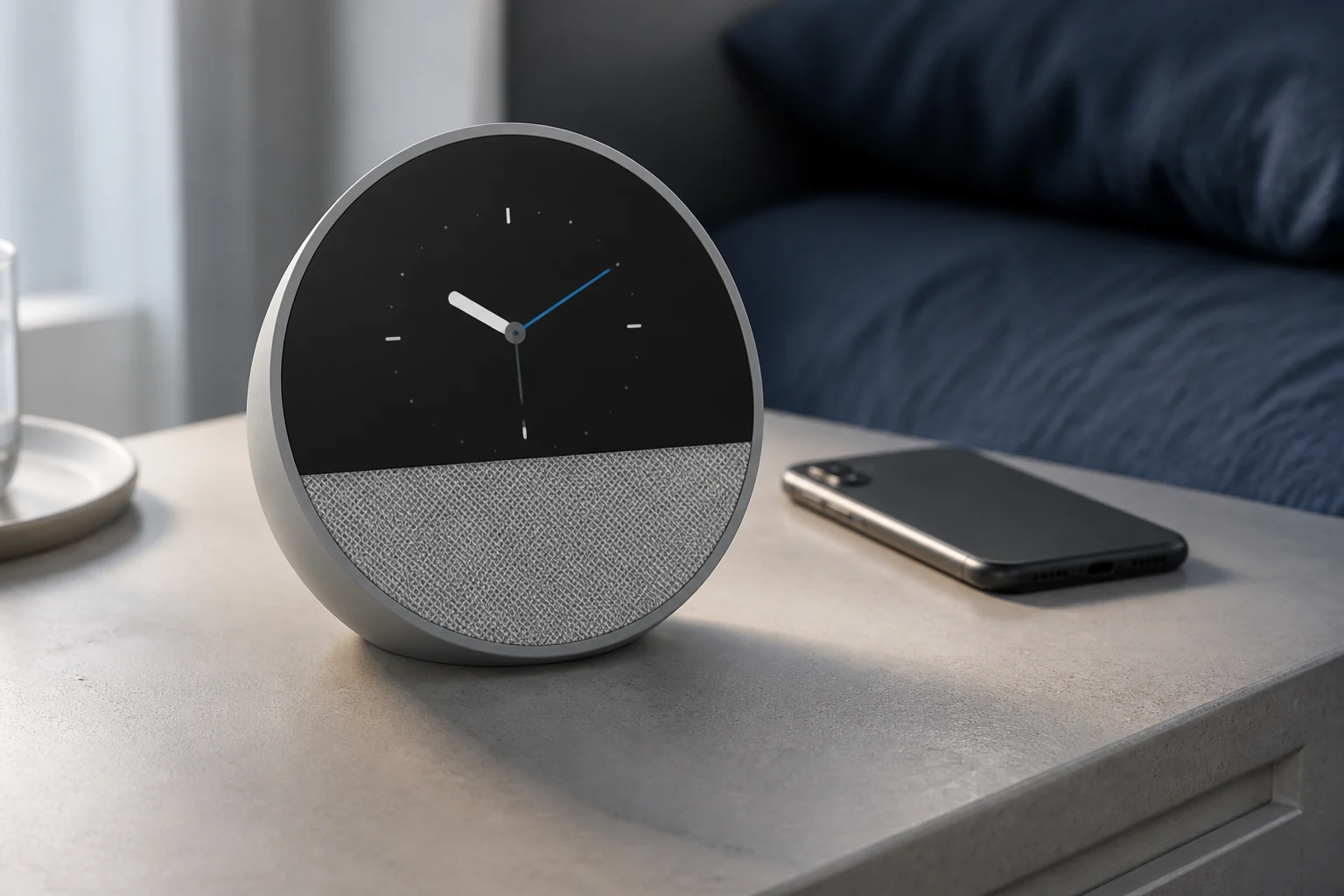
Compare for Alexa routines and voice control
Amazon Echo Spot (2024)
Echo Spot places alarms, routines, music, and smart-home control inside Alexa; that convenience makes cloud, account, microphone, and outage behavior part of the alarm decision.
Echo Spot combines a compact, customizable display with Alexa alarms, routines, weather, music, and smart-home control. The 2024 model has no camera and includes a physical microphone-off control.
Compare for a quiet analog bedside clock
Braun BC03
BC03 is the cleanest dedicated-clock baseline: one battery, physical controls, and no notifications or software state.
The 78 mm BC03 uses a quiet sweeping quartz movement, luminous-tipped hands, a crescendo beep, and a combined snooze and light control. One AA battery provides the complete power path.
Compare for a large display with true display-off
La Crosse Technology 617-714
The 617-714 adds phone-assisted setup without making the phone the alarm itself, a useful middle position.
This digital clock pairs to a phone for time and date updates, then provides an ascending alarm rated up to 95 dB, five brightness choices including off, and a 1-amp USB-A charging port.
Compare for app-built light and sound routines
Hatch Restore 3
Restore 3 is the connected-device alternative: setup lives in an app, but the bedside unit can run saved routines afterward.
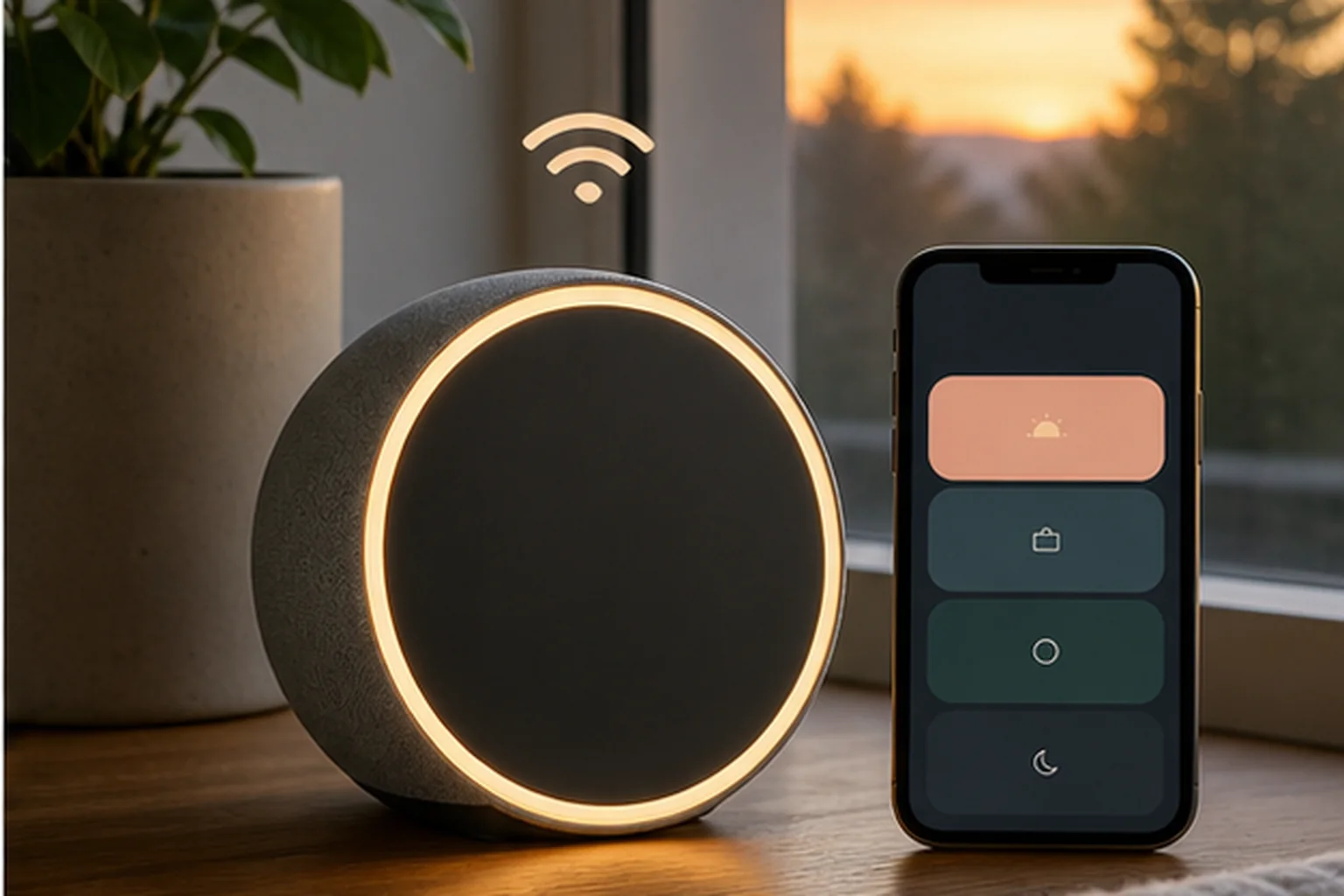
Restore 3 combines sunrise light, sound routines, and more direct device controls than earlier Restore models. A phone is still required for setup and customization, while core routines can be used from the clock afterward.
Evidence trail