
Alarm clock type
Projection Alarm Clocks: Check the Image Before the Extras
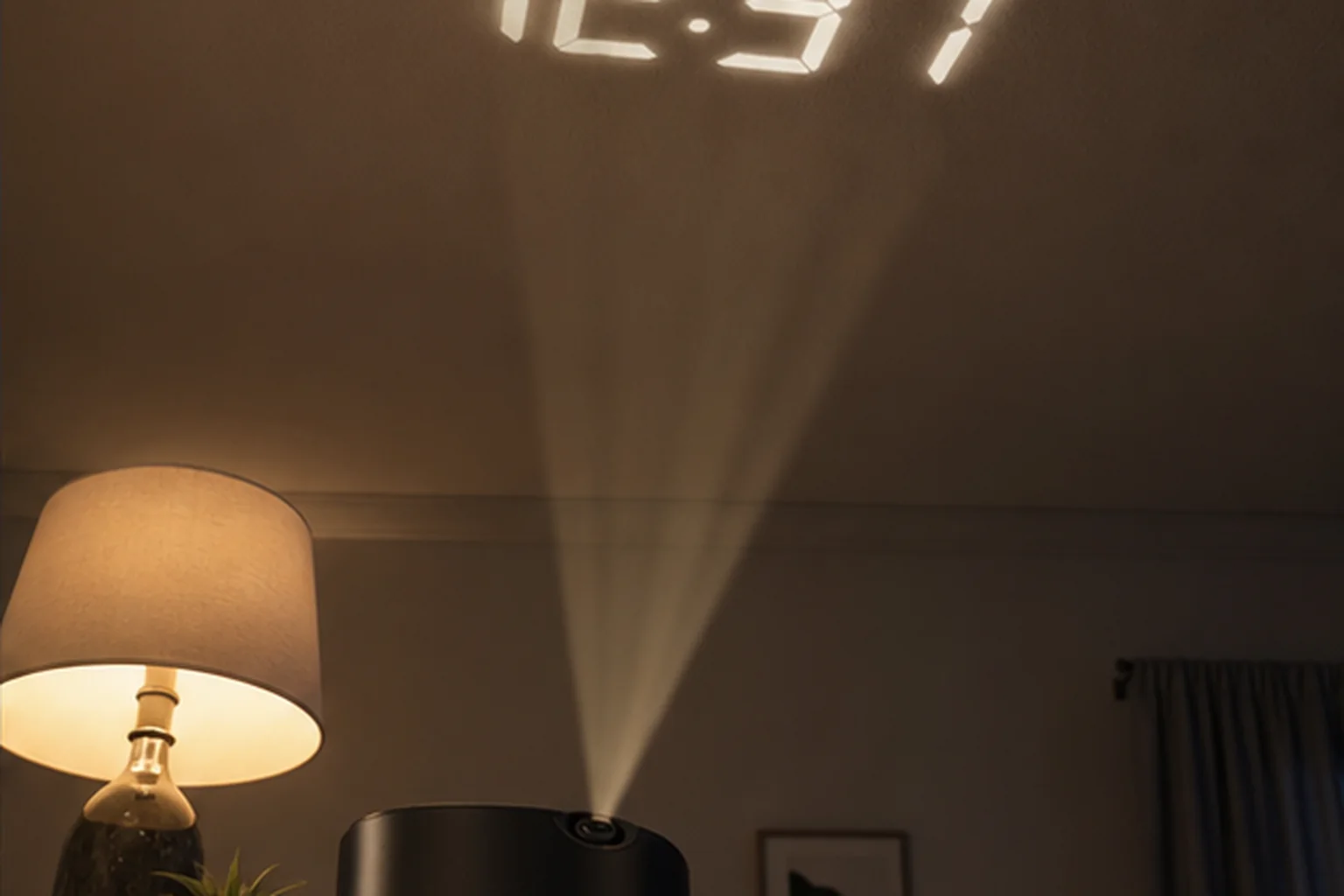
Projection is a viewing feature. It does not replace the need to choose a wake-up signal, but it can remove the need to turn toward the bedside display.
The decision first
Where can the projected digits land clearly?
Projection earns its place when reading the time on a wall or ceiling solves a real viewing problem. Verify focus and rotation at the actual distance before comparing radio, temperature, or charging. The base display should still dim low enough for sleep.
Nonnegotiable checks
The criteria that can change the answer
Throw distance
The projected image must focus from the planned nightstand position.
Rotation
Confirm the digits can be oriented correctly without moving the base.
Projection control
Check whether the image can dim or turn off independently.
Base clock
The underlying alarm, power, and controls still decide reliability.
What changes in practice
Compare the trade-offs, not the feature count
| Route | Decision value |
|---|---|
| Ceiling projection | Visible while lying down, but room geometry matters. |
| Wall projection | May be easier to focus, with a more limited viewing direction. |
| Continuous projection | Always available, but adds light to the room. |
| On-demand projection | Darker bedroom, with an extra control step. |
Start with the surface
Throw distance, angle, focus, and sightline decide whether projection works
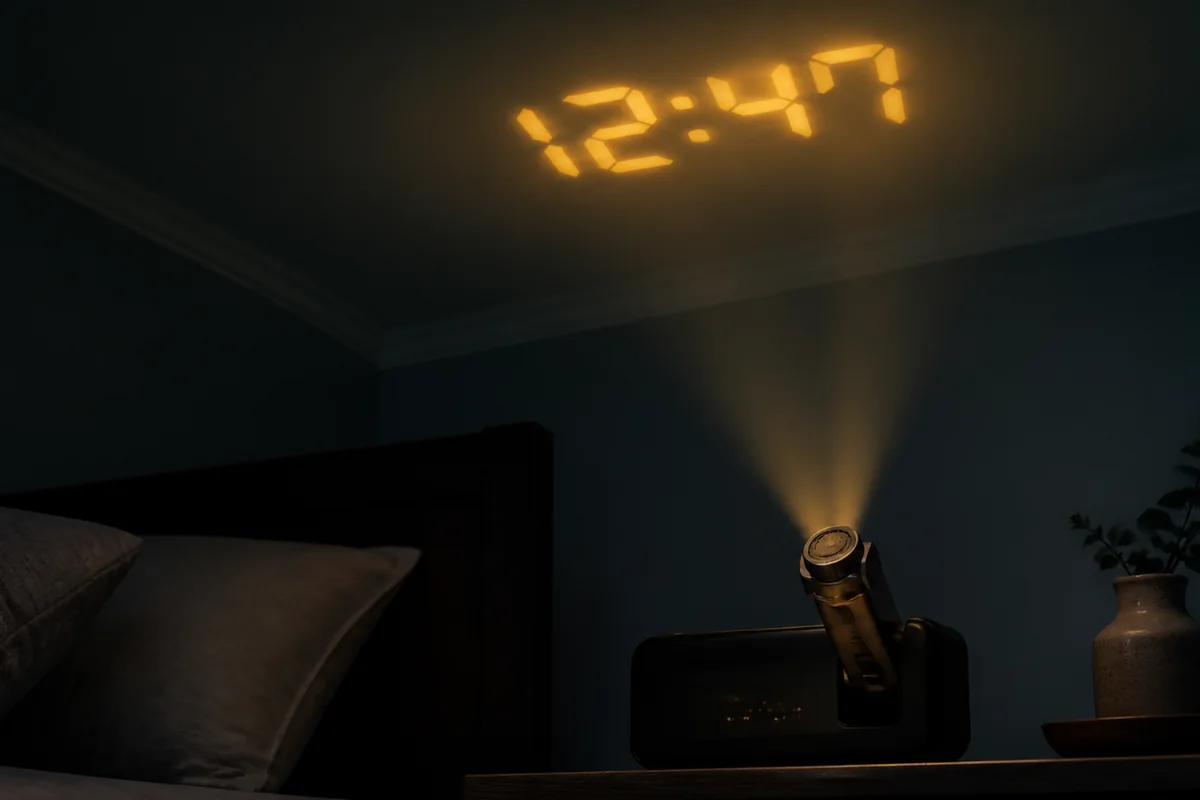
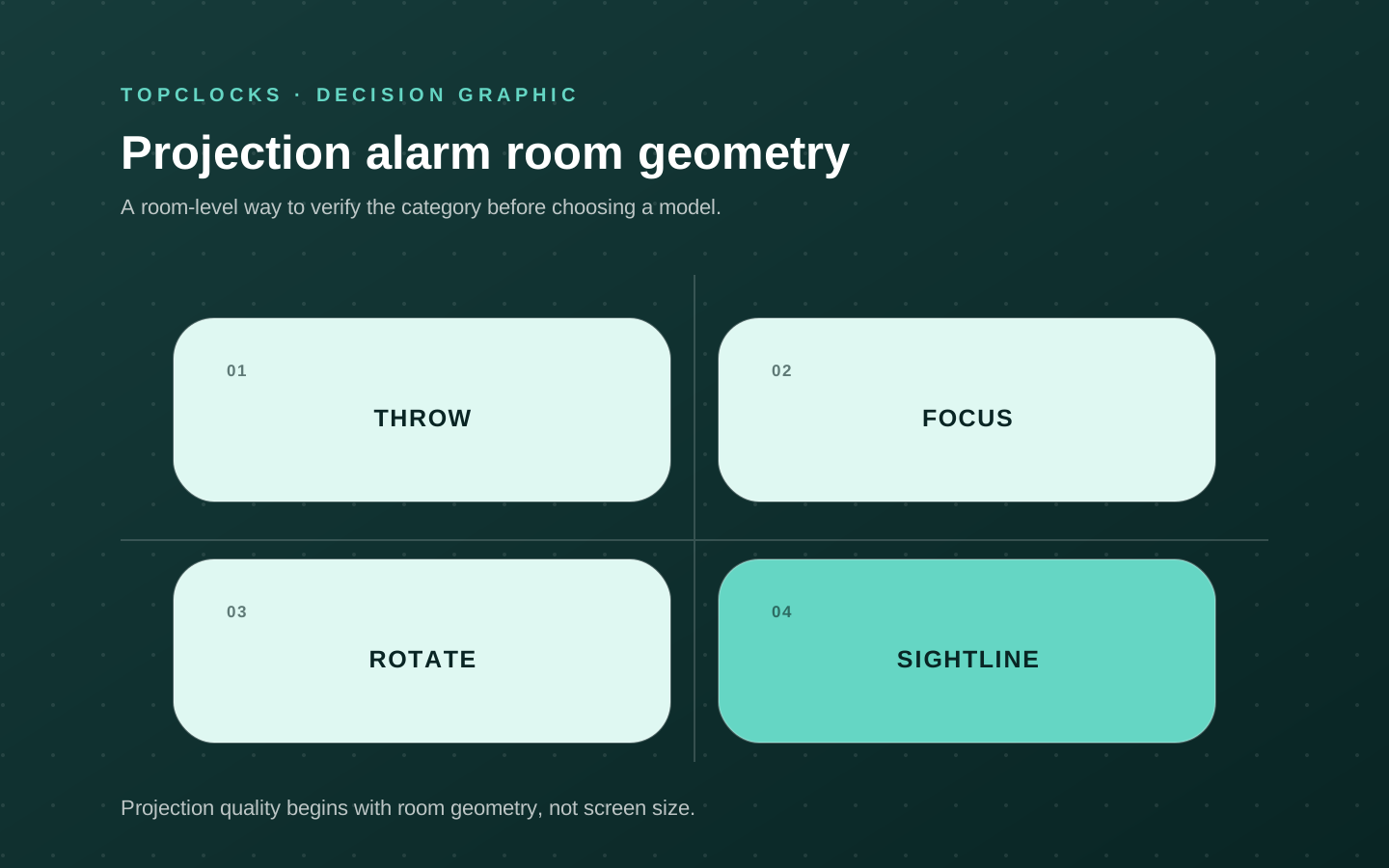
A projection alarm clock moves the time from the nightstand to a wall or ceiling. That can make it readable without reaching for a phone, but the result depends on room geometry. The projector needs a suitable surface within its throw and focus range, a clear path, an angle the mechanism can reach, and an orientation the sleeper can read from the pillow. A bright, sharp product photograph does not establish any of those conditions.
Before comparing models, choose the intended projection spot and measure roughly from the clock location. Note sloped ceilings, fans, beams, textured finishes, and furniture that can block the beam. Lie in the normal sleeping position and decide whether digits should appear straight ahead, above, or on a side wall. If two people share the room, confirm the orientation works for the intended viewer without placing an unwanted bright field over the other sleeper.
Projection mechanisms differ. Some rotate or tilt; some flip the image in fixed steps; some require manual focus; others describe automatic focus within limits. These controls are not interchangeable. A 180-degree arm may aim the beam without correcting the reading orientation. A focus ring may sharpen one distance and require resetting after travel. The useful model is the one whose adjustment range matches the measured room.
- Measure clock-to-surface distance and identify the exact viewing position.
- Check tilt, rotation, flip, and focus as separate controls.
- Confirm whether the wall or ceiling texture keeps thin digits readable.
- Test the projected orientation from both sides of a shared bed when both people may read it.
Control every light source
Projector brightness and main-display brightness should be evaluated separately
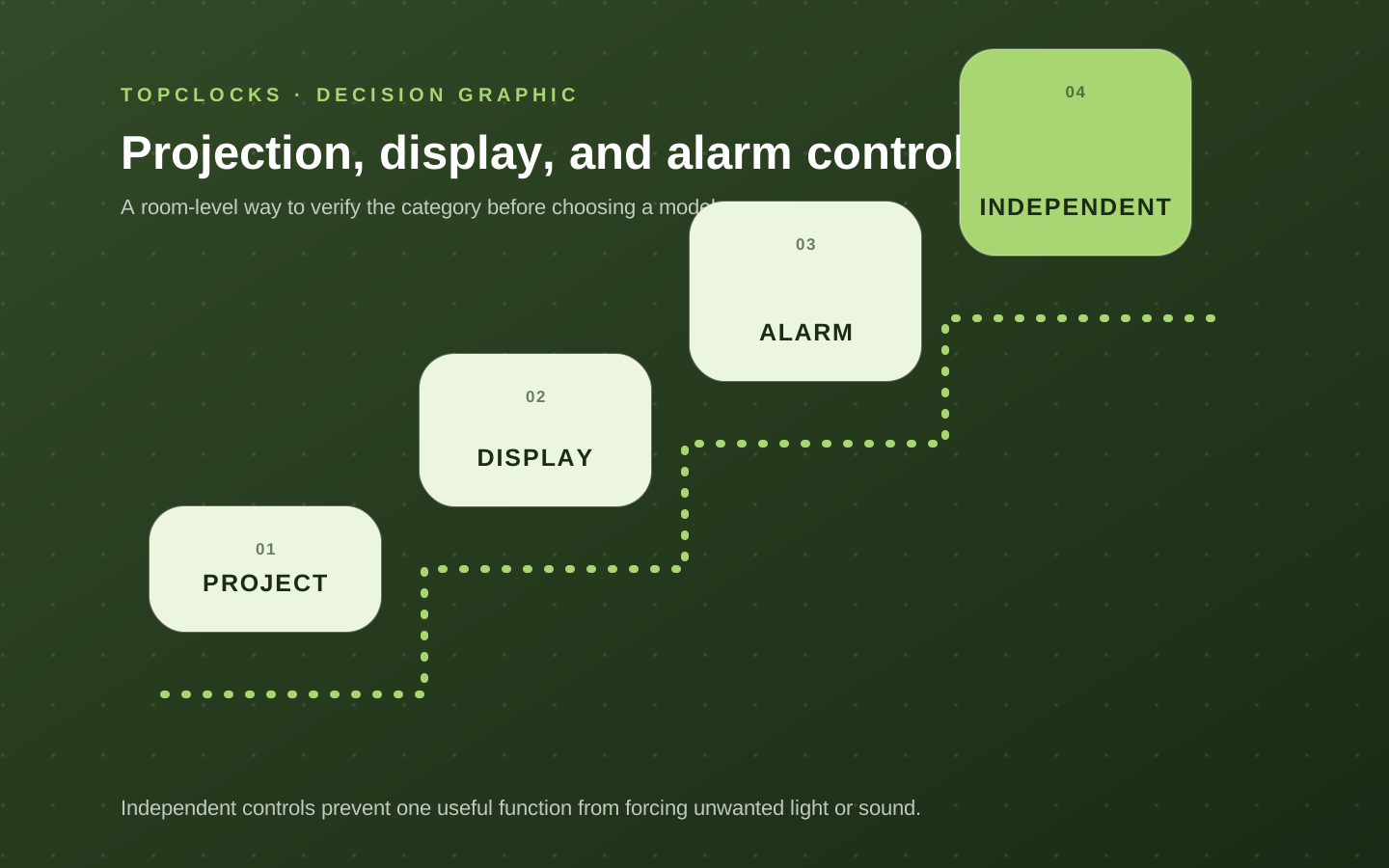
A projection clock usually creates at least two nighttime light sources: the projected digits and the main display. Alarm icons, charging indicators, buttons, or night lights can add more. A model can dim the main screen well and leave the ceiling projection too bright. Another can switch projection off but keep an illuminated display. Count independent controls and test the darkest complete state, not the largest number of advertised brightness levels.
Projection must remain legible without becoming room lighting.
The ideal setting depends on surface color, distance, room darkness, eyesight, and whether the digits sit in the direct line of sight. Use the lowest readable projection level after the eyes have adapted to darkness. Check whether the setting persists after snooze, power interruption, or changing alarm modes. Auto-off projection can suit a user who checks time briefly, while continuous projection suits a different job.
Keep projection separate from the wake signal. Most projection features display time; they do not wake the sleeper by themselves. Verify the actual alarm source, volume, schedule, and controls with the projector turned off. A model should not win an alarm comparison because its projected digits are attractive while its sound or power behavior remains unclear.
- Dim or switch off the main display, then inventory every remaining indicator.
- Adjust projection independently and check whether focus changes at different angles.
- Confirm the alarm remains armed with either display or projection off.
- Ask a partner whether the beam or digits enter their sightline before wake time.
Read the power path
Full projection often needs mains or USB power even when settings have backup
Projection consumes more power than retaining a clock circuit, so many models require continuous mains or USB input for full display and projector operation. Backup batteries may preserve time and alarm settings without powering the projector, display, charging port, radio, or even the alarm output. A folding case and compact size can make a projector travel-friendly while its required adapter and cable remain essential.
Read the manual’s power section in operational language. Identify the required input, included adapter or cable, battery type, what happens when power fails, and what state returns afterward.
If the device offers USB charging, distinguish the input that powers the clock from the output that charges a phone. Similar-looking USB-C ports can have different roles and power limits. Do not assume a backup cell turns the clock into a portable projector.
For travel, rehearse the complete arrival-night routine. Pack the device with its required power components, change the time, set an alarm, unfold or place the stand, aim the projector, focus the digits, select orientation, and verify the active alarm. A compact analog or digital battery clock may be the stronger travel route when outlet independence matters more than ceiling readability.
- Separate full operation, stored settings, alarm output, and projection during an outage.
- Confirm which cable and adapter are required and whether they are included.
- Use a separate travel backup when the projector depends on an unfamiliar outlet.
- Recheck focus and orientation after every move; room geometry is part of the setup.
Compare the whole bedside clock
Shortlist models by room fit, alarm behavior, and secondary jobs
A travel-size projection model belongs on the shortlist when a folding case, adjustable beam, and ceiling time solve a recurring hotel or small-room problem. A bedroom-oriented projector belongs when dual alarms, sleep sounds, or a larger display matter alongside ceiling readability. A large-screen projection clock belongs when the main display remains useful and the projector adds a second viewing location. These are distinct roles, not a simple best-to-worst order.
For each candidate, record projector tilt, rotation, flip, focus, and brightness; main-display brightness; alarm sources and schedules; stop and snooze controls; power input; backup behavior; and any charging output. Verify each fact at the current manufacturer page or manual. Avoid transferring features between similar model numbers. If a listing promises “battery backup” without stating whether the alarm sounds, preserve the question.
Test in three stages. First, aim and focus in daylight to learn the controls. Second, test after dark adaptation from the pillow at the lowest readable level. Third, run a short alarm with the projector on and off, then perform the relevant daytime power test. Confirm that display choices do not change the alarm state and that snooze does not unexpectedly reset projection.
- Reject a model whose beam cannot reach a readable surface from the permitted clock location.
- Reject a model whose projection or remaining indicators are too bright at the lowest usable state.
- Reject a model whose power requirements do not fit the intended travel or outage scenario.
- Prefer the model whose adjustment controls remain understandable after the first setup.
Projection is worthwhile when it removes a real nighttime friction—such as phone checking or unreadable bedside digits. If it does not, a simpler digital clock avoids an extra light source and setup task.
Verify in the room
Prove the projection geometry before comparing extras
A projection clock succeeds only when the digits land on a usable wall or ceiling area from the available bedside position. Focus, rotation, throw distance, and viewing angle decide that before radio or charging features matter.
Treat this as a selection experiment for projection alarm clocks, not a claim that one model will work for every sleeper. The objective is to expose a mismatch while the clock can still be returned, moved, or reconfigured.
Measure the distance and angle from the nightstand to the target surface. Check for beams, fans, textured ceilings, artwork, and the normal direction from which the sleeper reads the image. Keep the first run deliberately ordinary. Extreme settings can hide a placement problem, and a special one-night routine does not show whether the setup is maintainable on workdays, school days, weekends, and schedule changes.
Projection fails when the image cannot focus, appears reversed, is clipped, shines into a partner’s view, or disappears during the power state in which it was expected to remain visible. Write the likely failure before running the test. That note prevents a bright display, attractive sound library, charging pad, or app from receiving credit for a wake path it cannot protect.
Record target surface, throw distance, projected digit size, orientation, lowest usable brightness, and what happens after power is removed and restored. A simple dated log is enough. Avoid converting one successful morning into a universal result; repeat the check after changing bedding, furniture, power, software, room, or schedule because the signal path may have changed.
- Throw distance: write the observed state, not a yes-or-no impression. Add the condition that produced it and the next check if the result was unclear.
- Focus range: write the observed state, not a yes-or-no impression. Add the condition that produced it and the next check if the result was unclear.
- Rotation and reversal: write the observed state, not a yes-or-no impression. Add the condition that produced it and the next check if the result was unclear.
- Target surface: write the observed state, not a yes-or-no impression. Add the condition that produced it and the next check if the result was unclear.
- Night brightness: write the observed state, not a yes-or-no impression. Add the condition that produced it and the next check if the result was unclear.
- Projection during outage: write the observed state, not a yes-or-no impression. Add the condition that produced it and the next check if the result was unclear.
A projection alarm passes when the image is readable from the pillow and can be dimmed or switched off without hiding the clock’s alarm state. Reject the format when the room provides no stable target or when projection is being used to compensate for a poorly placed primary display. If the result is mixed, do not average it into a score. Preserve the unresolved condition and compare only models that give you a direct way to verify it.
When reading product pages for projection alarm clocks, translate each promising label back into an observable state. “Reliable” should identify the cue that survives the expected power and dependency conditions. “Easy to use” should identify who sets the alarm, in what light, and how the active state is confirmed. “Best” should disappear unless the scenario and disqualifiers are stated beside it.
Close the hidden gaps
Questions that settle a choice about projection alarm clocks
For projection alarm clocks, these questions close the gaps left by retailer filters and broad “best alarm” lists. Each answer is a boundary for the shortlist, not a promise about an untested model.
What should be tested before buying projection alarm clocks?
Measure the distance and angle from the nightstand to the target surface. Check for beams, fans, textured ceilings, artwork, and the normal direction from which the sleeper reads the image. Use the exact device revision and current manual when a control, accessory, app, or backup behavior affects the result.
Which failure should be ruled out first?
Projection fails when the image cannot focus, appears reversed, is clipped, shines into a partner’s view, or disappears during the power state in which it was expected to remain visible. Test that failure first, while the consequences are low, instead of increasing every setting at once.
How many checks make the result dependable?
Within this review of projection alarm clocks, one successful check confirms that the setup can work; it does not show that it is robust. Repeat it on ordinary mornings and after any change that affects the signal, power, placement, schedule, or stop action. High-consequence mornings deserve an independently tested backup.
Can specifications settle the choice?
Specifications and manuals can narrow the shortlist for projection alarm clocks by establishing intended controls, compatibility, power requirements, and operating states. They cannot establish what one sleeper will hear, see, or feel through a particular room and bed. Keep documented facts and room observations separate.
When should a candidate for projection alarm clocks leave the shortlist?
Reject the format when the room provides no stable target or when projection is being used to compensate for a poorly placed primary display. A disqualifier should remove the model before price, design, reviews, or optional content are compared.
What does a passing result look like?
A projection alarm passes when the image is readable from the pillow and can be dimmed or switched off without hiding the clock’s alarm state. The result should be visible in the log and repeatable without a special workaround that the household is unlikely to maintain.
Finish the decision about projection alarm clocks by writing one sentence: “This setup should wake this person, in this room, through this signal, under these power conditions, and it will be checked this way.” If any blank remains, the page has identified the next research task rather than pretending the purchase is settled.
Before relying on it
Run the complete alarm path
A product page can confirm features. Only a real setup check confirms that the selected signal, placement, controls, and power path work together in the room.
- Measure the intended throw distance.
- Check focus and rotation ranges.
- Confirm independent dimming.
- Do not treat projection as the alarm signal.
Role-based product shortlist
Models worth comparing for this decision
These are desk-researched candidates, not a claim that one clock wins for everyone. Each card explains the scenario it fits, the limitation to verify, and the primary source used for the factual details.
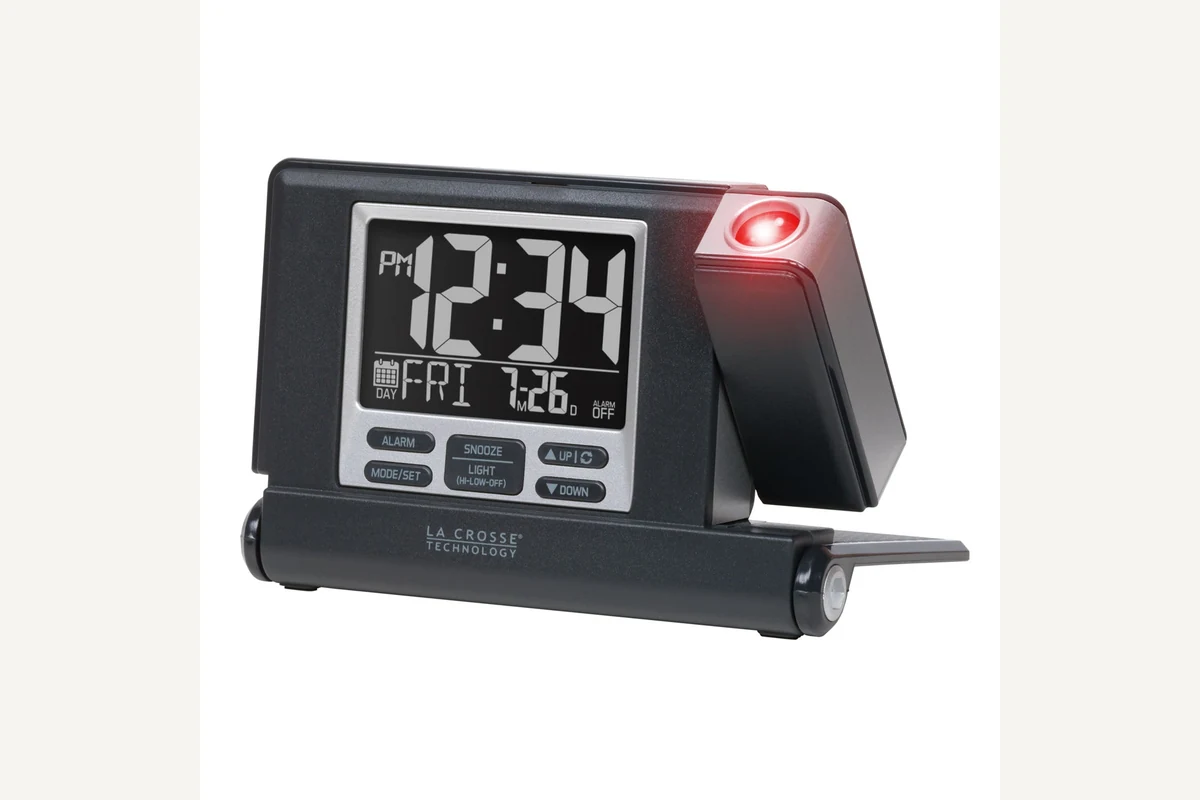
Compare for travel-size ceiling projection
La Crosse Technology 616A-56647V2
The folding 616A-56647V2 makes projection portable and adds automatic focus, but it still needs USB-C power for full operation.
The folding case protects the screen and becomes the stand. Its projector tilts, flips the image in 90-degree steps, and auto-focuses; the clock also lists a 73 dB alarm and a 1-amp USB-C charging output.
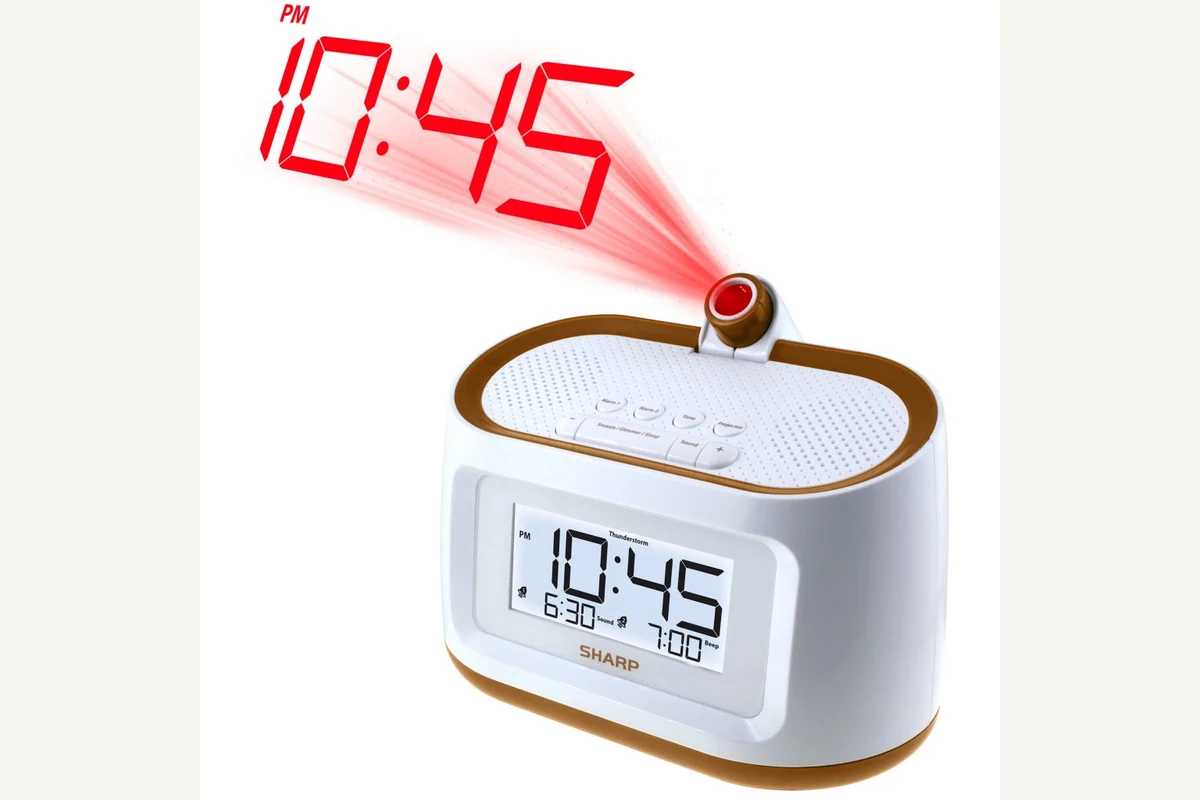
Compare for projection plus sleep sounds
Sharp SPC585
SPC585 is the bedroom-oriented alternative when dual alarms and sleep sounds matter alongside ceiling time.
SPC585 combines ceiling time projection with dual alarms, eight sleep sounds, display dimming, and battery backup.
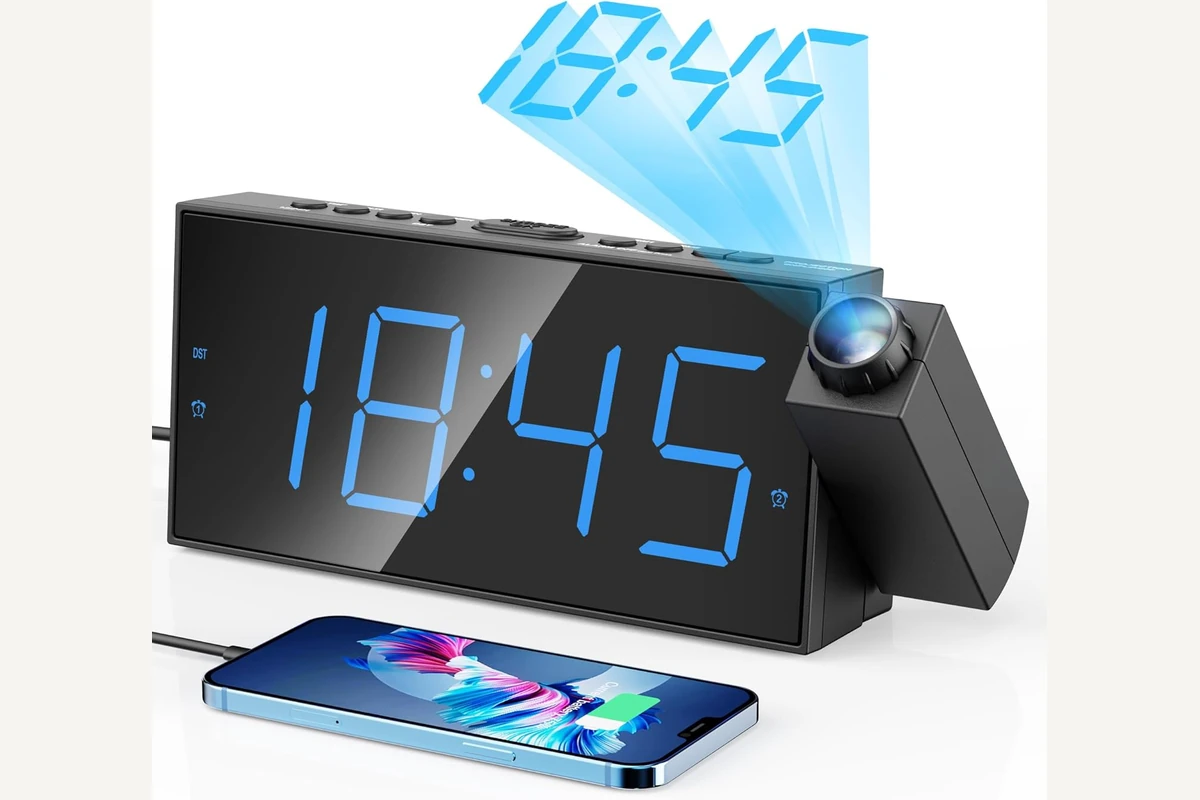
Compare for a large dual-alarm projection display
Mesqool CR1001F
CR1001F is the large-screen option for readers comparing projector focus, display dimming, and two alarm times together.
This model pairs a 180-degree projector with dual alarms, adjustable alarm volume, five display-brightness levels, a USB charging port, and memory backup.
Evidence trail
Sources and current documents
Continue by decision