Alarm clock type
Digital Alarm Clocks: Readability Without Bedroom Glare
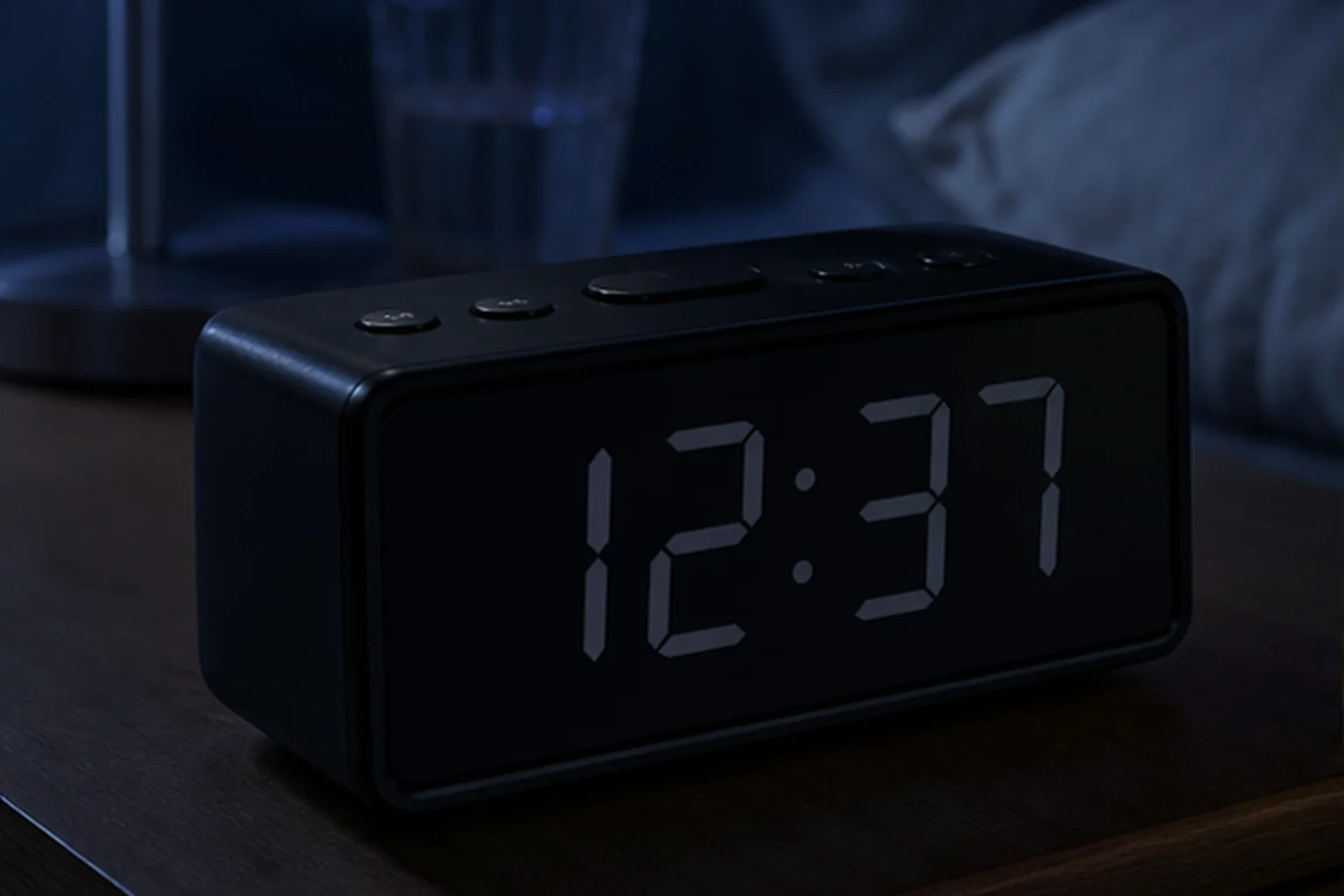
A large display helps only when it remains readable at the intended distance and can become dark enough for the bedroom.
The decision first
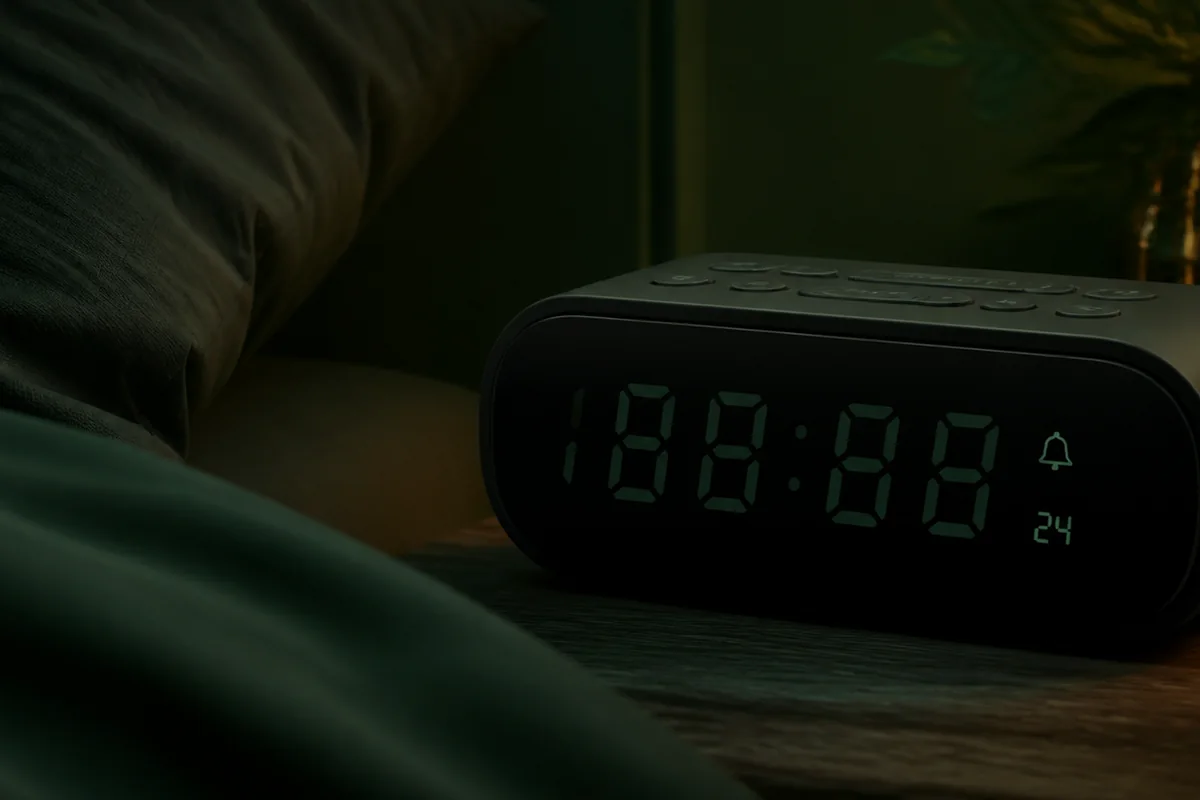
Can you read the time without lighting the room?
Digital alarm clocks make sense when direct time reading and straightforward repeat schedules matter. Before comparing display size, verify the alarm signal and controls. Then check the full brightness range, viewing angle, 12/24-hour format, and power-failure behavior.
If you are still weighing a digital display against a dial, compare analog and digital alarm clocks by alarm setting, night visibility and power behavior.
Nonnegotiable checks
The criteria that can change the answer
Read distance
Match digit size to the bed, desk, or across-room position.
Minimum brightness
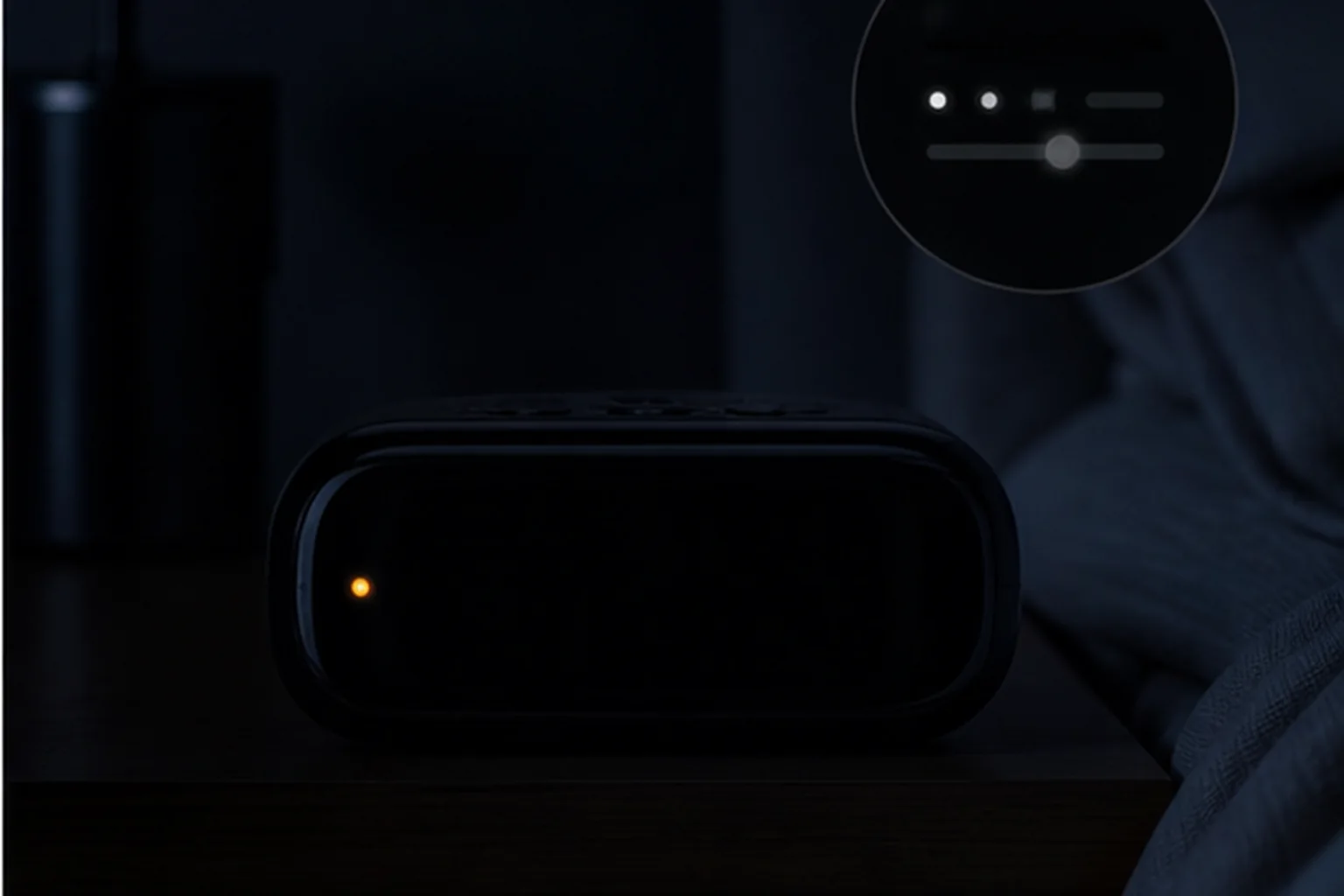
A low setting may still glow; display-off is a separate feature.
Button map
Alarm and time controls should remain distinguishable at night.
Power state
Confirm whether backup sounds the alarm or only saves settings.
What changes in practice
Compare the trade-offs, not the feature count
| Route | Decision value |
|---|---|
| Large display | Easier distant reading, with more potential light spill. |
| Compact display | Smaller footprint, but harder to read from across the room. |
| Auto dimming | Adapts without input, but may not match every room. |
| Manual dimming | Predictable control, provided the steps include a dark setting. |
Measure from the pillow
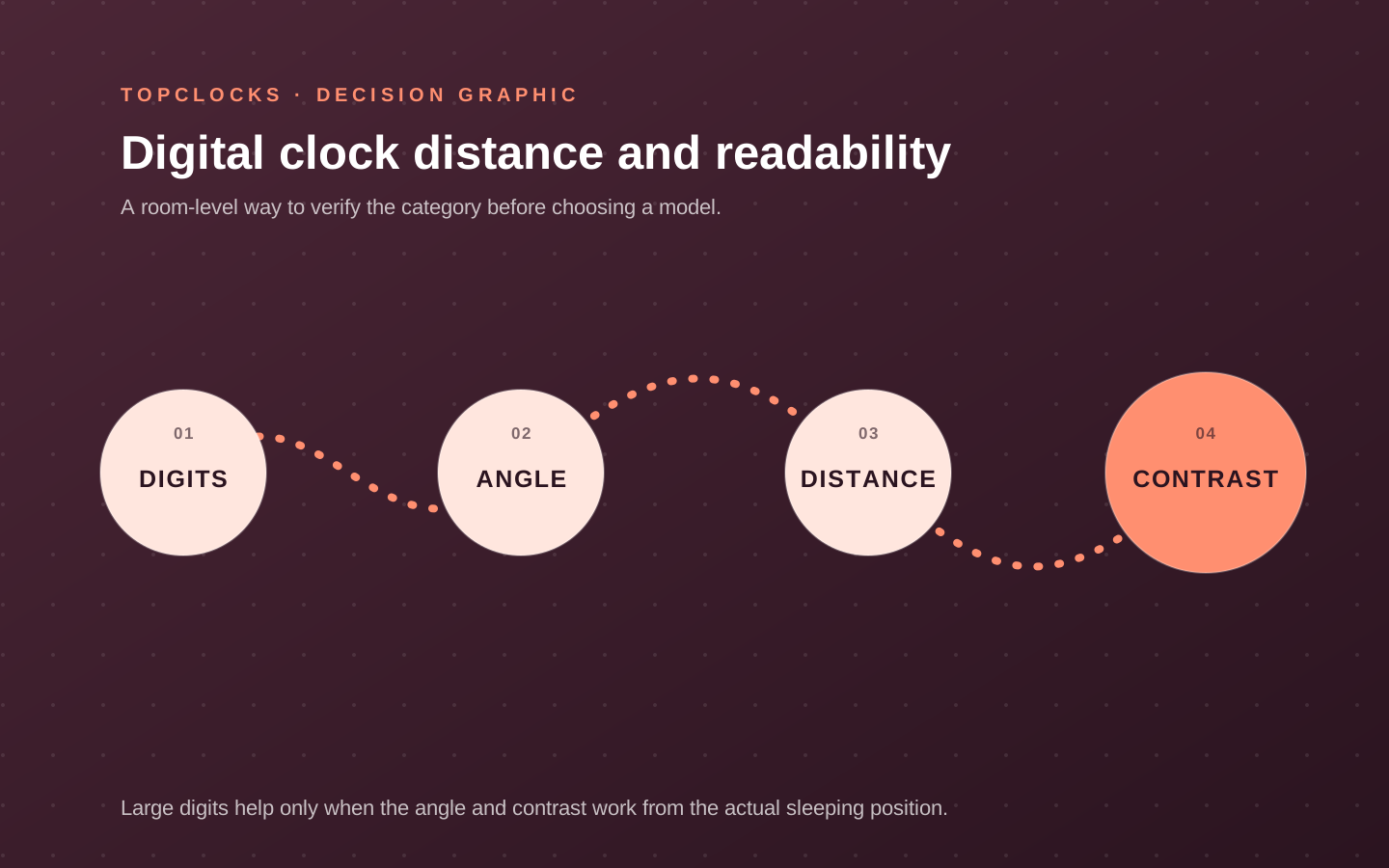
Digit size, distance, angle, and contrast work as one system
A large display is not automatically readable. Digit height is only one part of a visual field that includes viewing distance, angle, color, contrast, glare, and whether the sleeper wears glasses at night. A display photographed head-on can lose contrast from the side or below. Mirrored surfaces can reflect a lamp. Dense secondary information can make the alarm state harder to find even when the time digits are large.
Measure from the normal head position to the intended clock location, then check the display from that angle in daylight and darkness. Decide which information must be glanceable: time, active alarm, day, date, radio station, temperature, or nothing at all. Extra data has value only when it remains legible and does not increase nighttime light. A user who wants the room fully dark may prefer tap-for-time or true display off; a user who needs a constant clock may prioritize low-level contrast.
Display color should be treated as a room preference, not a universal sleep claim. The practical test is whether the lowest useful state can be read without lighting the room more than the sleeper accepts. Compare auto dimming with manual control. An ambient sensor may adapt through the night, while a manual setting is predictable and may need a bedtime action.
- Measure the actual viewing distance rather than comparing digit dimensions in isolation.
- Check the intended side and vertical angle from the bed.
- Inventory secondary icons and labels that remain illuminated.
- Test the display after dark adaptation, not immediately after turning off a bright room light.
Keep the clock an alarm
Verify the wake signal and controls before choosing the display
Digital describes time display, not alarm delivery. A digital clock can wake with an ascending beep, radio, stored sound, light, shaker, or a combination. Two models with similar digits can solve completely different morning jobs. Start with the accessible signal, usable volume or intensity range, alarm duration, and whether the stop and snooze controls are distinct. Then choose the display that fits the room.
Digital controls can be direct or deeply layered.
A simple clock may use dedicated hour, minute, alarm, and dimmer buttons. A compact clock may reuse one button for several states. A smart display may move scheduling into an app. Complexity is acceptable when the user changes schedules often and the active state remains clear. It becomes a liability when an alarm cannot be verified without bright menus, a phone, or a manual every night.
Check the time format and scheduling rules that matter. Twelve- and 24-hour modes can prevent or create setting errors. Some clocks offer daily repetition only; others add weekday/weekend or separate day patterns. Automatic time setting can reduce maintenance and introduce phone pairing, radio reception, or network dependencies. Daylight-saving behavior should be understood before travel or seasonal changes.
- Set an alarm from darkness using the normal control path and confirm the active indicator.
- Check whether volume and wake source belong to the alarm or to general playback.
- Confirm the 12/24-hour mode, day pattern, and DST behavior needed by the household.
- Press snooze and stop separately, then verify what remains armed for the next day.
Audit the night and outage states
“Dim” and “battery backup” need operational definitions
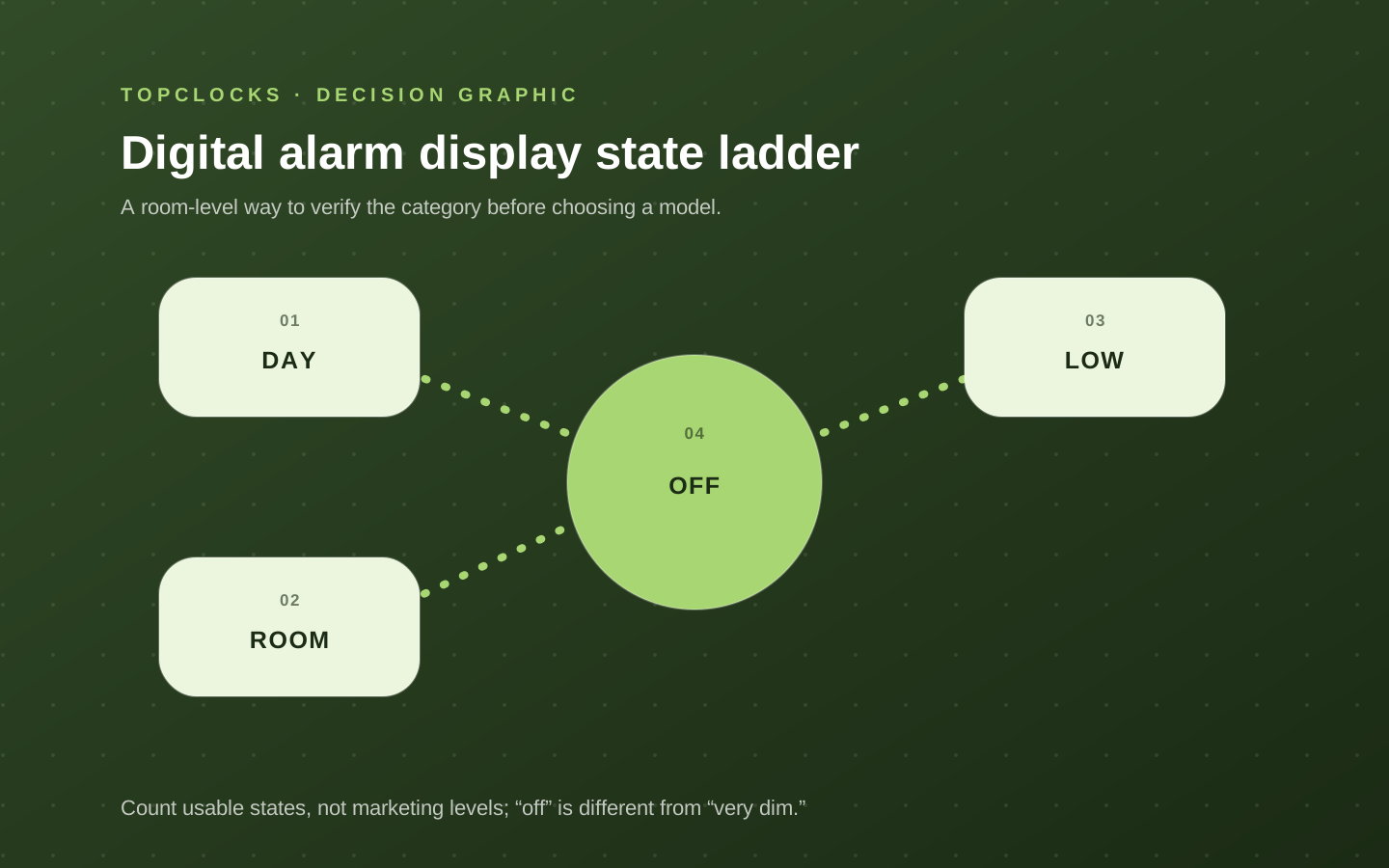
Count usable brightness states rather than advertised steps. A clock with five levels may never become dark enough, while another with fewer levels includes a complete off state. Confirm whether turning off the digits leaves the alarm armed and which indicators remain visible. Charging LEDs, radio icons, button backlights, and projectors can contribute more unwanted light than the main display after it is dimmed.
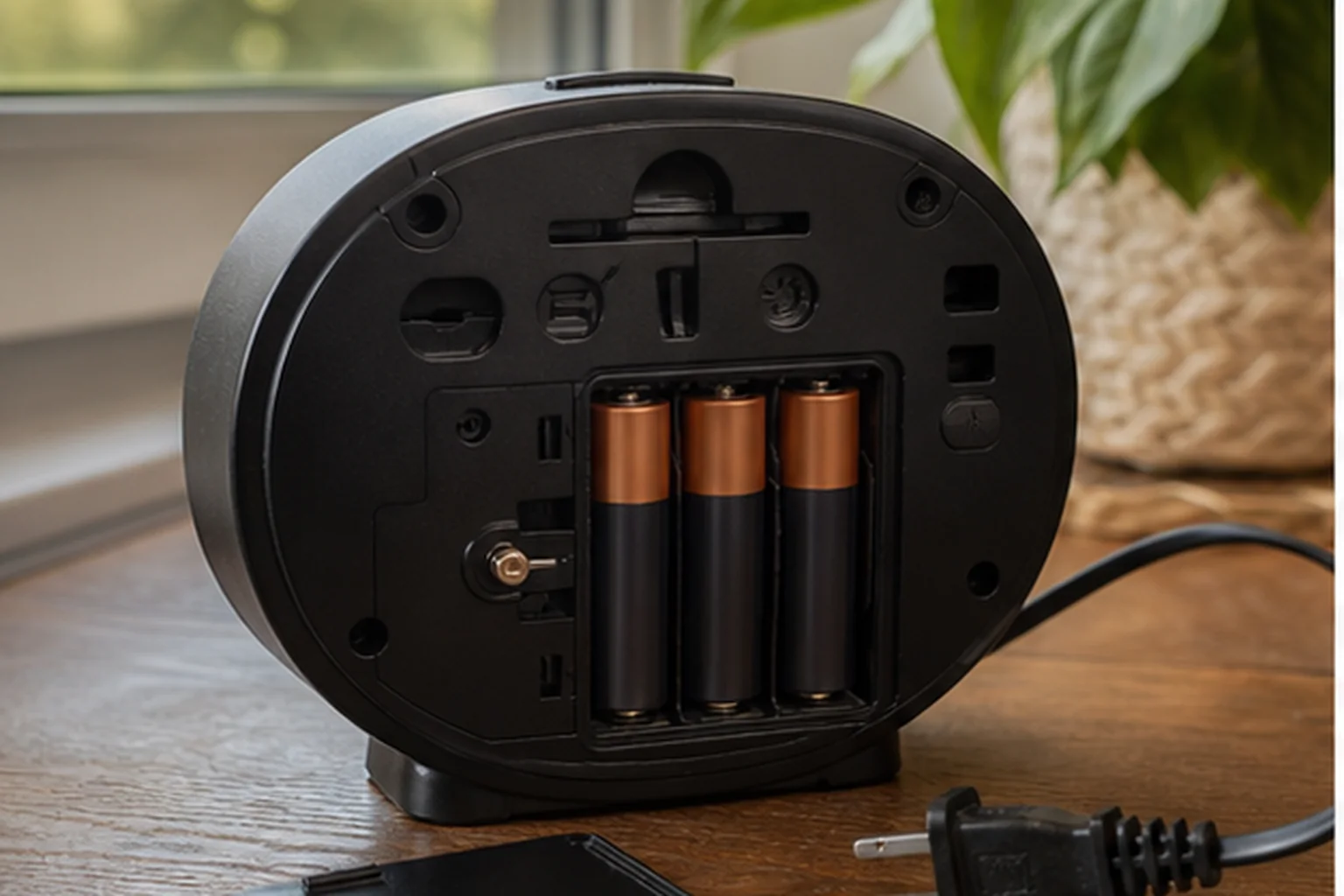
Battery backup is equally ambiguous. A small cell may retain time and alarm settings during an outage while the display and alarm output remain off.
Another clock may sound a limited buzzer while keeping the display dark. A battery-operated clock may provide full normal operation. Read the exact outage description and avoid inferring capability from the battery compartment. Charging ports and radios normally lose mains power even when alarm memory survives.
Run a safe daytime test when backup behavior affects the decision. Set an alarm a few minutes ahead, disconnect mains, observe the display and active indicators, wait for the alarm, and note what happens after power returns. Use the battery type and installation described in the manual. Record the replacement date and repeat after a battery warning or long storage.
- Separate settings retention, alarm sound, display visibility, and accessory power.
- Confirm that display-off mode does not disable or obscure the alarm state.
- Check whether brightness and time settings persist after an interruption.
- Keep an independent backup when an outage-related miss has serious consequences.
Choose a role-based model
Compare legibility-first, audio-first, and simple alternatives
A legibility-first digital clock belongs on the shortlist when large digits, multiple brightness states, and a true off setting are central.
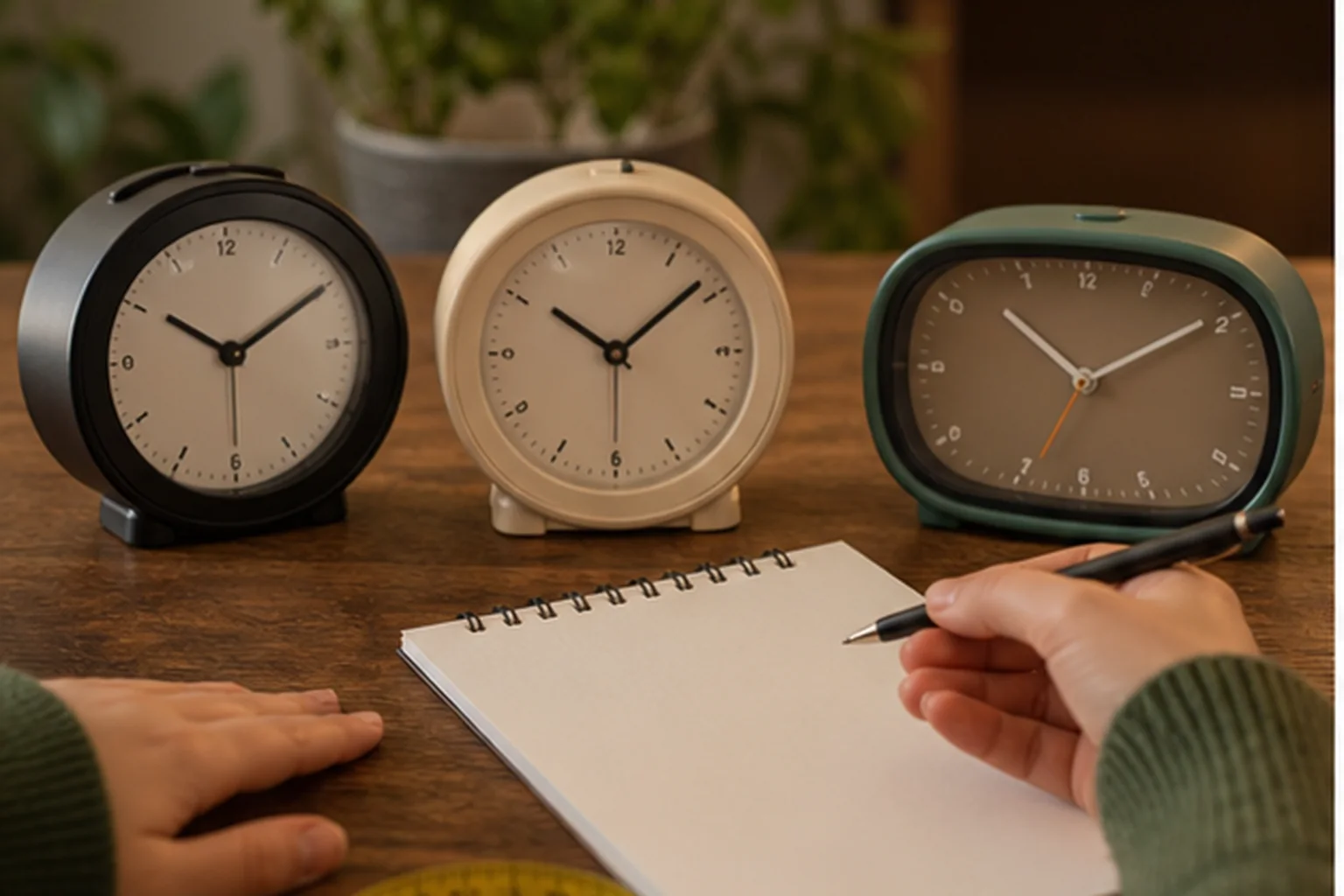
An audio-first digital clock belongs when radio, Bluetooth, or a fuller speaker is a real nightstand job, provided the alarm source and fallback remain clear. A simple analog clock is a useful counterexample: if a dial, single alarm, one battery, and physical controls solve the job, a digital display may add settings and light without enough value.
Compare exact model behavior rather than generic classes. Record the display dimensions and states, but also the alarm source, adjustment range, schedule rules, active indicator, stop/snooze behavior, power input, and backup operation. If the clock pairs to a phone for time setting, determine whether the link is required after setup. If it includes charging, determine whether the phone covers controls and whether the adapter is shared.
Use a three-scene test: daylight readability, dark-room comfort, and mains-loss behavior. The same candidate must pass all three if those states matter. Test from the pillow rather than standing over the clock. Set and stop an alarm without a bright room light. For a shared bedroom, ask whether the digits or indicators disturb the other sleeper. For travel, practice changing time and confirm the device is usable away from the normal outlet.
- Reject a display that is impressive head-on and unreadable from the bed.
- Reject a dimmer whose lowest state does not fit the room when darkness is nonnegotiable.
- Reject backup language that does not confirm the required alarm behavior.
- Prefer the model whose active state and controls remain obvious after setup and power tests.
The best digital clock for a bedroom is not the largest screen. It is the device that balances visual access, darkness, alarm reliability, and control clarity in that particular room.
Verify in the room
Read every critical state from the bed in darkness
The useful digital display is not simply large or bright. It must show the time and active-alarm state from the sleeper’s normal angle without lighting the room more than desired. Treat this as a selection experiment for digital alarm clocks, not a claim that one model will work for every sleeper. The objective is to expose a mismatch while the clock can still be returned, moved, or reconfigured.
Check the display from lying height, from both sides of a shared bed, with room lights off, and at the lowest dimmer setting. Then operate the alarm controls without turning on a lamp. Keep the first run deliberately ordinary. Extreme settings can hide a placement problem, and a special one-night routine does not show whether the setup is maintainable on workdays, school days, weekends, and schedule changes.
Digital clocks fail when digits wash out off-axis, the lowest brightness still glows, status icons are too small, or similar buttons make snooze and alarm-off easy to confuse. Write the likely failure before running the test. That note prevents a bright display, attractive sound library, charging pad, or app from receiving credit for a wake path it cannot protect.
Record viewing distance, angle, lowest usable brightness, visibility of the alarm indicator, and the button sequence for setting, snoozing, and stopping. A simple dated log is enough. Avoid converting one successful morning into a universal result; repeat the check after changing bedding, furniture, power, software, room, or schedule because the signal path may have changed.
- Digit size: write the observed state, not a yes-or-no impression. Add the condition that produced it and the next check if the result was unclear.
- Off-axis readability: write the observed state, not a yes-or-no impression. Add the condition that produced it and the next check if the result was unclear.
- Lowest dimmer level: write the observed state, not a yes-or-no impression. Add the condition that produced it and the next check if the result was unclear.
- Alarm-active indicator: write the observed state, not a yes-or-no impression. Add the condition that produced it and the next check if the result was unclear.
- Button distinction: write the observed state, not a yes-or-no impression. Add the condition that produced it and the next check if the result was unclear.
- Outage display behavior: write the observed state, not a yes-or-no impression. Add the condition that produced it and the next check if the result was unclear.
A digital alarm passes when its time and alarm state remain legible while the room stays acceptably dark. Reject a display if the intended dimmer state hides the alarm indicator or if checking the schedule requires an app or bright menu at night. If the result is mixed, do not average it into a score. Preserve the unresolved condition and compare only models that give you a direct way to verify it.
When reading product pages for digital alarm clocks, translate each promising label back into an observable state. “Reliable” should identify the cue that survives the expected power and dependency conditions. “Easy to use” should identify who sets the alarm, in what light, and how the active state is confirmed. “Best” should disappear unless the scenario and disqualifiers are stated beside it.
Close the hidden gaps
Questions that settle a choice about digital alarm clocks
For digital alarm clocks, these questions close the gaps left by retailer filters and broad “best alarm” lists. Each answer is a boundary for the shortlist, not a promise about an untested model.
What should be tested before buying digital alarm clocks?
Check the display from lying height, from both sides of a shared bed, with room lights off, and at the lowest dimmer setting. Then operate the alarm controls without turning on a lamp. Use the exact device revision and current manual when a control, accessory, app, or backup behavior affects the result.
Which failure should be ruled out first?
Digital clocks fail when digits wash out off-axis, the lowest brightness still glows, status icons are too small, or similar buttons make snooze and alarm-off easy to confuse. Test that failure first, while the consequences are low, instead of increasing every setting at once.
How many checks make the result dependable?
Within this review of digital alarm clocks, one successful check confirms that the setup can work; it does not show that it is robust. Repeat it on ordinary mornings and after any change that affects the signal, power, placement, schedule, or stop action. High-consequence mornings deserve an independently tested backup.
Can specifications settle the choice?
Specifications and manuals can narrow the shortlist for digital alarm clocks by establishing intended controls, compatibility, power requirements, and operating states. They cannot establish what one sleeper will hear, see, or feel through a particular room and bed. Keep documented facts and room observations separate.
When should a candidate for digital alarm clocks leave the shortlist?
Reject a display if the intended dimmer state hides the alarm indicator or if checking the schedule requires an app or bright menu at night. A disqualifier should remove the model before price, design, reviews, or optional content are compared.
What does a passing result look like?
A digital alarm passes when its time and alarm state remain legible while the room stays acceptably dark. The result should be visible in the log and repeatable without a special workaround that the household is unlikely to maintain.
Finish the decision about digital alarm clocks by writing one sentence: “This setup should wake this person, in this room, through this signal, under these power conditions, and it will be checked this way.” If any blank remains, the page has identified the next research task rather than pretending the purchase is settled.
Before relying on it
Run the complete alarm path
A product page can confirm features. Only a real setup check confirms that the selected signal, placement, controls, and power path work together in the room.
- Measure the viewing distance.
- Look for the lowest brightness level.
- Find the alarm-active indicator.
- Read the outage section of the manual.
Role-based product shortlist
Models worth comparing for this decision
These are desk-researched candidates, not a claim that one clock wins for everyone. Each card explains the scenario it fits, the limitation to verify, and the primary source used for the factual details.
Compare for a digital display that can go fully dark
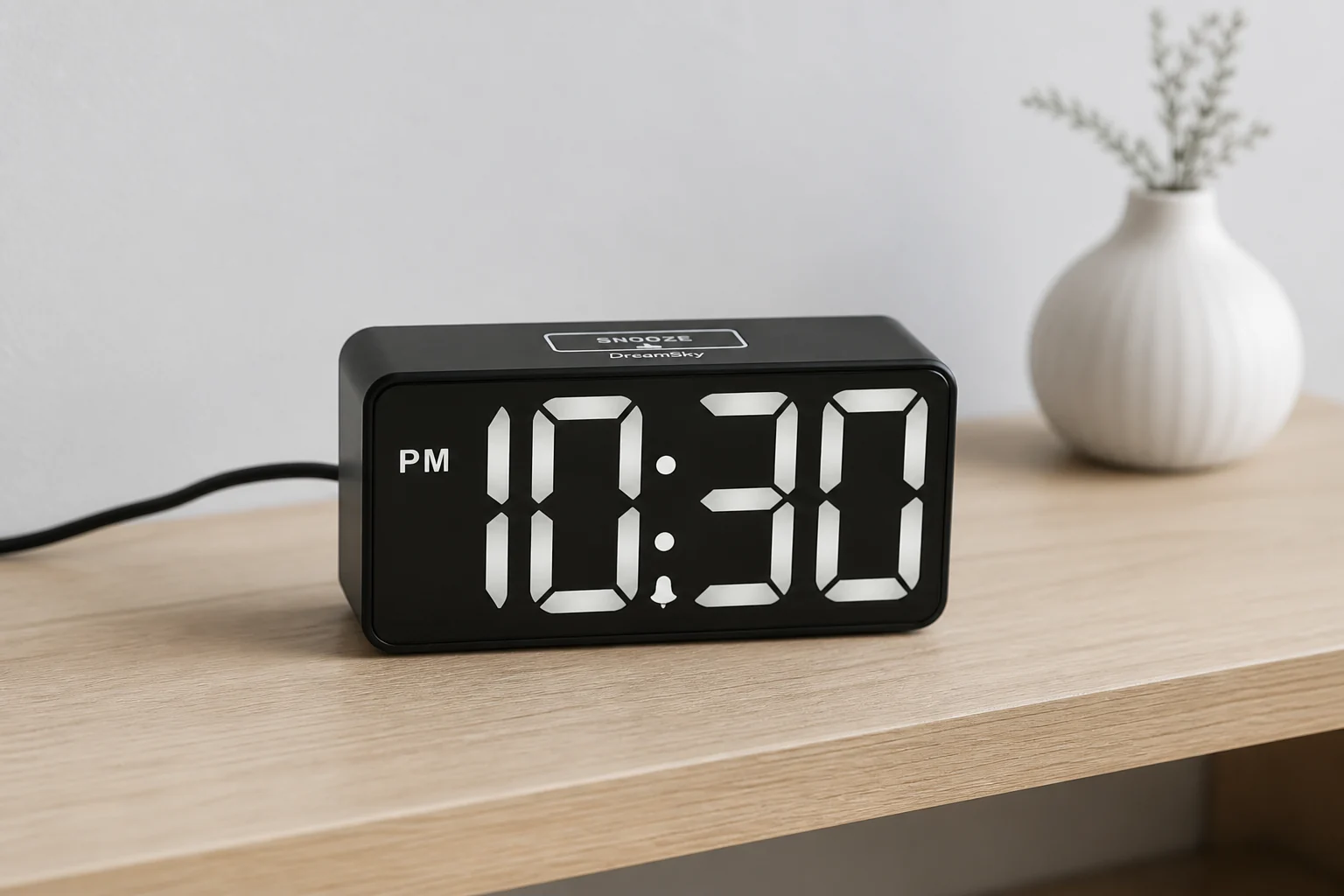
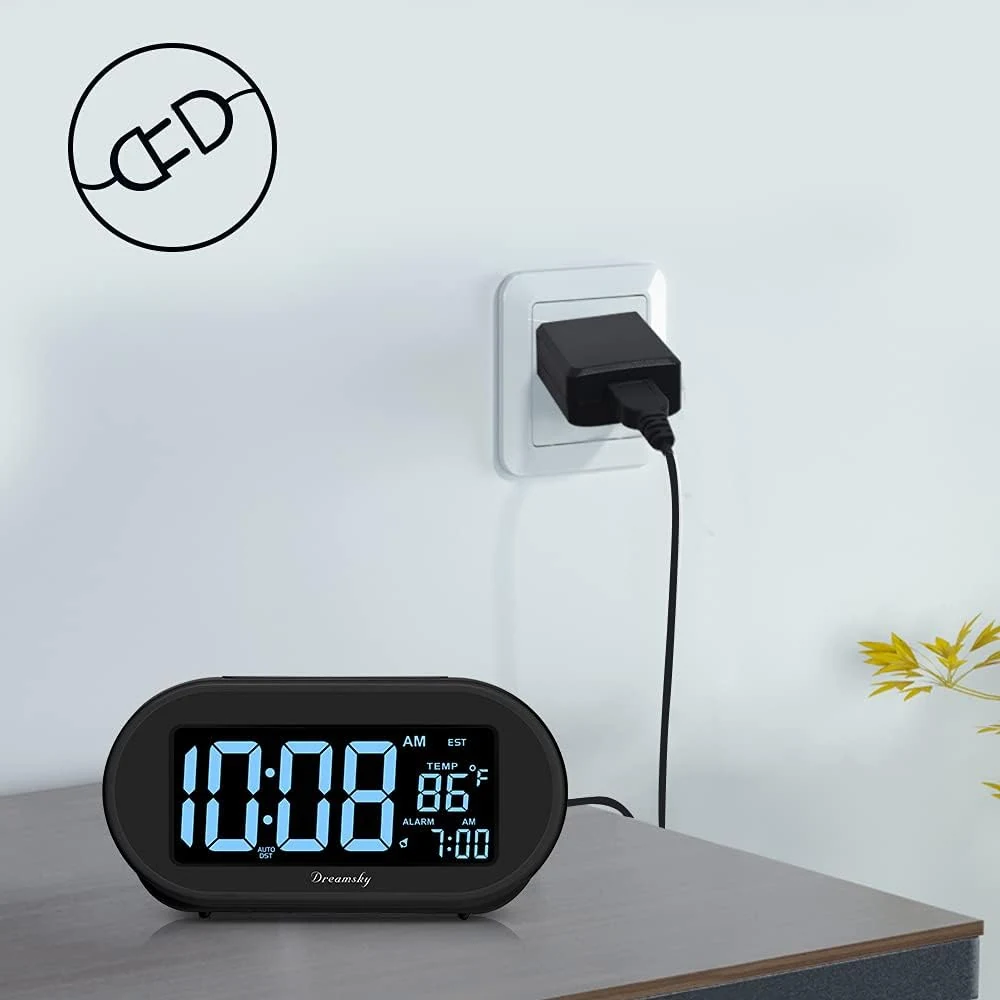
DreamSky DS312
DS312 is the compact display-first option when a continuous dimmer, adjustable alarm volume, and a convenience USB output matter more than outage operation.
DS312 pairs two-inch digits with a continuous brightness wheel, adjustable alarm volume, nine-minute snooze, and a USB charging output in a compact plug-in clock.
Compare for simple auto-set time without an app
DreamSky DS305
DS305 is the low-friction route when stored time, a four-zone shortcut, physical controls, and a display that can go fully dark matter more than live synchronization or several schedules.
DS305 starts from factory-stored time, then asks for one of four continental US time zones and an Auto DST choice. Its 4.3-inch LCD, continuous dimmer, single ascending alarm, physical controls, and USB charging keep the bedside routine deliberately simple.
Compare for large cordless LED digits
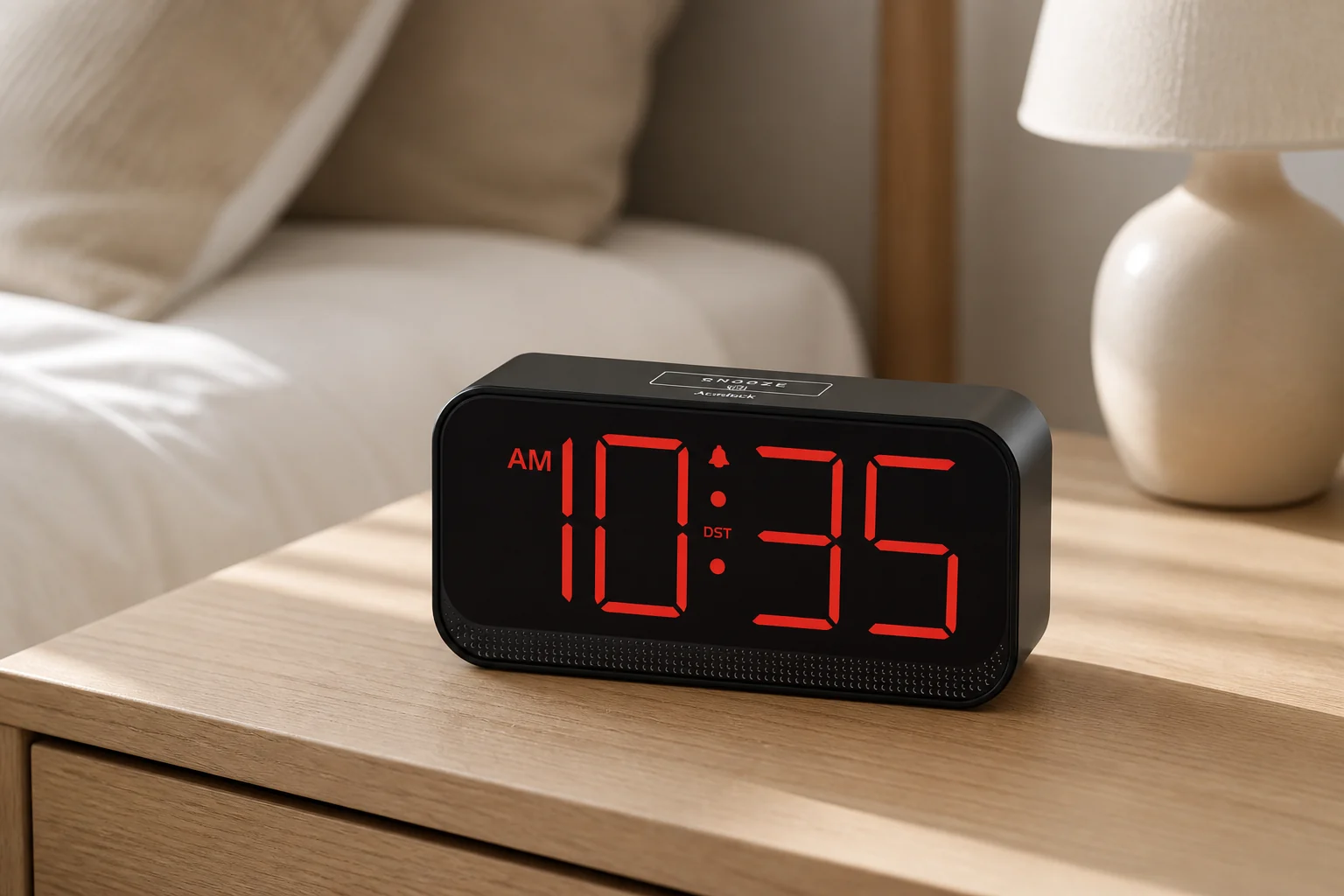
Acedeck Battery-Operated Alarm Clock
Acedeck is the unusual cordless LED route: four AA cells keep large red digits visible without an outlet, with battery maintenance as the direct trade-off.
Acedeck uses four AA alkaline cells to run its large red LED display and audible alarm away from an outlet. It also accepts USB-C power and offers automatic dimming, three manual levels, display-off, and three alarm-volume choices.
Compare for a foldable two-AAA travel clock
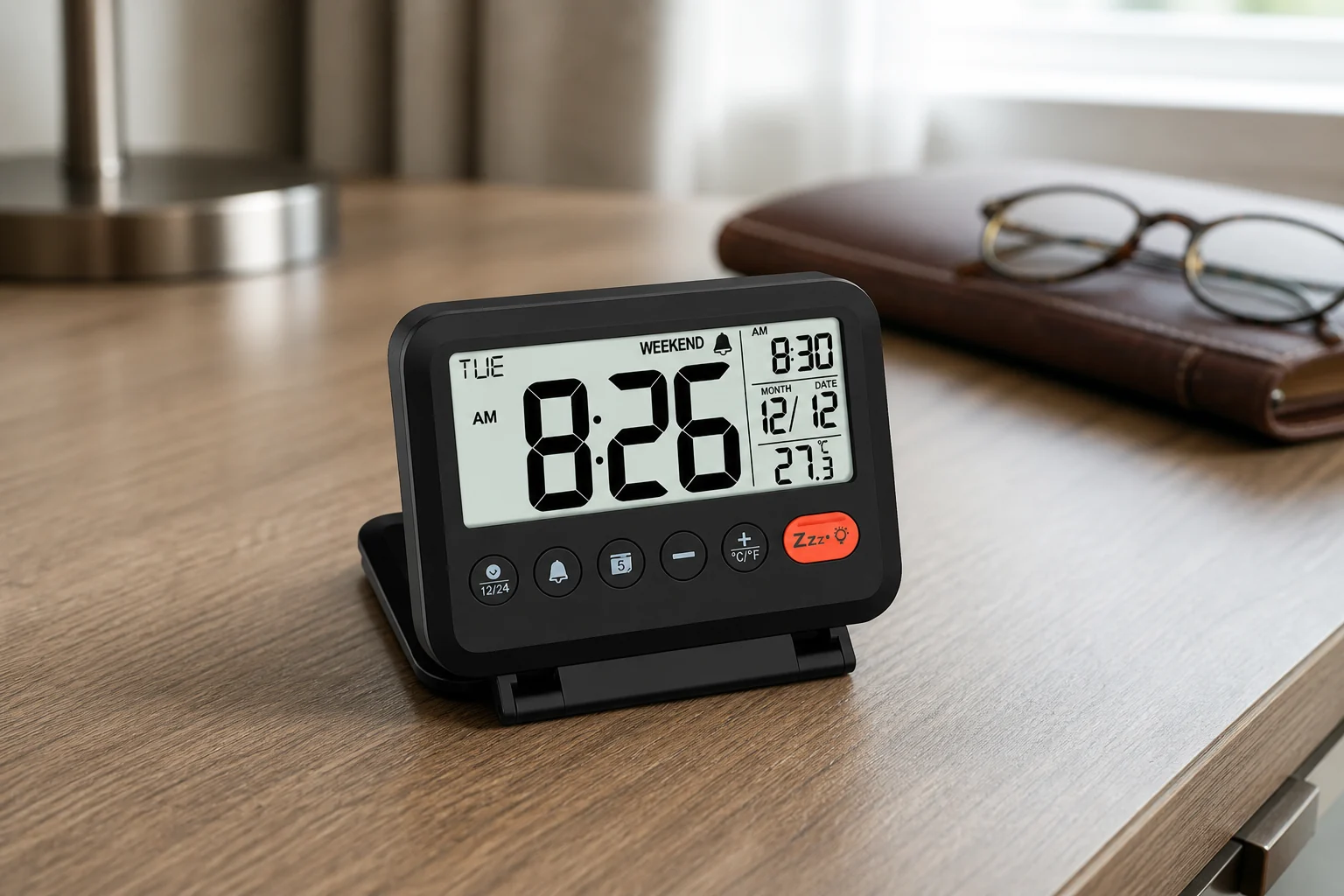
MeesMeek Digital Travel Alarm Clock
MeesMeek favors a passive LCD and two AAA cells, adding weekday-only recurrence and a folding body instead of continuous illumination.
MeesMeek combines a folding four-inch body, passive 3.54-inch LCD, two AAA batteries, weekday-only alarm mode, two listed volume levels, nine-minute snooze, and a five-second backlight.
Compare for stored sleep sounds and a display that can go fully dark
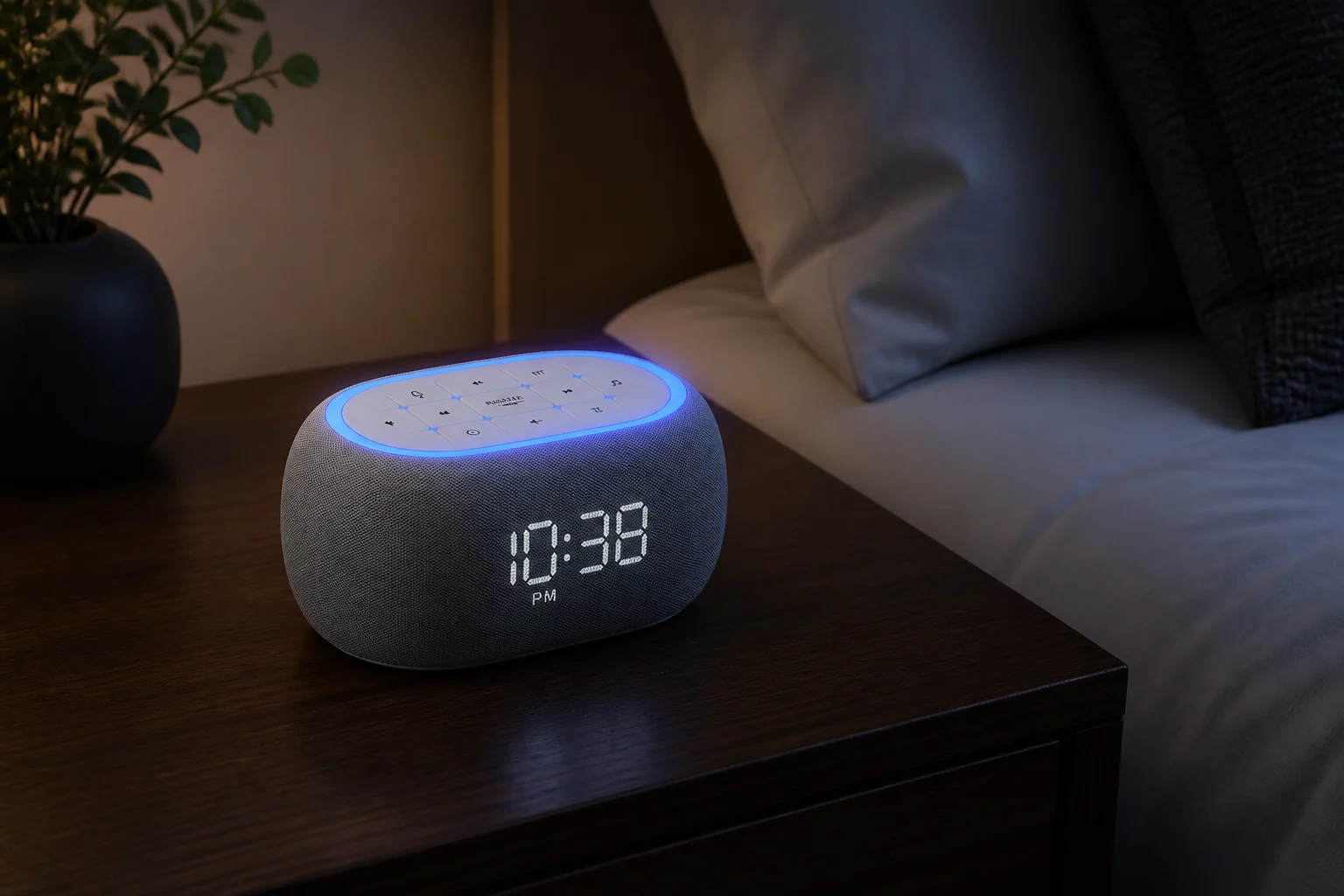
ANJANK White Noise Sound Machine Alarm Clock
ANJANK combines a clock whose display can go fully dark with stored sleep audio and Bluetooth playback, but it is not an FM/AM radio and has no documented outage alarm path.
ANJANK combines 21 built-in sleep sounds, eight stored wake sounds, Bluetooth playback, dual 10-watt speakers, seven night-light colors, a zero-to-100-percent display dimmer, and one physical bedside alarm routine.
Compare for radio and fuller bedside audio
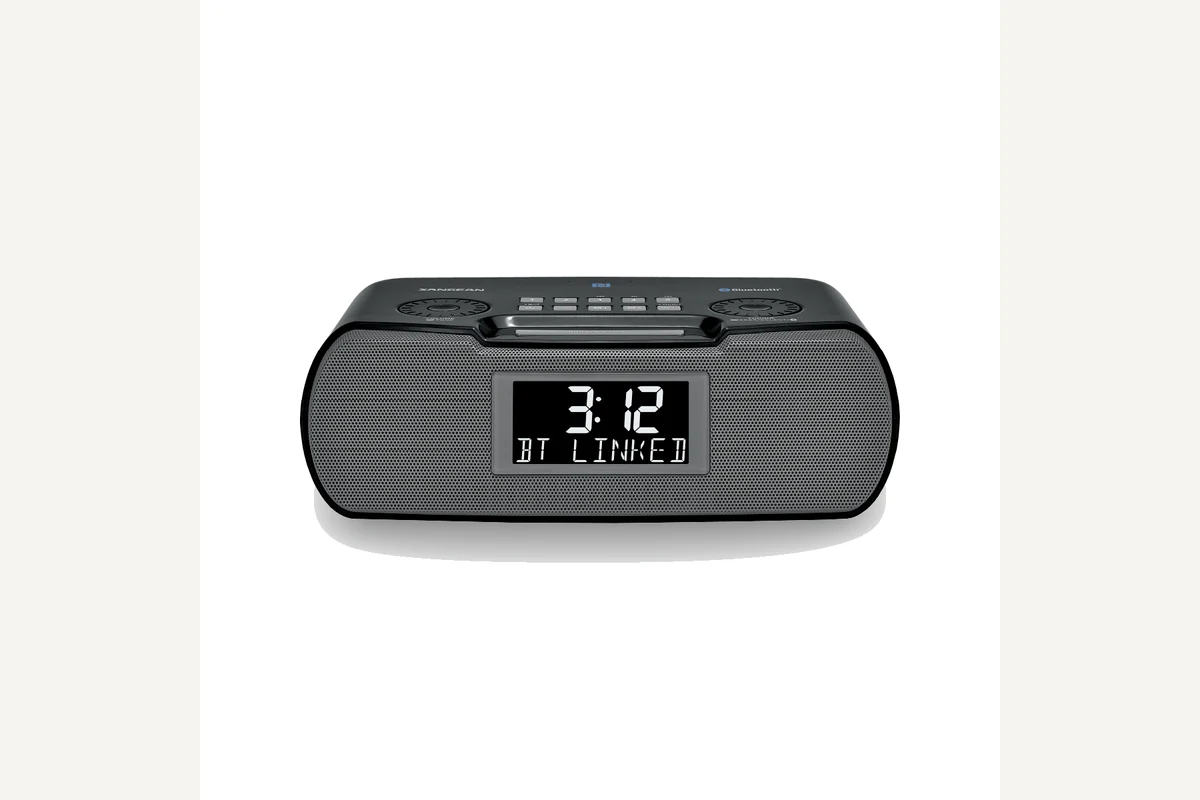
Sangean RCR-20
RCR-20 is for the reader whose digital clock must also function as a capable radio and bedside speaker.
The RCR-20 offers AM/FM-RDS, Bluetooth playback, aux input, an adjustable backlit display, USB charging, and two alarms. The cited US manual documents buzzer, AM, and FM wake sources.
Evidence trail