
Commercial depth
Smart Alarm Clocks: Routines, Apps, and Offline Limits
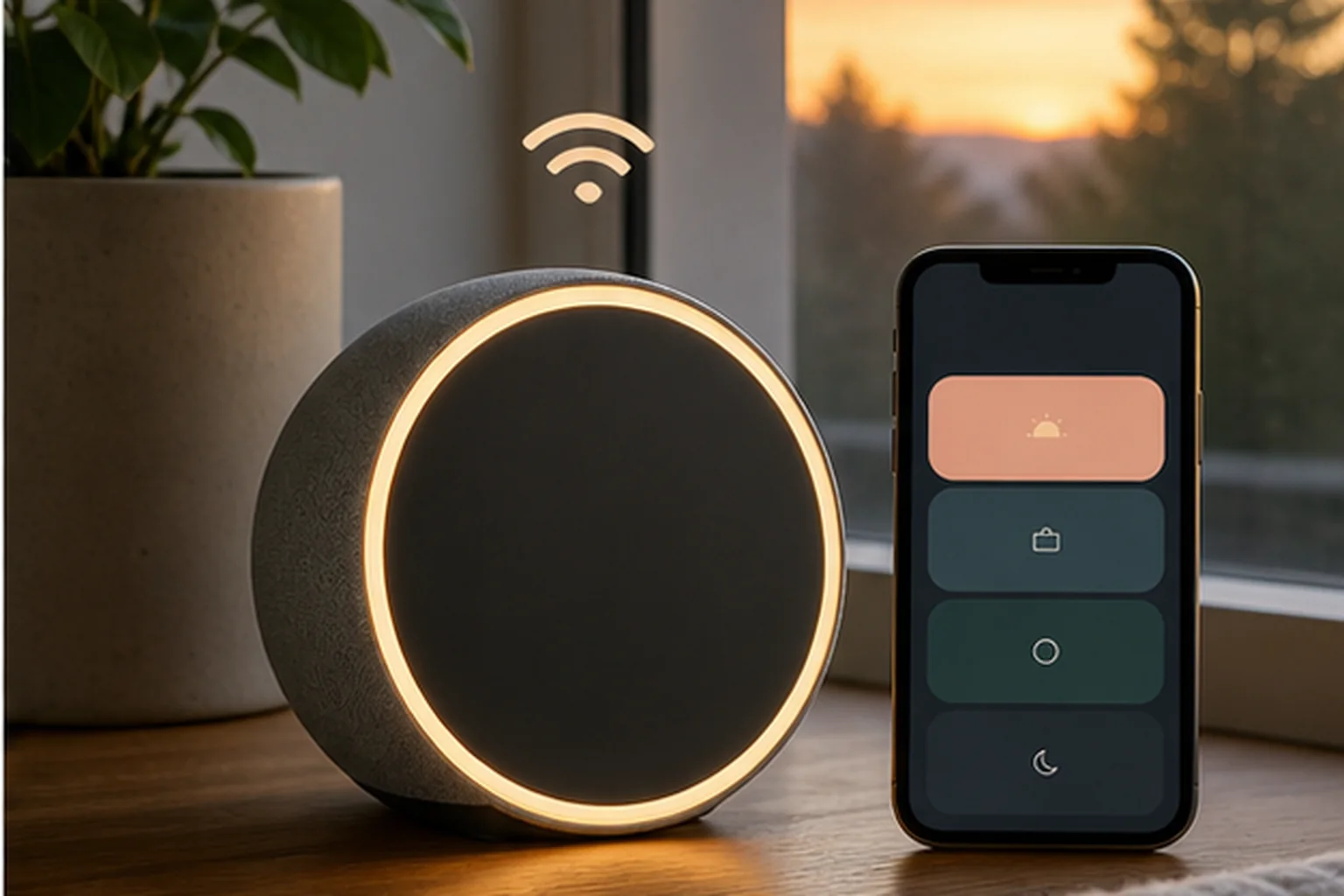
Smart features can coordinate light, sound, and schedules. They also add accounts, software, wireless setup, and sometimes subscription decisions.
The decision first
What must still work when the app or Wi-Fi does not?
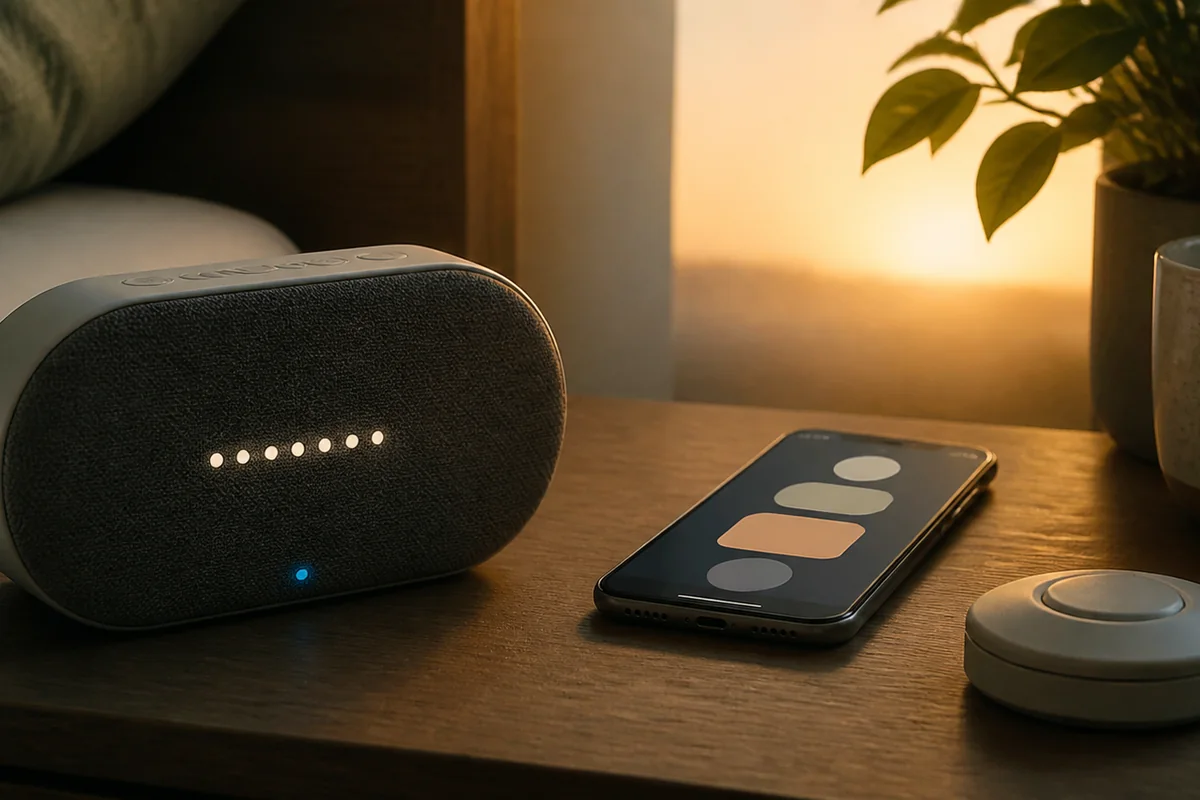
Smart alarms pay off only when configurable routines are worth the setup. Before buying, separate features that work on the device from those that require an app, account, Wi-Fi, or paid plan. The clock should still offer a practical stop and snooze path at the bedside.
Nonnegotiable checks
The criteria that can change the answer
First setup
Check the required phone platform, account, and wireless network.
Offline behavior
Find out which saved alarms survive an internet outage.
Physical controls
Routine changes may use an app; morning controls should remain direct.
Ongoing cost
Separate included sounds and routines from paid content.
What changes in practice
Compare the trade-offs, not the feature count
| Route | Decision value |
|---|---|
| More routine control | Fine-grained schedules, with more configuration. |
| Content library | Broader sound choice, sometimes behind a subscription. |
| Updates | Features can improve or change after purchase. |
| Dedicated hardware | Still less phone-like only when core controls stay on the device. |
Separate two moments
What configures the routine may differ from what runs it
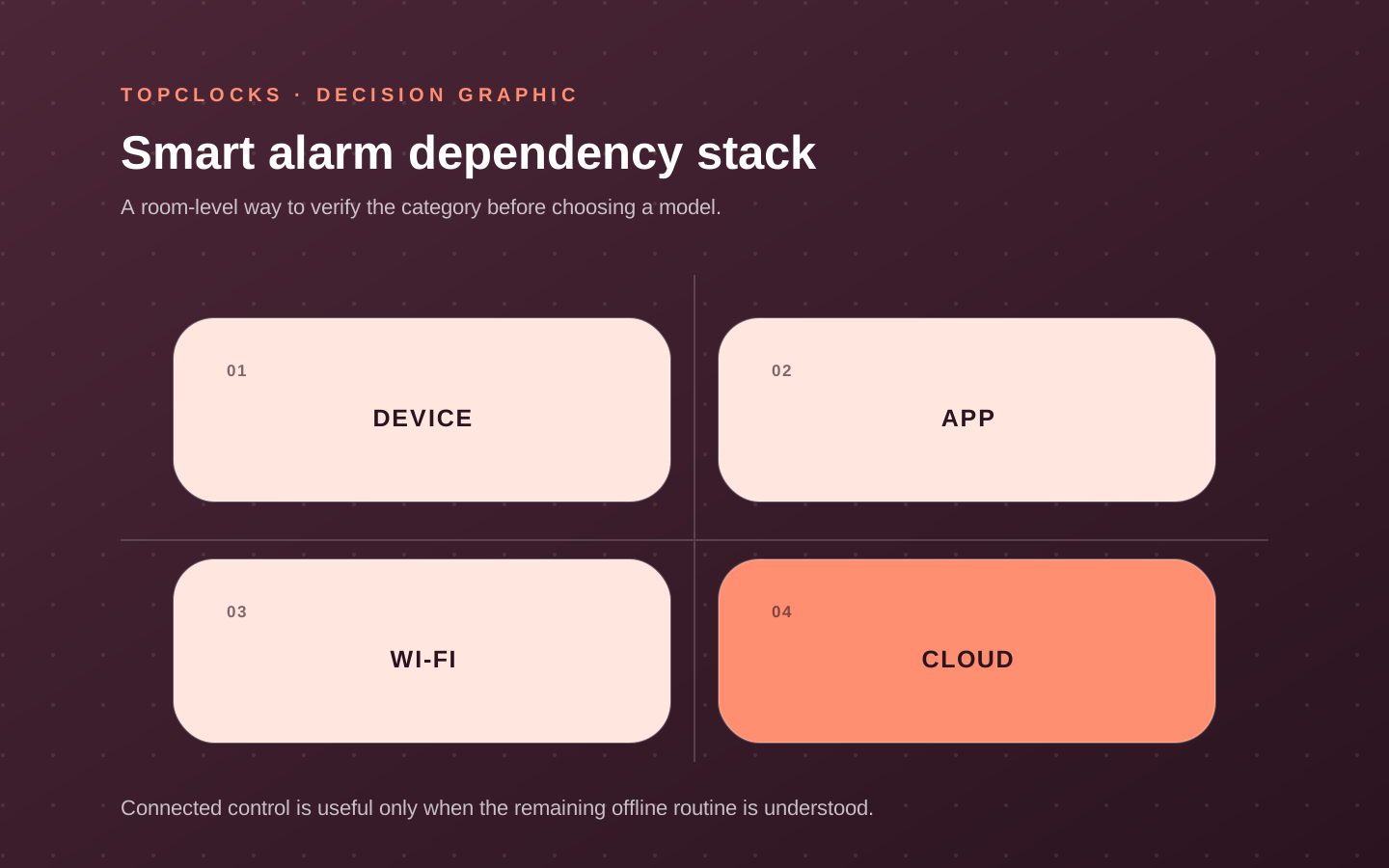
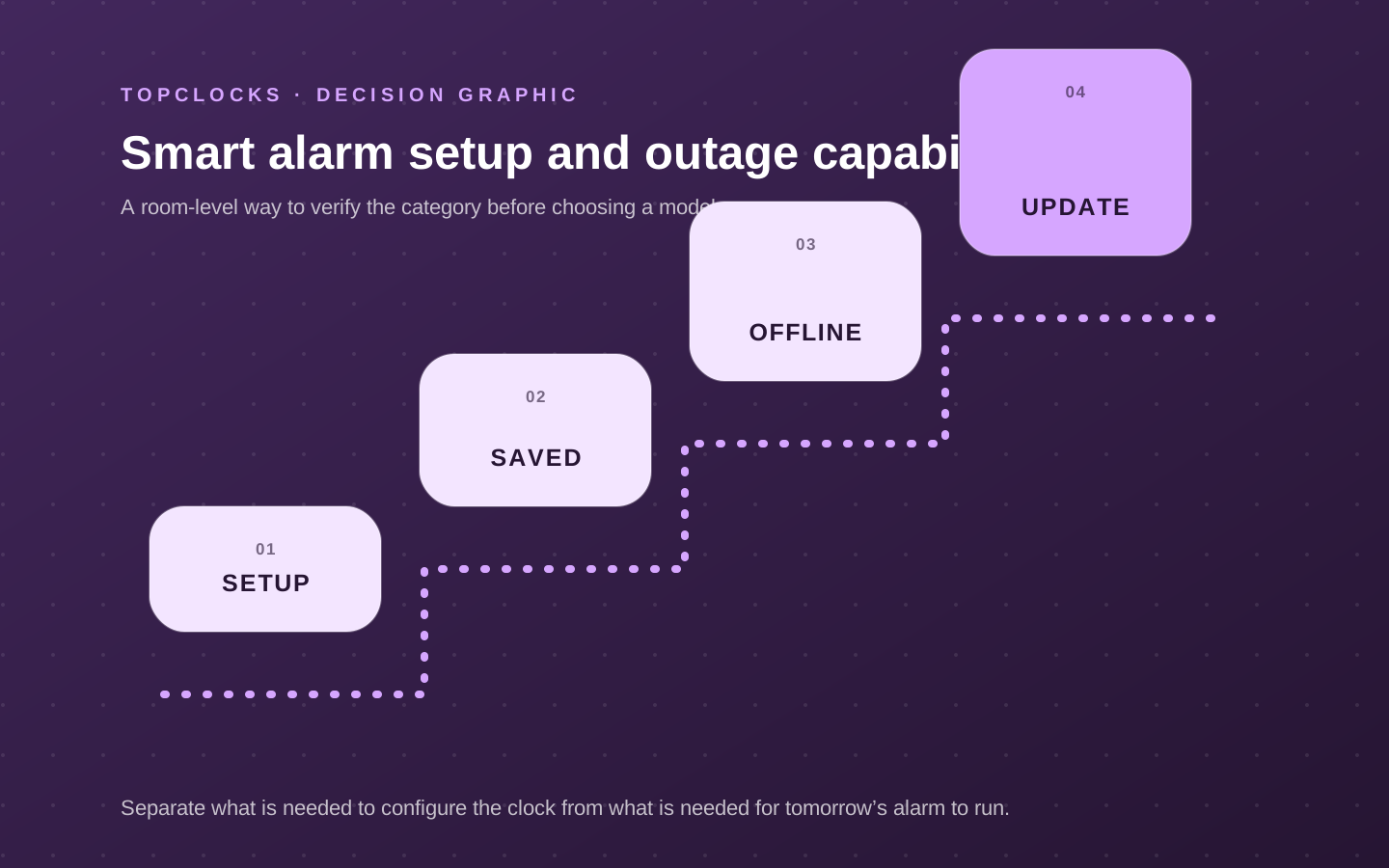
A smart alarm can need a phone, account, and Wi-Fi during setup while running a saved wake routine on the bedside device. Another can depend on a network or streaming service for the selected audio at wake time. Marketing often compresses both designs into “app controlled.” The useful distinction is configuration versus execution: what is required to create or change the alarm, and what is required for tomorrow’s saved alarm to start.
Document the setup path first.
Identify the supported app and operating systems, account requirements, Wi-Fi band or Bluetooth use, household access, and whether the device can be configured with physical controls. Then document execution: where the schedule is stored, which light and sounds remain available locally, what the clock does without the phone, and what happens during network loss. A saved local buzzer is a different reliability path from a streaming track that must be fetched.
Physical controls still matter. A routine may be built in the app and stopped, snoozed, or started from the device. Confirm what can be done without reaching for a screen in darkness. Check how the active routine is shown and whether a guest or partner can operate it without the owner’s phone. Connected flexibility is valuable when it reduces real scheduling friction; it is not valuable when it hides the alarm state.
- List every dependency needed for initial setup and for later schedule changes.
- List the signals and routines stored on the clock after setup.
- Disconnect the phone and network during a controlled test of the saved alarm.
- Practice snooze, stop, volume, and time display from the bedside controls.
Know what remains included
Device purchase, included features, and subscription content are separate decisions
Some smart clocks combine hardware functions with a content service. The device may include basic alarms, light colors, or sounds while a subscription expands routines, guided content, or libraries. Other connected models may rely on supported music services without a dedicated subscription from the clock maker. Because plans and catalogs can change, a stable buying guide should not promise a permanent list unless it is actively maintained.
Ask what the device can do after purchase with no optional paid plan: create and run an alarm, use physical controls, select a usable sound, set brightness, and retain saved routines. Then evaluate the paid layer independently.
Does it solve a recurring need, or does it make the product attractive through content that may not be part of the hardware price? Check cancellation and what remains afterward. Do not treat “free trial” as the long-term feature set.
Service support creates a lifecycle question. Apps change, operating systems update, music integrations appear or disappear, and account policies evolve. A smart clock can remain a good choice when the essential local alarm is clear and the user values connected control. It becomes a risky fit when a nonnegotiable wake signal depends on an uncertain service path and no acceptable fallback is documented.
- Separate hardware features, included account features, optional paid content, and third-party services.
- Verify what remains usable if the trial ends or the account is signed out.
- Keep the essential wake cue on a documented local or fallback path where possible.
- Review time-sensitive service claims and compatibility after major product or app updates.
Count ongoing work
Connected convenience adds account, update, and household maintenance
A bedside smart clock can reduce phone use at wake time while still requiring the phone for configuration.
Decide who owns the account, who can change schedules, what happens when the phone is replaced, and whether another household member can operate the device. A partner should not need the owner’s login to stop an alarm or check its active state. A caregiver-controlled routine may be useful for a child and should retain a simple child-facing cue.
Review the product’s current privacy and support information when data collection or microphones affect the decision. Avoid inventing assurances from the absence of a feature in marketing copy. The relevant questions depend on the model: account data, network connection, microphones or sensors, app permissions, and deletion or reset. These belong to model review and official policies rather than a generic promise that all smart clocks behave alike.
Maintenance includes firmware, app compatibility, router changes, passwords, time-zone or DST behavior, and content availability. Schedule a quick retest after major updates or network changes. Remove obsolete alarms so the active routine remains understandable. Keep a manual alarm or independent device available during migrations when a missed wake event would have serious consequences.
- Record account ownership and household access before relying on app-only configuration.
- Check the official privacy and support documents for the exact model and current app.
- Retest saved alarms after firmware, operating-system, router, or account changes.
- Use factory reset and resale procedures from the manufacturer when ownership changes.
Compare connected roles
Shortlist a routine platform and a streaming-audio route by their offline core
A routine-platform clock such as Hatch Restore 3 combines scheduled light, sound, and bedtime content, with app setup and subscription boundaries central to the decision. A streaming-audio alarm such as the WiiM Wake-up Light makes supported services and network behavior central. They are both “smart,” but one emphasizes guided routines and the other audio integration. Neither should be compared only by the number of sounds.
For each exact model, document included hardware, app and account requirements, supported network, locally saved behavior, offline alarm, physical controls, time display, subscription or service boundaries, power input, and any stated backup. Link to the direct review when one exists, because model-specific setup and current service details do not belong repeated across every cluster.
Run four tests within the return window: normal saved alarm, phone disconnected, Wi-Fi unavailable, and mains interruption as documented. Test physical stop and snooze. Confirm what happens to a streaming source when unavailable and whether a fallback sounds. Ask a partner about light and audio spillover. If connected setup is more work than the household will maintain, a self-contained sunrise, radio, or digital clock may be the better route.
- Reject a model whose essential wake cue depends on a service the user cannot accept.
- Reject a model whose bedside controls do not cover the actions needed at night.
- Reject a platform whose household access or maintenance burden is unrealistic.
- Prefer the model with a documented, testable offline core and a useful connected layer.
A smart alarm earns its complexity when it makes a recurring routine easier and still leaves the next morning understandable when the network is not perfect.
Verify in the room
Identify what remains local when the smart layer disappears
A smart alarm clock can simplify routines and expand content, but setup, saved alarms, playback, and wake-time operation may not share the same dependencies. Each state needs its own answer. Treat this as a selection experiment for smart alarm clocks, not a claim that one model will work for every sleeper. The objective is to expose a mismatch while the clock can still be returned, moved, or reconfigured.
Configure the routine normally, then test with Wi-Fi unavailable, the phone out of range, the app signed out, and any optional service disabled. Do not assume these conditions have the same effect. Keep the first run deliberately ordinary. Extreme settings can hide a placement problem, and a special one-night routine does not show whether the setup is maintainable on workdays, school days, weekends, and schedule changes.
Smart operation fails when the user cannot tell which part is stored on the device, when a service controls expected content, or when physical controls are too limited for recovery at night. Write the likely failure before running the test. That note prevents a bright display, attractive sound library, charging pad, or app from receiving credit for a wake path it cannot protect.
Record what can be set on-device, what needs the app, what needs an account or network, which content is included, and what the saved alarm does in each disconnected state. A simple dated log is enough. Avoid converting one successful morning into a universal result; repeat the check after changing bedding, furniture, power, software, room, or schedule because the signal path may have changed.
- On-device controls: write the observed state, not a yes-or-no impression. Add the condition that produced it and the next check if the result was unclear.
- App requirement: write the observed state, not a yes-or-no impression. Add the condition that produced it and the next check if the result was unclear.
- Account and Wi-Fi: write the observed state, not a yes-or-no impression. Add the condition that produced it and the next check if the result was unclear.
- Subscription boundary: write the observed state, not a yes-or-no impression. Add the condition that produced it and the next check if the result was unclear.
- Offline alarm behavior: write the observed state, not a yes-or-no impression. Add the condition that produced it and the next check if the result was unclear.
- Physical recovery controls: write the observed state, not a yes-or-no impression. Add the condition that produced it and the next check if the result was unclear.
A smart alarm passes when its core wake behavior survives the dependencies the household is willing to accept and its current state is visible.
Reject a platform when a required routine depends on an account, subscription, compatibility state, or network behavior the user cannot verify. If the result is mixed, do not average it into a score. Preserve the unresolved condition and compare only models that give you a direct way to verify it.
When reading product pages for smart alarm clocks, translate each promising label back into an observable state. “Reliable” should identify the cue that survives the expected power and dependency conditions. “Easy to use” should identify who sets the alarm, in what light, and how the active state is confirmed. “Best” should disappear unless the scenario and disqualifiers are stated beside it.
Close the hidden gaps
Questions that settle a choice about smart alarm clocks
For smart alarm clocks, these questions close the gaps left by retailer filters and broad “best alarm” lists. Each answer is a boundary for the shortlist, not a promise about an untested model.
What should be tested before buying smart alarm clocks?
Configure the routine normally, then test with Wi-Fi unavailable, the phone out of range, the app signed out, and any optional service disabled. Do not assume these conditions have the same effect. Use the exact device revision and current manual when a control, accessory, app, or backup behavior affects the result.
Which failure should be ruled out first?
Smart operation fails when the user cannot tell which part is stored on the device, when a service controls expected content, or when physical controls are too limited for recovery at night. Test that failure first, while the consequences are low, instead of increasing every setting at once.
How many checks make the result dependable?
Within this review of smart alarm clocks, one successful check confirms that the setup can work; it does not show that it is robust. Repeat it on ordinary mornings and after any change that affects the signal, power, placement, schedule, or stop action. High-consequence mornings deserve an independently tested backup.
Can specifications settle the choice?
Specifications and manuals can narrow the shortlist for smart alarm clocks by establishing intended controls, compatibility, power requirements, and operating states. They cannot establish what one sleeper will hear, see, or feel through a particular room and bed. Keep documented facts and room observations separate.
When should a candidate for smart alarm clocks leave the shortlist?
Reject a platform when a required routine depends on an account, subscription, compatibility state, or network behavior the user cannot verify. A disqualifier should remove the model before price, design, reviews, or optional content are compared.
What does a passing result look like?
A smart alarm passes when its core wake behavior survives the dependencies the household is willing to accept and its current state is visible. The result should be visible in the log and repeatable without a special workaround that the household is unlikely to maintain.
Finish the decision about smart alarm clocks by writing one sentence: “This setup should wake this person, in this room, through this signal, under these power conditions, and it will be checked this way.” If any blank remains, the page has identified the next research task rather than pretending the purchase is settled.
Before relying on it
Run the complete alarm path
A product page can confirm features. Only a real setup check confirms that the selected signal, placement, controls, and power path work together in the room.
- Read the setup requirements.
- List features that require a subscription.
- Find the offline-alarm statement.
- Check the return policy after testing the routine.
Role-based product shortlist
Models worth comparing for this decision
These are desk-researched candidates, not a claim that one clock wins for everyone. Each card explains the scenario it fits, the limitation to verify, and the primary source used for the factual details.

Compare for app-built light and sound routines
Hatch Restore 3
Restore 3 is the routine-platform example, so subscription boundaries and what works from the clock deserve equal weight with features.
Restore 3 combines sunrise light, sound routines, and more direct device controls than earlier Restore models. A phone is still required for setup and customization, while core routines can be used from the clock afterward.
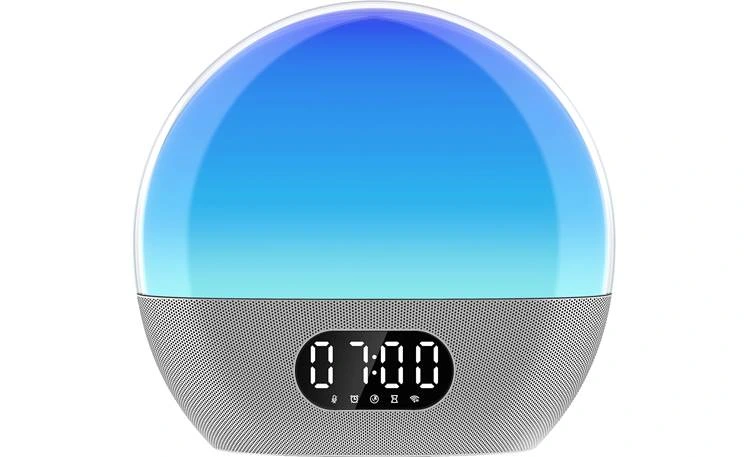
Compare for streaming audio in a sunrise routine
WiiM Wake-up Light
WiiM is the streaming-audio alternative, making service support and network behavior part of alarm reliability.
WiiM combines a wake light with Wi-Fi streaming, speaker playback, app control, and voice-assistant integrations. It suits a buyer who wants audio services inside the alarm routine rather than a simple offline clock.
Evidence trail
Sources and current documents
Continue by decision