Analog vs Digital Alarm Clocks: Which Fits Your Mornings?

US buying comparison · Documentation checked August 28, 2026

Choose an analog alarm clock if a dial, physical controls and a simple daily routine suit you. Choose digital if entering a particular minute and reading numbers directly are more useful. Then check the actual model: hands or digits do not tell you whether an alarm will sound during a power outage, how quiet it runs, or how easily you can stop it.

The four examples below show why that second check matters. Two use an AA battery for normal operation; two use backup batteries only to remember settings. One analog model receives a radio time signal. The display alone does not determine those features.

Compare the differences See the four models

Author: TOPCLOCKS Editorial TeamUpdated: August 28, 2026
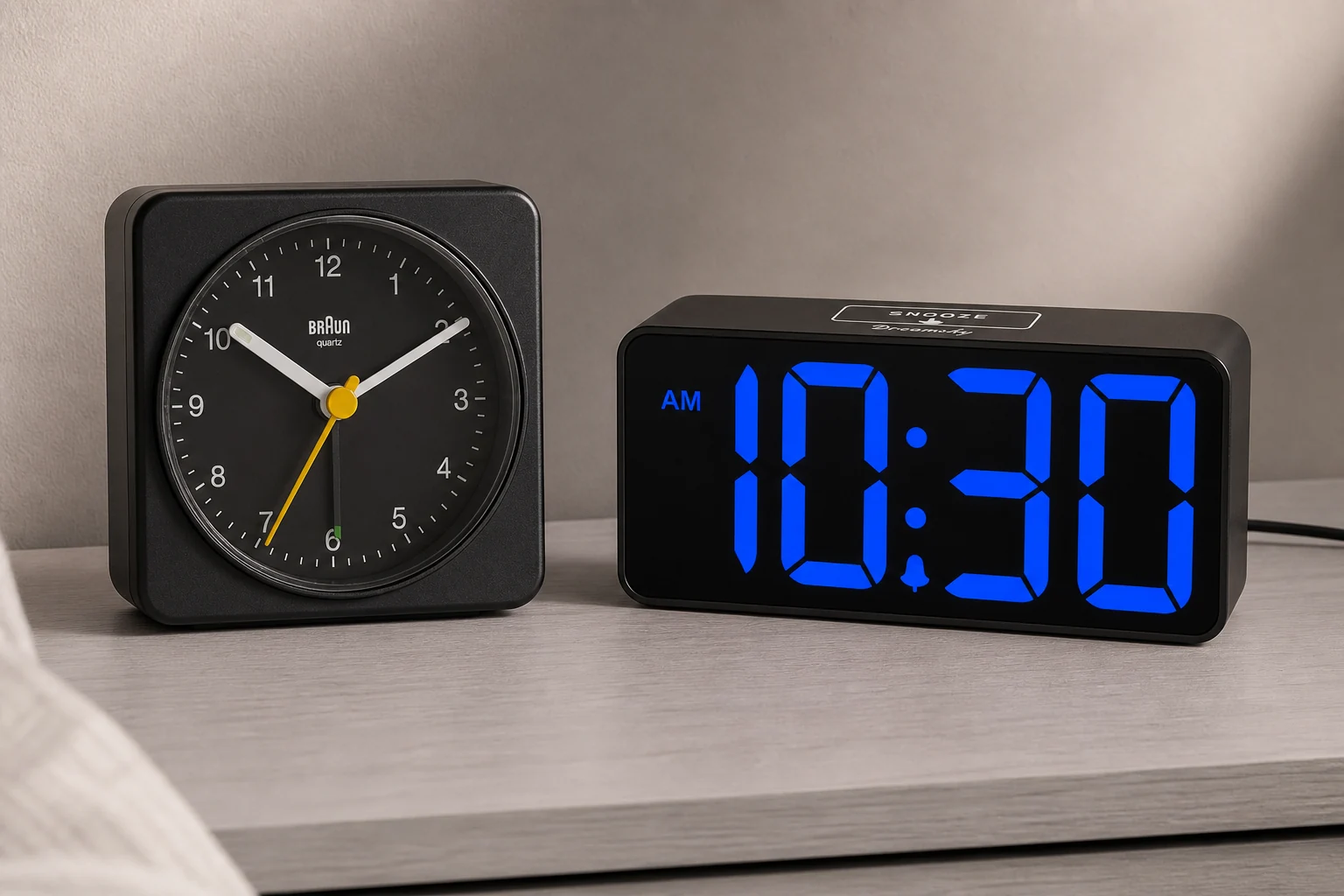
Black Braun BC03 analog clock beside a blue-digit DreamSky DS312 on an ash bedside console
Generated editorial scene using original model references; not a brightness, accuracy or scale test.

Which matters more: exact setting or a dark dial?

Start with analog for a simple physical routine

A single dial-set alarm can be a good fit when your morning has some timing flexibility and you want controls you can inspect directly. Check the alarm pointer, on/off switch and nighttime reading method before deciding that fewer buttons means easier use.

Do not choose the format solely to escape ticking: some analog movements step, while others sweep. Nor does an unlit face stay readable just because its hands are easy to see in daylight.
Start with digital for clear numerical settings

If you want to enter 6:37 rather than position a small pointer near a dial mark, digital controls offer the clearer setting method. That is a difference in entering and checking an alarm, not proof of a more accurate clock or a guaranteed trigger time.

Look beyond the large numbers. A dimmer that suits the room, an obvious alarm indicator and a stop control you understand can matter more than the number of extras printed on the box.

If the only goal is leaving your phone outside the bedroom, either format may work. The relevant question is whether the specific clock needs an app or connection. The separate phone versus alarm clock comparison addresses that choice without treating every digital clock as a smart device.

Analog and digital alarms, side by side

Practical differences, with the exceptions that should stay on your shortlist
Decision pointAnalogDigital
Reading the timeHands against a dial; contrast and viewing distance matter.Numerical readout; digit size, viewing angle and illumination matter.
Setting the alarmThe two examples use an alarm pointer; no numerical setting tolerance is verified.Hour/minute setting is easier to inspect as a number; actual timing still needs checking.
Dark-room useAn unlit dial, luminous tips and a temporary light are different features.Check the lowest useful brightness and whether the display can turn off.
Movement noiseBC03 has a quiet sweep; 617-710B uses step motion.No moving clock hands, but that is not a measured guarantee of total silence.
Automatic timePossible: 617-710B receives WWVB with region and reception limits.Possible: DS305 offers preset time and DST settings, not verified radio synchronization.
PowerBC03 and 617-710B use one AA for normal operation.The two DreamSky examples need mains; their backup does not sound the alarm.
SnoozeModel-specific: about four minutes on BC03; five on 617-710B.Model-specific: eight minutes on DS305; nine on DS312.
Two alarms or weekdaysDo not assume a dial provides either.Do not assume digits provide either; DS312 has one alarm.
Best reason to chooseYou can comfortably set, read and verify the physical controls.You can comfortably read the numbers and confirm the intended alarm state.

This is a feature comparison, not a reliability ranking or a measured contest. The power row describes the named examples, not all analog and digital clocks. If a required feature is missing, remove that model from the shortlist before comparing finishes, charging ports or price.

Four clocks that show the differences

These are documentation-based examples with existing full reviews, not a claim that all four were tested side by side. TOPCLOCKS may earn a commission from qualifying purchases through the separate Amazon links.

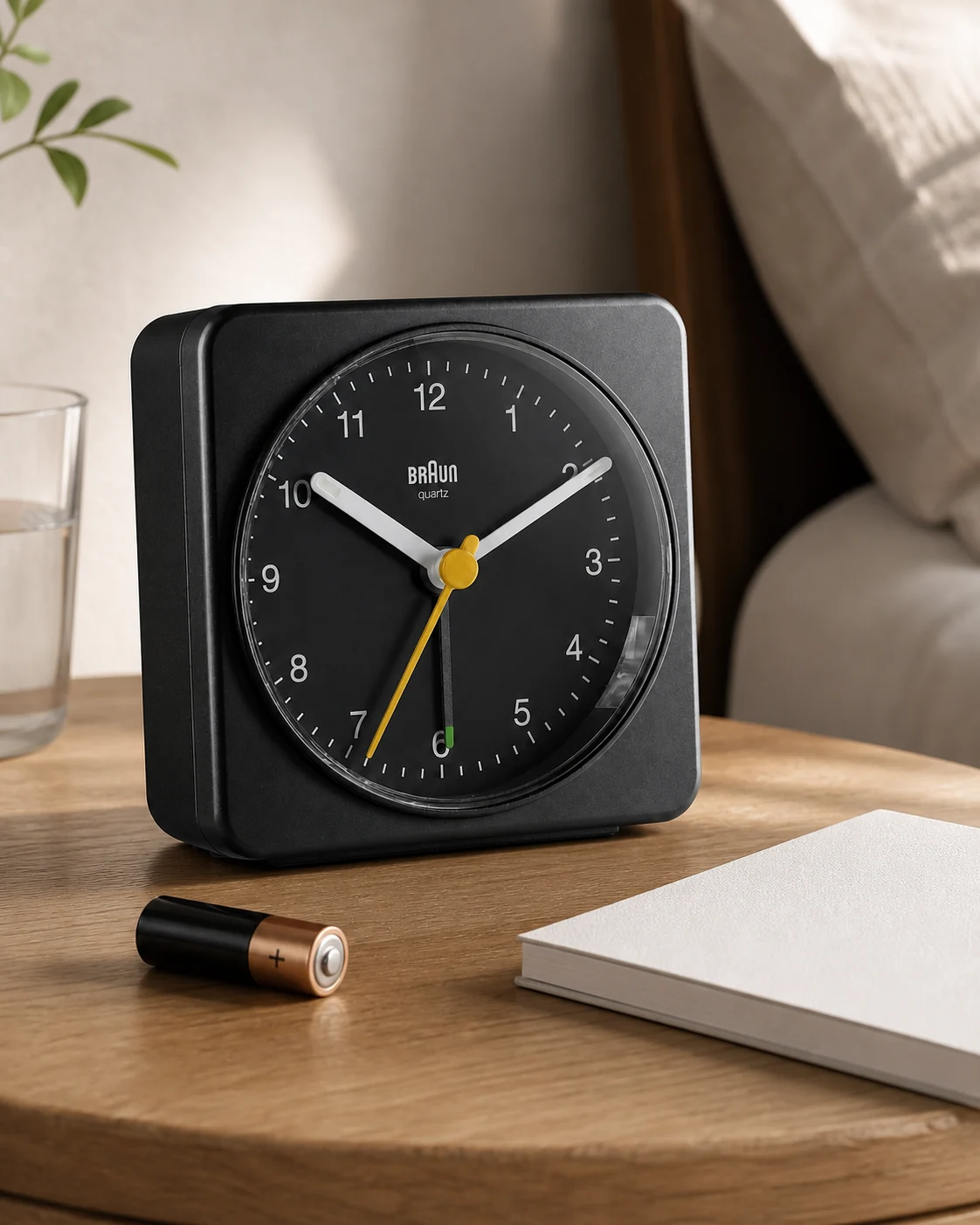
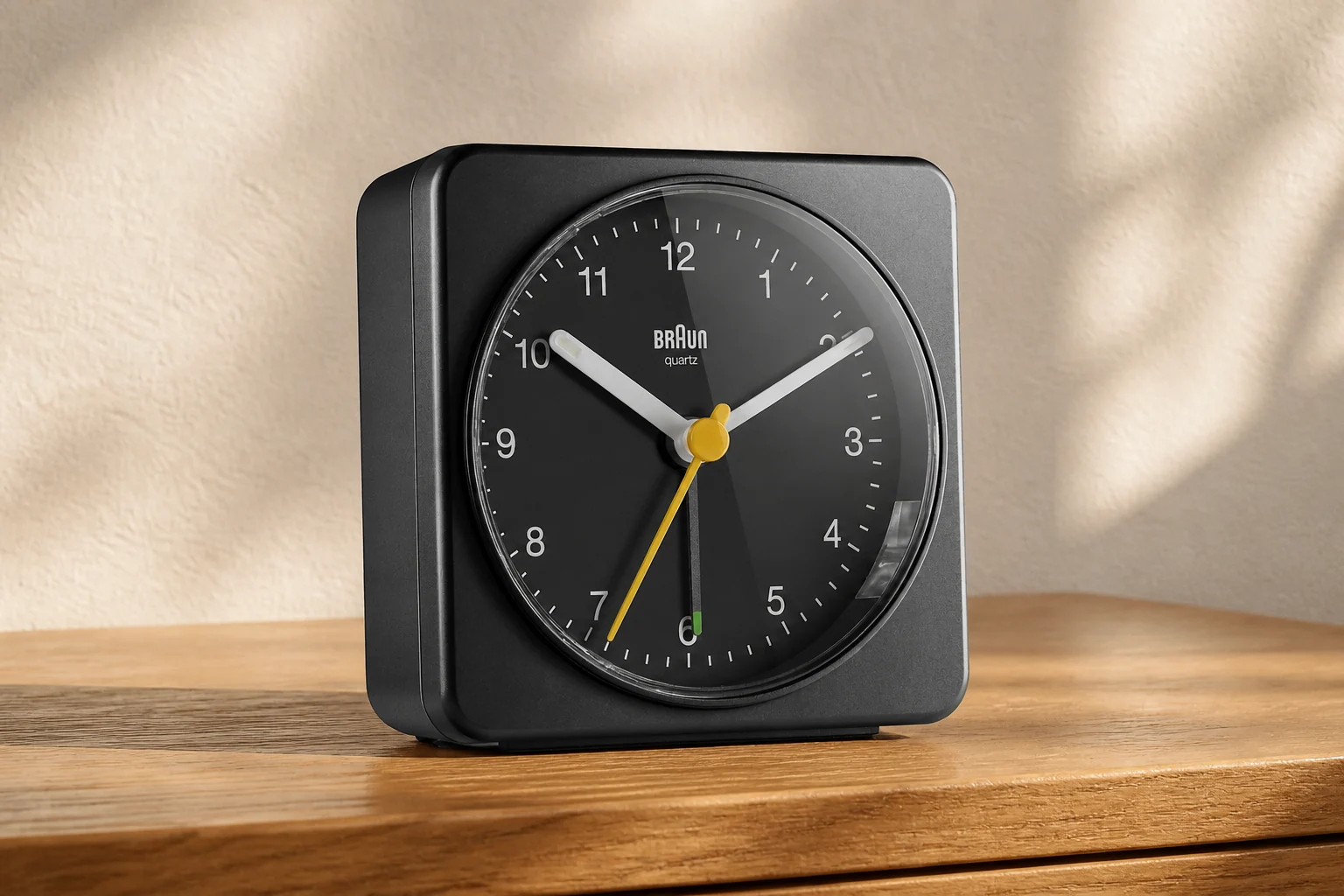
Black square Braun BC03 with a black dial and yellow second hand on an oak bedside table
BC03B in a new reference-led editorial scene.

Braun BC03: a quiet-sweep analog option

Consider the BC03 for a bedside routine built around a dial and physical controls. The black BC03B combines a quiet quartz sweep, luminous hand tips and a crescendo beep.

Read the short model assessment

To use snooze or the light, press down on the clock body to operate the integrated base switch. The manual gives about four minutes of snooze and about five seconds of light. One AA alkaline battery powers the clock.

Choose it if that whole-body press feels convenient. Reject it if your schedule requires a clearly entered alarm minute rather than a pointer setting. No measured noise level or alarm tolerance was established here.

Braun specifications · BC03 instructions

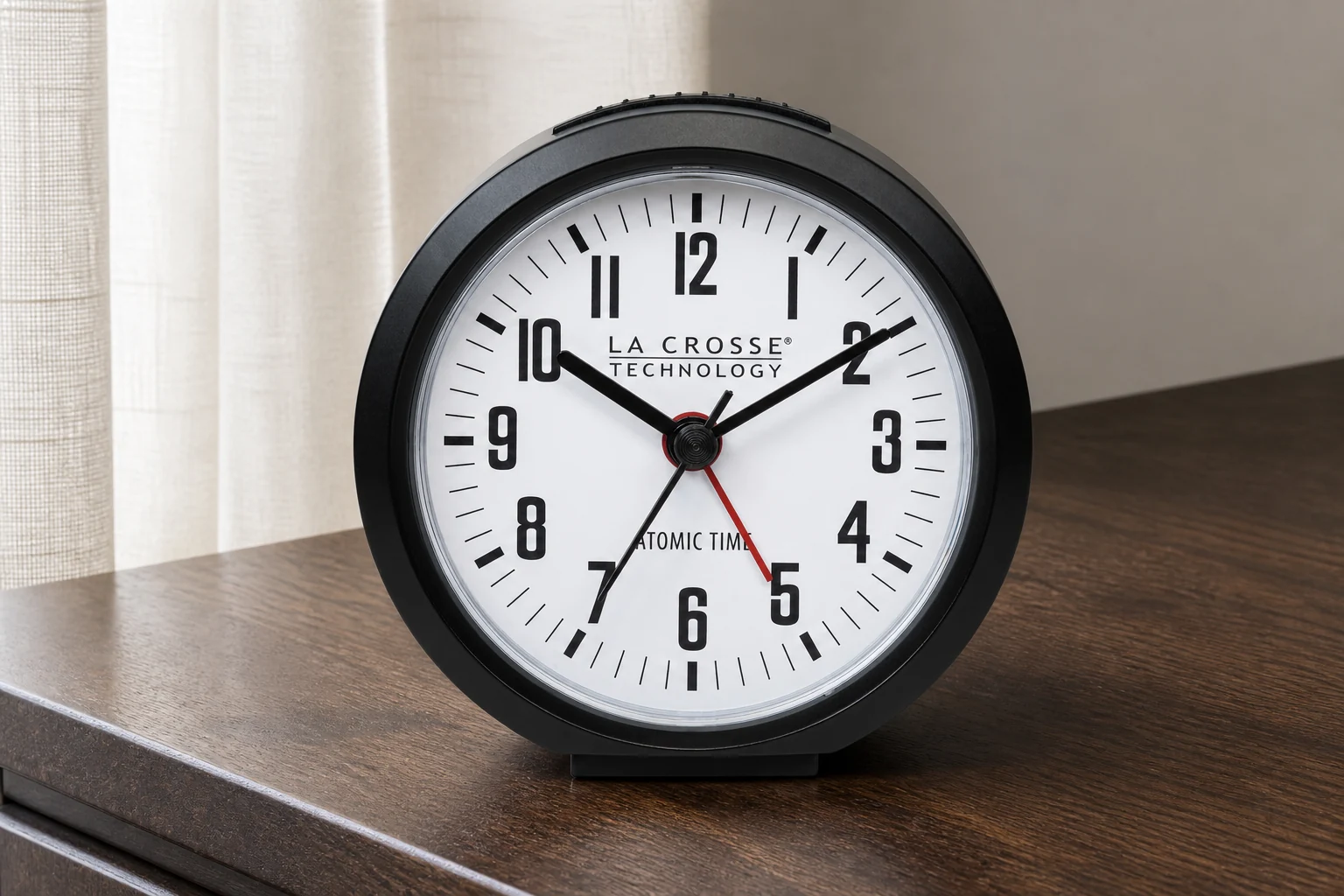
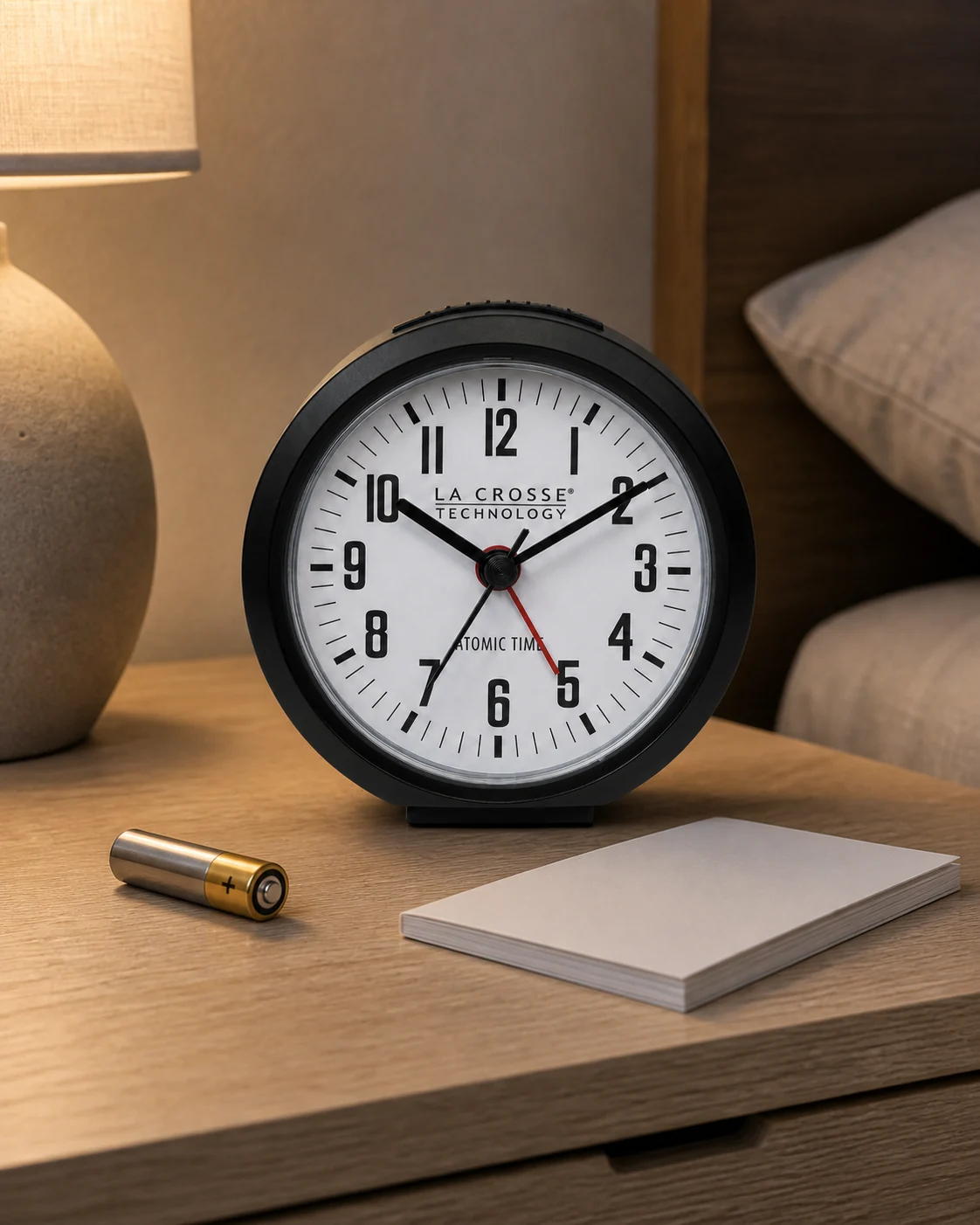
La Crosse 617-710B with a round dark case, white dial and red alarm hand on walnut beside a curtain
Exact 617-710B appearance in a separate generated scene.

La Crosse 617-710B: a dial with radio correction

The 617-710B is an option if you like hands but want WWVB time correction in a supported US location. This is the exact 617-710B, not an assumed feature set for every La Crosse analog clock.

Read the short model assessment

It uses one AA alkaline battery, a manually positioned alarm pointer and a side alarm switch. The top button provides five-minute snooze or five-second illumination. Its step movement is not the BC03’s quiet-sweep specification.

Choose it only after checking reception and the available time zones. Radio correction can maintain displayed time; it does not turn the alarm pointer into a digital entry. Manual setting remains available when reception is unsuitable.

Exact-model specifications · 617-710B setup guide

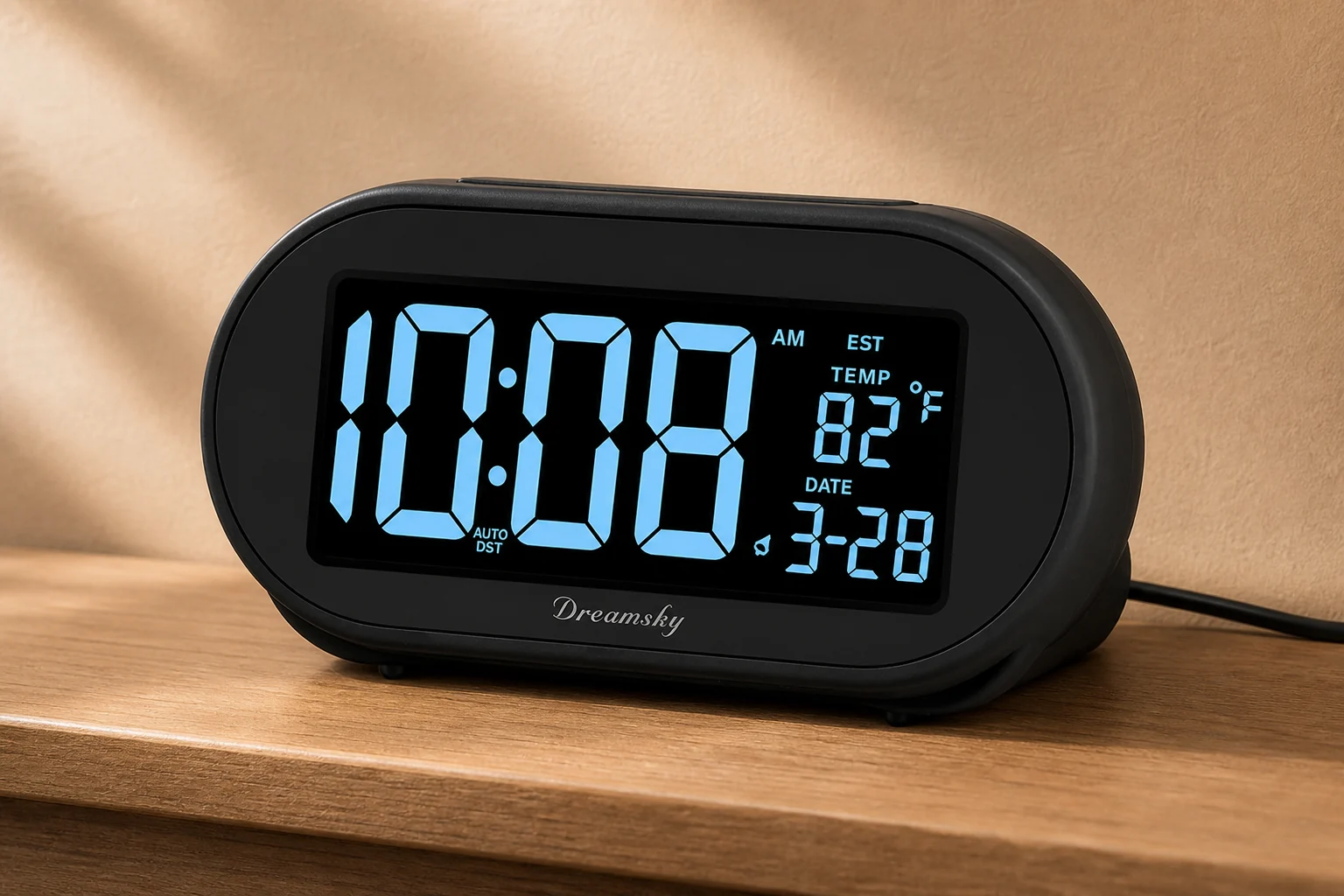
Oval black DreamSky DS305 showing blue time, date and temperature on a warm-toned shelf
DS305 model reference used for a new editorial composition.

DreamSky DS305: preset time with an LCD

Consider the DS305 if you want preset time, a blue 4.3-inch LCD and an adjustable dimmer. Check the selected US time zone and DST setting instead of assuming the initial time suits your location.

Read the short model assessment

The maker documents eight-minute snooze and an included backup button cell. That cell retains settings; it does not keep the display or alarm operating without mains. Auto-set here is not evidence of ongoing radio or network correction.

It is a candidate for a permanent bedside setup with mains power, not the outage-ready choice among these four. Confirm the oval DS305 rather than buying another DreamSky with a similar title.

DreamSky’s exact black auto-set version

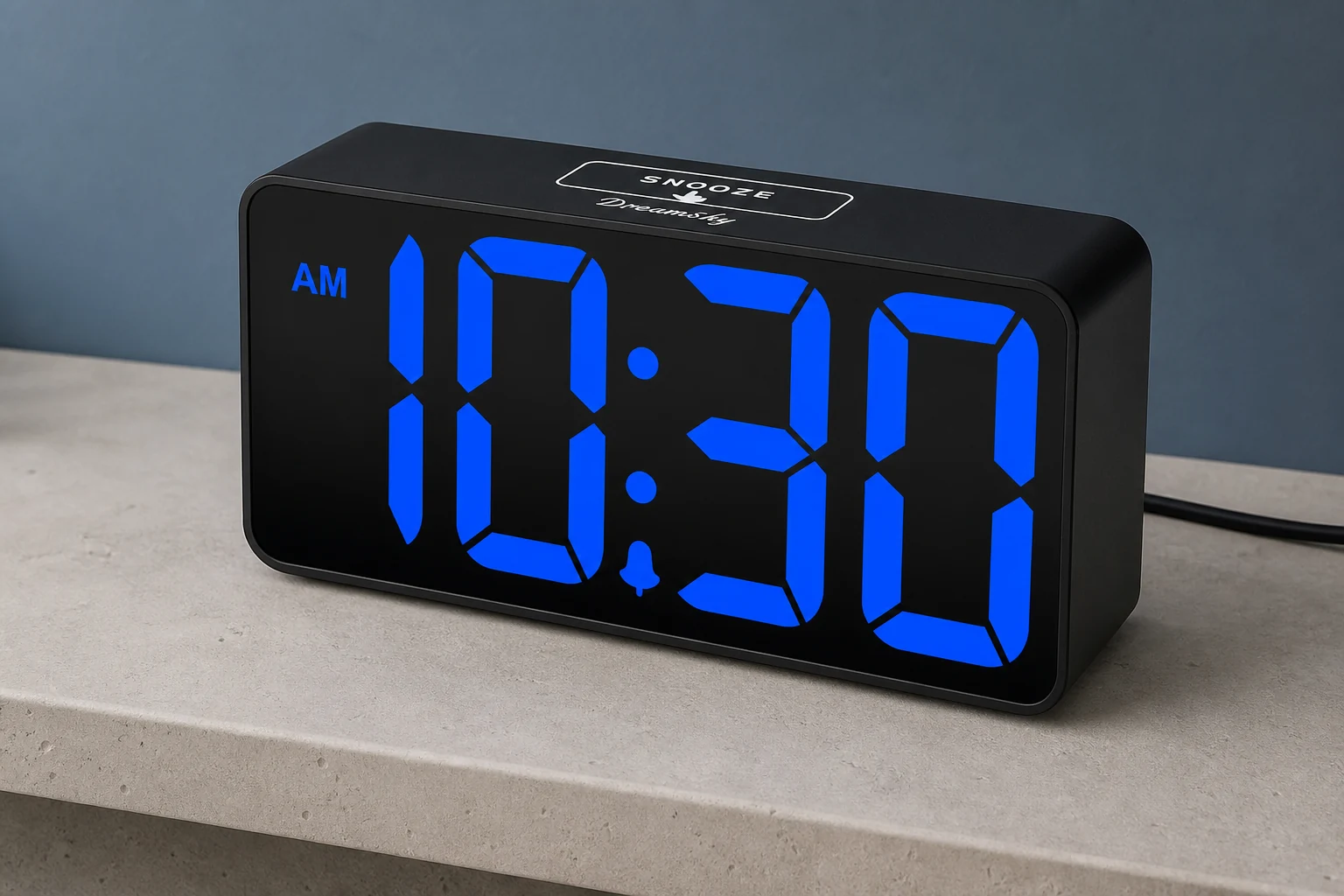
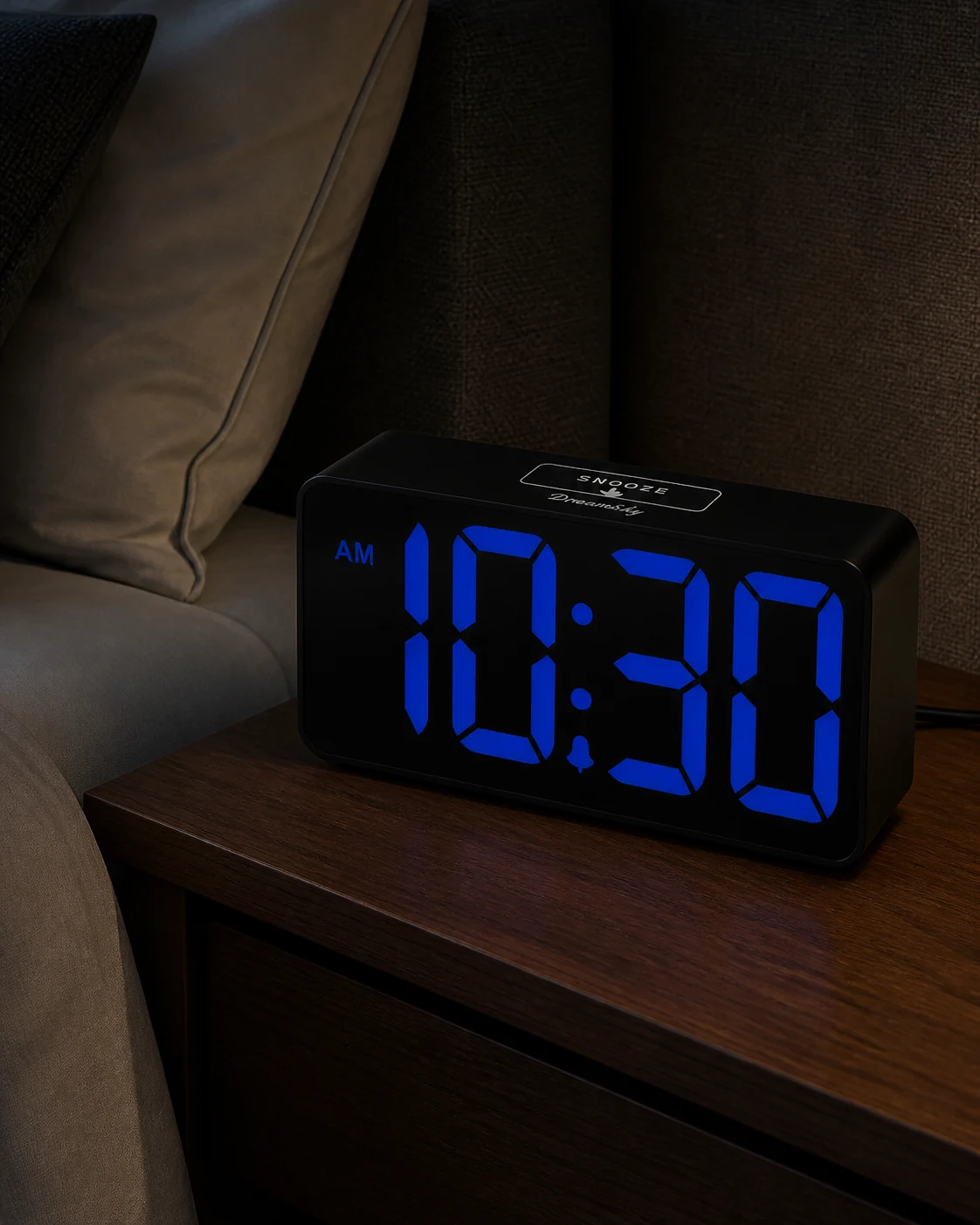
Rectangular black DreamSky DS312 with large blue 10:30 digits and a marked top snooze area on limestone
Black-case, blue-digit DS312 in its own reference-led scene.

DreamSky DS312: large digits and a dimmer wheel

If you prefer a simple numerical display, consider the DS312. The selected blue-digit version has two-inch LED digits, a rear brightness wheel, adjustable alarm volume and one alarm.

Read the short model assessment

It offers 12/24-hour display and nine-minute top-touch snooze. Its battery backup also leaves the display blank and the alarm silent without mains. A large readout therefore does not make this a complete battery-operated alternative.

Choose it for legibility and direct adjustment, after checking the view from bed. Do not expect weekday programming or two independent alarms from the word “digital.”

DreamSky’s blue-digit model specifications

Hands versus digits does not decide accuracy

Analog and digital describe how you read a clock. Quartz describes a timing mechanism. NIST explains quartz timekeeping separately from the display. A clock showing exact-looking numbers can still need correction, and a dial can be driven by an electronic movement.

Keep three questions apart: Is the clock showing the correct time? Can you enter the alarm setting clearly? Does the alarm operate as expected? A product can make one task easy without solving the other two.

For instance, the radio-corrected La Crosse still uses an alarm pointer. Receiving the correct time does not establish how precisely you can position that pointer. Conversely, seeing 6:37 in a setting screen does not establish a tested clock-drift figure.

No matched accuracy measurements were available for these four models. Rather than assign a winner, compare the clock against a trusted time reference during ordinary use and after any adjustment. If an exact appointment matters, verify the alarm as well as the displayed time.

Four separate checks: readout, timekeeping, alarm entry and power; choosing hands or digits does not settle the other checks
Editorial decision diagram, not a measurement of clock accuracy.

Set the alarm, not just the time

Write the time you actually need before touching the controls. “Around seven” and “the alarm must be set to 6:37 a.m.” describe different requirements. If a small pointer leaves you uncertain whether you set the intended minute, choose a model with numerical alarm entry. Do not assume a universal five-minute error allowance for analog clocks; the two manuals here do not supply one.

On a dial, distinguish the alarm pointer from the hour, minute and second hands. Follow the prescribed turning direction rather than forcing the knob. On a digital screen, distinguish the current time from the alarm-setting screen and check AM/PM when using a twelve-hour format.

Then confirm that the alarm is enabled. A correctly positioned pointer beside an off switch is not an armed alarm. A correctly displayed current time is not proof that the alarm setting was saved. Make the enable check the last part of setting tomorrow’s wake-up, not an assumption carried over from yesterday.

Finally, learn what happens after stopping it. Snooze, stopping today’s sound and disabling future alarms are different actions. Try them while awake with an unimportant test alarm. A control you can operate reliably after that rehearsal is more useful than a nominally simpler control you keep confusing.

Read it from bed without lighting the room

Decide whether you want the time visible constantly or only when you ask for it. That preference changes the shortlist more than “modern” versus “traditional.” Constant visibility is convenient, but only if its lowest usable light level suits everyone sleeping in the room.

A dial’s daytime contrast does not settle nighttime legibility. Luminous tips and a button-operated light solve different problems. Try the clock in its intended position, not held close to your face under a lamp. If you must lift it every time, that may be an acceptable travel compromise and an irritating nightly habit.

For a numerical display, check the lowest useful setting from pillow height. Look at an angle as well as straight on. Ask whether the digits remain legible, whether reflections hide part of a number and whether the alarm-active indicator is easy to distinguish. The brightest showroom setting answers none of those questions.

The two digital examples have adjustable illumination, but their photographs do not prove equal brightness. Nor does the color of the numbers establish a medical sleep benefit. Use the dimmable-display guide if nighttime light is the deciding feature, and keep the final choice tied to a room check.

Will it still sound when the power goes out?

A battery compartment is not proof of battery-powered alarm operation. It may power the whole clock, preserve settings only, or support a limited fallback. Read the exact model’s outage description before counting it as protection for tomorrow morning.

Among these four examples, the analog clocks use an AA battery as their normal power source. The DreamSky models’ backup preserves settings but does not operate their display or alarm. Remembered settings are not an independent backup alarm when the clock cannot sound.

This does not make analog universally more dependable. A battery can be exhausted or fitted incorrectly; a switch can be off. It also does not mean every digital clock needs mains. It means the power arrangement must be verified independently of the readout.

When outage operation is essential, choose a model with documented battery-powered alarm operation and test it according to its instructions. For a mains-powered candidate, a daytime check can reveal what actually remains active after unplugging it. Do not open the case or alter wiring. The battery-backup guide explains the distinctions in more detail.

BC03 and 617-710B use an AA for normal clock and alarm operation; DS305 and DS312 backup retains settings but cannot run the display or alarm without mains
Documented behavior of these four models, not a rule for every analog or digital clock.

Quiet movement and a useful wake signal

Quiet timekeeping and a suitable alarm are separate requirements. A sound you dislike while falling asleep may come from the movement; the sound you need in the morning comes from the alarm. Avoid treating “silent clock” as if it described both.

For a noise-sensitive room, listen to the exact unit at its intended distance. The BC03’s manufacturer describes a quiet sweep, whereas La Crosse specifies step motion. Neither statement is a measured guarantee that you will hear nothing. A shop, recording or generated picture cannot reproduce your bedroom’s background noise.

The wake signal needs its own trial at a comfortable setting. Do not rank these clocks by unverified decibel numbers or assume that a bell-shaped case is louder than a digital display. If an ordinary sound alarm does not meet the need, compare the signal itself in loud alarms versus bed shakers.

Check the physical action too: does pressing snooze move the clock, pull its cable or make it difficult to see the next alarm state? Leave enough usable surface around it. A bedside setup should remain stable during the action you will perform when least alert.

One alarm, two people, or a changing schedule

Keeping the same wake-up time each day makes a single alarm easier to manage. If you change times often, consider how many steps you repeat and how you confirm the change. Try your actual routine rather than deciding from a feature count.

Two stored alarms are not automatically a weekday calendar, and one clock on a shared nightstand does not provide two private wake signals. If different people wake at different times, use the guide for couples to consider who will hear or see each signal. If two independent times are essential, verify that feature in the dual-alarm guide; do not infer it from digits.

Travel introduces another check. Confirm how to change local time, whether the clock needs an outlet, and whether a radio-corrected model covers the destination. A smaller case is not enough if the controls move in a bag or the required power arrangement is inconvenient. Keep those checks separate from the permanent bedside decision.

Check your choice before an important morning

Run this rehearsal while awake and while an unsuccessful test has no consequence. It is a suggested ownership check, not a report of tests performed by TOPCLOCKS.

  1. Match the device. Confirm the model on the clock, the seller’s listing and the instructions. A similar brand name or case does not prove the same backup, dimmer or snooze behavior.
  2. Set an unimportant alarm. Follow the manual, check the current time and alarm setting separately, and verify the enable indicator. Observe whether the setting method is clear enough for your real schedule.
  3. Read and operate it from bed. Use your normal position and nighttime lighting. Try the light or dimmer, then snooze and stop. If you cannot tell what remains armed, repeat the setup before relying on it.
  4. Check the documented power state. Use the prescribed batteries. If mains loss matters, verify the expected behavior safely during the daytime. Never interpret restored settings as proof that the alarm sounded while power was absent.

Base the decision on whether you can read it from bed, set the alarm time you need, and confirm that the documented power arrangement meets your requirements. You should remove a model that fails an essential check, even if you prefer its finish. Use a separately verified backup for a morning you cannot afford to miss.

First-evening sequence: set the intended alarm, read from the pillow, try snooze and stop, then check documented power-loss behavior
Suggested checks to perform yourself; no test outcome is implied.

Questions about analog and digital alarm clocks

Are digital alarm clocks more accurate than analog ones?

Not simply because they show digits. The timing mechanism and any correction system determine timekeeping; the display determines how you read it. Numerical alarm entry can be clearer than positioning a pointer, but those are different claims. No matched accuracy test of these four models is presented here.

Can an analog alarm clock be quiet?

Yes, a model can use a quiet sweep movement, as Braun specifies for BC03. Other analog movements step. Check the exact model and listen in the intended room; “quiet” is not an absolute guarantee that a sensitive listener will hear nothing.

Does battery backup mean the alarm works when unplugged?

No. Some backup systems only retain settings. For a clock you intend to use without mains, require an explicit description of battery-powered alarm operation and check it. The two DreamSky examples in this comparison do not provide that operation.

Is an analog clock automatically better for a dark bedroom?

No. An unlit dial can keep light low but be hard to read. A digital display with an acceptable dimmer or off setting may suit you better. Decide whether you need constant visibility or time on demand, then check the actual room and viewing angle.

Does auto-set mean the clock is radio controlled?

Not necessarily. Look for the exact correction method, supported region and manual override. Preset time, a DST setting and radio reception are different features. NIST’s WWVB guidance explains why reception and placement matter for a radio-controlled clock.

Sources and what was not tested

This comparison uses manufacturer specifications and instructions checked on August 28, 2026. It does not include hands-on wake trials, measured sound levels, matched brightness readings or battery-endurance tests. Recommendations are conditional on the controls and operating states described, not personal test experience.

Check the delivered model and instructions. The DS312 maker’s battery-count description conflicts with its linked retailer metadata, so inspect the battery bay before buying replacement cells. No unverified decibel range, live stock claim or current price is used here. Generated scenes show model appearance; they are not evidence of performance.